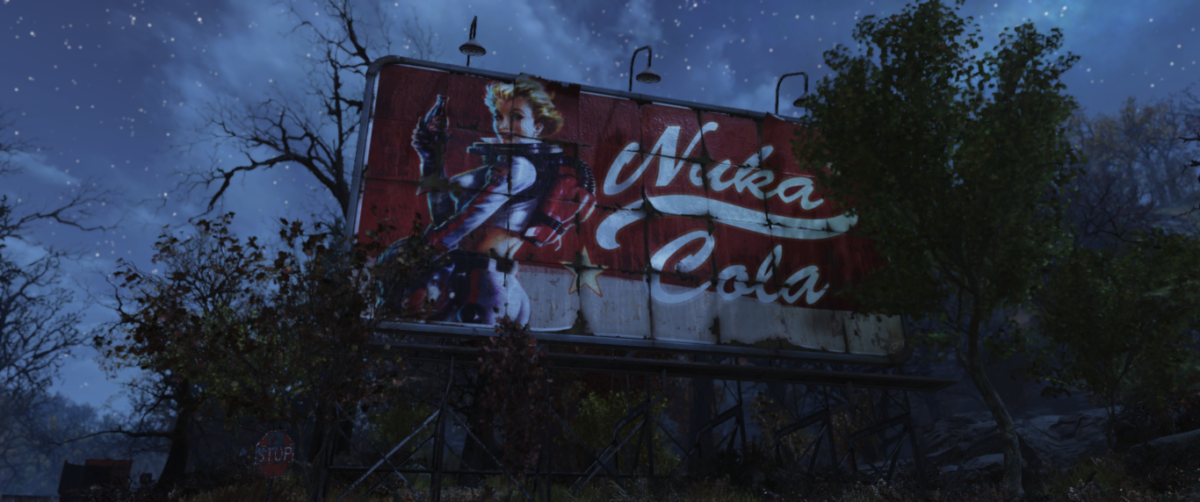
Categories
Games

Review: Fallout 76

Back in July, Fallout 76 came to Xbox Game Pass and I decided to give it a try. I had avoided the game since its launch because everything I heard about it sounded distinctly non-Fallout: PvP focus, no NPCs, etc. Even since I started playing, there have been updates that have improved the game, so Bethesda is definitely doing a good job making the game better. I’ve played frequently since I started, and since I’ve reached level 100, I feel like this is a good time to put my thoughts about the game down. As with all games, there are good and bad elements, but ultimately, however, I don’t think Fallout works as a multiplayer game.

The Good
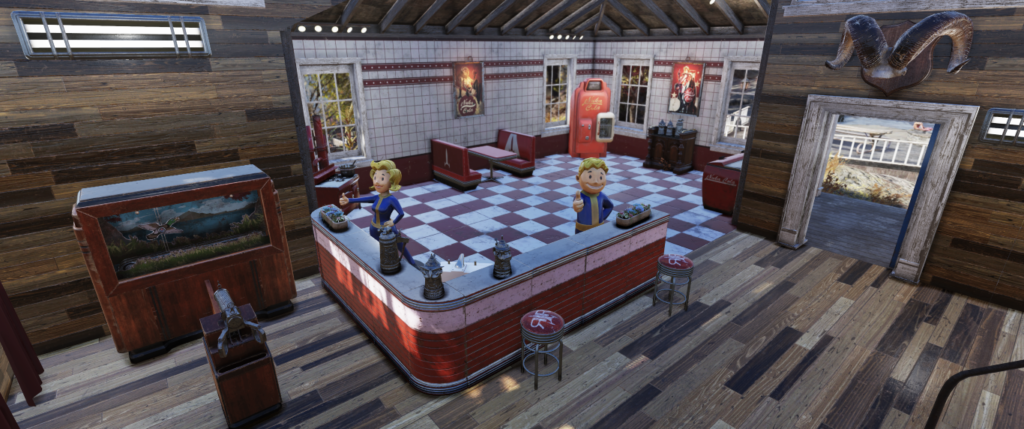
A player camp from Fallout 76 with a lovely diner design.

Just recently, the One Wasteland for All update has been a great update and actually solved a lot of problems I had with the game before. The update causes enemies to scale to your level, so you’re free to explore the wasteland without encountering the random high-level creature. Before, there were several low-level quests that would lead a player into high-level territory, preventing progress until the player is higher level. Since the update, I’ve been able to freely explore places I was less comfortable exploring before, and I can join any event I like. I’ve seen players just freshly out of Vault 76 (in the level 1-10 range) joining endgame events and contribute just as well as the level 400+ players. Everyone is fighting the same enemies, but always at their level.
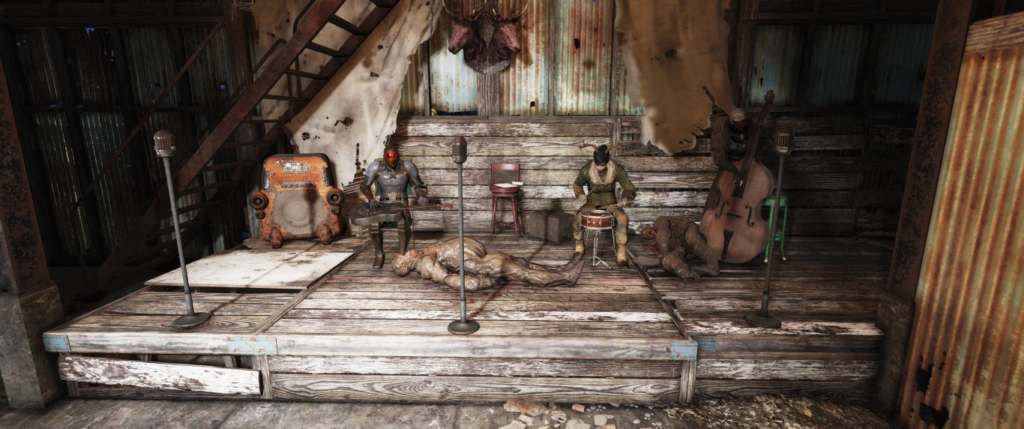
Me and a few others playing instruments during an event.
Me (left) and a few others playing instruments during an event.

My favorite parts of the Fallout experience have always been exploring the wasteland and learning about what happened before the bombs fell. When I started, the Wastelanders expansion was already out, which introduced NPCs and new quests, so I can’t compare to how the game felt before that point, but the Appalachian wasteland feels like classic Fallout now. I learn about characters and their stories without ever meeting them; I learn about what happened both before and after the Great War; I get to learn about the real-world West Virginia in it’s fictionalized version. The classic Fallout experience is all here.

A picture of my CAMP in Fallout 76
A picture of my CAMP in Fallout 76.

In Fallout 4, one of my favorite features was building up the various settlements, but the build limits always felt restrictive – I remember my settlement in Sanctuary had a wall around the island, a single building, and a bunch of shops on a concrete foundation. In 76, you get your own “C.A.M.P.” to place and build up wherever you like. While the amount of space you get to build within and the budget for building still feel restrictive, I’ve loved building up my wasteland home. It’s my own personal workshop, shelter, and farm. I’ve spent hours building and decorating. I get excited when I find new plans for something else I can build in my camp. The building elements from Fallout 4 have been expanded and improved in Fallout 76.
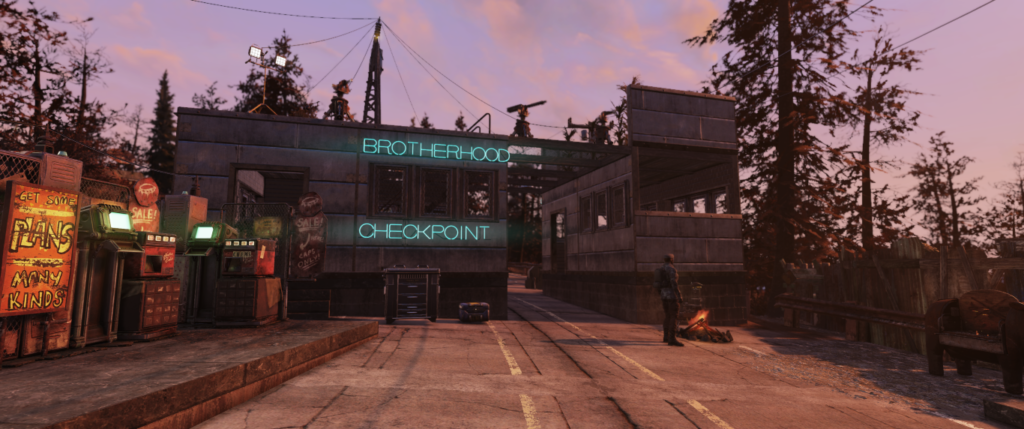
A player CAMP from Fallout 76 designed to look like a Brotherhood of Steel checkpoint.

Finally, there are certain multiplayer elements of the game that I really enjoy. I enjoy seeing other players visit my camp and make use of my workstations or buy from my vending machines. I love seeing how other players have built their camps. I enjoy the world events that groups of players can join and face waves of enemies. Bethesda has made it really easy to join up with other players in many different ways. I generally play solo, and you can play the majority of the content completely alone. Most endgame content has to be played with other players, but you don’t have to team up with other players during events. I like being able to play the game alone with other players wandering around, occasionally encountering another player in the wasteland or at my camp, then continue on my way. And generally, other players are very friendly and well-meaning, which improves the overall experience of the game.

The Bad
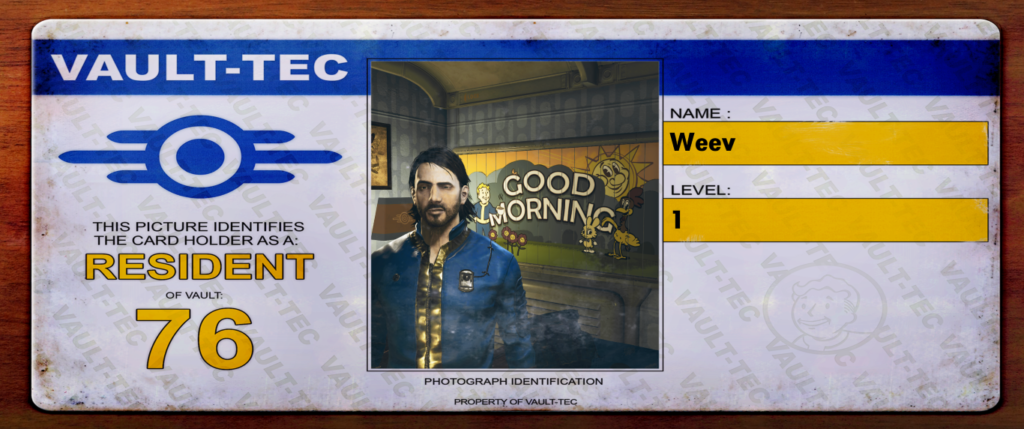
While there’s a lot to the game that I enjoy, there are some constant annoyances that I encounter that continually detract from the game. Most of these issues are ultimately caused by the multiplayer aspect of the game, unfortunately making what could be a truly fantastic game disappointing.

I don’t enjoy PvP in the slightest. There are plenty of games that I completely avoid because they’re primarily competitive (e.g., the entire “battle royale” category). In Fallout 76, you can turn on a “pacifist” flag that will prevent you from hurting other players and other players hurting you. While I’ve never killed another player (and never intend to), I’ve been killed by other players twice. The first time was after I picked a lock in a workshop claimed by another player. Typically locks have red text when unlocking them is bad (I assume); this one wasn’t, but still put a ten cap bounty on me. Later, I was turning in a quest when I was one-shotted by a high-level player. The second time, I was preparing to defend a workshop I had claimed from a wave of enemies, when I was one-shotted by a player, losing 50 caps. Both of these experiences soured me on Fallout for a short time, so I can’t imagine how bad things were when the game first came out. The experiences will also shape how I plan to play from now on – I never intend to stay at a workshop for very long, for instance, to avoid opening myself up for PvP. (I don’t understand why you’re forced into PvP for owning a workshop anyway.)
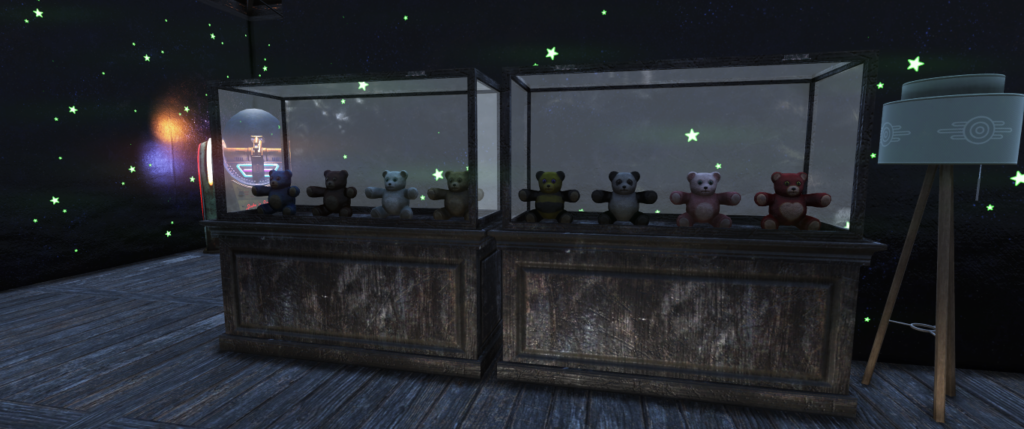
My teddy bear collection in Fallout 76
My teddy bear collection.

You do a lot of building things in Fallout 76. This requires a lot of scrap that you need to keep around to build things. Unfortunately, the stash at your camp only holds 800 pounds of stuff, including guns (which can be very heavy), armor, chems (also oddly heavy), miscellaneous items, and junk – including your scrap. Apparently early players could only keep 400 pounds in their stash and I have no idea how they managed, as I’m constantly fighting my 800-pound limit. It’s difficult to actually keep the items you’d like to keep because of the stash capacity. Making matters worse, vendors and the legendary exchange machine (used to scrap legendaries) have a limit to how much you can get from them per day, meaning I’ve sometimes had to quit the game to come back the next day and get rid of unwanted gear. In general, weight management is a giant pain, even with perks and equipment to reduce weights or increase carry capacity. I’ve gotten better at managing my own inventory since I managed to complete the quest line to craft a backpack (a quest that takes far too long to complete), but I still occasionally face problems with the weight of items.

Most games like this contain a lot of grinding, but Fallout 76 takes it to a new level. Nearly everything you do in the game is another grind: gaining experience beyond level 50; earning gold bullion; earning reputation with the raiders and settlers; finding good legendary equipment and scrapping the bad for legendary scrip; gaining perk coins to level up legendary perks; seasonal score; daily quests. At a certain point, the grind just gets boring. One thing I’ve used to break up the grinding are some of the quests in the game – what I mentioned above as one of my favorite parts of Fallout. Unfortunately, 76 almost seems to discourage completing quests – the rewards for an hour-plus quest line are worse than a fifteen-minute event. It seems like spending time with the lore of the game should be rewarded better than a short event; especially considering those quests can only be completed once anyway.

There are also numerous, lingering bugs in the game – things typical to the Fallout series, but aren’t a major issue in single-player games. Controls have stopped working while at a terminal or picking a lock; equipment has spontaneously duplicated itself; I’ve been unable to use a workbench because it’s “in use” by no one. The worst issue I’ve encountered is in combat: I’ll have to “kill” an enemy multiple times, when my headshot doesn’t register properly (their health bar is reduced to zero) and they heal back to full health after a second or two. Some of these are likely things I’ve seen in past Fallout games, but they’re made worse simply by being in a multiplayer game.

The Ugly
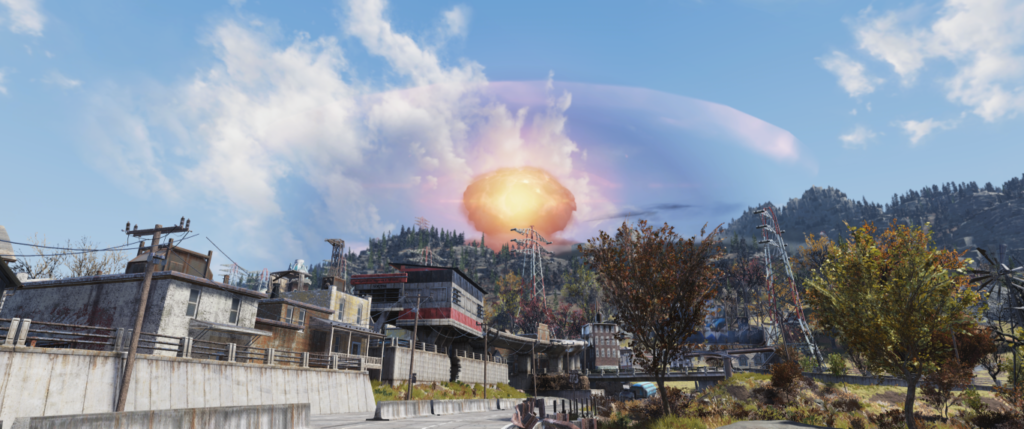
This happens relatively often.

There are some parts of the game that aren’t necessarily bad, they’re just implemented in a way that doesn’t work well.

There are a few “cap taxes” in the game that aren’t necessarily bad (they’re meant to pull caps out of the economy), but they’re annoying. I don’t have any problem with the vendor-based tax (10% of what a player pays doesn’t go to the seller), but the fast travel tax is simply annoying. It can cost more than 30 caps just to travel across the map. Bethesda recently made the two faction bases – Crater and Foundation – free to fast-travel to (and you visit them frequently as part of their quest lines and daily quests), so you can use them as a free fast-travel before paying to get to wherever you’re headed. However, making any location free for fast travel only makes it obvious how silly it is to charge caps for fast travel in the first place. If they need to take caps out of the economy, just put something worthwhile, expensive, and repeatable into the game. You can buy mutation serum recipes for around 20000 caps, and they’re worth buying; the game just needs more things like that.

A picture of the interior of my CAMP in Fallout 76.

In the latest patch, they’ve introduced a new event called “Daily Ops”. These are meant to be short, objective-based missions within an instanced area. Unfortunately, these events aren’t balanced very well. The enemies will have a random mutation, and some are incredibly annoying. One that was common for several days was “resilient”, where enemies can only be killed with a melee attack – not even a nuke would kill them. In addition, the enemies always have a “perceptive” mutation which allows them to see any player, even my high-stealth invisible character. Since I play a stealth build with relatively low resistances, I’m at a severe disadvantage playing the daily ops.

The seasonal system is a huge grind and requires you to do things you may not enjoy. Daily goals may include claiming workshops, playing the new “Daily Ops” event, or killing a particular type of enemy. Most of the time, these goals are pretty easy to accomplish, but the limited nature prevents much progress on the seasonal scoreboard. Destiny handles this much better, where you gain progress for earning experience, so you can simply do whatever you want and be rewarded with seasonal progress. I’ve been playing nearly every day since the latest season began (about a month now), and I’m only just getting to the halfway point. Even if I continue to play every day through the rest of the season (until November 24th), I’ll probably only barely reach the end. Games that demand my attention daily generally turn me off these days, and the least Bethesda could do is make the seasons last longer or provide ways to complete the season faster.
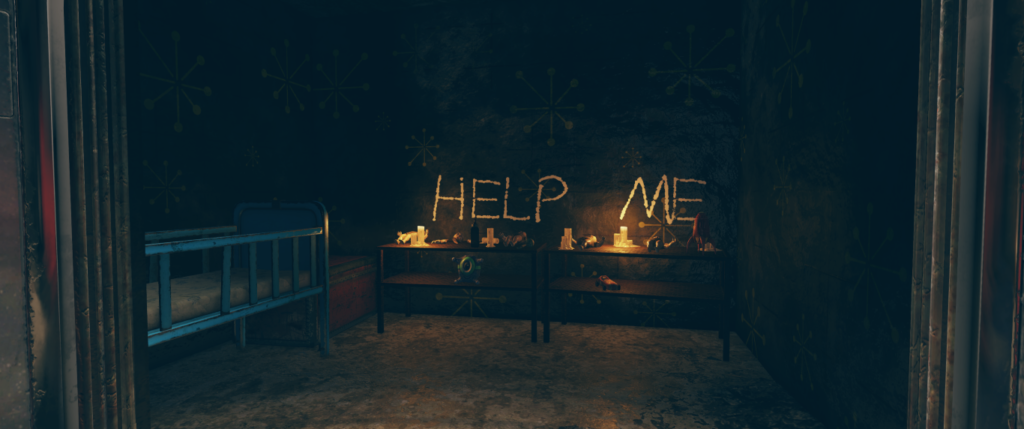
Finally, there’s the “Fallout 1st” subscription. I’m not opposed to a subscription for the game, but the asking price here – $13/month or $99/year – is far too high. I have no interest in private servers, and I don’t care about the premium-currency stipend (if I’m desperate to buy things, I can just buy the currency separately), but there are a few quality-of-life items locked behind the subscription. Fallout 1st players get a “scrapbox” to hold all their scrap with unlimited storage, and a “survival tent” they can place as a mini-camp to act as a free fast-travel point. If the price were much lower – maybe $5/month or $50/year – I’d consider joining for the QOL items, but at it’s current price, it’s just not worth it, and this leaves a lot of the non-paying players feeling like second-class citizens.

Summary
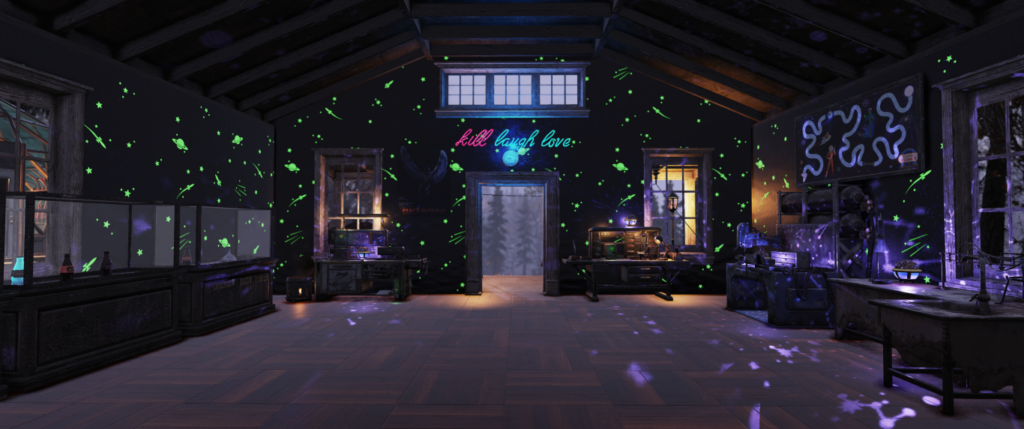
A player camp in Fallout 76.
A player camp in Fallout 76. I like the “kill laugh love” neon sign above the door.

I’m disappointed and frustrated by Fallout 76. I can tell there’s a good game in there, but it’s buried under annoying systems and tons of grinding. It’s at least at a point where I can recommend it to fans of the Fallout series (barely) – but I definitely wouldn’t suggest it to anyone else. I want desperately to love this game, but I keep finding things that annoy me and make me want to stop playing. I’ll likely try to finish this season, but I may not play any more after that (especially considering there are a lot of games coming at the end of November that I’m going to want to put time into).

Categories
Life

Norway

So my wife and I just got back from our honeymoon in Norway and I wanted to write a bit about it. It was a lot of fun and we have a lot of great experiences to remember now. There was so much we didn’t get a chance to do, so we definitely want to go back at some point to try to visit what we missed.

Oslo

Oslo is a bustling city center; not the sort of place I’m usually interested in. However, there are a lot of great museums that you can get to really easily via their great public transportation system.

Nobel Peace Center

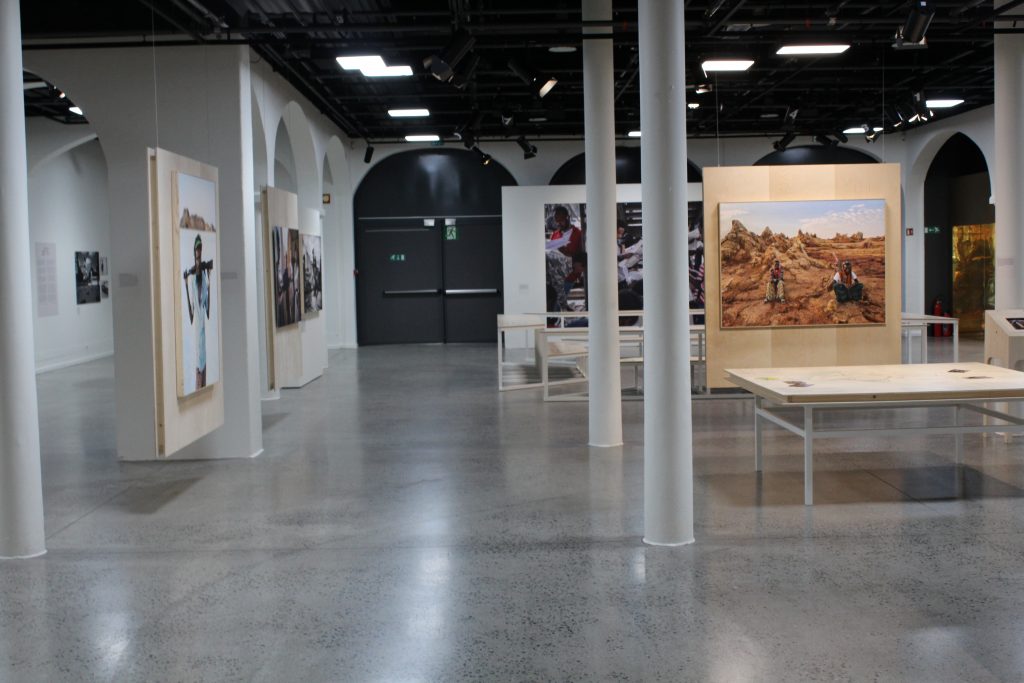
This was one of the first stops on our trip. Every year, the museum updates its exhibit for the current Nobel Peace Prize winner. In 2019, that winner was Abiy Ahmed Ali, Prime Minister of Ethiopia, for his work on resolving the border conflict with Eritrea. I learned a lot about the situation there and why his work has been important. The exhibit also features art and information about the region – it was extremely educational.

Part of the exhibit about Ethiopian art and life.

Upstairs, they have the previous year’s exhibit. The winners in 2018 were Denis Mukwege and Nadia Murad for their work in ending sexual violence as a weapon of war. This was a hard exhibit to walk through.

Along with the previous exhibit, there’s a hall with every Peace Prize winner and a description of why they won and a quote from them. The hall is dark, with lights forming a path, and the winners aren’t in chronological order, you can explore them pretty freely.

The hall of previous winners

What I really loved about the Nobel Peace Center is what I love about the Prize itself: there are some really terrible things happening out in the world, and seeing the people fighting against it gives me some small amount of hope.

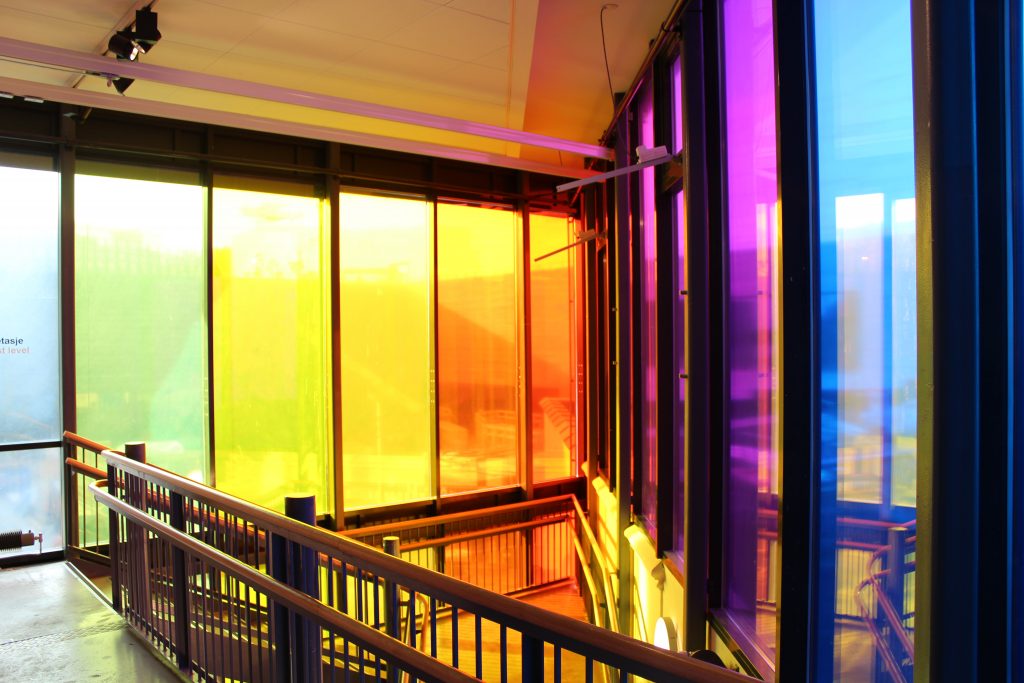
This was a very colorful stairwell.

Astrup Fearnley Museum

Next stop was the Astrup Fearnley Museum, a private art museum with some really interesting artwork; stuff ranging from morbid (a cow and calf split in half, in formaldehyde tanks) to bizarre to funny (a steel plate with “HOLE IN HEAD” spray painted on it). Fun to walk through.
Akershus Fortress

A military fortress from the middle ages. You can get some pretty amazing views of the city from the walls.

Trondheim

We left Oslo by train, and after a 7-hour ride, we arrived in Trondheim. Unfortunately, we didn’t have a lot of time here, so we only got a short time to visit one museum…

Rockheim

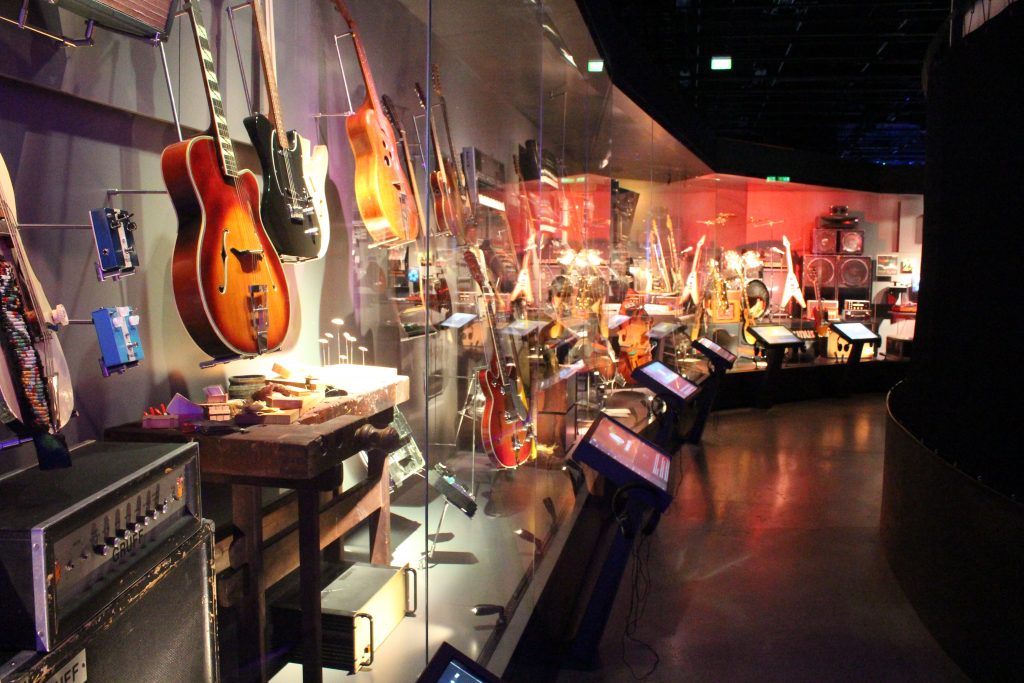
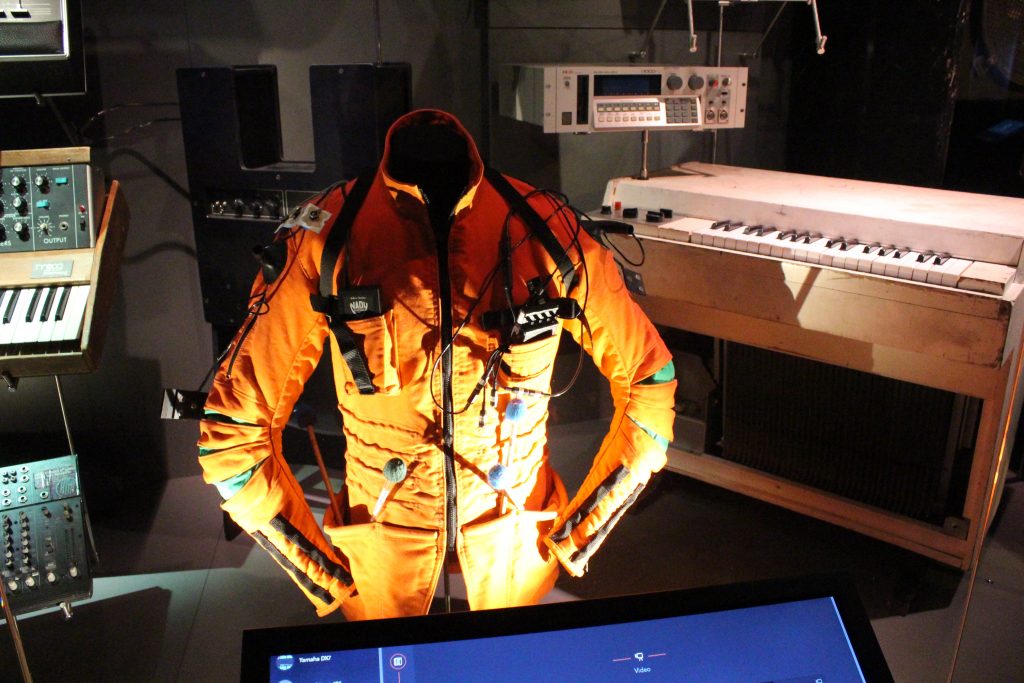
This is a museum about the history of Norwegian music. The exhibits are interactive and a lot of fun. We only had a short 45 minutes here. They recommend an hour and a half. We think we could have spent 2-3 hours here easily.

Wall of instruments. On the screens, you can read about the instruments, hear songs they were used in, and see video clips.
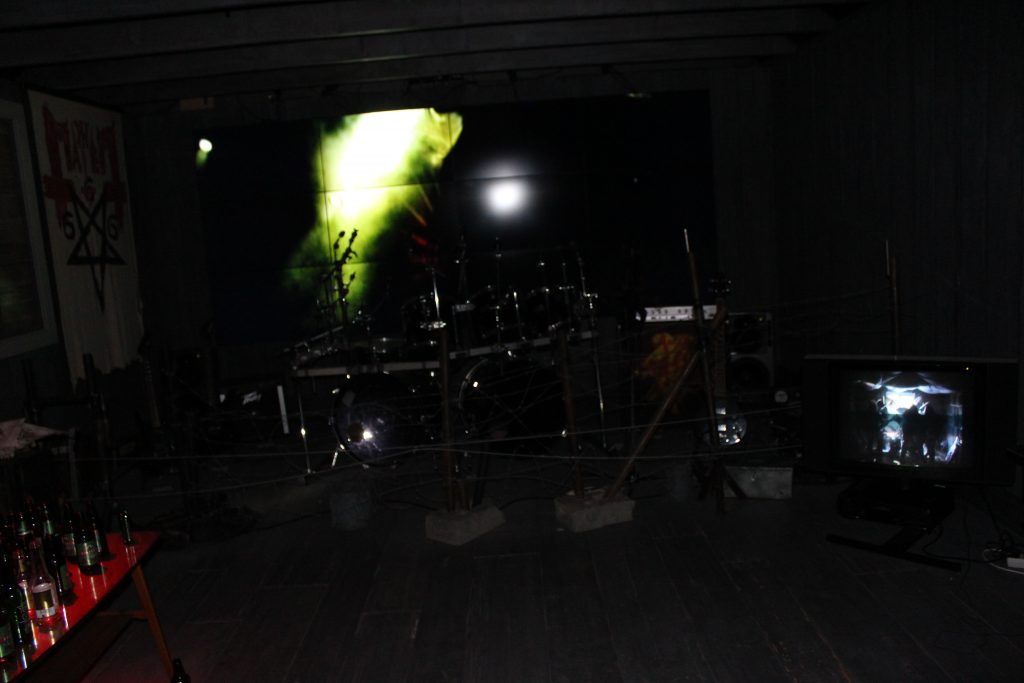
The metal room.

Fjords Cruise

Up next was a two-day cruise along the fjords with a stop in between.

The Fjords

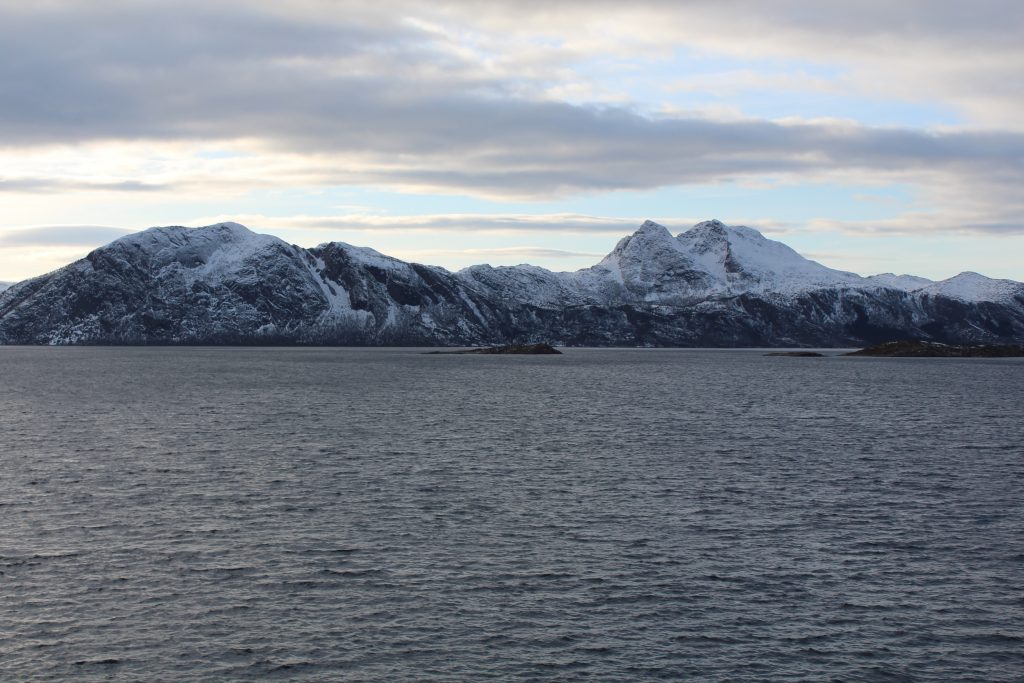
The fjords are really beautiful from sea. It was cold, but worth heading out regularly to get some photos.

Lofotr Viking Museum

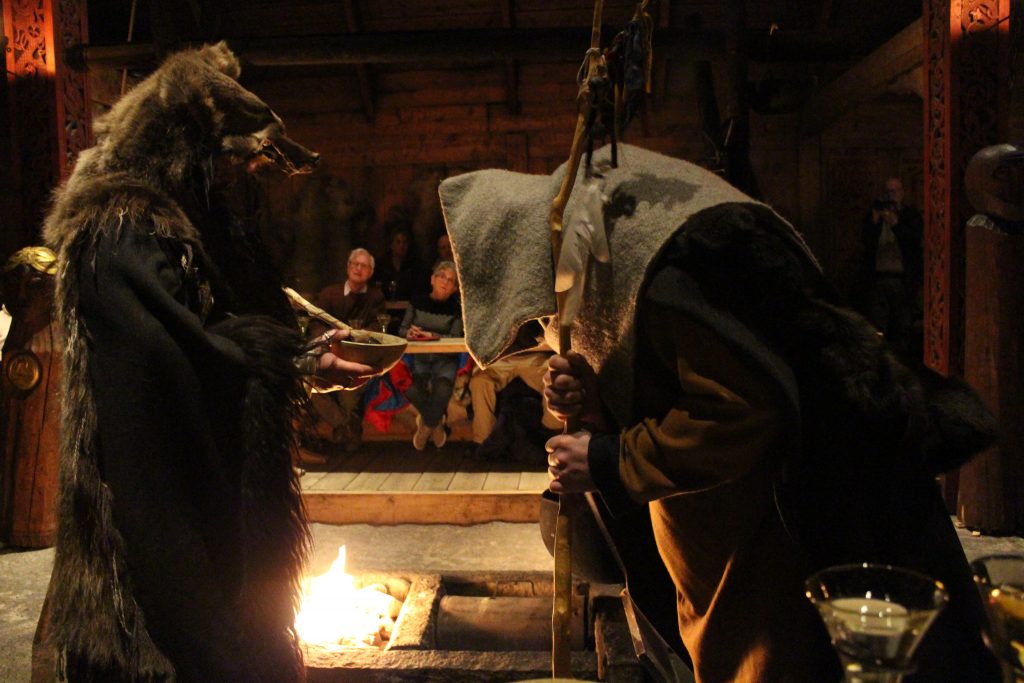
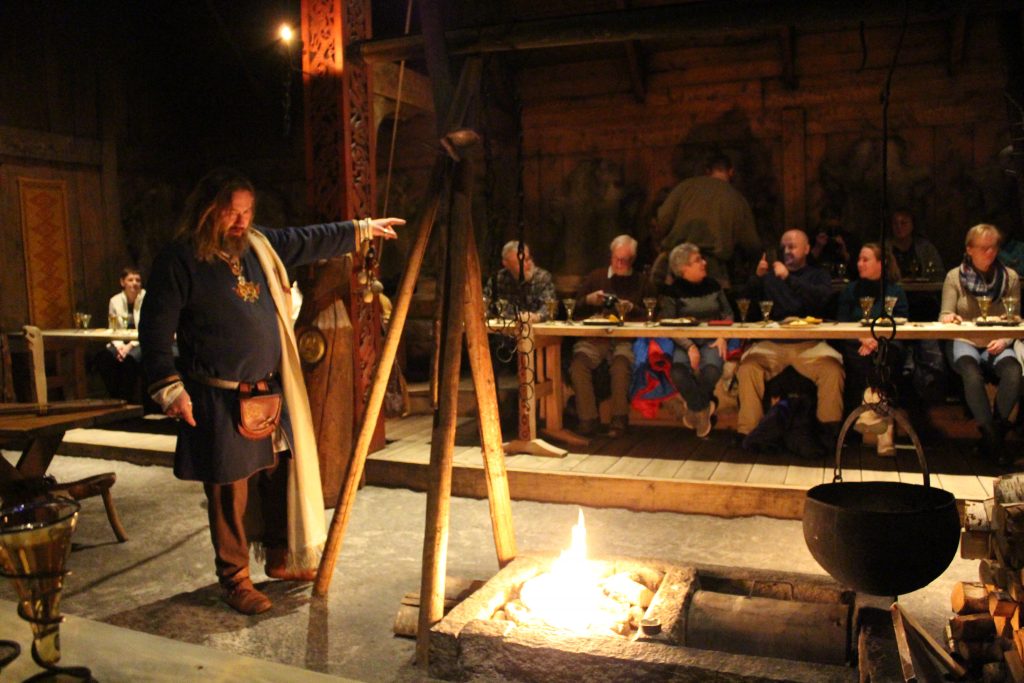
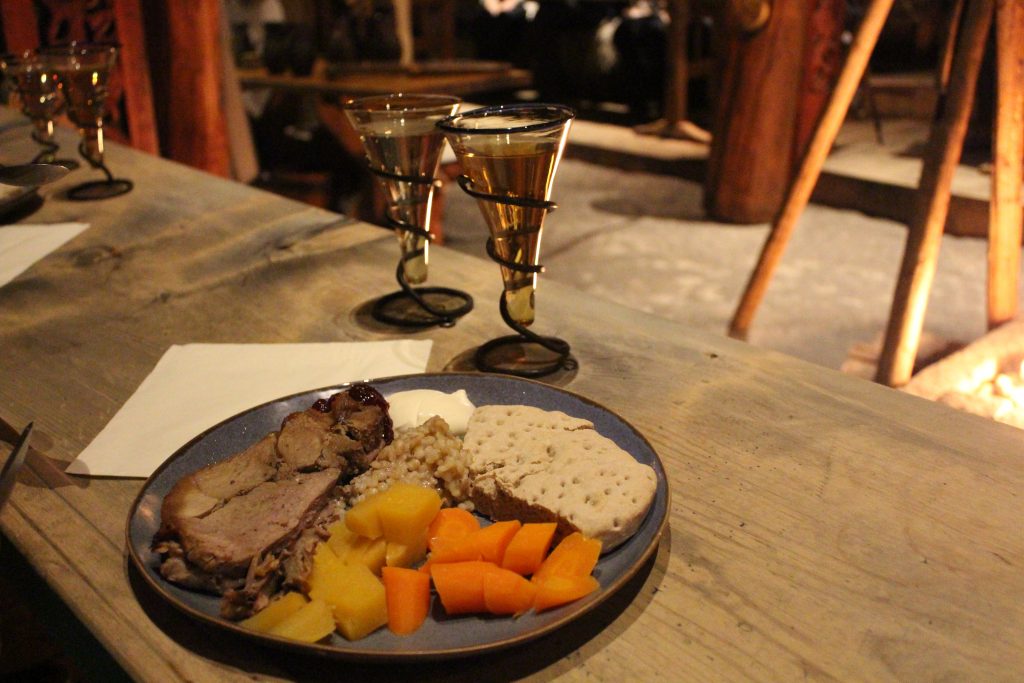
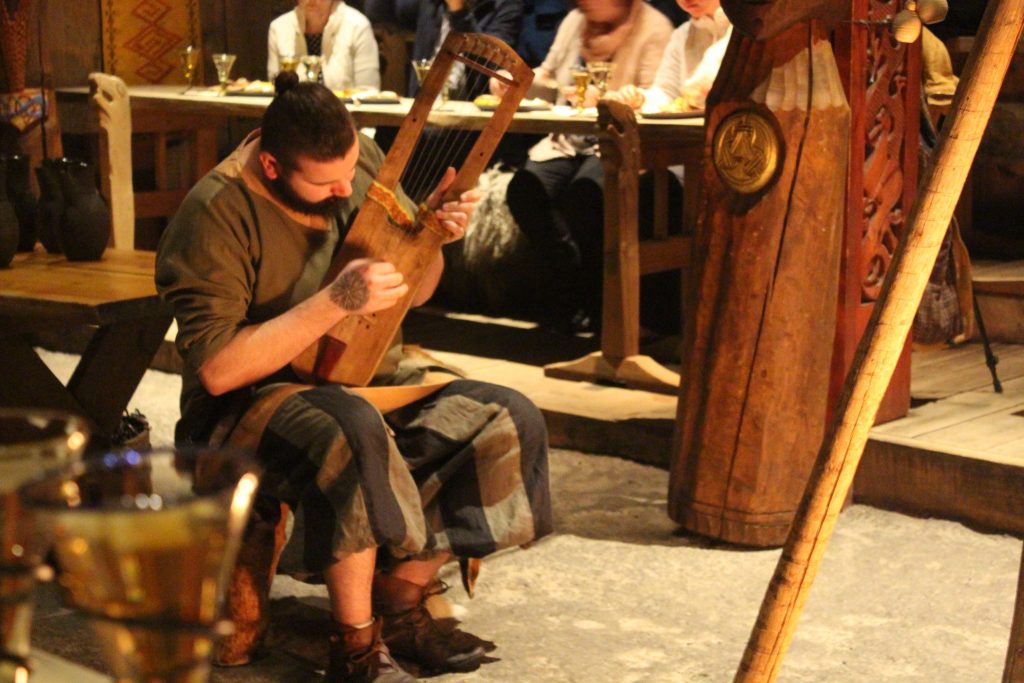
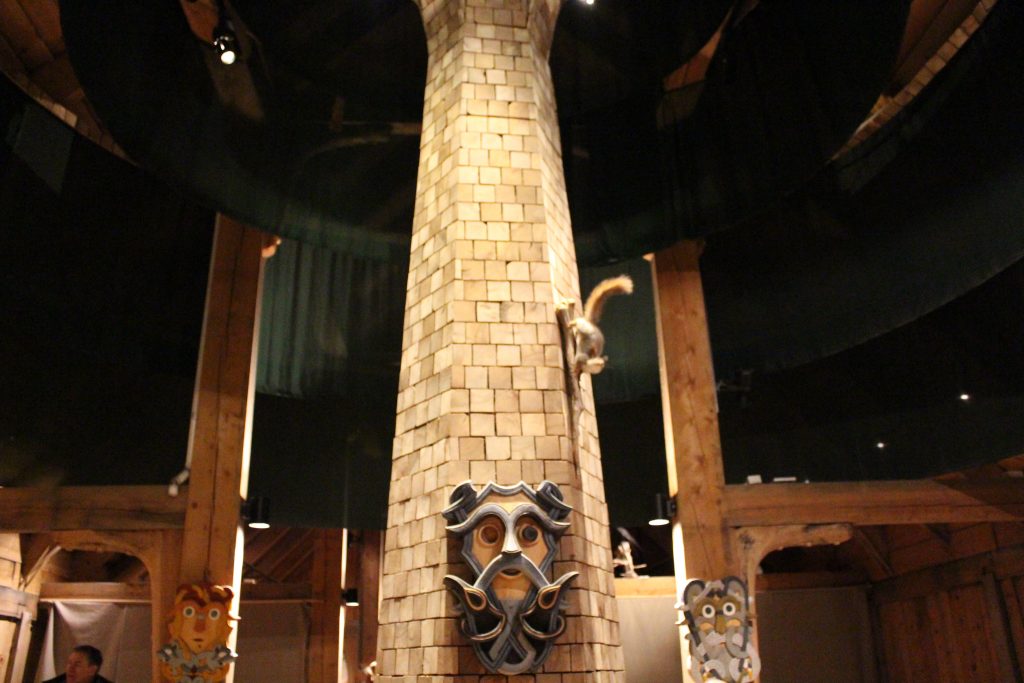
During the cruise, we stopped at the Lofotr Viking Museum, housed in a recreation of the largest longhouse ever discovered. Here, we got to experience a Viking feast, hosted by the lord and lady of the house. There was a sacrifice to the gods (some flammable liquid tossed into the fire), a little music, and a nice show. It was a lot of fun, and the meal was great.

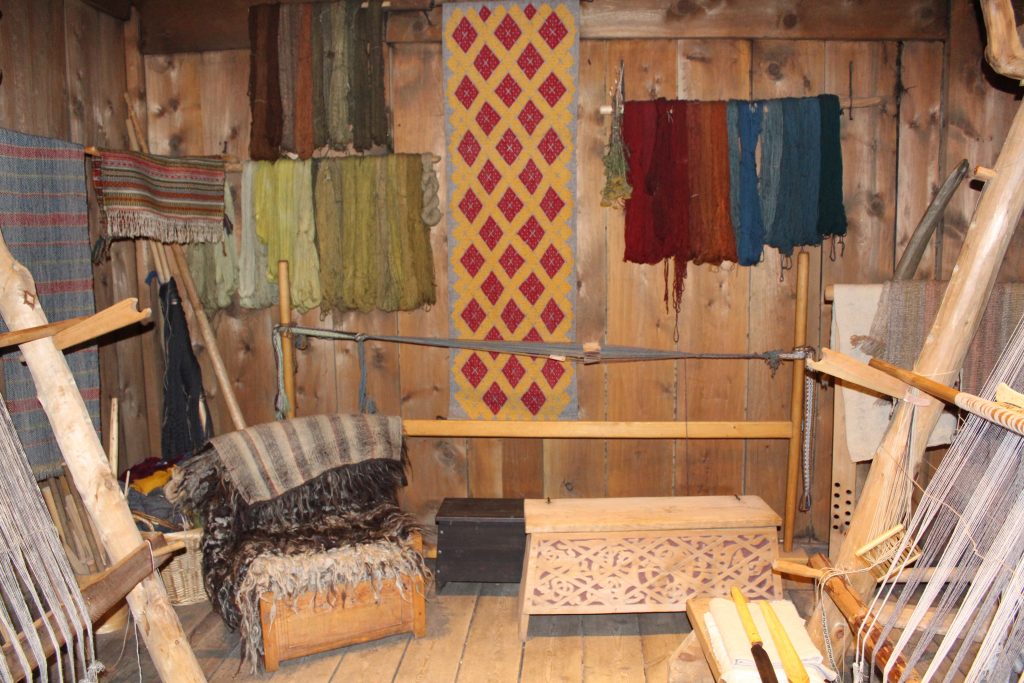
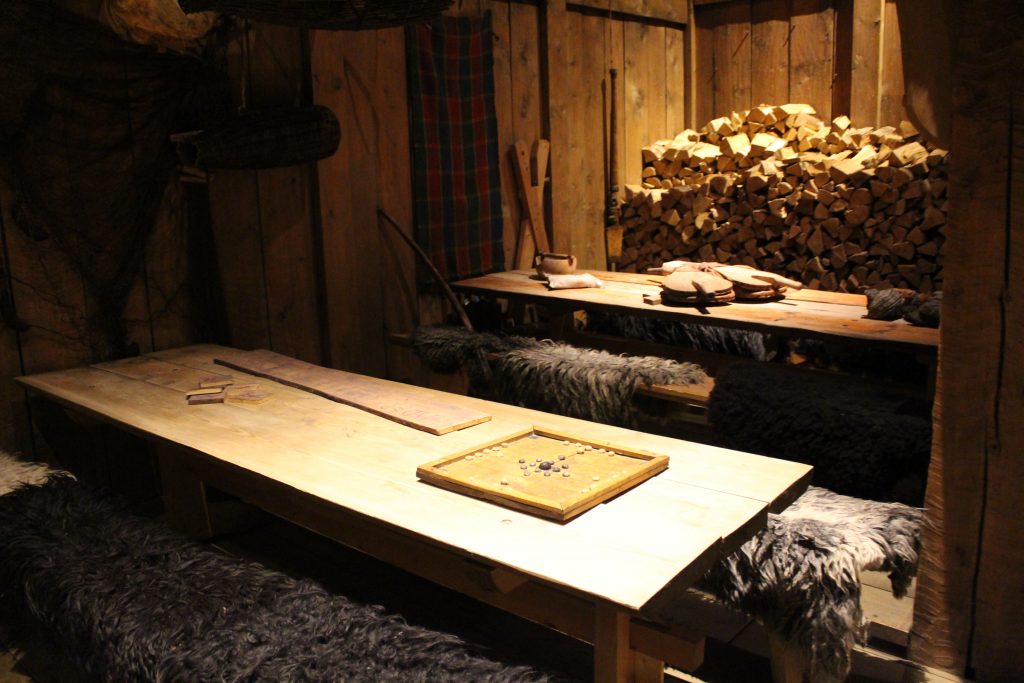
Most of the longhouse has exhibits with various Viking tools and artwork.

Tromsø

The largest city in the arctic circle in Norway (third largest in the world). I think the highest temperature we had here was -4°C (24.8°F). This was where we were really excited to be.

Northern Lights Chase

The highlight of our trip, and our guide for this was really great. He’s the sort of person who, despite having done this for years, gets excited like it’s his first time when he sees the aurora. He had great tips for how to set up your camera and even had spare tripods for us to borrow. Also, fun fact: batteries don’t like the cold. It got down to -7 °C, and the battery stopped supplying a charge to my camera. I had to warm it up several times to get a few minutes at a time.

Once I had a tripod, I could take some proper photos.

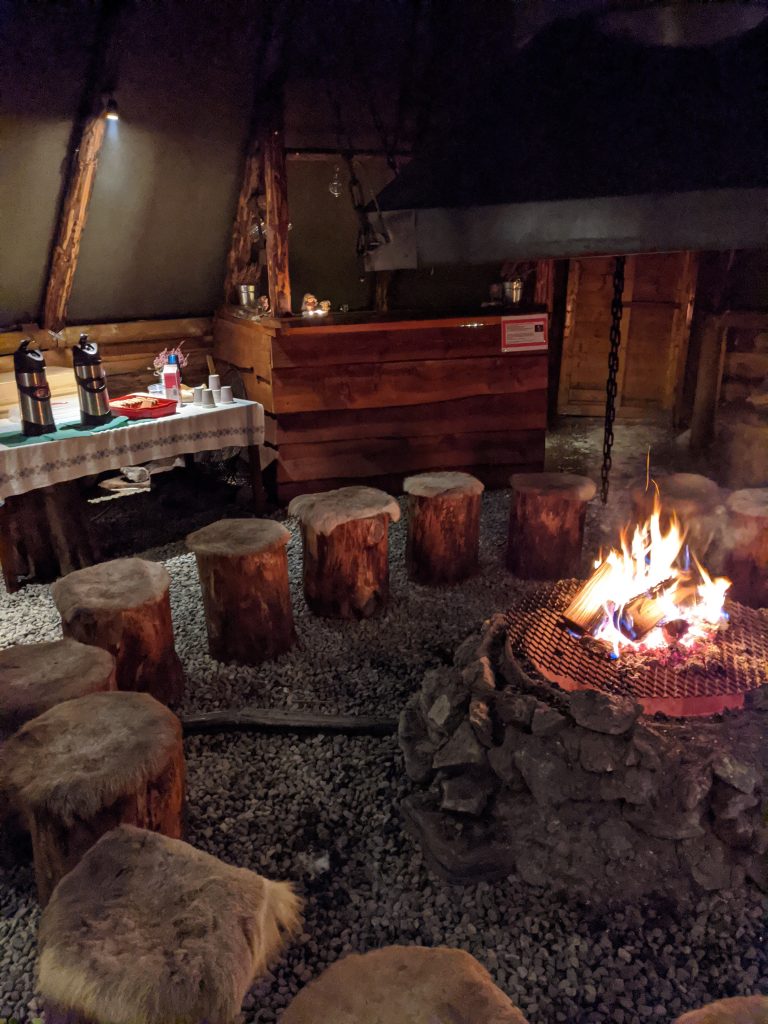
Our trip here was via Tromso Friluftsenter, and if you ever want to go see the northern lights in the arctic circle, I can wholeheartedly recommend them. The owner has some land with a lavvu (a Sami structure) they use for the groups, where they had a fire going, along with coffee, tea, and cake. (They apparently have parties there, too.)

Cozy.

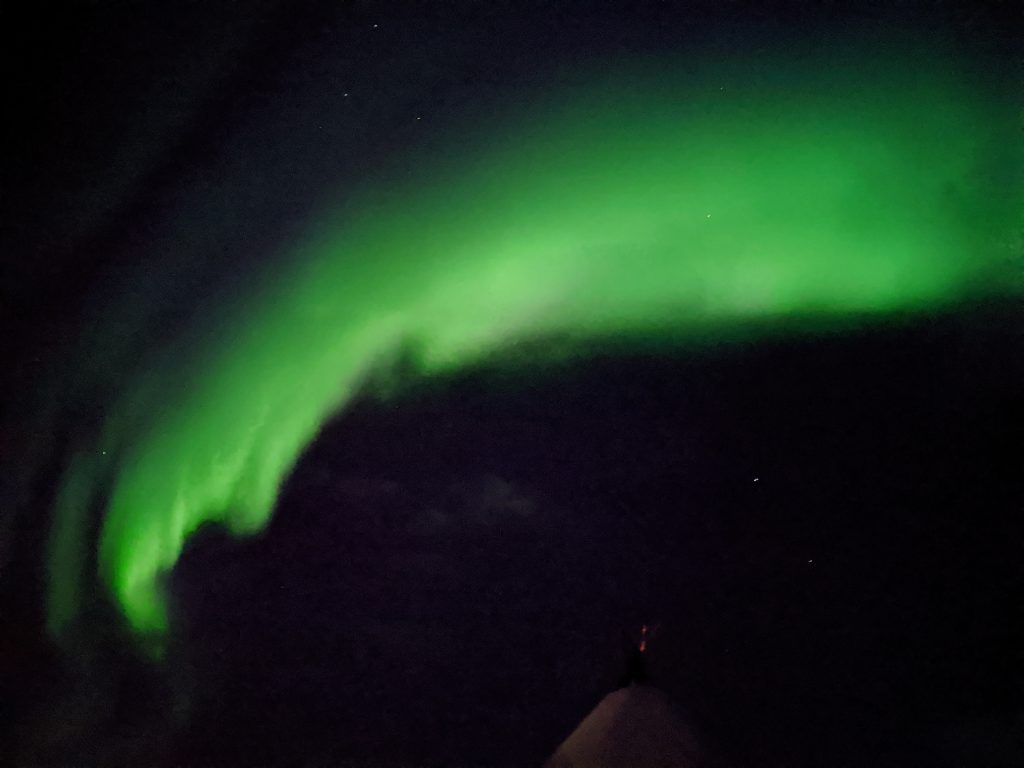
What I’ve learned about the aurora is that what you see in pictures is brighter than what you see with your eyes because they’re longer exposures, however it’s when the aurora gets active and moves in the sky that it gets really exciting, and photos can’t capture that. It’s really special to be able to see it yourself, so if you ever have an opportunity, take it.

Also, phone cameras are incredibly good at taking aurora photos now. Crazy.

Not the greatest photo, but it was taken with a phone!

Reindeer Sledding

The next day, we rode out to a small camp where a Sámi family keeps a reindeer herd. We learned a lot about the Sámi on this trip. Reindeer herding is a traditional Sámi occupation, though only a small amount of Sámi actually do it. All reindeer herding in Nordic countries is legally reserved for the Sámi people, so pretty much every reindeer you see is owned by a Sámi.

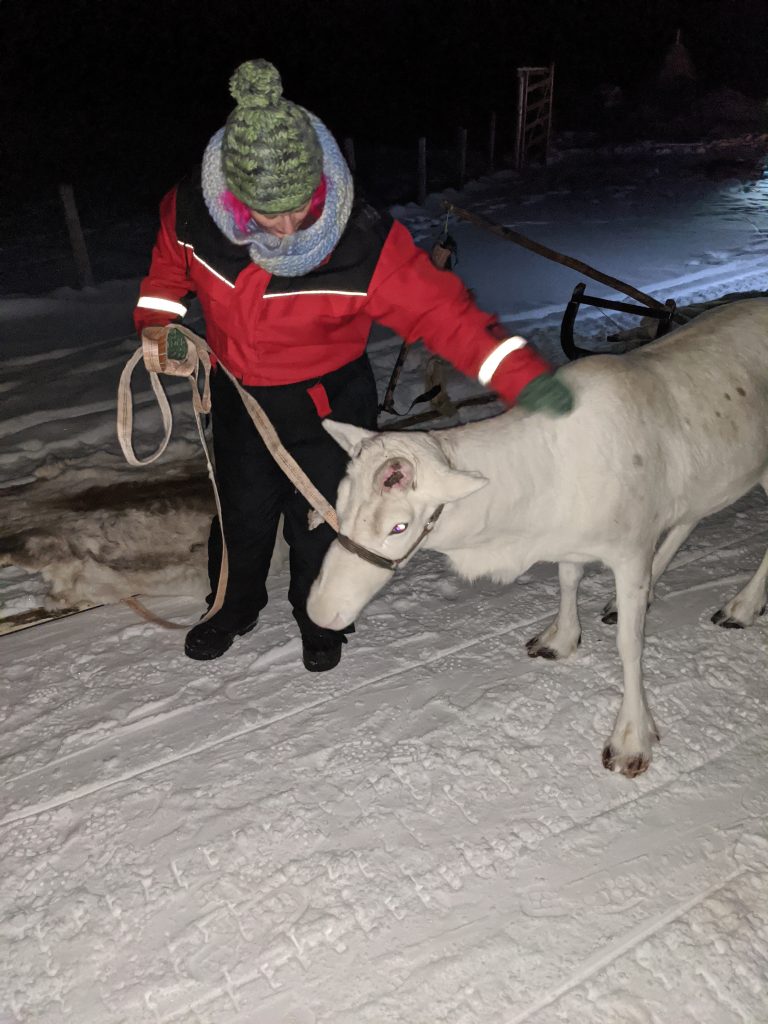
Reindeer are smaller than I thought, but they’re cute and some can be very friendly. My wife got to take a reindeer out to our sled, and then we went on a short trip out into a valley before coming back.

This guy was grumpy and was pulling the sled behind me the whole time. He tried to get my feet with his antlers a few times.

After the reindeer sledding, we came back and got a warm meal, then it was back in the bus for the trip back to Tromsø.

Oslo, Part 2

After Tromsø, it was back to Oslo for a few more days. We visited Bygdøy, which is called “Museum Island” because of all the museums there.

Viking Ship Museum

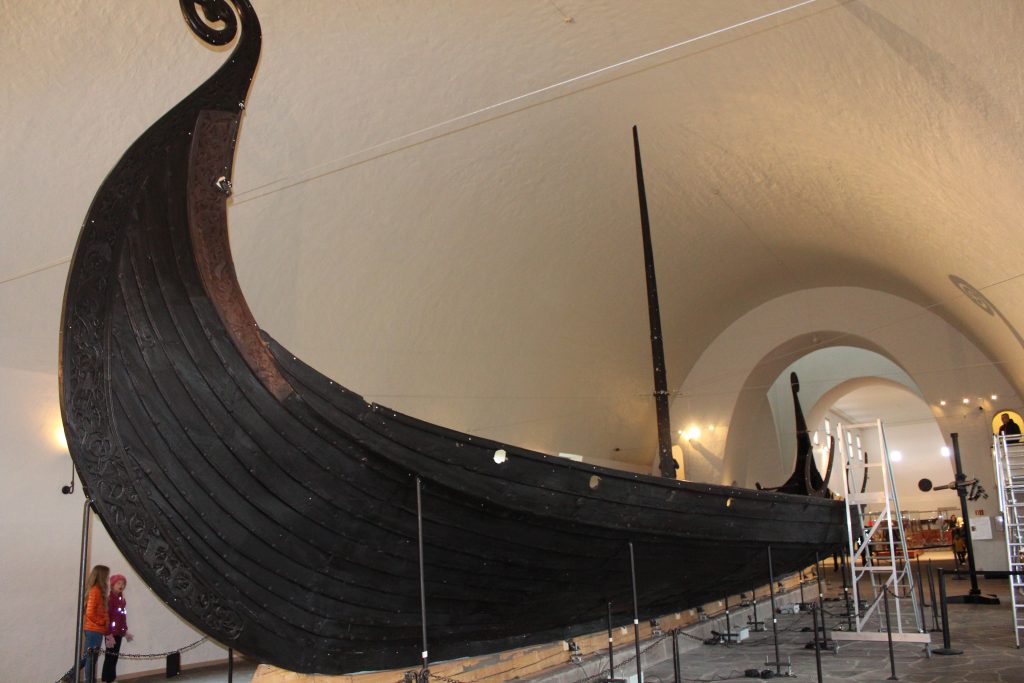
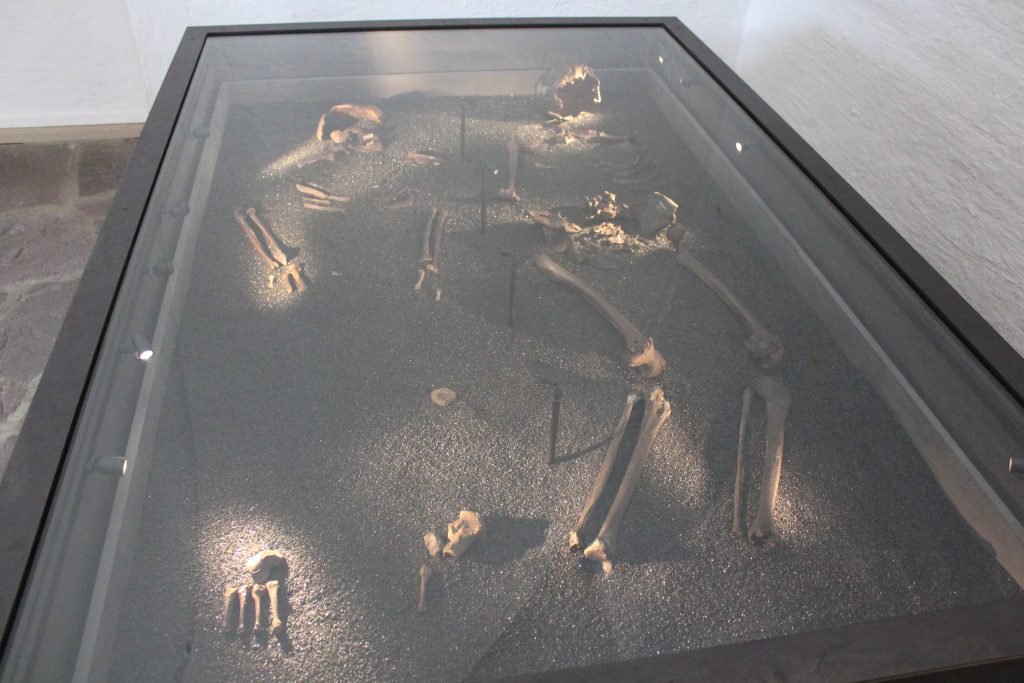
The Vikingskiphuset (literally translated “The Viking Ship House”) has three Viking ships on display, as well as a lot of artifacts. The ships here were found in burial mounds, and although they had been looted during the Viking Age, they still had well-preserved fabric and tools.

The Vikings believed you’d need ships, tools, and food in the afterlife, so these mounds had sleds, axes, beds, baskets for food, and animals. These were also mounds for some very prominent people; one was buried with 12 horses.

Norwegian Folk Museum

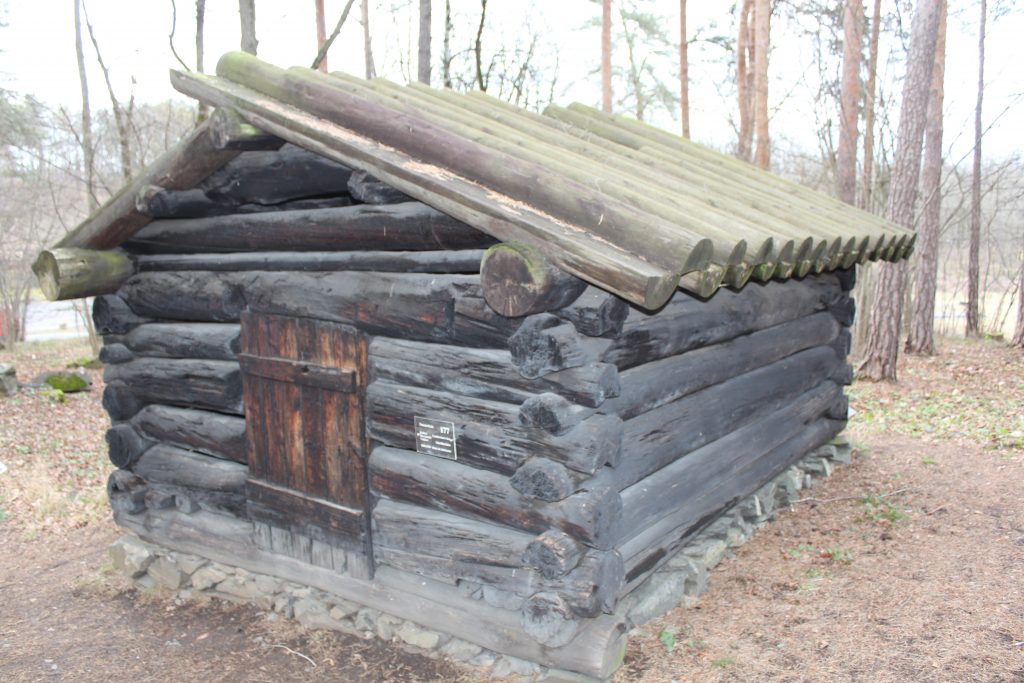
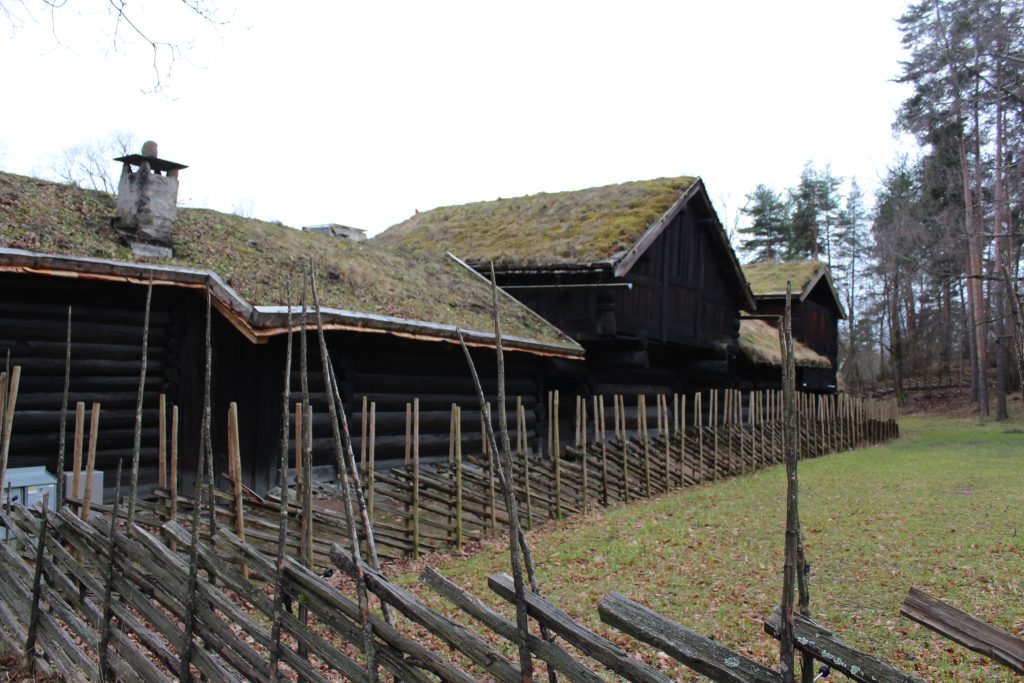
The folk museum had houses and structures from much of Norwegian history. During World War II, Nazi troops burned much of the housing that existed, and the variety of houses that existed prior were replaced with standardized, generic structures during reconstruction. The museum preserves the history and variety that was lost.

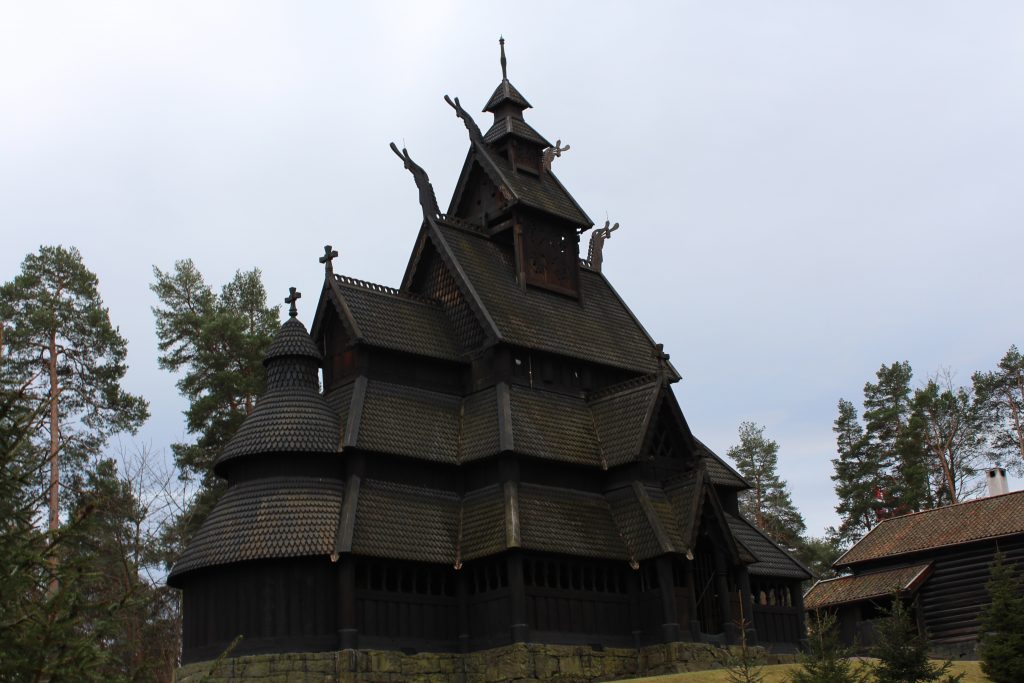
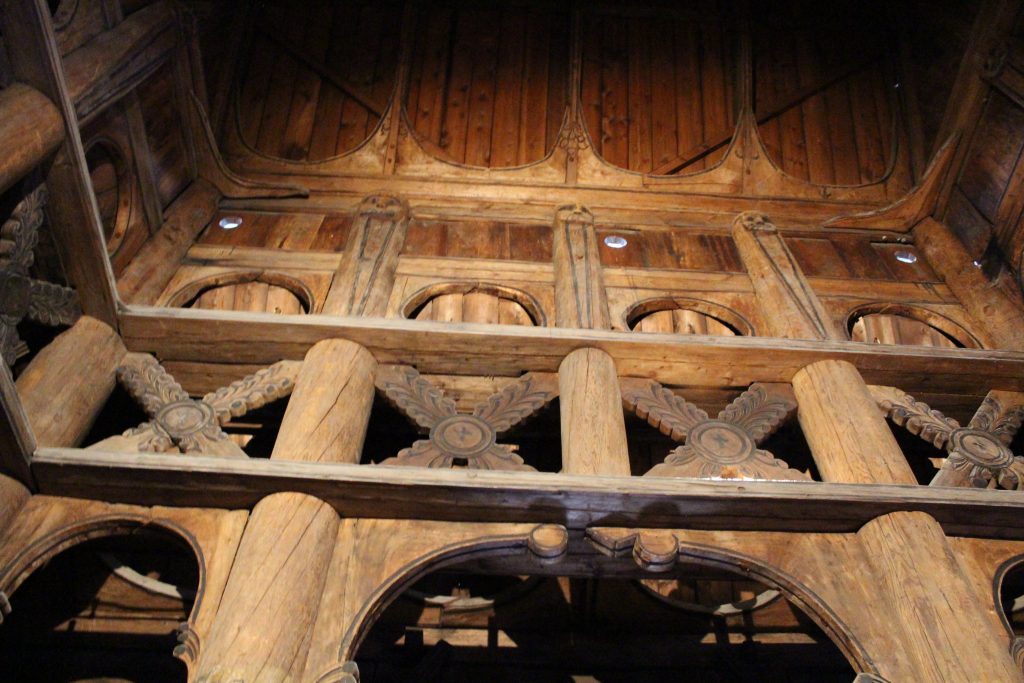
The most interesting structure here is the Stave Church, moved in the 1880’s and rebuilt. I just love the architecture, both inside and out.

Inside the Stave Church

There were also some indoor exhibits, including a large exhibit about the Sámi people – their culture, history, fight for rights, and modern Sámi in society.

Some traditional Sámi clothing.

Food

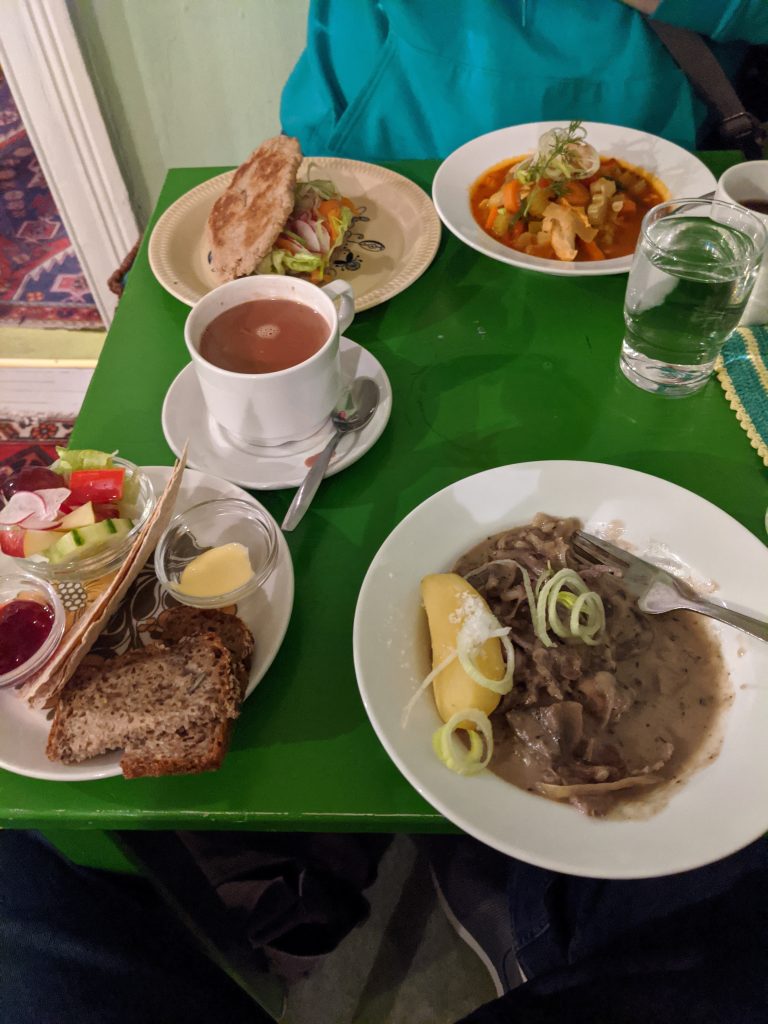
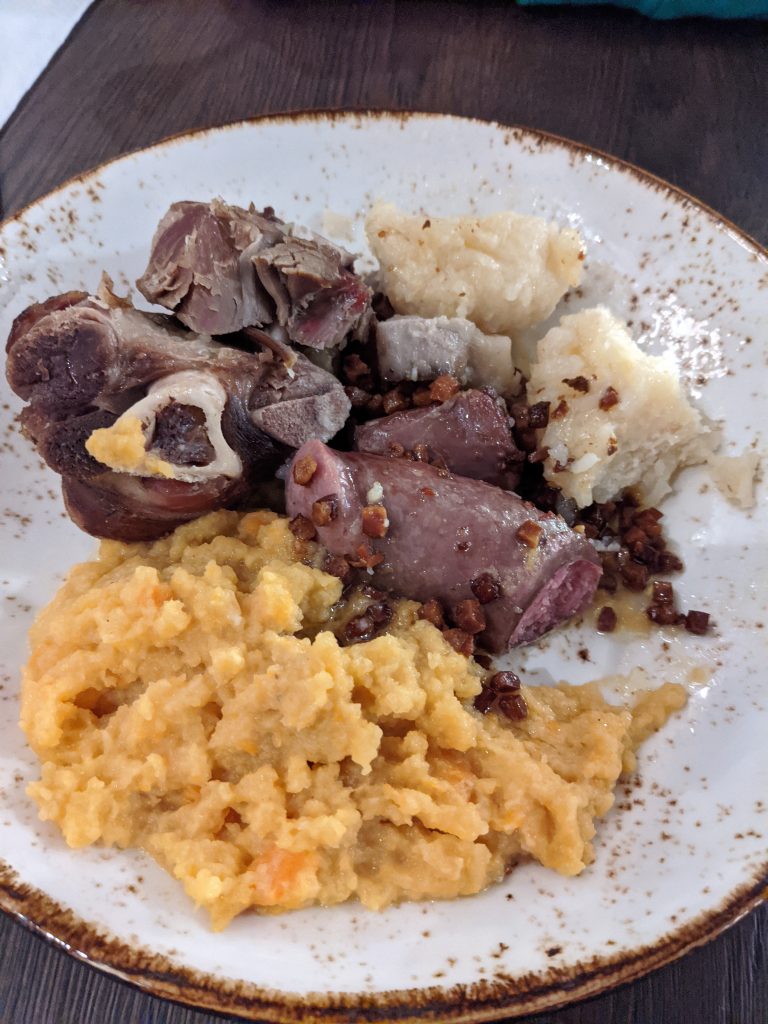
We tried to stick to more traditional Norwegian food during our trip. We ate a lot of salmon. We also got to try reindeer, fish soup, and raspeballer (Norwegian potato dumplings), and brunost – brown cheese.

Our meal at Baklandet Skydsstation. At the top right is fish soup, and the bottom right is reindeer stew. The top left is klapp-kak, a traditional Norwegian bread, filled with veggies, cheese, and salmon.
Raspeballer in the top right, along with lamb, sausage, and “mashed swede”. I have no idea what “swede” is, but it was tasty.

We also discovered a new favorite candy: Stratos. It’s chocolate with air bubbles in it (I don’t know how else to describe it) and it’s delicious.

Television

We made it a point to watch some local TV while we were in Norway. We watched a miniseries titled Magnus about a portal that opens to the world of the trolls, and a few that come through. It’s funny and bizarre (and has won some awards).

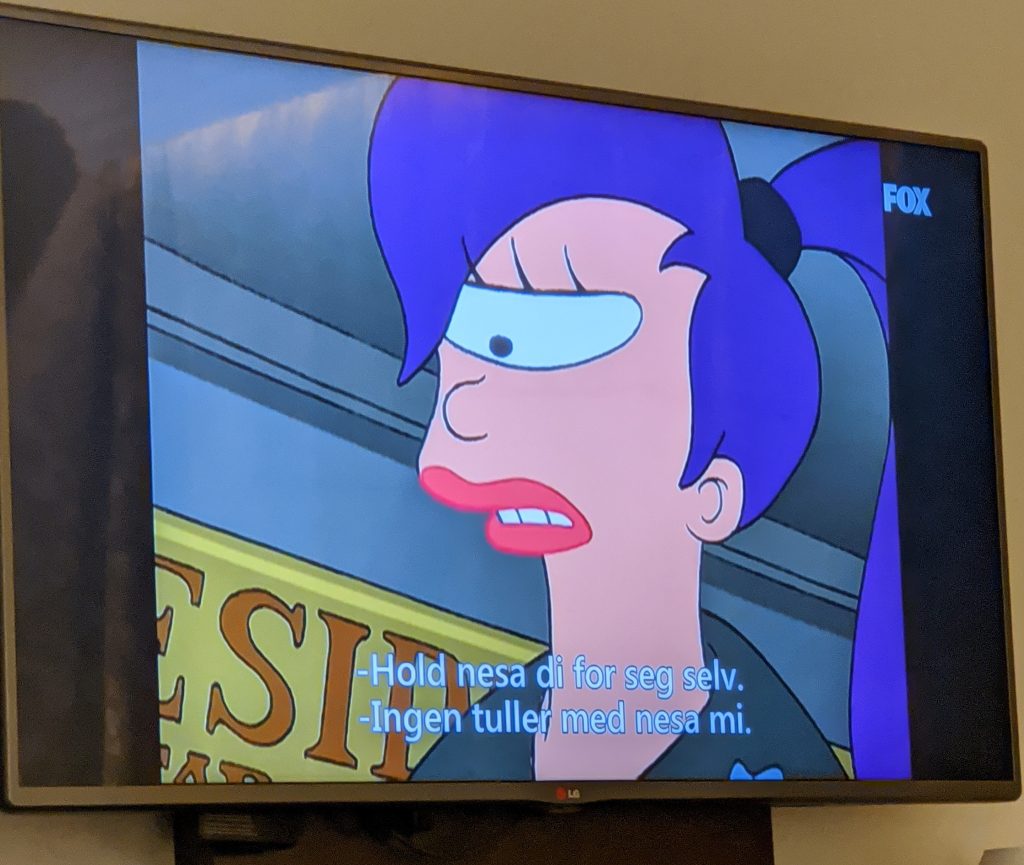
There was also a lot of American TV over there. Watched some Whose Line, Futurama, Family Guy, and other random shows that were on (all with Norwegian subtitles, of course).

“Keep your nose to yourself”
“No kidding with my nose”
Not a perfect translation.

There were a few ads that were hilarious. Our favorite being this one for a licorice drop.

Miscellaneous

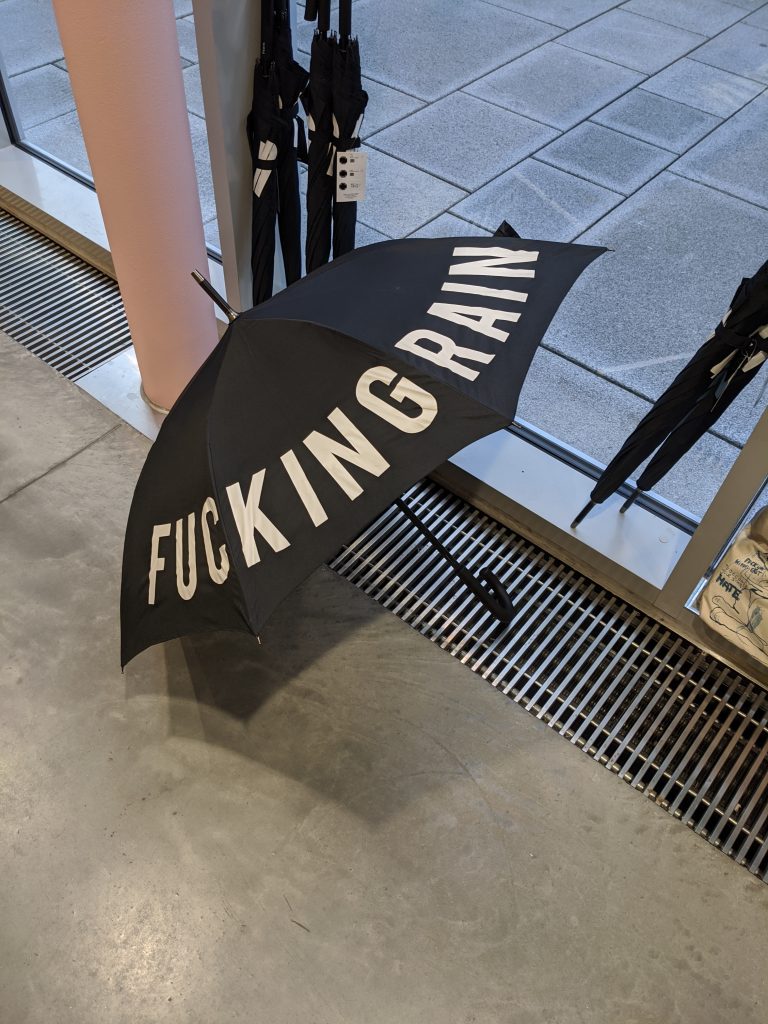
I wanted this umbrella so bad.
Categories
Games

Games of 2019

This list should be more complete than last year’s, since I actually kept it updated throughout the year.

I’m making some minor changes to the legend this year. Taking some inspiration from John’s post last year, I’ve decided to re-purpose the star icon to indicate a personal favorite, and added a check mark to indicate I finished a game. I also dropped the “trophy” icon for 100% completions since they’ve become rare.

Legend
🌟 A personal favorite. (Not necessarily for everyone.)
✔️ Beat the game.
👍 Recommended if you haven’t played it.
👎 Avoid it. It’s terrible.

PS4

Spider-Man ✔️ 🌟 👍
Managed to finish it this year, along with its DLC. Fantastic game.

God of War 👍
Lost interest in this one early in the year and never managed to come back. Hoping to finish it some day.

Red Dead Redemption 2 👍
This game looks amazing, and has a lot of depth. I just can’t keep the “run” and “shoot” buttons straight, though… So far, I’ve accidentally shot a guy in the middle of town and punched my horse.

Switch

Super Smash Bros. Ultimate 🌟 👍
Continued playing this into 2019.

Starlink: Battle for Atlas
Still playing this one.

Overcooked! 2
Great with a group. Tough with two players.

Death Cubed
Played a demo with my wife. I like the puzzles, but the movement is annoying. While death is part of the game, it’s frustrating when you clip a corner and go flying off the map.

Splatoon 2
I wish there was a better single-player mode here, since I’m not interested in multiplayer at all.

Hyrule Warriors
It’s like a modern Dynasty Warriors, but fun!

Golf Story
Because all the world’s problems can be solved with golf.

Super Mario Odyssey
This was a really fun game, but I’d like to know what the designers were smoking when they came up with this… A kingdom of sentient hat-people who can possess other creatures? Weird.

Untitled Goose Game
Finally, a game where I have the freedom to be a complete asshole without hurting anyone.

Xbox

I played more Xbox this year thanks to Game Pass. I’m hoping it continues to be a great way to play new games.

Outer Wilds

Crackdown 3

Gears 5

PC

Oxygen Not Included 🌟👍
Still my favorite PC game.

Two Point Hospital 🌟 👍
If you liked Theme Hospital, you’ll like this one.

Elite: Dangerous 🌟
Played with some of the newer content this year. Finally managed to unlock some engineers to tune my equipment, and discovered the new deep core mining added to the game which I find both fun and profitable.

TerraTech 🌟
I’ve played this on and off for a few years. A few updates with new parts pulled me back to it. (I can finally build my hovering fortress!)
If you’ve never played it, it’s a big sandbox game. You can build just about anything you can imagine. You can gather resources around the world; destroy AI-controlled vehicles and collect dropped parts; and take on missions to unlock parts. Easy to sink a lot of time into.

Surviving Mars 🌟
I still love this game. Great music, pretty chill and challenging at the same time. This year introduced the “Green Planet” DLC, which lets you terraform Mars and make it a lush green paradise! As I made Mars greener, I found myself missing the red planet.

Destiny 2 🌟👍
My go-to FPS when I want to just shoot some things. The Season of Opulence this year was a big hit with me. The Menagerie was a fun new mode and I enjoyed being able to somewhat choose my rewards using the chalice.
Destiny’s move to Steam was great, and the Season of Undying introduced a lot of great new content. The new armor system is definitely a step in the right direction. I even got my first title – Undying – after some last-minute grinding that was rewarding but tedious.
And now that Destiny is free to play, it’s easy to recommend.

Scanner Sombre
A spooky VR game where you explore a cave with nothing but a fancy handheld LIDAR device.

BattleTech
A few new DLC packs with new mechs and the skill revamp had me coming back. I finally managed to beat the Smithon mission that was holding me back.

Diablo 3
I come back to this every season to play with my wife. Season 16’s free Ring of Royal Grandeur made some interesting builds possible. I played a Barbarian for the first time and named her Barbararian (the Barbarian Librarian).
Season 17 had me back to playing my Necromancer, “LichPlease”, to try out some of the adjustments in the latest patch.

Forts
Simple, fun, a little hectic sometimes.

Driftland: The Magic Revival
An RTS where you move floating islands around and use magical abilities to help your warriors. Feels a lot like Settlers but without the supply chain stuff.

Particle Fleet: Emergence ✔️
An interesting RTS with a short story and support for custom ships and player-made maps. A good challenge without being impossible.

Risk of Rain 2
I played the first Risk of Rain and it was fun but fizzled out pretty quick for me. I was hesitant to play the new one, but got it for my birthday. It’s pretty fun, solo-able (which is important to me these days), and has plenty of unlocks and progression. Sometimes finding the teleporter is a chore, though.

Bad North
It’s like a tiny tactical tower defense game. You get a few armies to defend a small island from invaders, with each map getting more difficult. Certain islands have special rewards, like new armies or special items.

Graveyard Keeper
A management game with a story. This game was pretty tedious at the beginning, but after I had a few zombies handling the basics I was able to have more fun.

Unheard
A fun little puzzle game where the gimmick is that you have to deduce things using an audio track.

Landinar: Into the Void
Take missions, earn money, upgrade your ship, repeat. Fun, but there are lots of games that do this now. The ship building aspect is pretty good.

Star Wars Jedi: Fallen Order 🌟👍
Great gameplay, some slightly annoying platforming. Combat is fantastic.

Cliff Empire
Frostpunk Lite. Starts off easy but things can quickly fall apart. It’s fun to maintain the balance.

Aven Colony
Another Frostpunk Lite. I have a type.

Outer Worlds 🌟
It’s Fallout with a new skin. It’s still as fun as Fallout and I like the hyper-capitalist dystopian world it presents.

Mindustry
Picked up during the Steam sale. It’s a fun little harvesting plus tower defense game with a surprising amount of depth.

Jurassic World: Evolution 👍
Another one from the Steam sale. This one took me by surprise. It’s a theme park game with a lot of genuine Jurassic Park stuff added in – you send teams to dig for fossils, extract dinosaur DNA, incubate dinosaurs and release them into your park. You have to deal with storms and the dinosaurs themselves.

GRIP
A fun combat racing game.

Tabletop

Azul 🌟👍
Easy to play, fun, colorful, and has great components. Highly recommended.

Almost Got ‘Im
I’ve never been a big fan of Coup or Resistance, but this game is similar and much more interesting to play. I accidentally subdued Batman as Catwoman and lost.

Villainous
Fun and well themed. The game seems pretty well balanced, but there is some luck-of-the-draw involved with several of the villains.

Epic Spell Wars: Battle at Mount Skullzfyre
A great game with a lot of humor.

Yokohama Deluxe
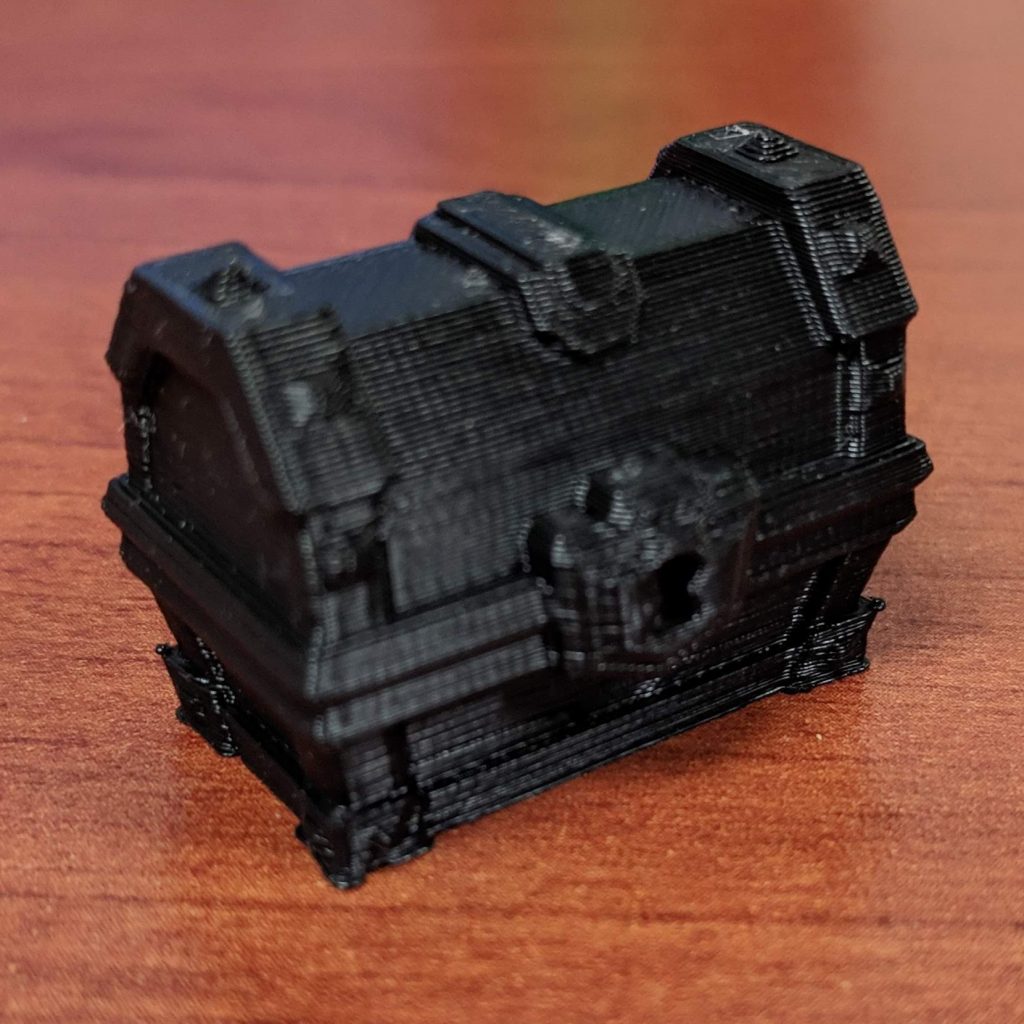
A fun little economic engine builder. Takes a while to play, but there seems to be plenty of replayability. The deluxe version has some really nice components, though the stickers for the point tokens were a bit too large for the wooden token. (I 3D-printed replacements.)

Reef 🌟
Similar to Azul in a lot of ways. Simple to play, fun, and strategic. Played at Mox Boarding House while visiting John and Christina in Seattle.

Jumpdrive
A faster, simpler version of Race for the Galaxy.

DropMix 🌟
Stumbled on this a while back and was interested, but then copies of the base game were dumped at Five Below for $10. Easy buy. This being a Harmonix game, it’s fantastic. And some of how it works is simply magic. Fun to play with a group or even solo. The only drawback is in collecting the cards, which can get expensive.

Splendor 🌟👍
I end up playing this a few times every year. Still fantastic.

Fences
It’s Carcassonne-lite. Easy to play with cute barnyard animals.

Master of the Galaxy
A 4X game I’ve had for a while (backed it on Kickstarter), and finally got a chance to play it with my brother over the holidays. It’s fun and pretty easy to play.

Sagrada 🌟👍
A beautiful game about making stained glass windows using dice. Fun and a perfect amount of difficulty.

Tiny Epic Mechs
As usual for the Tiny Epic series of games, this is a pretty big game in a tiny box. I’m not sure about how well balanced the characters are, but in my one play with my brother, we forgot some resource collection rules that made it very lopsided.

Xtronaut: The Game of Solar System Exploration
Designed by the leader of the OSIRIS-REx mission, this is more of a hard-science game about exploring the solar system. It’s really simple to play and plays very fast.

Categories
3D Printing

Week Two with the Prusa i3 MK3

My second week in 3D printing has had more failures than the first week, but I’ve learned a few things that should help me avoid future failures. (Hopefully.)

I’m still avoiding anything with supports, but some of the things I’ve managed to print without supports still amaze me. I’ll take a look at a model and think, “Nope, that’s not going to work because this bit is out in space”, then I decide to attempt the print anyway and it comes out fine. There’s definitely an art to designing things that don’t require supports, but small overhangs tend to work out pretty well.

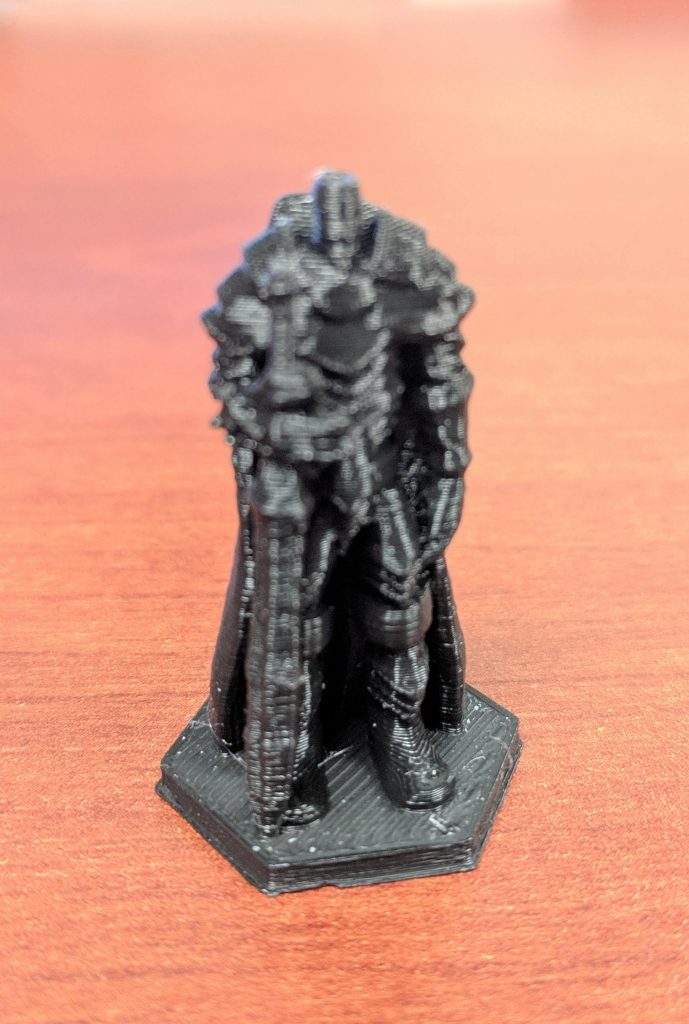
However, even though some things work out great, some things just don’t, even if they look OK. I tried printing a dwarven warrior, but every time it failed with a big, tangled ball of filament. I’m still not sure why it failed where others worked fine.

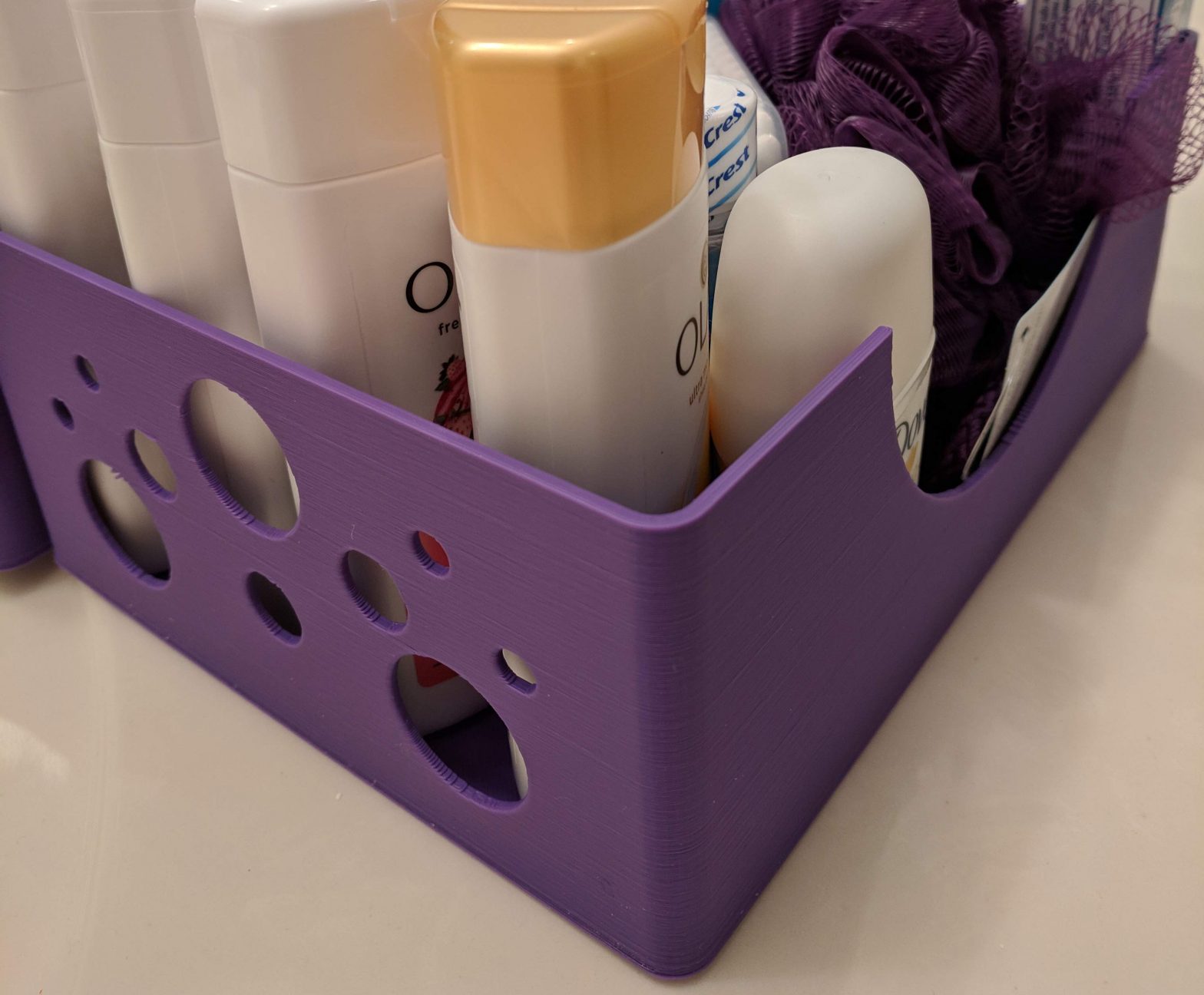
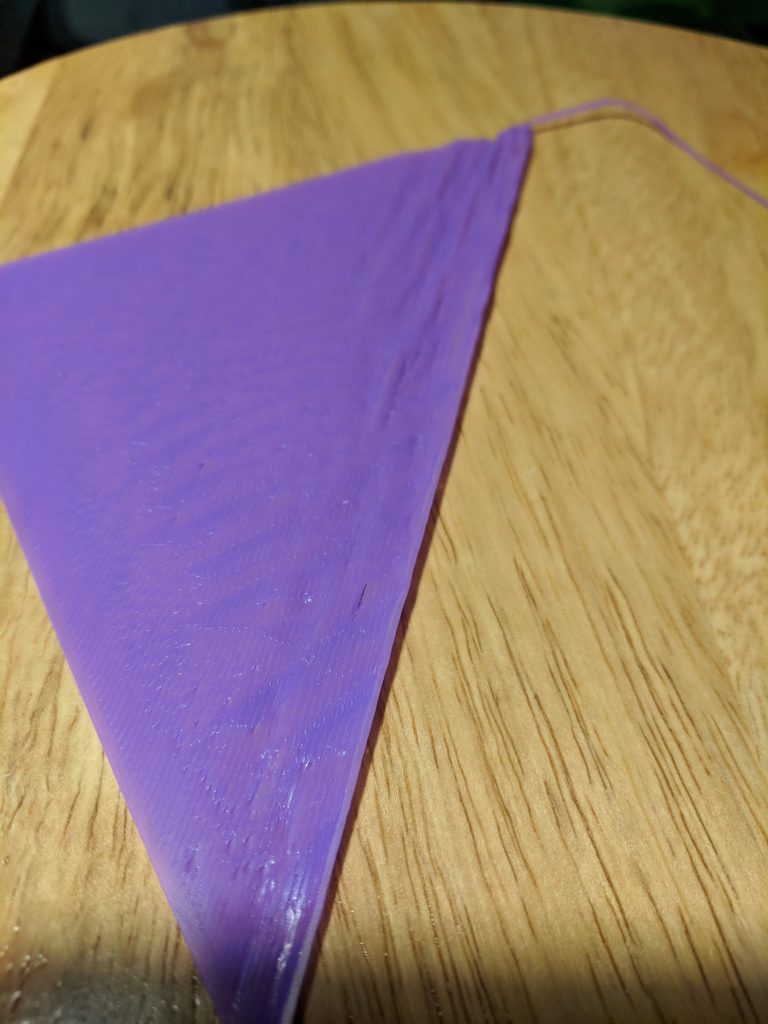
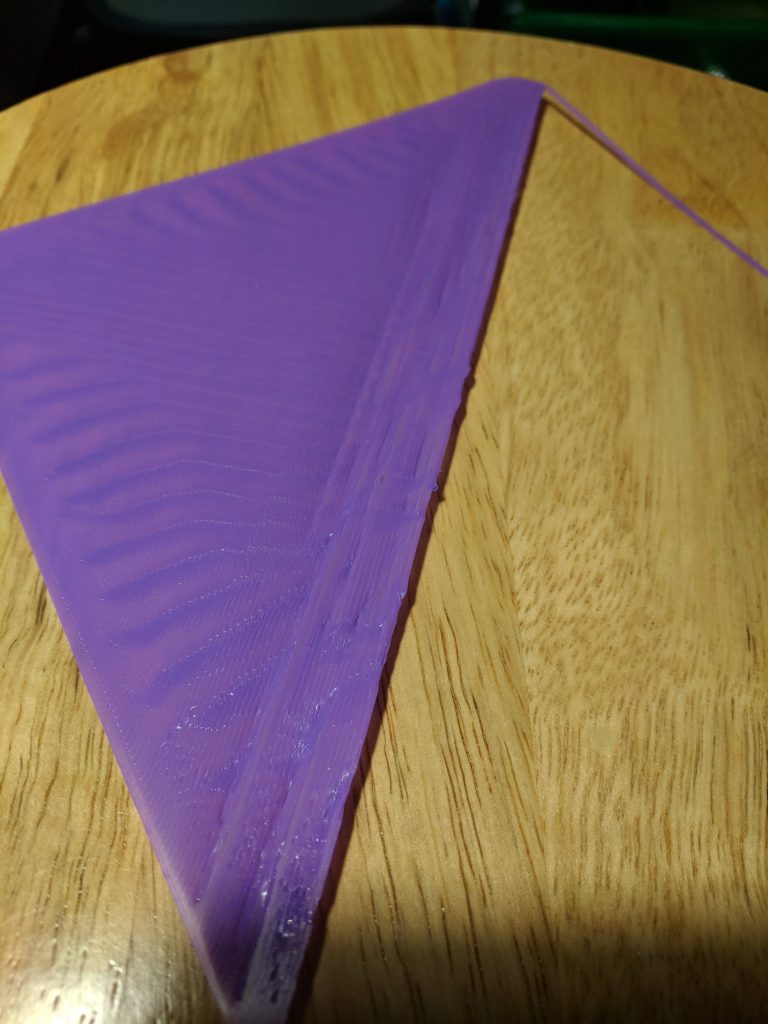
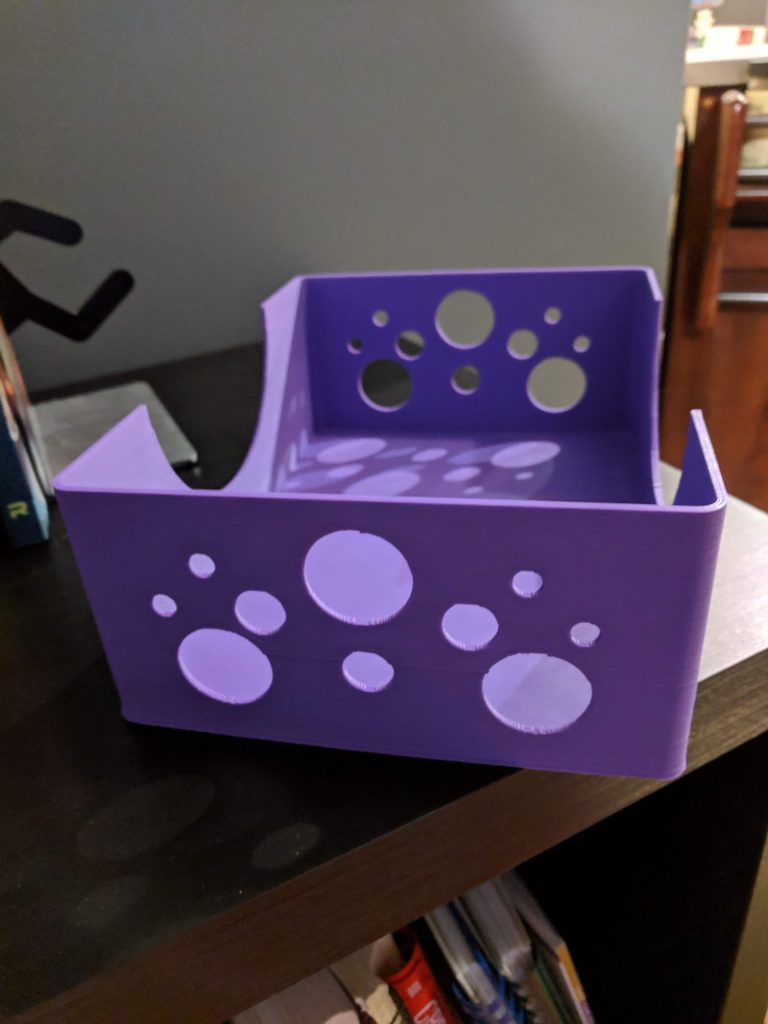
One thing I promised my wife when I got the printer was that I’d print a few baskets for our guest bathroom. My initial designs were pretty simple – flat bottom, a few circles in the sides (like bubbles), and a half-circle scooped out of the side. The first print was going pretty well as it printed the bottom, but about a quarter of the way across, it started to kink up. I tried lowering the bed temperature to let it cool faster, but I ran into the same problem (though a bit later). In theory, I could have lowered the bed temperature to a point where it would have printed fine, but then bed adhesion could have become a problem.

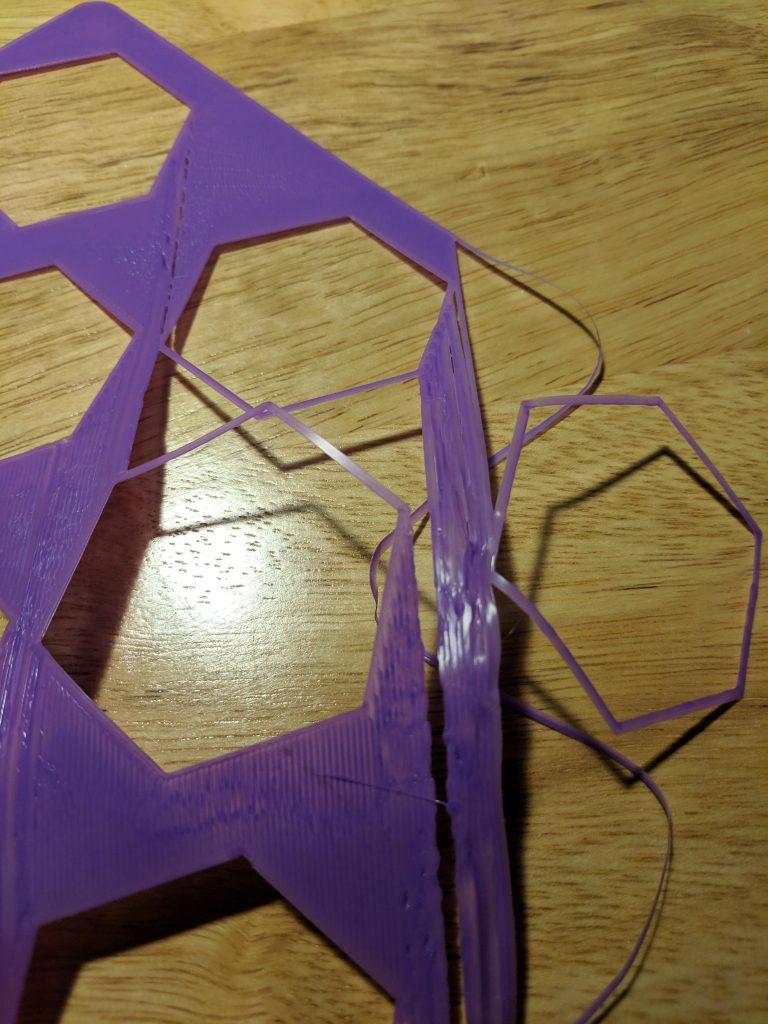
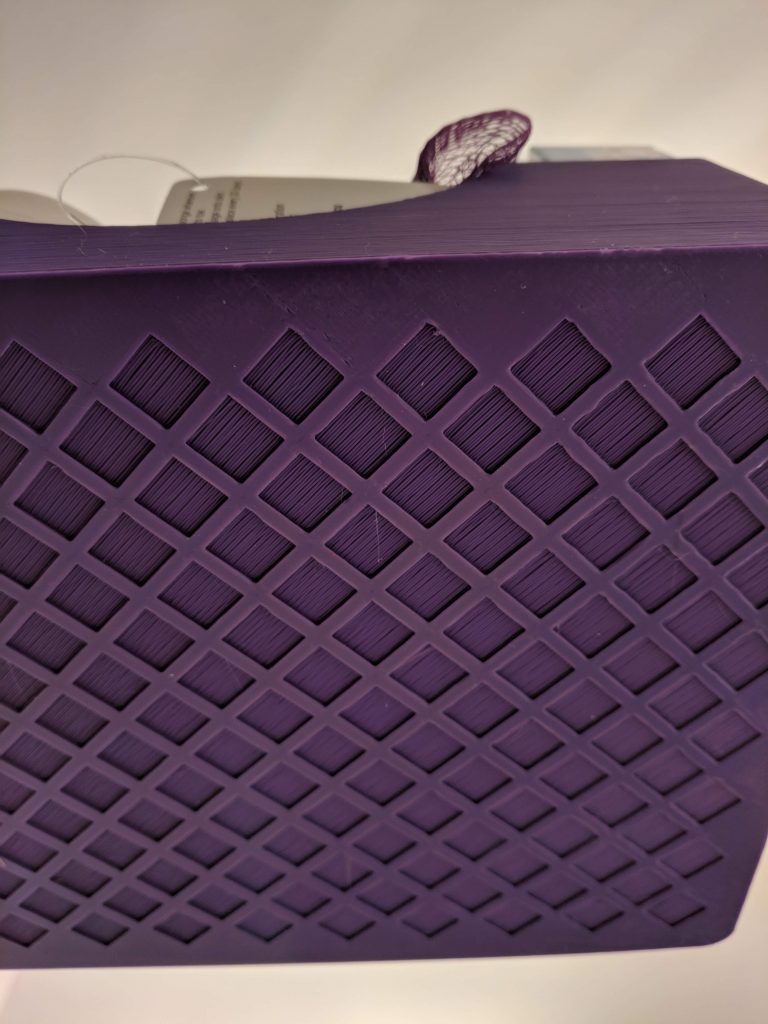
Instead, I tried adding some large hexagons in the bottom to create some air pockets and reduce the amount of large, flat areas to be covered directly on the bed. Unfortunately, I ran into the same problem with some of the flat areas between the hexagons.

Basket Failure #3

I went back and created a cross-hatch pattern on the bottom with small squares. About seven hours later, I had a completed basket; the new bottom printed without any issues. Lesson learned: large, flat areas directly on the bed tend to be problematic.

My theory here is that as the filament crystallizes, it shrinks just a bit. Over short areas it’s not an issue, but with larger areas it causes a chain reaction. When bridging over gaps, it’s not an issue because the filament gets anchored on either side to filament that’s already hardened and won’t move much.

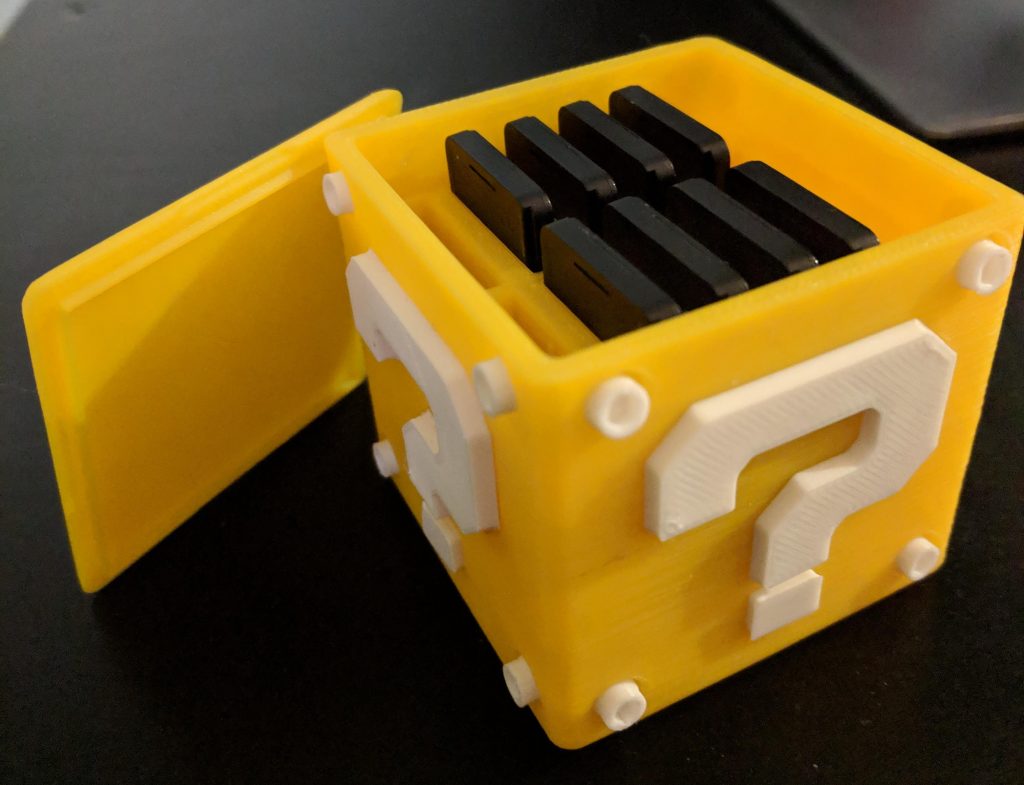
While those baskets were my largest project thus far, I also completed a project that required assembly: a storage case for my Nintendo Switch games. It turned out great. The body of the cube took maybe 5 hours to print, but the other parts were finished pretty quickly.

Categories
3D Printing

Week One with the Prusa i3 MK3

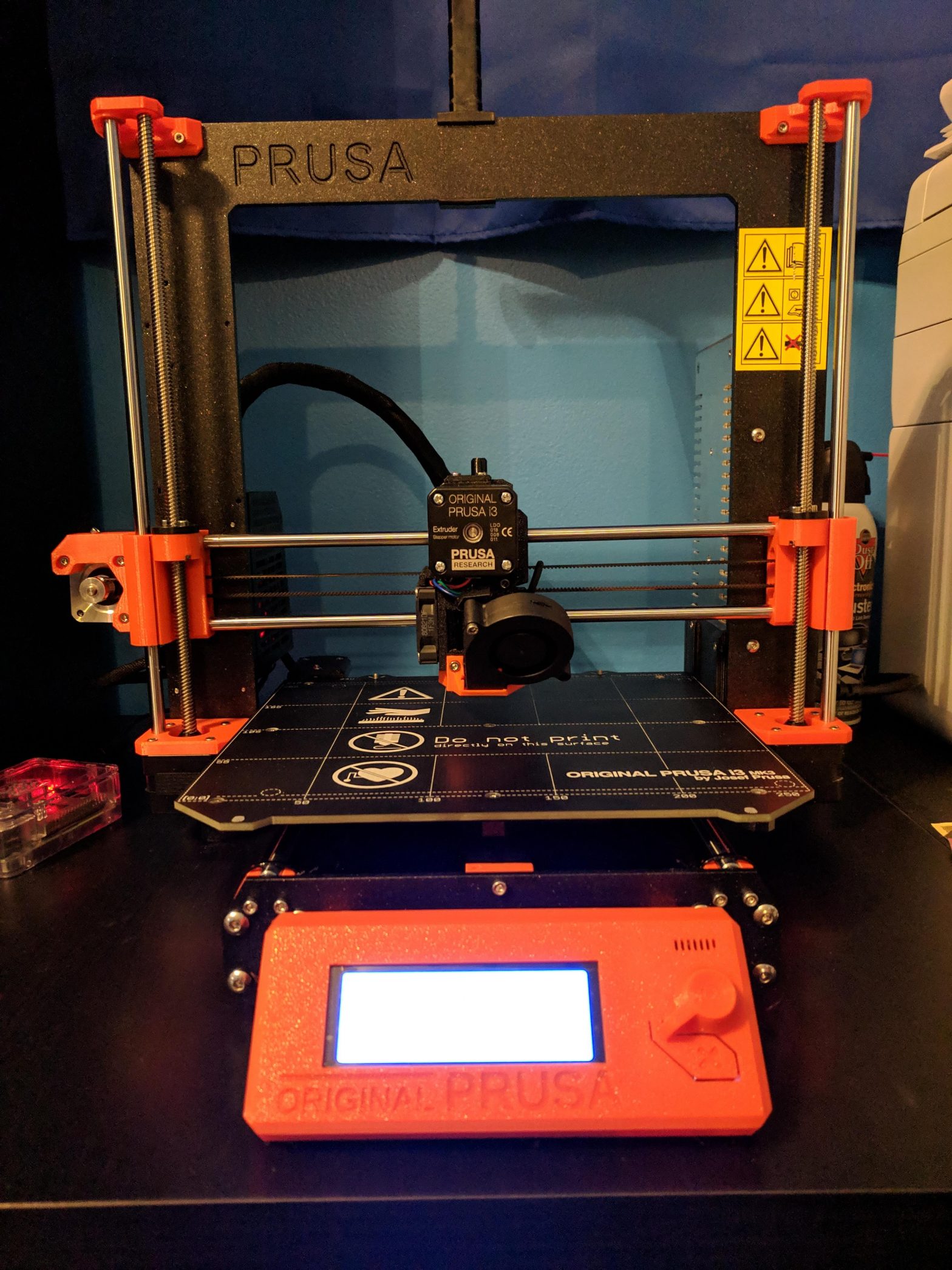
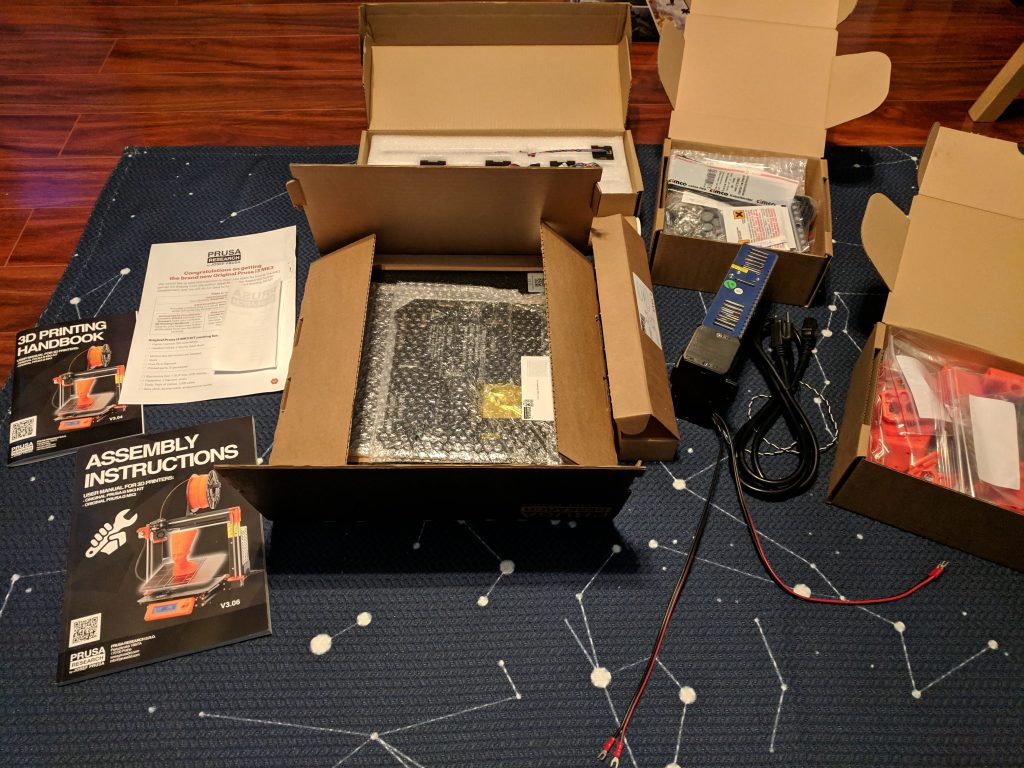
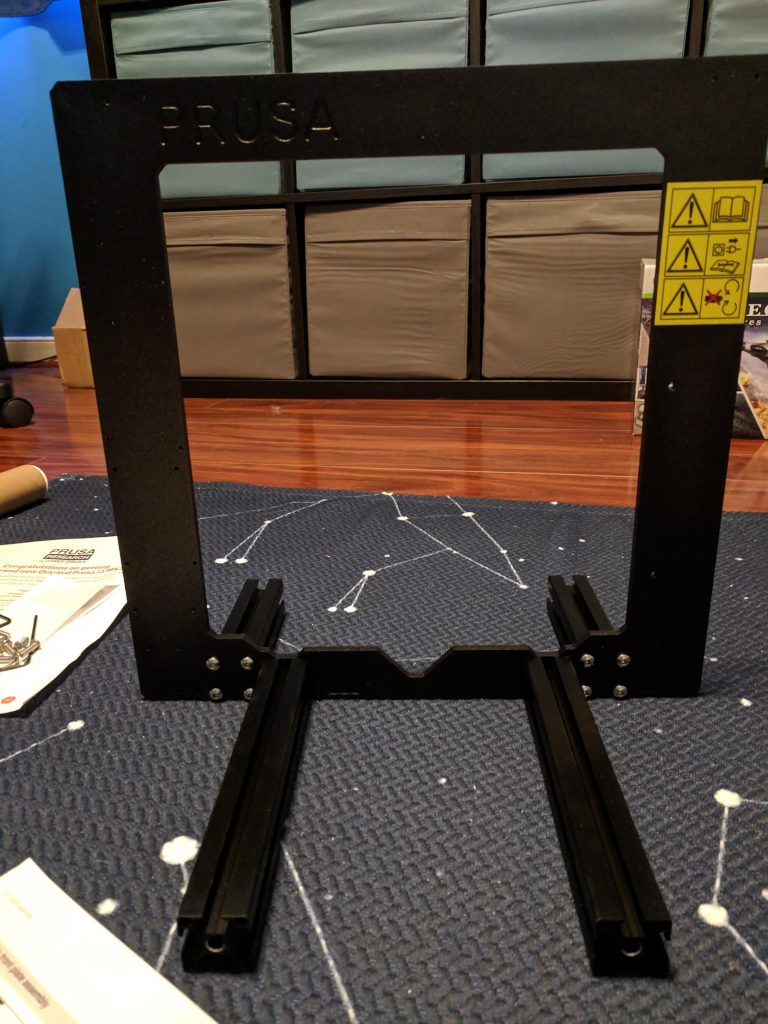
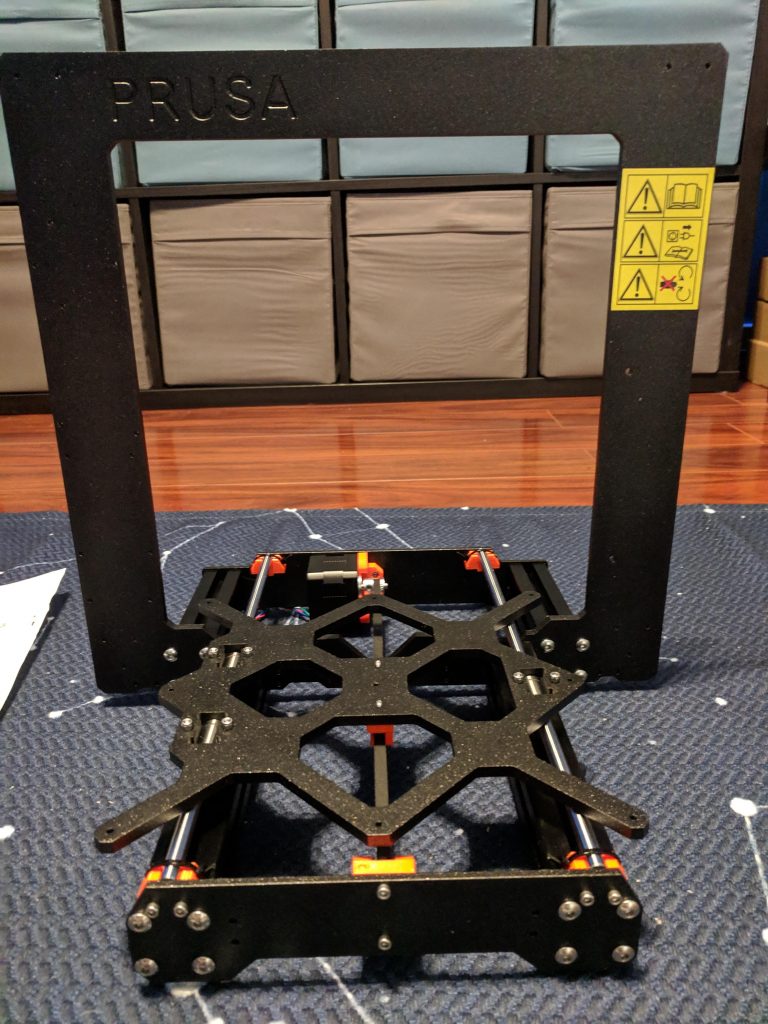
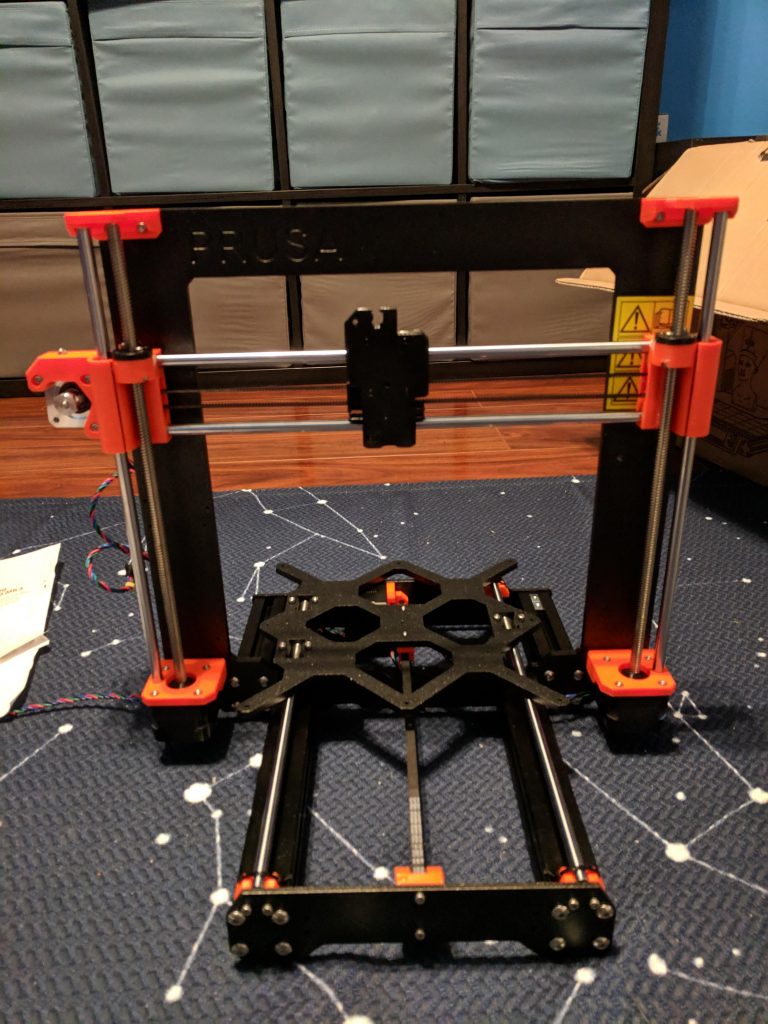
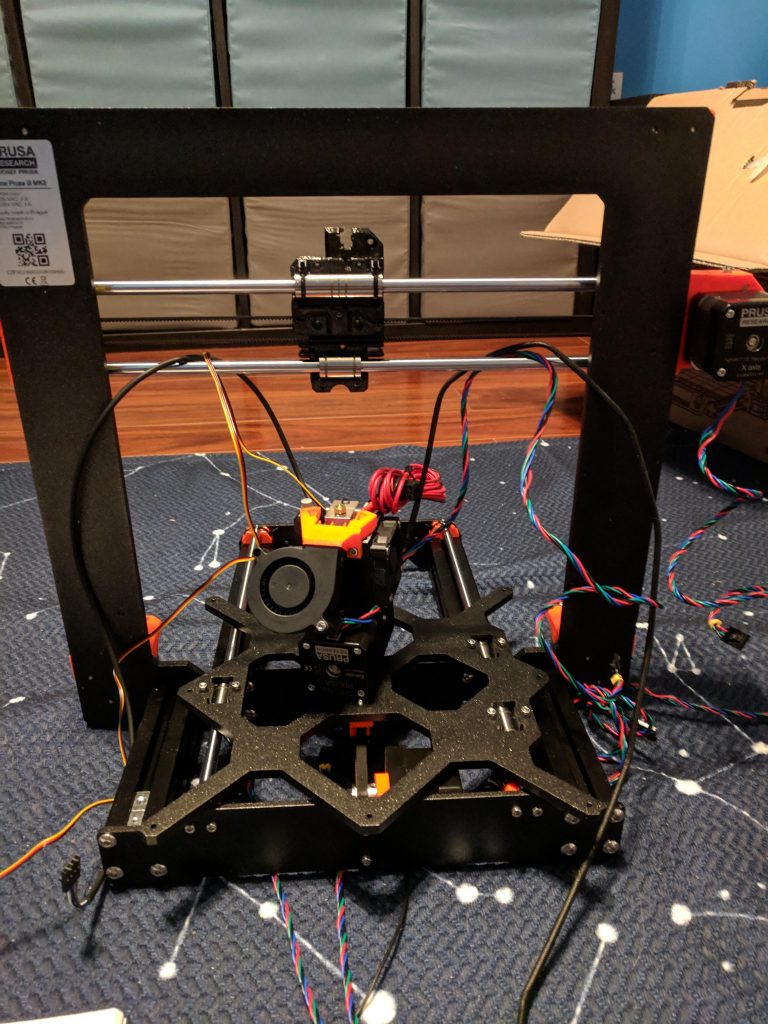
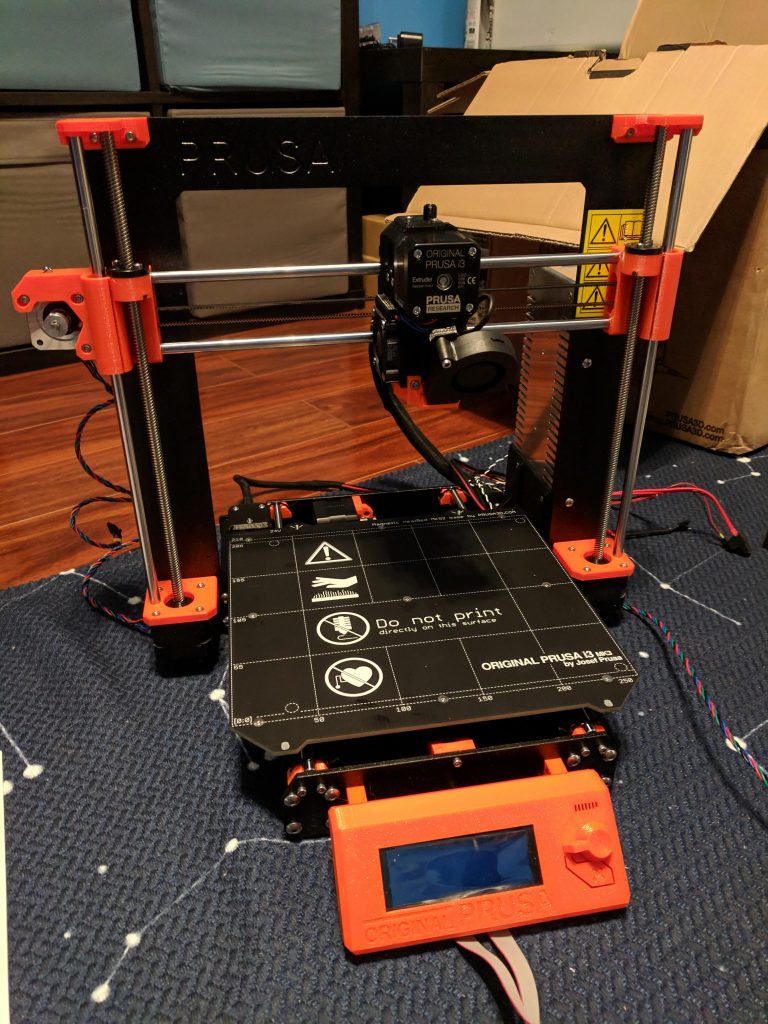
A few weeks ago I bought a Prusa i3 MK3 and it arrived about a week ago. I wanted to document some of the construction and printing process, along with some of what I’ve learned along the way.

Construction

Building the Prusa i3 took a long time – probably about 10-12 hours total. The process was made worse because I didn’t have a decent workspace to build it, so I was sitting on the hardwood floor. If you’re building one of these (or probably any 3D printer), I’d advise having a nice big table to work on.

The instructions from Prusa are very clear, with lots of pictures and color-coded symbols pointing things out. I was pretty careful as I built everything and had my wife double-check my work, but it’s honestly not that difficult to build (just time consuming). There were only a few steps that were a little confusing, but checking the manual online – with bigger pictures and user comments – helped immensely.

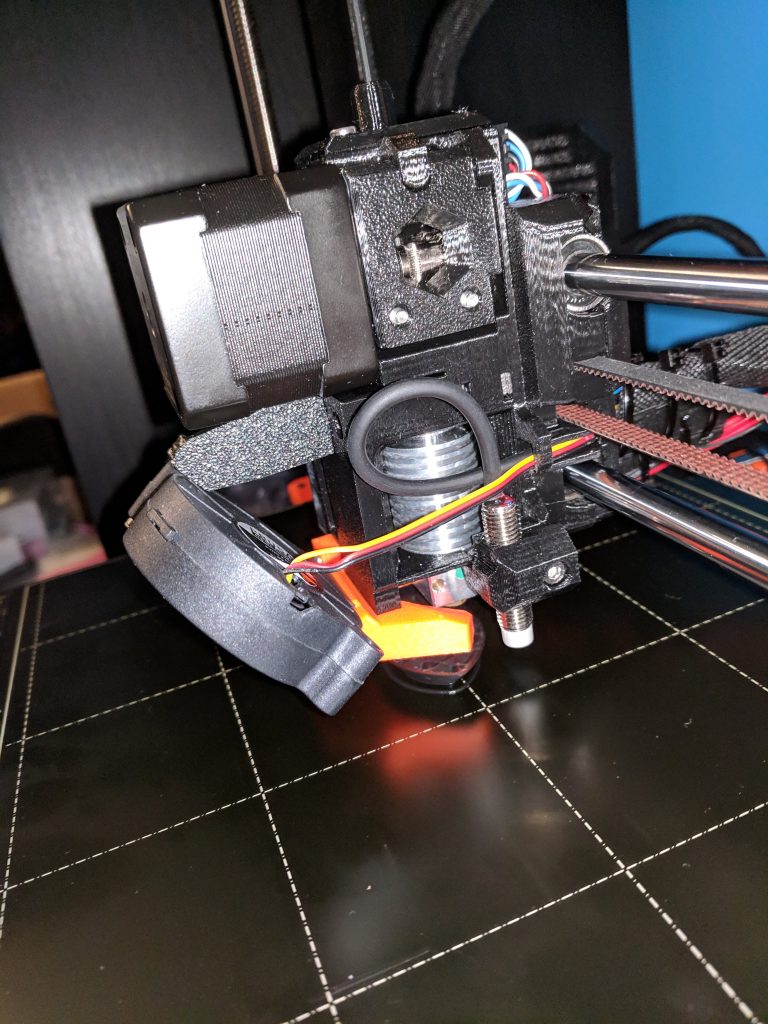
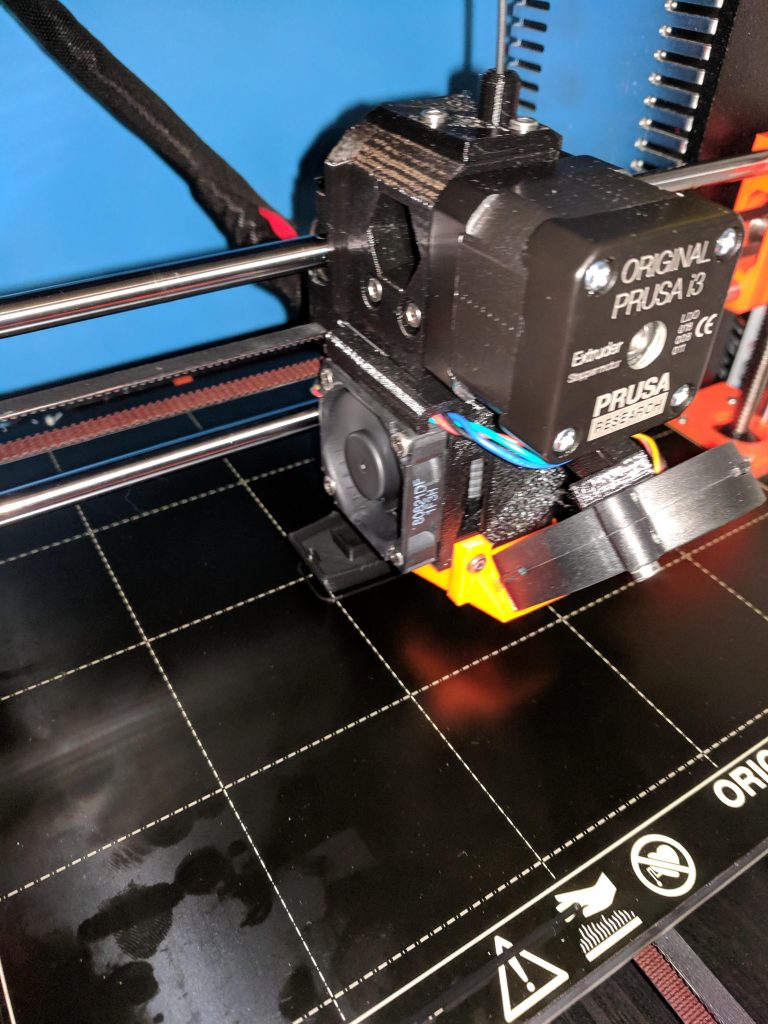
Even with how tough building the printer can be, I recommend getting the kit and building it yourself. Not only do you save $150, but you also get a feel for exactly how the printer works and some of the things you can do with 3D printing. At least a third of the Prusa is 3D printed: the supports, LCD housing, mainboard case, and most of the extruder (where things get very hot) are all 3D printed. Building the printer myself helped me appreciate the precision and capabilities of the printer long before I actually started using it.

Startup and Self-Test

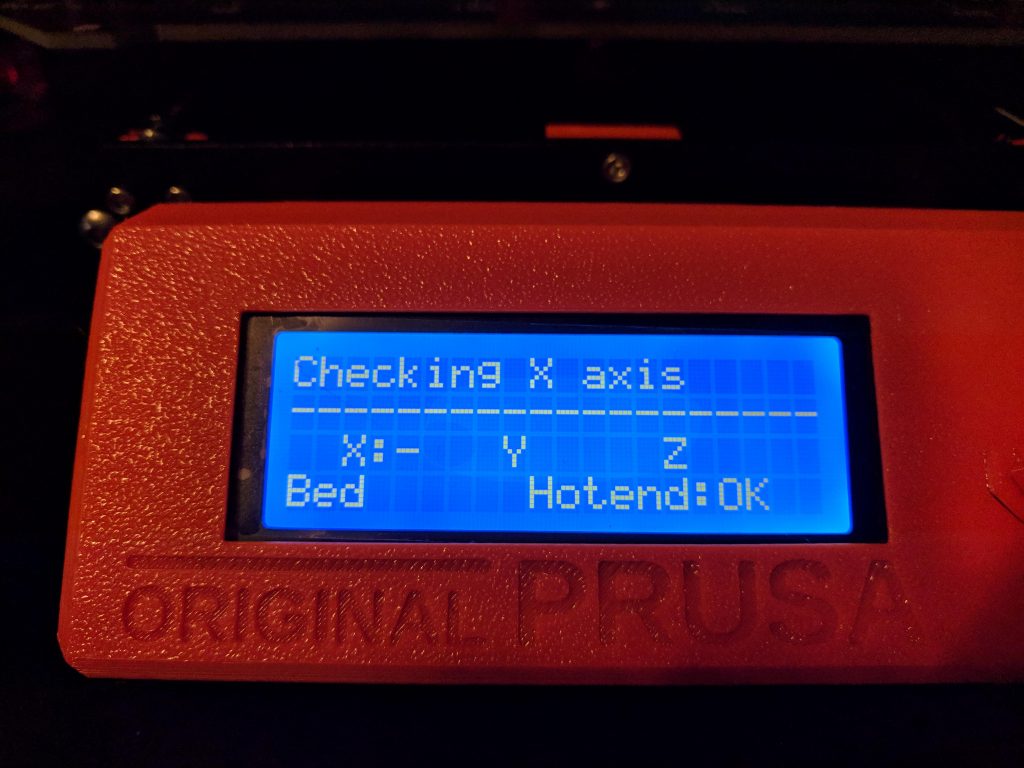
The initial startup was a bit stressful, but luckily I got everything right enough. The self-test takes about 10-15 minutes and the printer guides you through the process. The printer is very friendly, greeting you with a “Hello!” (on-screen) and letting you take your time through the process.

The hardest part of the initial process was the z-axis tuning. Every printer is slightly different and you have to tune your z-axis to get it to lay the filament out nicely on the bed. It’s an extremely slow process and probably took me an hour or more. The printer prints a line back and forth and ends with a little flat rectangle. You can peel it off the bed and look at it to make sure the tuning is right. I went through several iterations before I got it about right. Before doing so, I got it a bit too low, and there are still some marks on my bed where the nozzle maybe hit the surface. (I think I need to get the bed extra hot and try removing the marks.)

Once the self-test and tuning are complete, it’s time to get printing.

Initial Prints

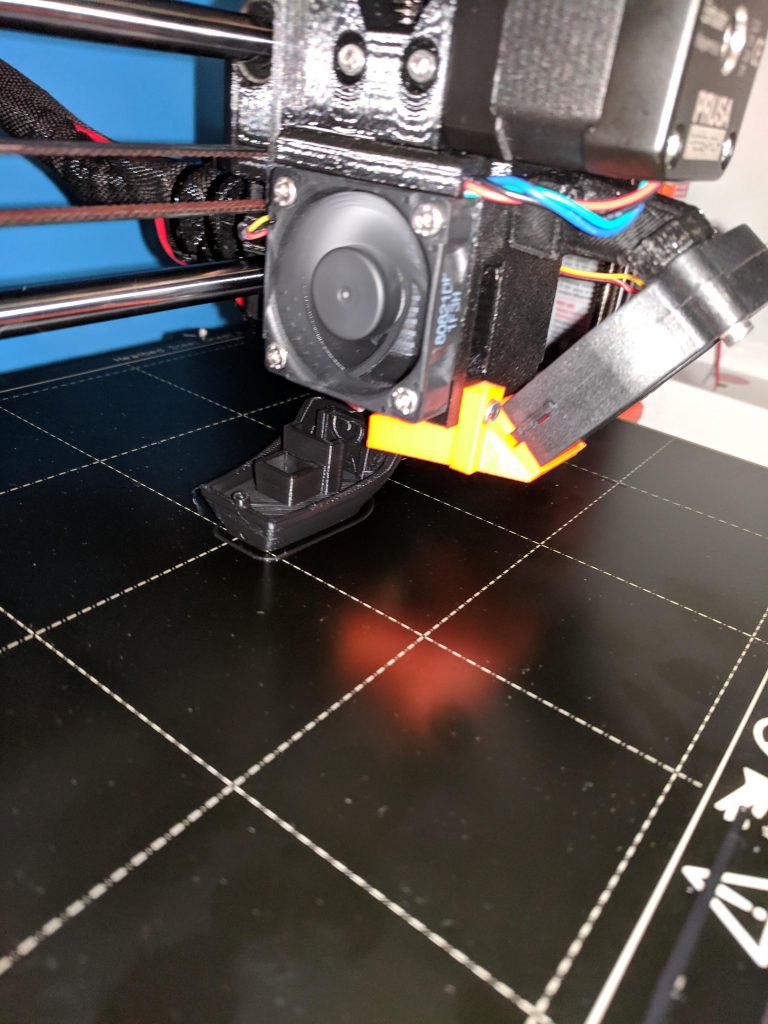
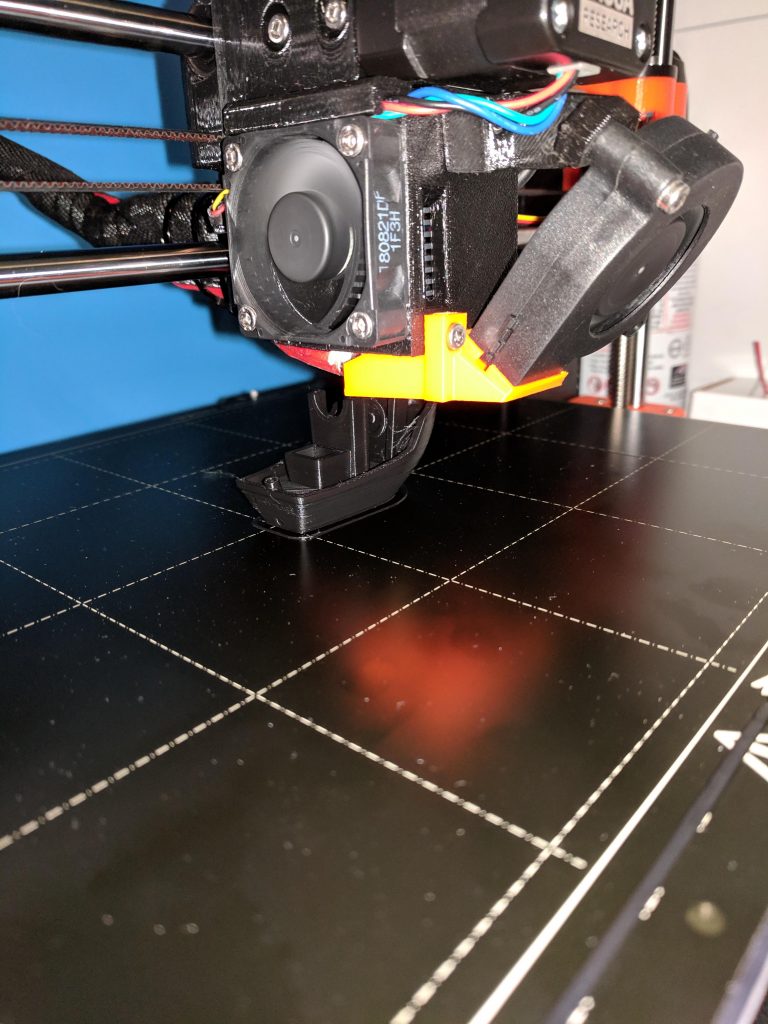
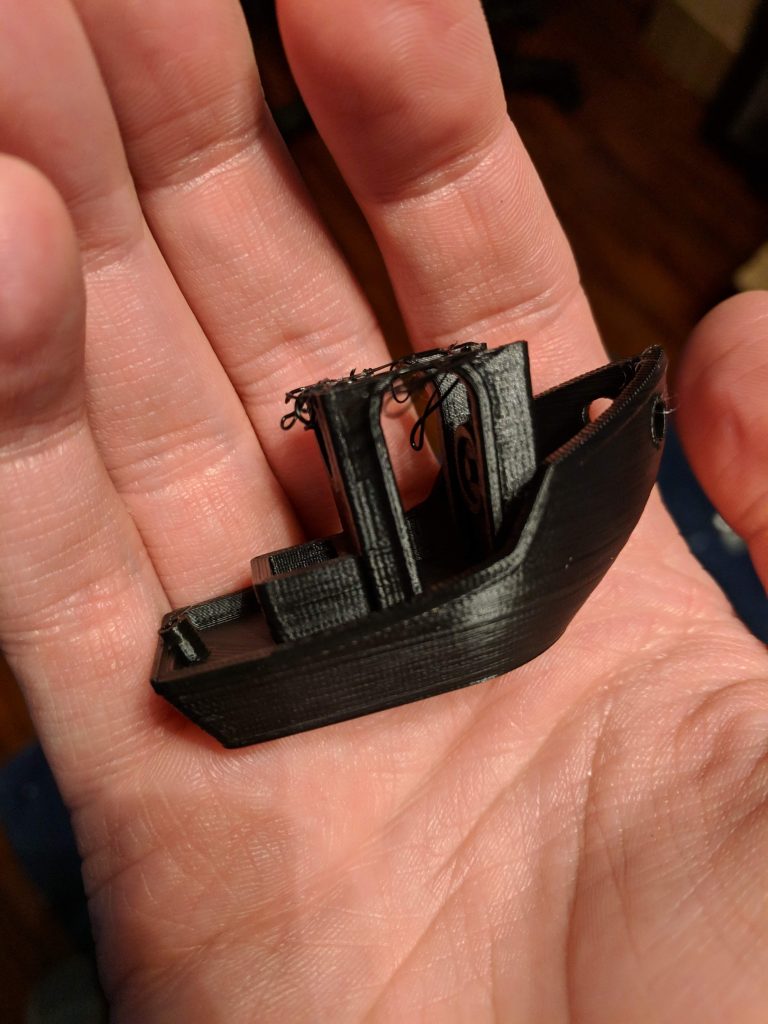
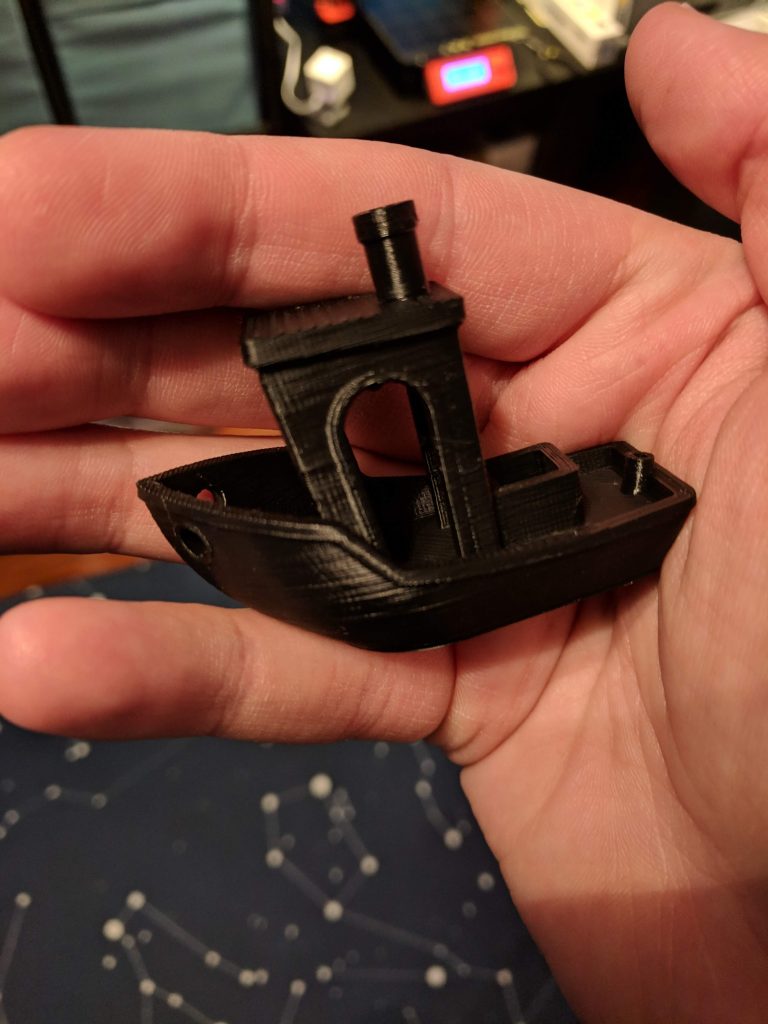
I started with the Benchy boat model since that practically seems a requirement. My first print was going extremely well until about 80% through when it suddenly popped off the bed with a loud snap. After wondering what went wrong, I noticed the temperature on the heatbed was slightly under what I had been reading online – instead of the 60C I had seen online, the default for the print was 55C. When you start a print, you can open the menu on the Prusa and tune the bed temperature; I did that for the next attempt and the result was perfect.

(On a side note – the default preheat setting for PLA has the bed at 60C. I still haven’t figured out how to make the print use 60C instead of 55C when I print straight from the SD card.)

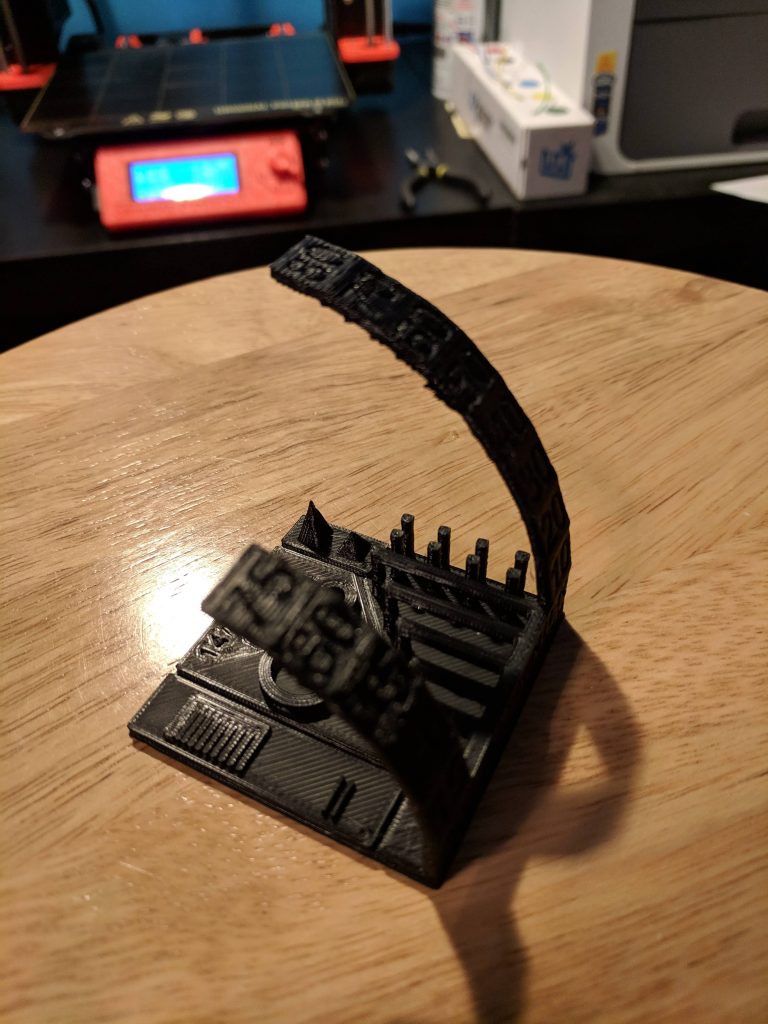
After finishing Benchy, I wanted to print another benchmark, so I used an All-In-One Printer Test I found on Thingiverse to see what the printer could do. Everything came out perfectly, and I was pretty impressed at how well overhangs and bridges can be made by the printer. Benchmarks tend to teach you a lot about how the printer works and what it’s capable of; I highly recommend anyone who gets a new printer try a few.

Thingiverse

A short aside about Thingiverse: it’s great. Before my printer arrived, I started looking through things there are found a lot I’m interested in. A few of my favorites:

A Super Mario question-block Switch cartridge case
A Lord Of The Rings dice bowl
Stackable battery holders
A clever Dremel table saw

There’s a lot there to give you ideas and save you time.

Fusion 360

I’ve been planning things to print for a while now, but I wasn’t sure of what tool to use. I was trying to find something free, so I started by downloading FreeCAD, but it didn’t seem especially usable. Once I found out that Fusion 360 (from Autodesk) has a free hobbyist license, I downloaded it right away to start tinkering.

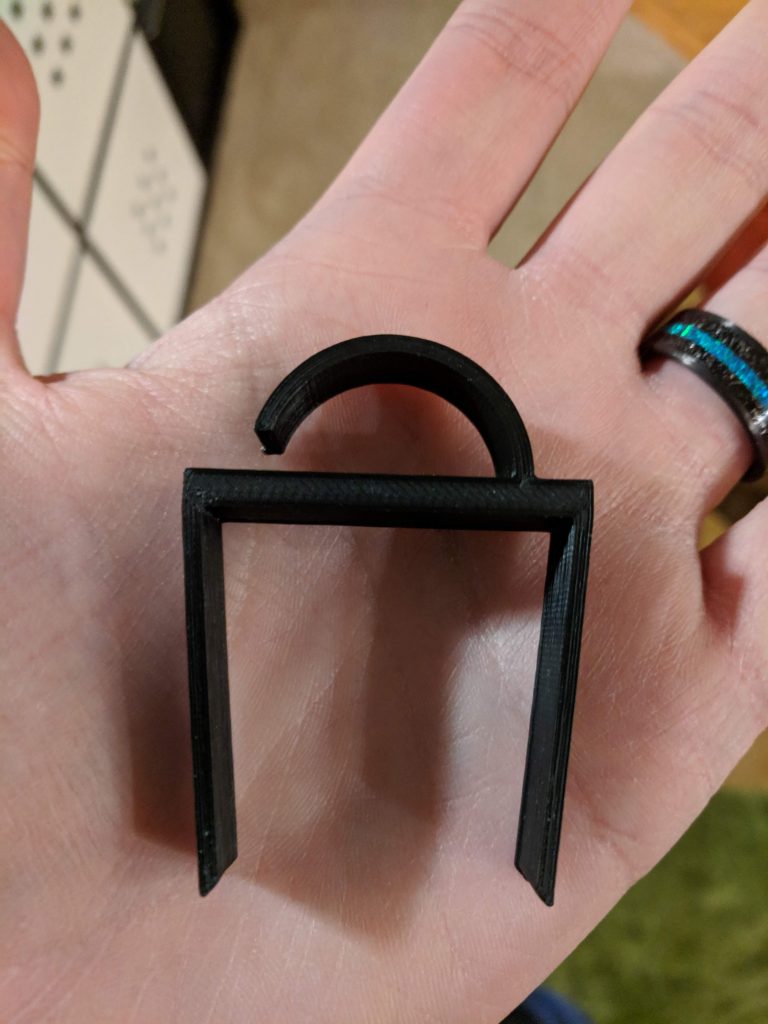
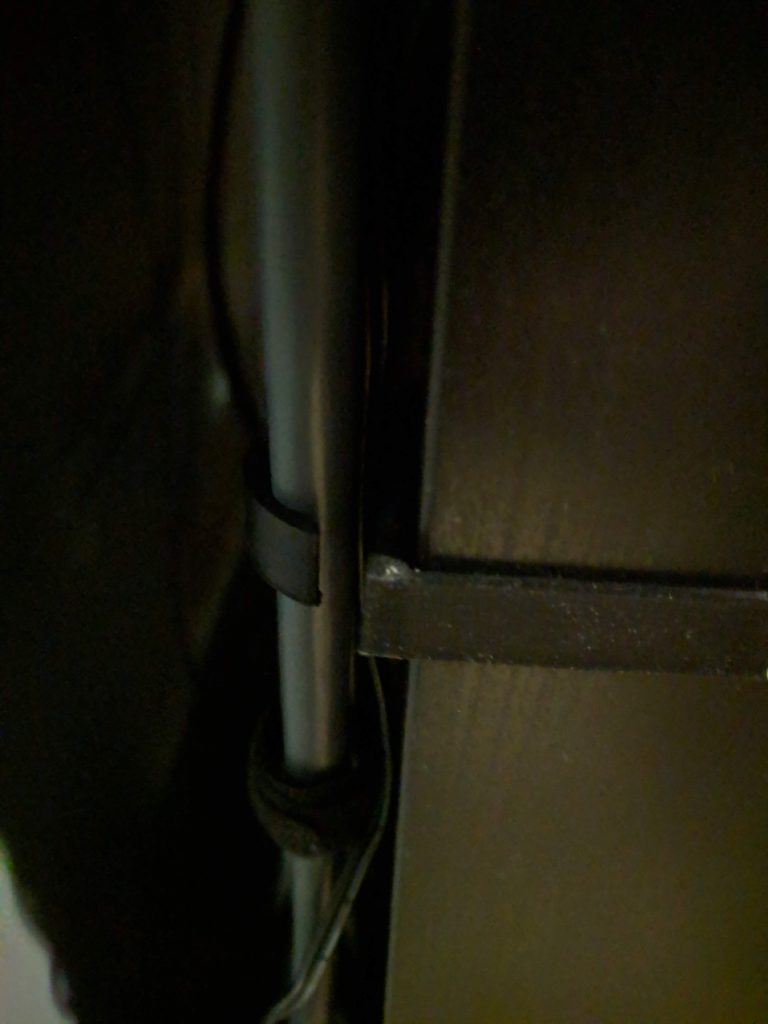
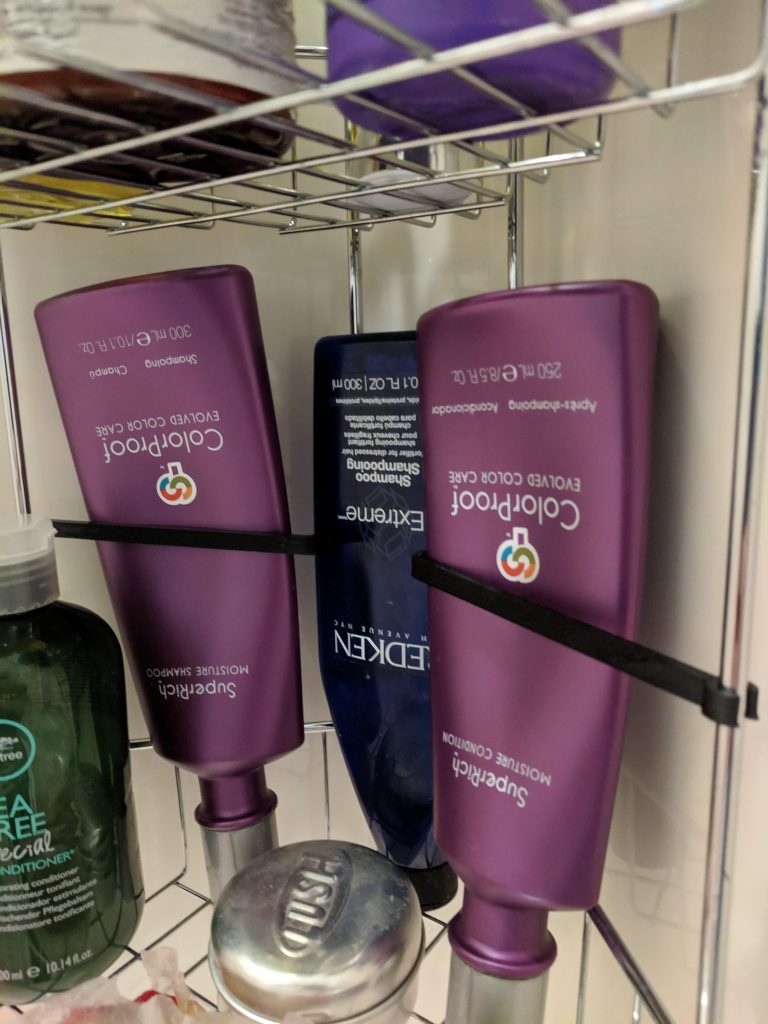
It took me a while to learn the basics, but I think I’m a solid novice now. After struggling to learn the controls and how to use some of the tools, I’ve been able to design several things for around the house. So far, I’ve designed two little baskets (which I have yet to print since they’re 11+ hour prints), a cable clip designed to fit Ikea’s KALLAX shelves, and a little arm to hold bottles in the shower upright when they’re turned upside-down. So far, the KALLAX clips have been my favorite. A solid little clip that blends in with my black shelves perfectly, and can hold a lot of cables securely.

Tools

As I started working on things, I realized there are several tools you’ll likely want if you’re designing things to fit specific spaces. Since I’ve been building little things for around the house, I needed some precision in my measurements.

  • Digital Calipers – Super handy. If you’re measuring something like the height of a shelf, or the diameter of a rod you want to clip something around, these are the tool to have.
  • Laser Measure – Handy for larger spaces where you need dimensions. I’ve used it to measure large board game boxes and spaces I want to fit something in.
  • Needle-nose Pliers – A good tool to have in general, but these come in handy if you’re working with supports (I haven’t yet) and need to detach them. A decent little pair is provided with the Prusa kit, though I’ll probably buy a nicer pair sometime soon just for working with prints.
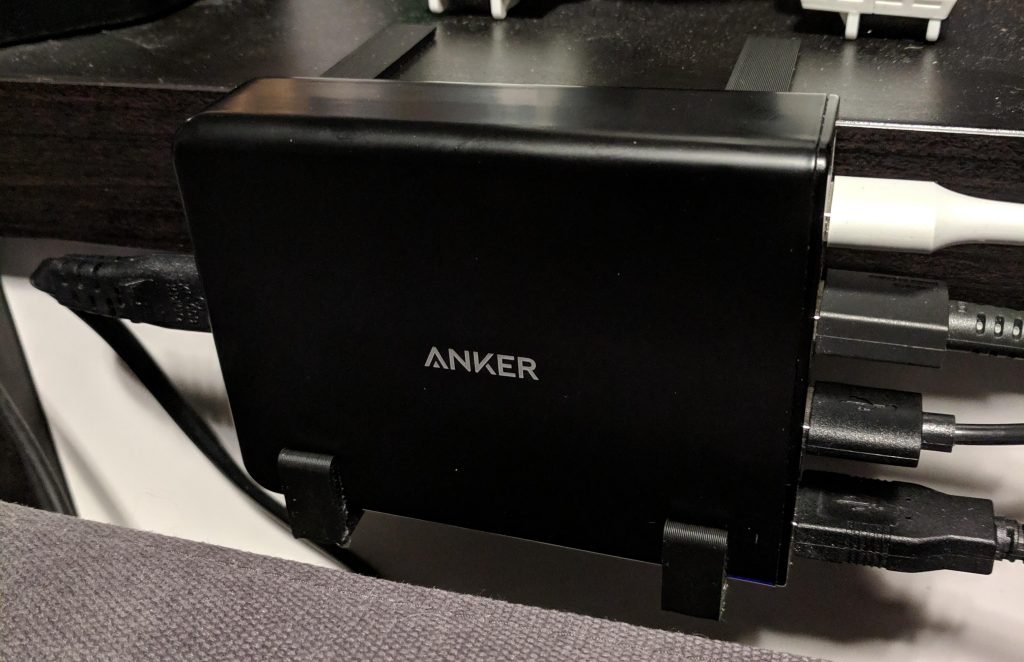
Custom clips designed to hold my Anker USB charger behind the couch.

Filament

I had read a lot about filaments but decided to go with Amazon’s filament, which is cheap and comes in a variety of colors. I’ve only used the black so far, but I’ve had no problems with it. I’m definitely not an expert, but it seems like a fine filament for most uses.

I bought a 3-pack of Amazon’s black filament (which I can’t find on their site anymore), which brought the price per spool to $13.19, which is a fantastic price. Their other colors are about $17-$18 per spool, which is a great price compared to most other filaments. I’ve already spent about $200 in filament to get a variety of colors, but the cost would have been much higher buying other filaments.

I’ve also bought a spool of glow-in-the-dark and rainbow filaments to try out. It turns out there are a lot of options with filaments: matte, glossy, rainbow, glow-in-the-dark, color-changing, metal or wood colored, and even actual metal or wood (there’s shavings or something in the filament; but I’ve heard these can clog nozzles pretty easily).

Monitoring and Remote Control

With some long prints, I want to be able to monitor and control things remotely so I can kick something off before I head to work and keep an eye on it throughout the day. It turns out there’s an OS for the Raspberry Pi called OctoPi designed to do just that. I bought a Raspberry Pi 3 B+ kit on Amazon and installed OctoPi on it, and it’s hooked up to my printer and I’ve been able to control it through OctoPi’s web interface. My router is giving me some problems right now, however, so I haven’t been able to access it from outside my LAN.

I also bought a cheap internet-connected camera from Amazon: the Wyze Cam. It’s a decent little camera. However, after I bought it, I learned that OctoPi can control webcams and make time-lapses automatically, so I’ll likely be buying another camera just for that purpose, assuming I can’t find one of my ancient webcams around here.

Categories
Games

Rift Core 2.0

I was recently playing some new VR games (Scanner Sombre and Psychonauts and The Rhombus of Ruin), and found the Oculus interfaces have seen a major upgrade – both Home and their dashboard are much nicer now. Since it’s been a pretty pleasant experience, I decided I’d write a quick post about it.

Your Virtual Home

Oculus Home used to be very boring. It was a pretty environment for you to stand in place and view the store and your library. I enjoyed my SteamVR home much more – you could customize everything and viewing your library was a small part of what your home was. SteamVR still has some advantages over Oculus Home (there’s scavenger-hunt like stuff in different worlds, and some of the informational screens in the home are more useful), but Oculus Home is quickly becoming just as good (if not better).

First off, your Oculus home is now customizable. The shape of the home is always the same, but you can change the ceiling, floors, walls, and items in the room. I changed mine to a sci-fi looking home that looks out on a sun and planets. Within the space, you can place decorations like tables, shelves, seating, lamps, and plants to make it your own. There are also several “toys” you can place, like a blaster, a bow, and targets to shoot at. You can also place a VR game console and cartridges based on the games you own. You can put a game in the console to launch it. It’s a fun way to interact with your library. And just like Steam, you can unlock new items over time, mostly just by playing.

You can also place TV screens and add a stream to them. Currently I can only add my desktop, but I could see this being used to display Twitch streams or YouTube videos (if they ever do something like that).

I don’t often make use of the social aspects in most VR games (or any game, really), but you can also invite other people to your Oculus Home and interact with them. Steam has done the same for a while now, but it’s nice to see Oculus finally catching up.

The new Dashboard – “Dash”

Along with the home update came a change to the dashboard you can bring up while in games. The old dashboard was dull – a flat panel in a big empty room. The new dash is still in a big empty room, but you now have an arc of buttons that float in front of you (like Windows’ taskbar), and you can easily navigate to the store, your library, social areas, or back to your home.

My favorite part of the new dashboard is the virtual desktop they’ve added. This was always an area where Steam was way ahead – being able to interact with your desktop within VR was necessary sometimes; I even bought a virtual desktop application a few years back when Oculus didn’t have their own. The virtual desktop Oculus implemented is easy to use and fits in with the rest of their new Dash UI very well. There’s even a beta feature where you can pull windows off your virtual desktop into their own VR windows. I can now edit spreadsheets in 3D! Apparently you can also pin windows so they stay visible while playing other games. I can watch Netflix in my spaceship in Elite or watch YouTube tutorials while I play a game.

Another feature that I really enjoyed was a simple VR watch you can strap to your virtual wrist. It shows the date and time and has a few buttons for quick navigation to some areas (like notifications). It’s a little touch that’s really nice to have. Unfortunately, it only shows up when you’re using the new dashboard or in your home.

I’ve also noticed Oculus will track any VR application you run, bought from the Oculus Store or not. This is great because I can now easily launch my Steam games without having to launch SteamVR first. If I could link my Steam library to Oculus somehow, I’d probably never need to launch SteamVR again (unless I wanted to, of course).

With the new UI, I’m actually much happier with the Oculus experience. Steam was certainly faster to make the home experience better, but I’m happy to see Oculus finally catching up. In the past, I’ve really only used the default Oculus apps until I got SteamVR running. Now, I’ll probably stick within Oculus’ realm most of the time. Which was probably the goal to begin with.

Categories
Games

Games of 2018

It’s been a few years since I kept track of the games I played over a year and what I thought of them. I’d like to get back to that, if just to give me more opportunities to write something. I didn’t keep track of everything I played in 2018, so this list is mostly the highlights from 2018 (or at least what I can remember).

Legend
🌟 Beat the game.
🏆 100% cleared the game, including all achievements.
👍 Recommended if you haven’t played it.
👎 Avoid it. It’s terrible.

PS4

Spider-Man 👍
One of the best games this year. Insomniac nailed the web-slinging and it feels great just to swing around the city. This game made me feel like Spider-Man.

Dad of Boy God of War 👍
Still haven’t managed to finish this one, but it won GOTY, so it must be good, right?

Shadow of the Colossus

Okami HD

Switch

Super Smash Bros. Ultimate 👍
Aptly named – I feel like this is the perfect way to play Smash Bros. It’s got loads of content and the Switch is the perfect platform: you can start it up, play a few matches, then put it down and pick up right where you left off.

Starlink – Battle for Atlas
I wasn’t sure what to expect of this game, but I kept hearing it was a cross between Star Fox and No Man’s Sky. That was enough to get me interested, but the toy Arwing you get with the Switch was what pushed it over the top. It’s fun to change the equipment on your physical toy and see the game respond to it, but the toys aren’t really that important to the game. Unfortunately, if you want more equipment, you have to buy those toys.

Mario and Rabbids Kingdom Battle

Kirby Star Allies

PC

Oxygen Not Included
The only game that has come close to topping Kerbal Space Program in total play time. This game is cute, fun, tough, and science-y. There’s never really a point in this game where you can sit back and relax – there’s always some new problem you need to work on. And the number of ways you can solve problems is amazing.

Surviving Mars
Came back to this after some time away and some new DLC. Still fun and scratches the same itch that Oxygen Not Included does.

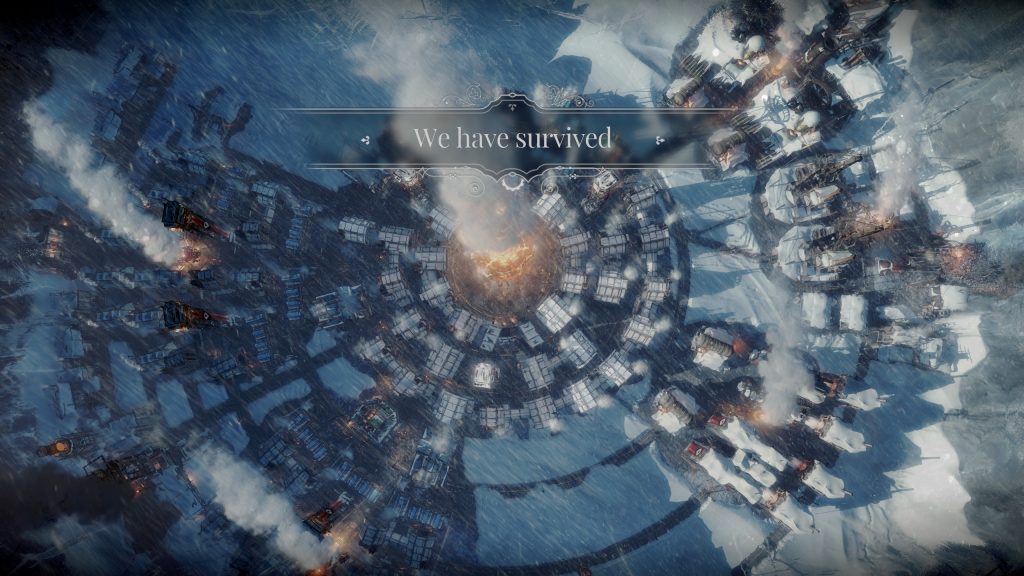
About the best you can hope for.

Frostpunk 👍
Yet another survival strategy game. (I’m sensing a theme…) Frostpunk is hard. It’s from the creators of This War of Mine and is similarly brutal. Victory in this game is marked by a message simply stating, “We have survived”

The Universim
A mix of Populous and Civilization. Still early in development, it’s a fun little game where you play as “The Creator”, helping a tribe of “Nuggets” grow and thrive, eventually progressing through technological eras and into space. It’s a bit ambitious, but it’s doing well so far.

They’ll never see it coming.

Bomber Crew
This game took me a bit by surprise. I watched the videos and thought it looked pretty good, and when I bought it, it didn’t disappoint. You get to manage your own WWII-era bomber and crew, and send your bomber out on missions to earn money to purchase upgrades and hire more crew members. Surprisingly fun, and can be pretty tough.

I just wish I wasn’t so scared to fly it.

Elite: Dangerous
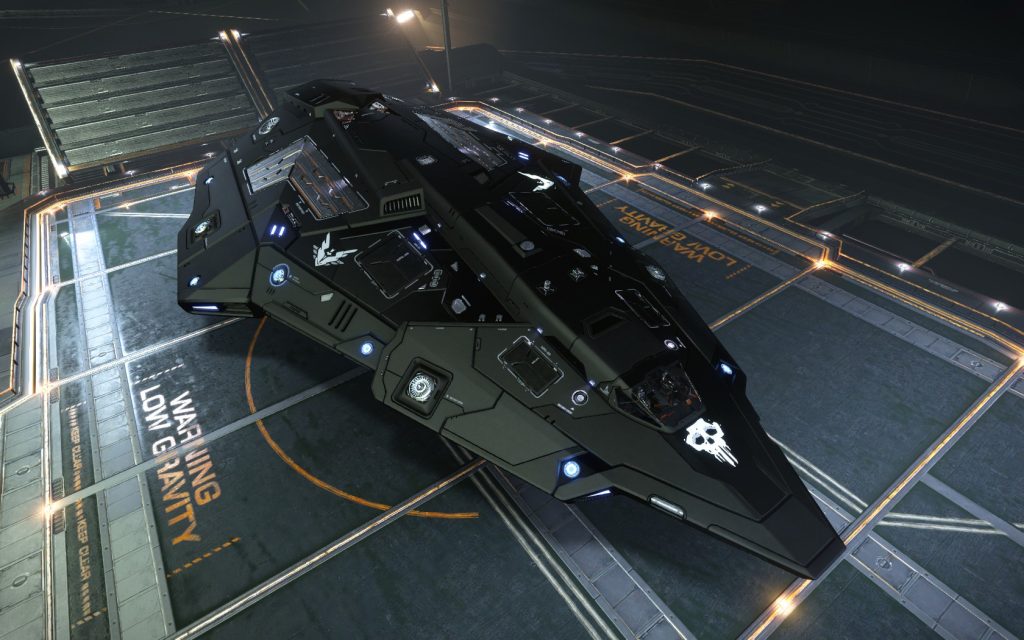
I need to play this more often. I finally have a nice ship to work with, but I need to do some upgrading.

Two Point Hospital 👍
It’s Theme Hospital in all but name!

I Expect You To Die 👍
The best VR game I’ve played. It’s funny, it has a catchy theme song, and it’s fun to play. My only complaint is that it’s a bit short; I would love to see more levels added as DLC.

Interkosmos 👍
Speaking of funny VR games, Interkosmos is a hilarious, chaotic, and sometimes terrifying experience.

Subnautica
Subnautica saw its official release this year. I refuse to play this in VR.

Into The Breach

BattleTech
A great turn-based strategy game. I just wish I was better at it.

No Man’s Sky
I’ve always liked No Man’s Sky, even when it was just a chill single-player galaxy exploration game. I’m just glad everyone else is getting to enjoy it now. And the updates have made a huge difference – it is far better than it was.

Star Control: Origins
It’s good old Star Control.

Tabletop

I haven’t included tabletop games in the past, but I have a lot of them and enjoy playing them, so it seemed like an appropriate section to add.

Splendor 👍
I’ve owned this one for a while and recently played it with some new people. Still a fantastic game.

Sagrada 👍
It’s a puzzle game in board game form with pretty dice. Easy and fun.

Azul 👍
Got this one for my wife for Christmas. It’s a lot like Sagrada – easy to play, colorful, great components. There’s a reason why it has won so many awards.

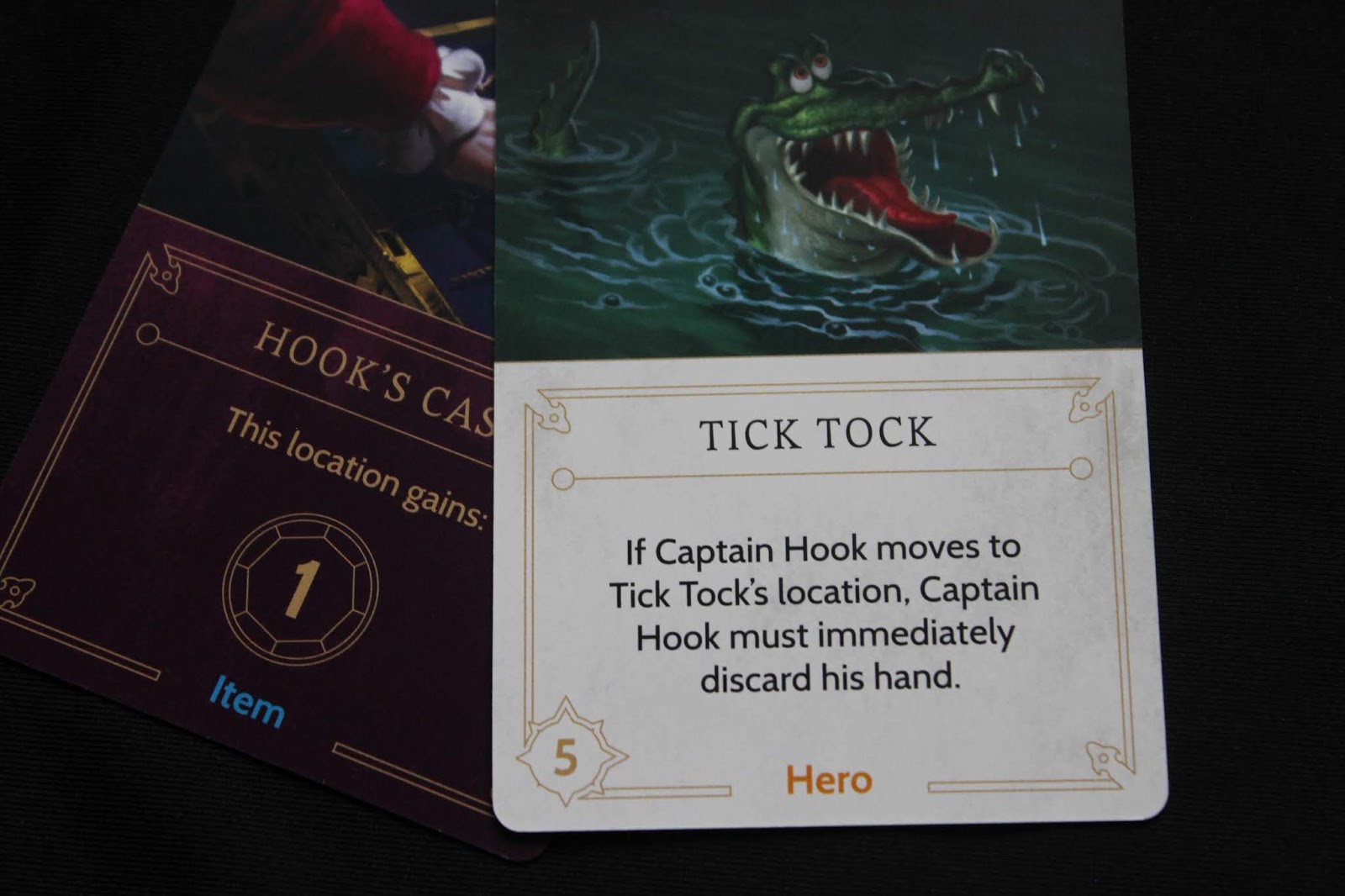
Tick Tock is my favorite card in Villainous.

Villainous
I was thinking about getting this for my wife but I hesitated since it’s a board game about Disney IPs. I started hearing some good things about it so I bought it. Turns out it’s really fun. Each player has a completely different goal (which makes it difficult to help other players in the first game) and can meddle in other villain’s realms to slow them down. Knowing the films makes the goals easier to understand and makes the game a bit more fun. I played Captain Hook and murdered Peter Pan just before Jafar managed to get the Magic Lamp to the Sultan’s Palace.

Photosynthesis
A game about growing trees. Great components and a pleasant theme.

Roll for the Galaxy 👍
I’ve owned this for a while and finally got a chance to play it with my brother over the holidays. It’s a cross between Race for the Galaxy and Yahtzee. Much easier than actual Race for the Galaxy, but still manages to capture a lot of the depth of the original.

Talisman 👎
Played the physical version of this recently after playing the digital version a while back. Personally, I think Talisman is a very poorly designed game. There are some spaces on the board that are only there to slow down progression, and there’s too much random luck involved.

Mysterium
This is a great co-op game, though I’d never want to be the ghost. Too much pressure.

Marrying Mr. Darcy
I can’t stand Pride and Prejudice, but this game is actually a lot of fun.

Potion Explosion
The marbles in this game always make it fun.

Scoville
The names of the creations in this chili-making game are part of the fun.

Terraforming Mars
Great game with a lot of depth. I need to play this one more often.

Joking Hazard
Better than Cards Against Humanity.

Fire of Eidolon
A co-op game in a small box with an 8-bit art style. There’s a lot of nostalgia baked in, but it’s also a decent yet simple dungeon crawler.

Knit Wit

Ladies and Gentlemen

Kingdomino

Lanterns

Tiny Epic Zombies

Tiny Epic Defenders

Scythe
Played a short learning game with my wife. I’d like to play a full game at some point.

Loonacy

Spaceteam

Exploding Kittens

Bears vs Babies

Flash Point

Magic Maze

Illimat

Categories
Development

Cloud Blogging

Time for an update on my adventure in cloud hosting my blog. It’s been less than a week, but I think I’ve found a clear winner. (For my purposes, at least.)

Cost

To run my blog, I need a VM to serve it, some disk storage, and a DNS to point my website at it. The total costs in Azure and GCP come out something like this:

AzureGCP
VM$9.50
(with 1GB storage)
$13.80
(with 30GB storage)
Storage$0.00 (included in VM)$0.00 (included in VM)
DNS
(1 zone, 1M queries)
$0.90$0.60
Total Monthly$10.40$14.40

By those numbers, GCP is more expensive. However, both Azure and GCP offer a free tier. Unfortunately, Azure won’t let you use a custom domain for a free-tier application. And since “shawnweaver-blog.azurewebsites.net” just doesn’t roll off the tongue like “blog.shawnweaver.com”, I want to use a custom domain, which means Azure’s $10.40 cost is basically the minimum. GCP, on the other hand, doesn’t have this restriction, making the total cost of the VM and storage $0.00, leaving only the $0.60 for the DNS, which makes GCP the clear winner. (The paid-tier VM from Azure is obviously more powerful, but I don’t need that power, so it’s a moot point.)

In addition, GCP charges for use whereas Azure charges per application. This means that if I have my blog set up in an app service but leave it turned off all month, I still pay the whole $9.50. With GCP, I’d be charged nothing for the VM if it wasn’t running (I’d pay only for the storage). This just seems ridiculous and I’m not sure why Azure works that way.

GCP lets you set budgets and alerts as well, to help make sure you don’t blow your budget by accident. Azure appears to have some cost management features, but they’re currently limited to enterprise agreements (support for other plans is supposed to be coming soon).

On top of all this, GCP also has something called a “sustained use discount” – the longer something runs, the less you pay for it. This seems especially targeted at VMs that run constantly, though it applies to anything. As long as I’m using the free-tier resources, this won’t really matter, but if I ever want to play with some new technologies, it might come in handy.

Usability

Both Azure and GCP offer a lot of the same options, so I’m not going to compare them individually. Instead, I’m going to focus on some of the little things that I’m actually interested in.

Azure seems to have some more power in the UI; I don’t need to drop to a command line to do some common tasks. GCP requires a command line for anything beyond the basics. Both Azure and GCP have a cloud console where you can perform all sorts of actions, and they both have a nice customizable dashboard to monitor whatever you want.

Azure and GCP both have a pretty easily navigable interface, though Azure makes it very easy to just start adding something new; GCP takes an extra click or two. They both have a marketplace full of ready-made resources (like WordPress deployments).

The mobile apps for Azure and GCP are pretty similar, but GCP’s seems more robust. With Azure’s mobile app, you’re limited to checking the status of resources, starting and stopping resources, and using the cloud shell. In GCP’s app you can do all those things, but can also manage those resources much better – you can create disk snapshots and download files from storage, for instance (and I assume the other products have similar control through the app). I also find GCP’s app generally easier to navigate; in general, it just feels a bit more modern.

Summary

I prefer how GCP works and charges for use. It fits my budget and how I plan to use everything – short bursts of use and development instead of running constantly. A few things were easier to set up (like hosting static web pages with a custom URL), and I can expect any tinkering I do to cost a lot less than it would on Azure.

What about AWS?

I looked at their pricing calculator and cringed (it seriously looks like it’s from the 90s). And when I clicked their “Free Website on AWS” example and it showed my estimated monthly cost of $594.97, I was pretty much done (why their “free website” preset uses XL VMs, I don’t know). Feature-wise, it looks like AWS is more-or-less equivalent to Azure and GCP, and their pricing sounds more like GCP than Azure. I was just immediately turned away by their site and cost calculator.

Side note:

Why does everyone have to use their own terms for all this stuff? Azure has “App Services”, GCP has “Compute Engine”, and AWS has “EC2”. They’re all cloud VMs. It’s incredibly annoying trying to figure out what’s what when moving between these services.

Categories
Development

Google Cloud Platform

I decided while I was tinkering with Azure, I’d give Google’s Cloud Platform a test, too, and see which is best for what I need – simple, easy hosting for a low price, with some room to play and grow (for a similarly low price).

Looking over Google’s pricing, it seems like I should be able to host my blog for pennies since it’s so low traffic. The big difference between Azure and GCP seems to be how they charge. Google charges based on use – their billing model indicates that they charge for a minimum of 1 minute, and after that charge per second of use. At worst, it looks like I’d pay $15/month to use my blog VM for the entire month; which is extremely unlikely. Azure, on the other hand, charges for the application, so regardless of how much an application is used, you pay as if it ran the entire month. Regardless, Google provides a nice $300 credit for the first 12 months, so I can figure things out as I go. (Azure provides a $200 credit for the first month, so Google’s credit is much nicer here.)

I’ll say that Google’s management site is a lot prettier than Azure’s (more modern-looking with Google’s Material Design), but basically has all the same stuff. Like Azure, they had a WordPress template I could install and start using right away, and I migrated my content across to it. Setting up a redirect seems to work as well, and unlike Azure, GCP doesn’t appear to have any limitations on what projects can be given a custom domain. If that’s the case, I’ll likely be moving entirely to Google soon, as I have several small projects I’d like to give a custom address under my domain name. On Azure, I’d be paying about $10/month per project – whether that project is running or not – just to be able to give that project a nice URL.

The only issue I’ve had with Azure was with their pricing as I ran my blog and learned more about how they charge. Since they charge per resource (application, database, storage, etc.), you have to pay whether you use it or not. Google, on the other hand, appears to only charge based on use. If your application is bursty like my blog (only needs to run when I’m actually working on it, or when people are reading it), Google seems like the superior platform cost-wise. In addition, Azure forcing me to use a paid-tier just to give my application a nice URL on my domain is difficult to accept. With Google, my basic-tier VM has an IP address I can set up with an A record and everything just works.

It looks like Google has just as much capacity to scale as well. I can upgrade or downgrade my blog VM by stopping it and changing the machine type.

My assumption is it has to do with how the “clouds” are handled between Azure and GCP. With Azure, it seems like you’re dedicating specific hardware resources to an application (even in their “shared” tiers), while with GCP you’re making use of a big “cloud” of vCPUs and memory. If that’s the case, it seems like GCP is more like how I’d expect “cloud” hardware to work. It makes Azure feel a bit old-school… Though this is still all automatic hardware management and virtualization distributed across multiple regions, so they’re both very state-of-the-art in that regard.

I’ll post again once I’ve had more chance to compare the costs between GCP and Azure. Right now, GCP seems like it’s going to be the winner. I’ve only been with Azure a few days, but I’ve already racked up $12 in costs by running application services I wasn’t using (under the false impression that I wouldn’t pay if I wasn’t using them), and using a MySQL database resource for my blog (which could have been run in the application service for no extra charge). It’s only been a day with GCP, but my total cost so far is 20 cents. If the trend continues, I’m still only looking at maybe $6 with GCP, which would be on the high end since I’m spending a lot more time on my blog with all this tinkering I’m doing…

Categories
Development

Moving to Azure

I’ve been thinking about moving my website to Azure for some time now, and when my web hosting provider decided to move me to a higher-priced plan without telling me, I decided it was a good time to make the switch. Moving my blog here has been incredibly easy, and Azure opens up a lot of opportunities for development.

Even as a developer, Azure can be a bit intimidating. Azure is an incredibly powerful platform; you can run VMs, run bits of code at large scale and blazing speeds, you can create triggers to, say, process files when they’re uploaded. That’s really only scratching the surface, but my point is there is a lot you can do. Microsoft has packed all that in a relatively easy to use interface, but it can still be difficult to navigate at first simply because there’s so much.

Fortunately, there’s a WordPress app service template that you can set up in a few clicks. Within seconds, you have a fresh WordPress install. Moving my content to the new site was easy because WordPress is awesome and has a fantastic backup and restore tool built-in.

Getting my DNS settings configured properly took a little longer, but I managed to fumble through it. After I created a DNS zone in Azure and switched to their DNS servers, I was able to configure all my entries within Azure, so I don’t even have to go to my domain provider to fiddle with them anymore.

All this power and the possibilities don’t exactly come cheap. My previous hosting plan was about $10/month (which they were raising to $12/month), and hosting just my blog on a shared plan (so I can use my domain name) will cost about $9.50/month, not including the database (which I can probably move to save some additional money). There’s a free tier you can use for development and testing, but you can’t use a custom domain to access the application (you have to use your azurewebsites.net address), so it’s not the best option if you’re trying to host something more publicly available.

Overall I’m satisfied with this initial step into Azure. The chance to work on some more interesting projects will be fun, and the ability to easily scale if I ever develop something successful is nice. I’ll try Azure for at least a few months and see if it’s the right place for me.