I’ve been playing Starfield practically non-stop since the early release on September 1st. After 200 hours, I feel like I’ve seen most of what Starfield offers, so it’s probably time for a review.
Here’s the short version: I love it.
Preparing for Launch
Let’s start with some assumptions and expectations I had going into the game:
First off, this is a Bethesda RPG. While Starfield is a new IP with its own style, there are definitely parts that feel like The Elder Scrolls or Fallout. Like those other games, there’s a big open world, plenty of places to explore, people to talk to, quests to complete. For me, those are all selling points. I also expected to spend most of the game over-encumbered.
The game Starfield keeps getting compared to is No Man’s Sky. I also love No Man’s Sky, but there are some valid criticisms that apply to both games. Those criticisms generally boil down to: space is big and boring. But if you find the journey itself exciting, then you’ll enjoy this type of game.
The live action teaser for Starfield did a great job of setting up my expectations: this is a game about exploration and discovery. If you’re expecting high action and excitement at every turn, this is not your game.
Into The Starfield
While I tried to keep my hope and excitement to a minimum before release, I found it difficult. I pre-ordered the premium edition so I could start playing early. I had the entire week off (by coincidence – I had to use up some vacation time), so I was ready to dig in. And what I got largely met my expectations.
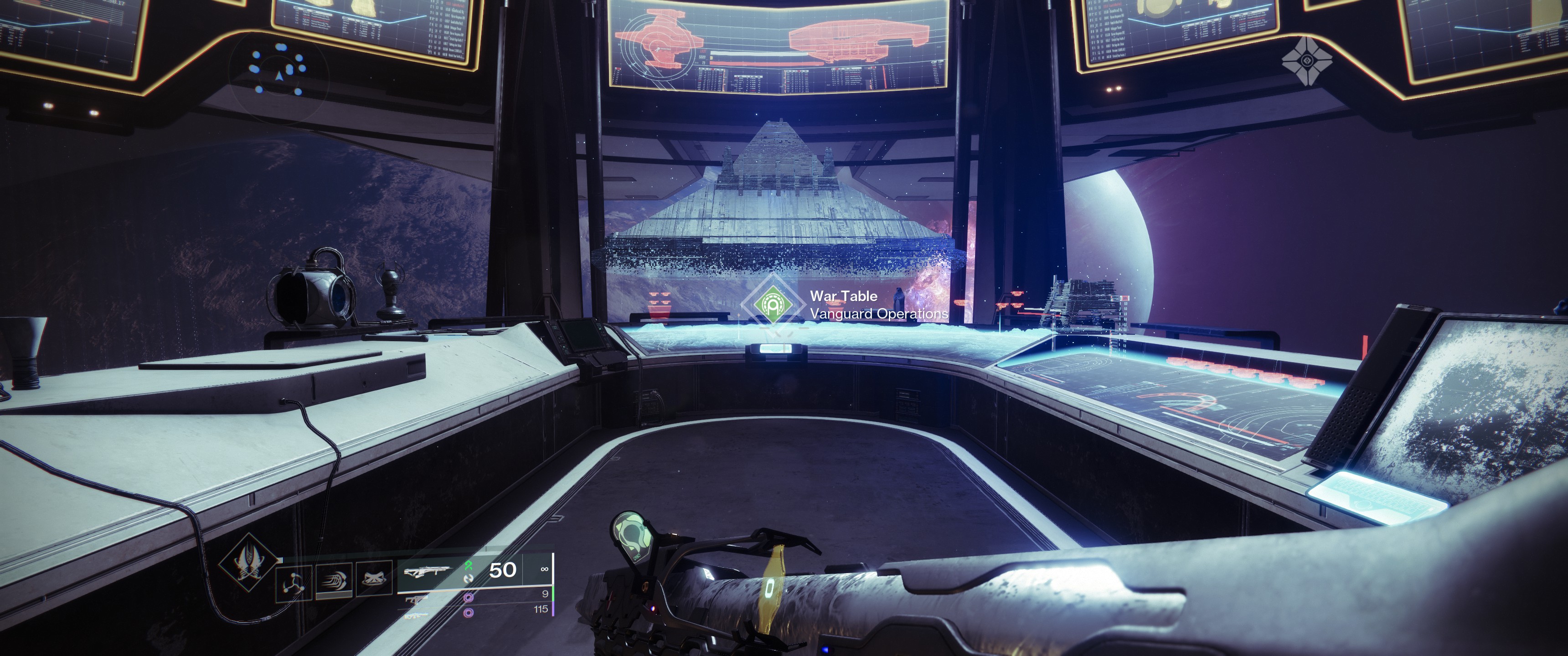
Starfield drops you into the story right away, and like all Bethesda RPGs, you’re left to your own devices after a few short objectives. After arriving at the Lodge and officially joining Constellation, I explored New Atlantis and ended up joining the Vanguard, which was the first major questline that I spent time completing. I highly recommend joining the Vanguard early, as there’s a museum of sorts that details the background of the game (though biased from the United Colony’s perspective).
Breaking Ground
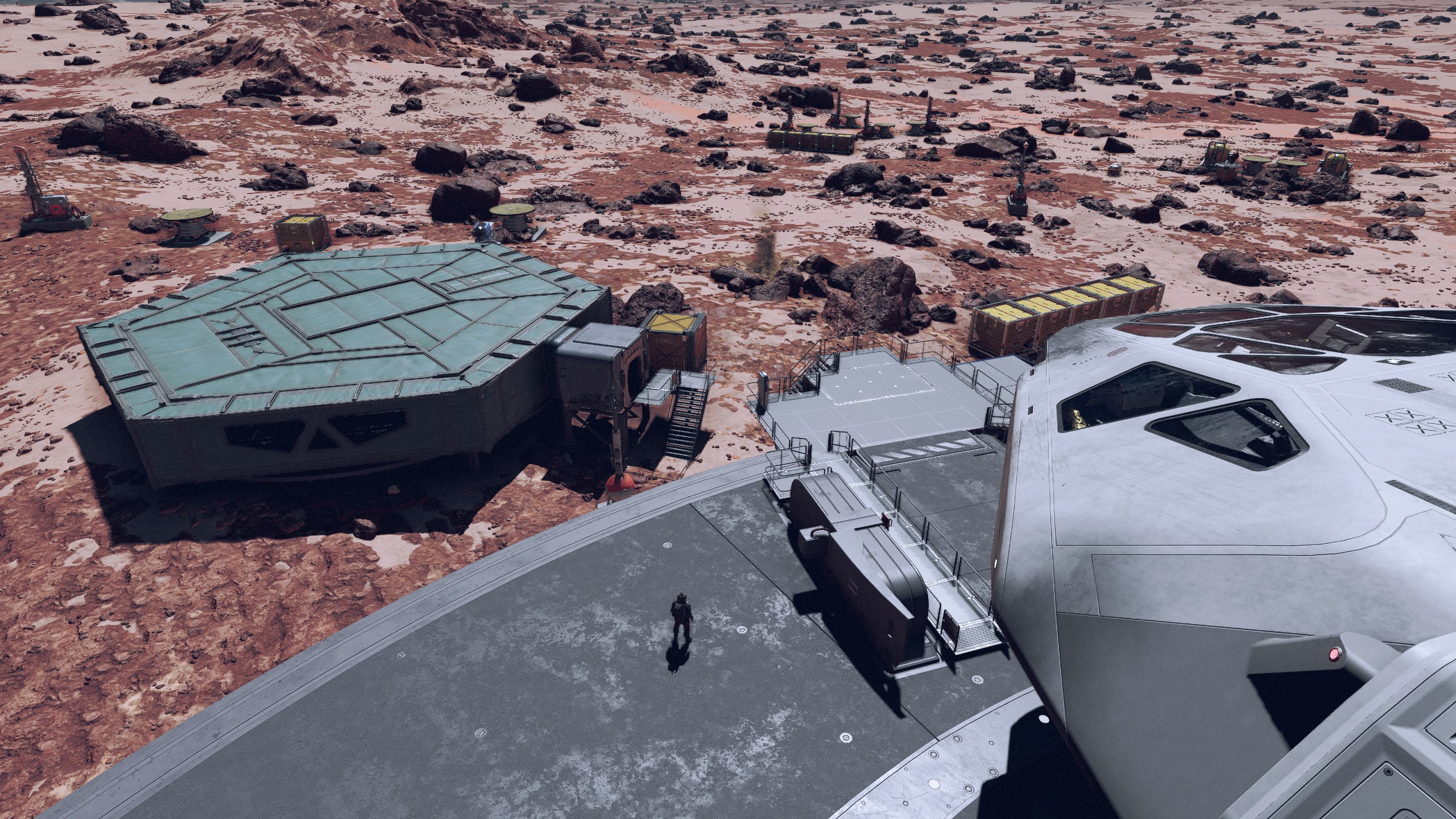
After spending some time in the Vanguard questline, I decided to work on building an outpost. I spent several hours exploring a few planets for a good area to start in, and eventually settled on an area with a decent mix of starting resources; I didn’t find exactly what I wanted, but I had spent hours trying to find a good spot and decided it was time to move on. The initial outpost building is pretty basic; I’ve only recently unlocked the skills needed to start expanding on my outposts, so it’ll be some time before I’ve learned what’s possible. For now, it’s at least handy to gather some of the rarer resources.
The time I spent exploring wasn’t wasted, however. The generated surfaces in Starfield vary from barren to lush, with various landmarks scattered around. Sometimes this makes planets appear overly populated, with abandoned outposts scattered around every planet and moon you land on. However, these landmarks provide a little fun while exploring random areas – you get the chance to fight off pirates, scour abandoned bases, or find unique planetary features. (You also get a little XP for every one you find.)
Grand Theft Spaceship
While exploring one area, I saw a ship land in the distance and approached to find a group of colonists. Out of curiosity, I approached the landing bay of their ship, picked the lock, then headed to the bridge and took off. I immediately felt guilty and reloaded, but I had a new goal: find a ship full of baddies and take it.
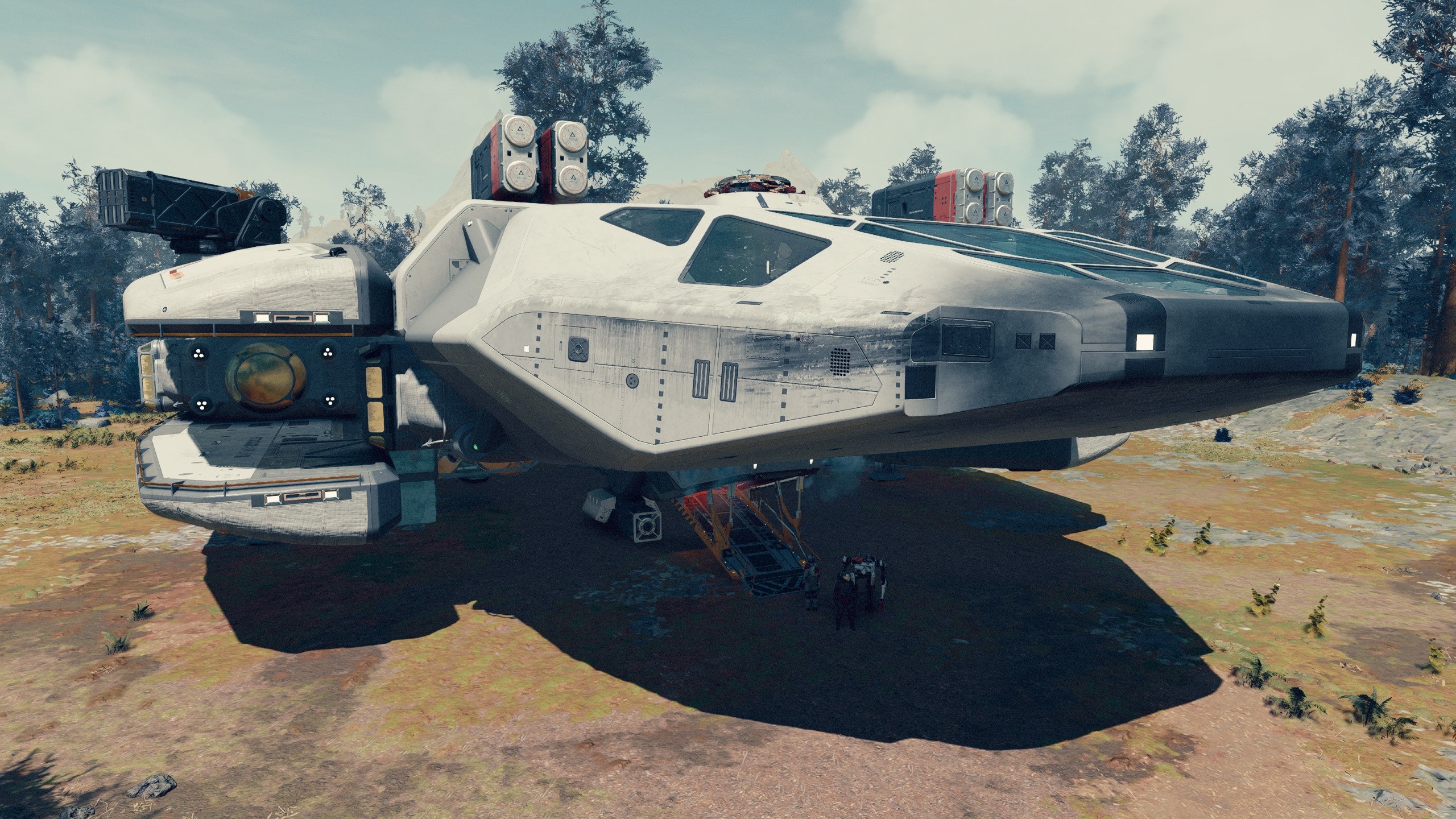
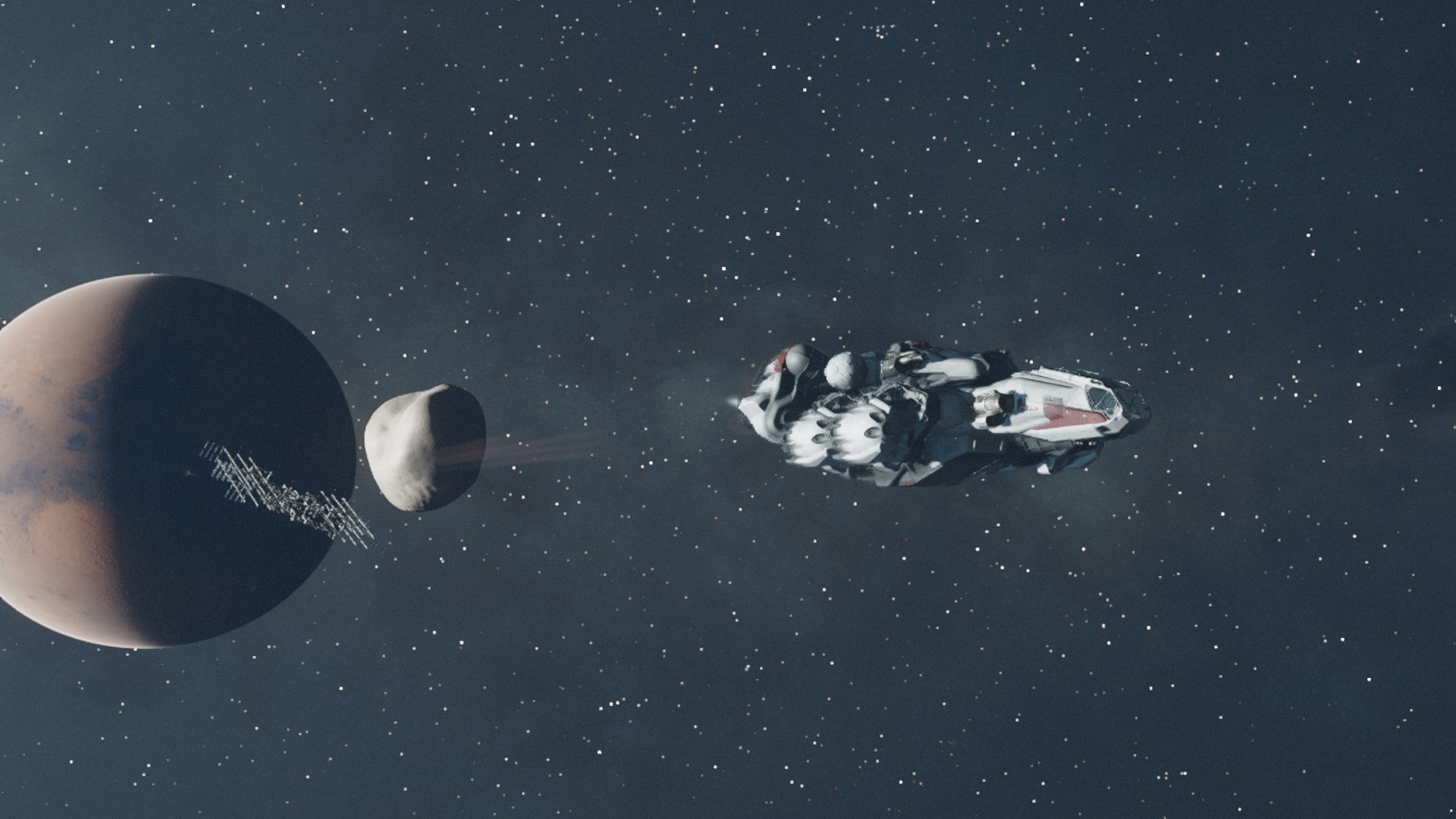
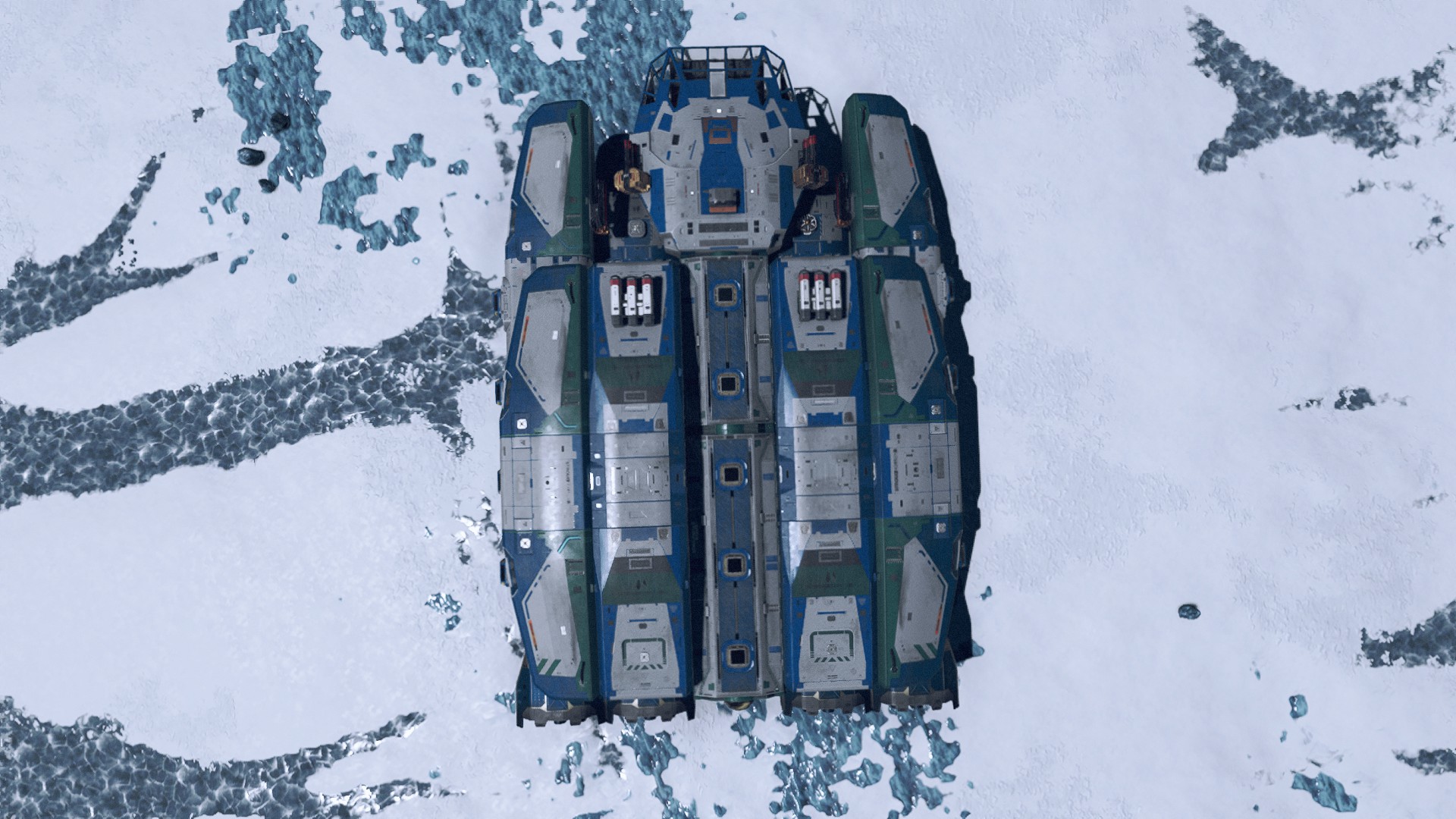
After another hour or two of exploring, a Va’ruun Zealot ship landed nearby; after killing the landing party, picking the lock on the landing bay, and fighting my way to the bridge, I had a fancy new ship to fly. I spent some time sprucing it up and giving it a new paint job, and this became my ship for the majority of the game. (I spent hundreds of thousands of credits on it, upgrading and customizing it as I leveled.)
My ship through the majority of my first playthrough.
I’ve boarded and taken several other ships this way, sometimes with the pilot taking off after I’ve boarded. One time, I boarded a ship, the pilot launched, and the ship was destroyed in space by security forces and I instantly died. I was amazed that whole sequence was even possible.
Finding a new ship relatively early is important in Starfield. The Frontier, while being a decent starter ship, is terrible at everything: it can’t carry much cargo, it’s weapons aren’t very good, and it has a starter grav drive and fuel tank. Luckily, there are several questlines that award ships. (Though by the time I got those rewards, I had already upgraded my stolen ship into exactly what I wanted.)
All Systems Go
Speaking of picking locks, I think some of the minigames in Starfield are the best they’ve ever been. The lockpicking minigame is more of a puzzle, where you’re given a set of picks and have to line them up with the gaps in the lock. The persuasion minigame gives you a set of statements you can make to the target to influence them, and you only succeed if you accumulate enough “points” with your statements. Other social skills can factor into the statements you have available, like you can use your “Manipulation” skills for easy points. It’s far better than the simple numeric checks in past games.
All Aboard
Aside from all the systems, the gameplay, and the quests, there are a lot of characters in Starfield that you interact with. I was enamored with the Constellation group and their joy of exploration. It’s one of the major reasons I love Starfield: it’s not always about action and excitement; sometimes it’s about the simple joy of discovery. This was true of No Man’s Sky, but in Starfield, you’ve got a crew with you that’s just as excited about it as you are.
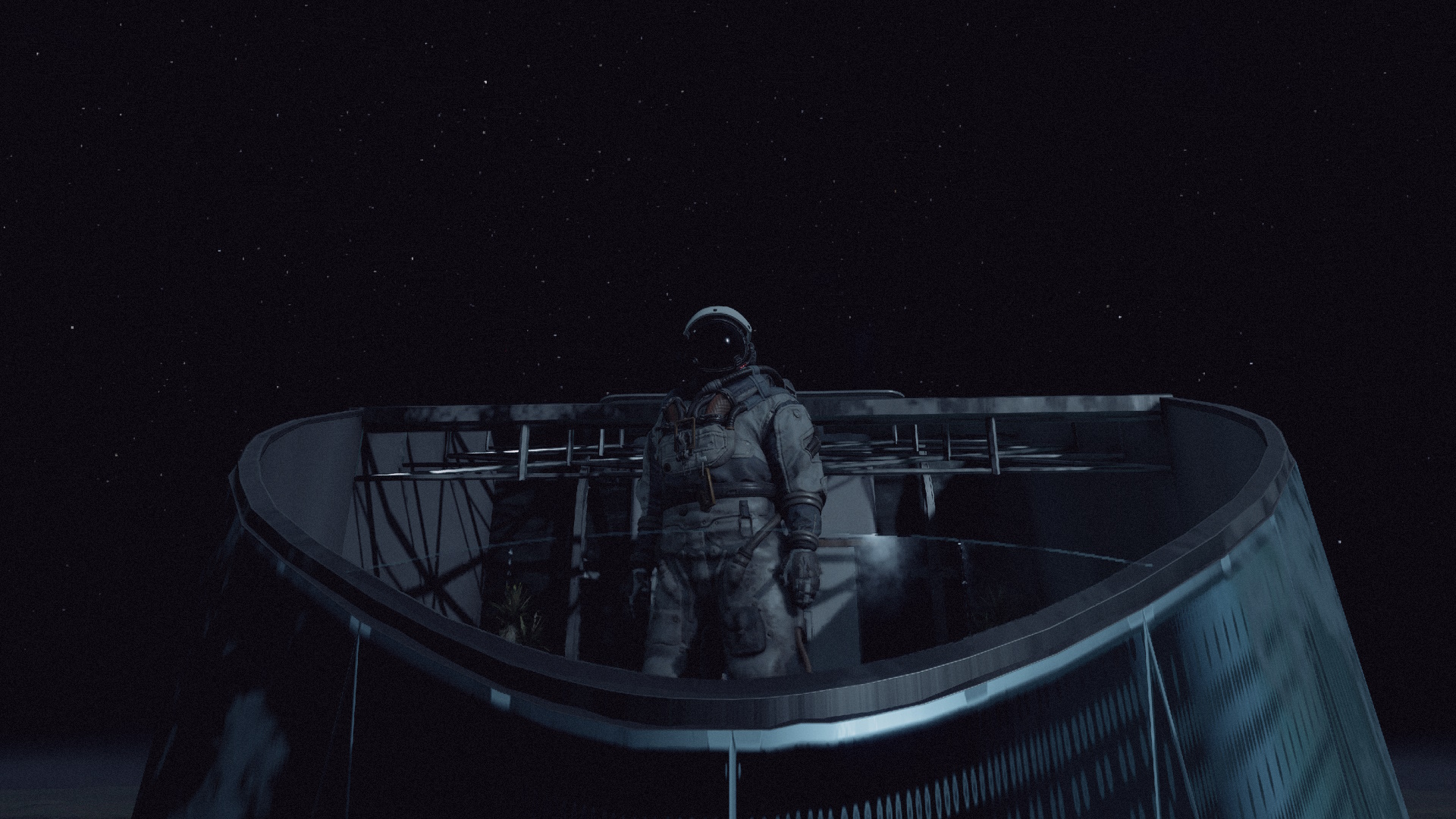
My personal favorite member of Constellation is Vladimir Sall, who spends his time stargazing from The Eye. His piratey turns of phrase make me smile every time I hear them (even after hearing them over and over).
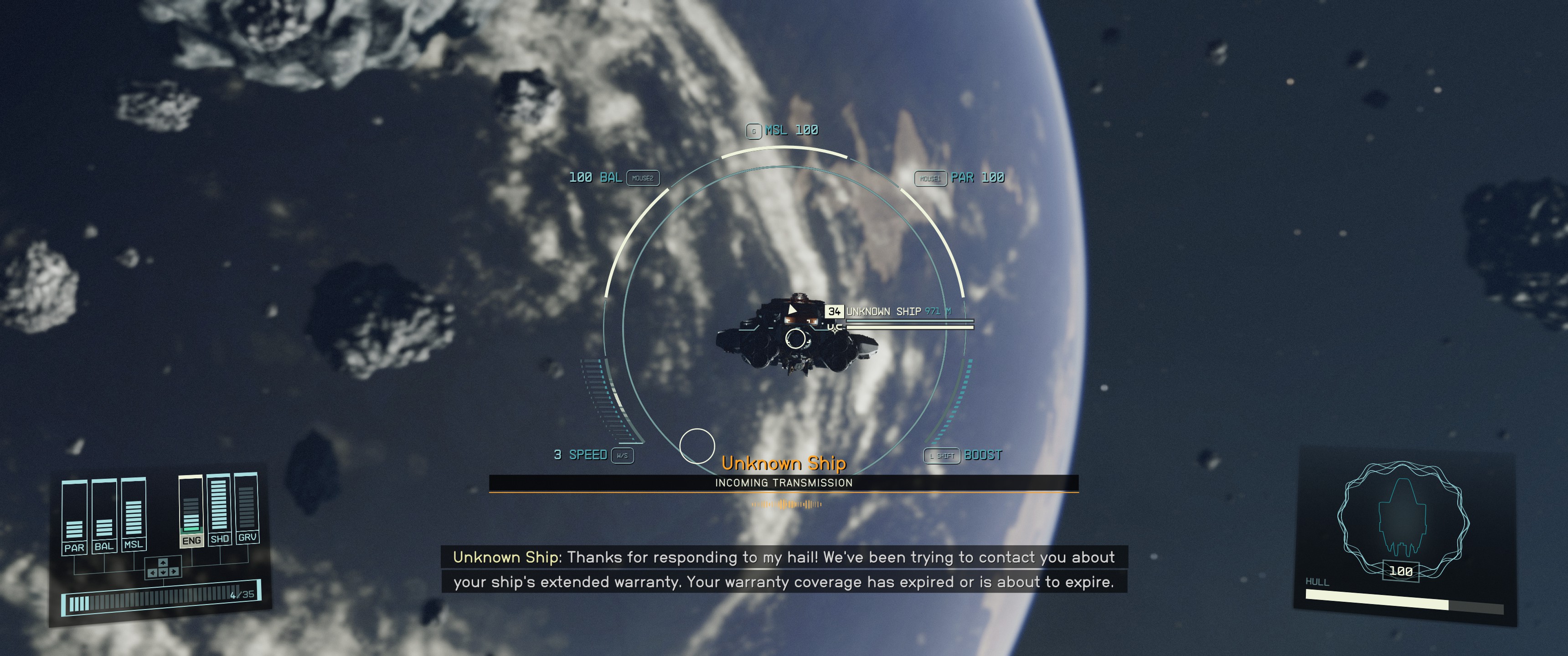
There are also plenty of random encounters throughout the game that are a joy to experience, from a pilot who sings sea shanties over comms to the Starfield equivalent of robocalls.
I’m also lucky enough to have my name be one that Vasco can greet, so I get to hear “Captain Shawn” occasionally as I return to my ship.
And since I’m a giant nerd, I love that several actors in the voice cast are from Star Trek. Armin Shimerman (Quark from DS9) as Water Stroud is great, but I especially love that Nana Visitor (Kira from DS9) and Tim Russ (Tuvok from Voyager) are my mom and dad.
Space Bugs
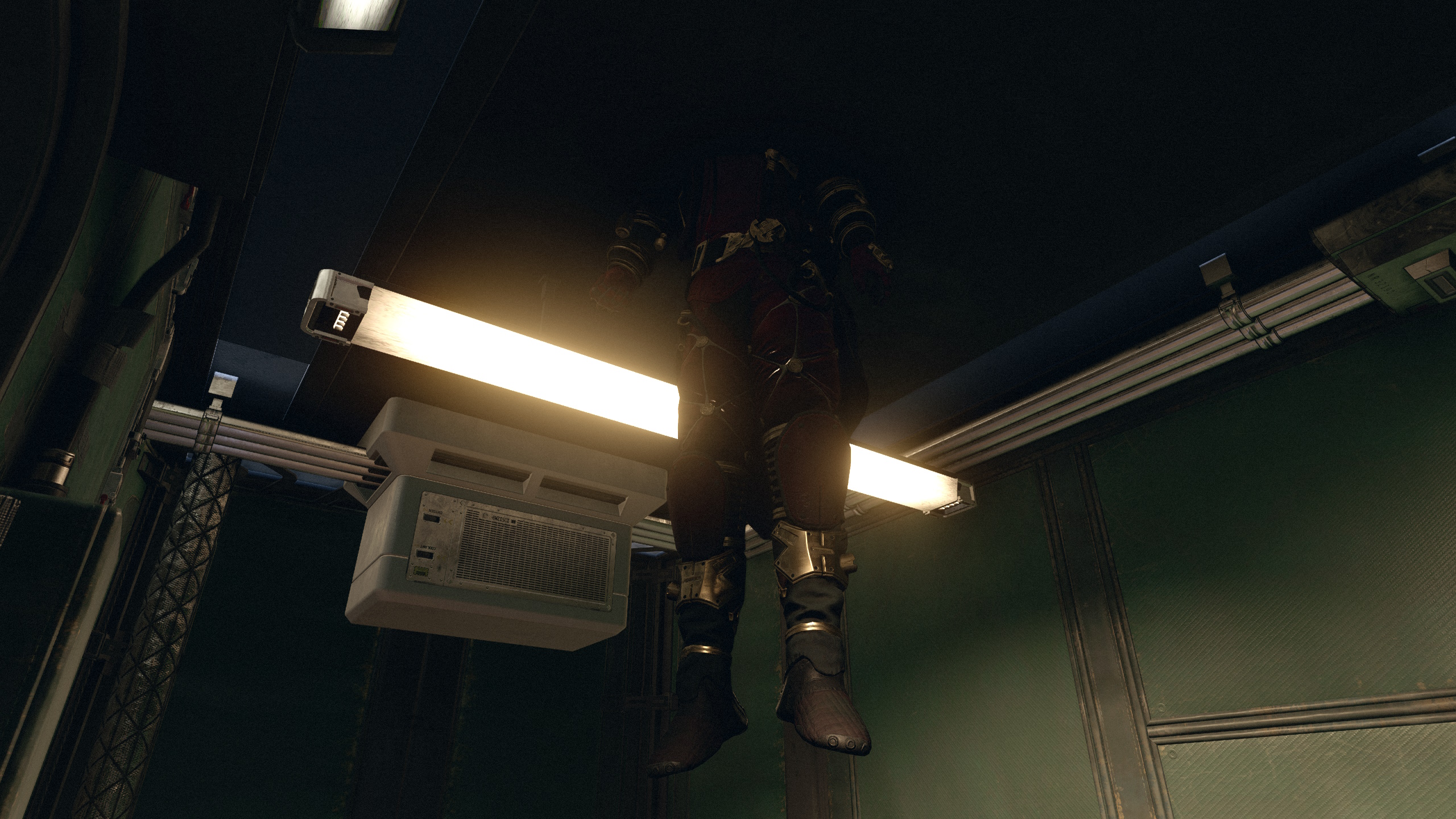
I hit this poor guy’s boost pack indoors.
There was a lot of talk of Starfield being Bethesda’s “most stable” and “most bug-free” game, and I can only think of a handful of bugs I’ve encountered in my entire time with the game. Maybe I’m just lucky, but aside from the odd physics hilarity (like bodies launching into the air), I haven’t experienced many problems. The one annoying bug I’m encountering now is an elevator in The Well in New Atlantis that has stopped working for me.
There are a handful of skill rank objectives that are poorly worded or misguiding, but once you figure out exactly what you need to do (or look it up online), they’re relatively easy to understand.
I think my only other complaint is with shipbuilding. I love how well it works, but I wish I had control over where doors were connected. While I love my ships, I hate that I have to design them a certain way to keep them navigable. If I try to add walkways to make things easily accessible, the game turns my ship into a maze of corridors.
Summary
Overall, I’ve been really happy with Starfield. Sure, there are some annoyances and minor bugs. But overall, it’s a great game. The main questlines are a lot of fun with some great stories. Some of the random side quests feel like they’re straight out of an episode of Star Trek. I can role play as Malcolm Reynolds or become a pirate.
There are really only a few things that I’d really like to see added to the game, and most of those things are ship parts: I’d like to see components that give us stairs to move between levels and ways to better control my internal ship layout. I also wish the player housing had something to make it worthwhile (like unlimited storage), and I wish I could fast-travel directly to my homes.
I also wish there was some way to re-spec my character. The end of the main questline lets you essentially “reset” the game and play again, but there doesn’t appear to be any way to change your character background. I wish there was a way to change my background and traits just to get access to some of the different dialog options.
But all my issues are relatively minor, so I’m hoping to see things expanded in patches and DLC. I’m excited to see how Starfield grows with both official and unofficial content, and if it’s anything like Skyrim, Starfield should have a long life ahead of it.
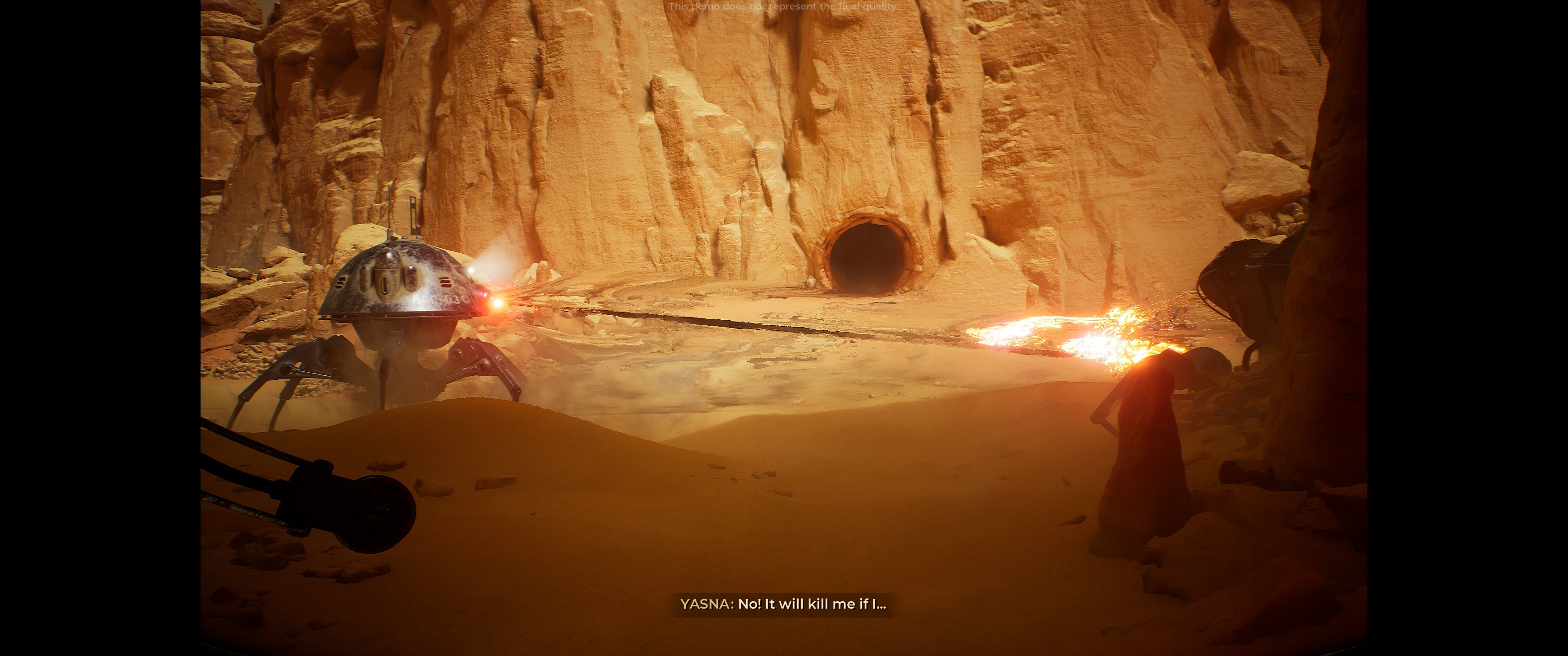
This Next Fest includes some demos for games I’ve eager to play, so without further ado…
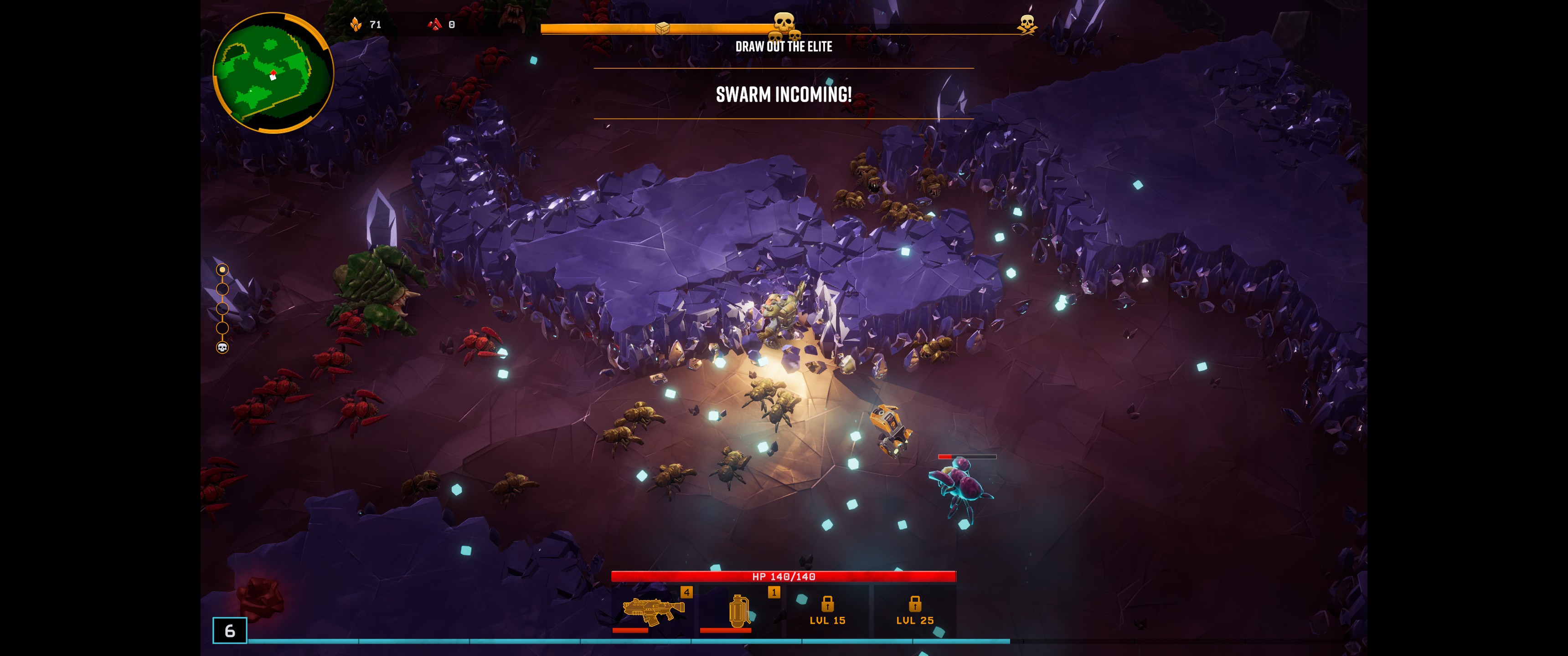
Deep Rock Galactic: Survivor
A Vampire Survivors-like in the Deep Rock Galactic universe. These games are all pretty similar, but I like the shorter levels in this one; makes it easier to pick up and play for a few minutes. Being able to mine through the level to create new paths keeps things interesting.
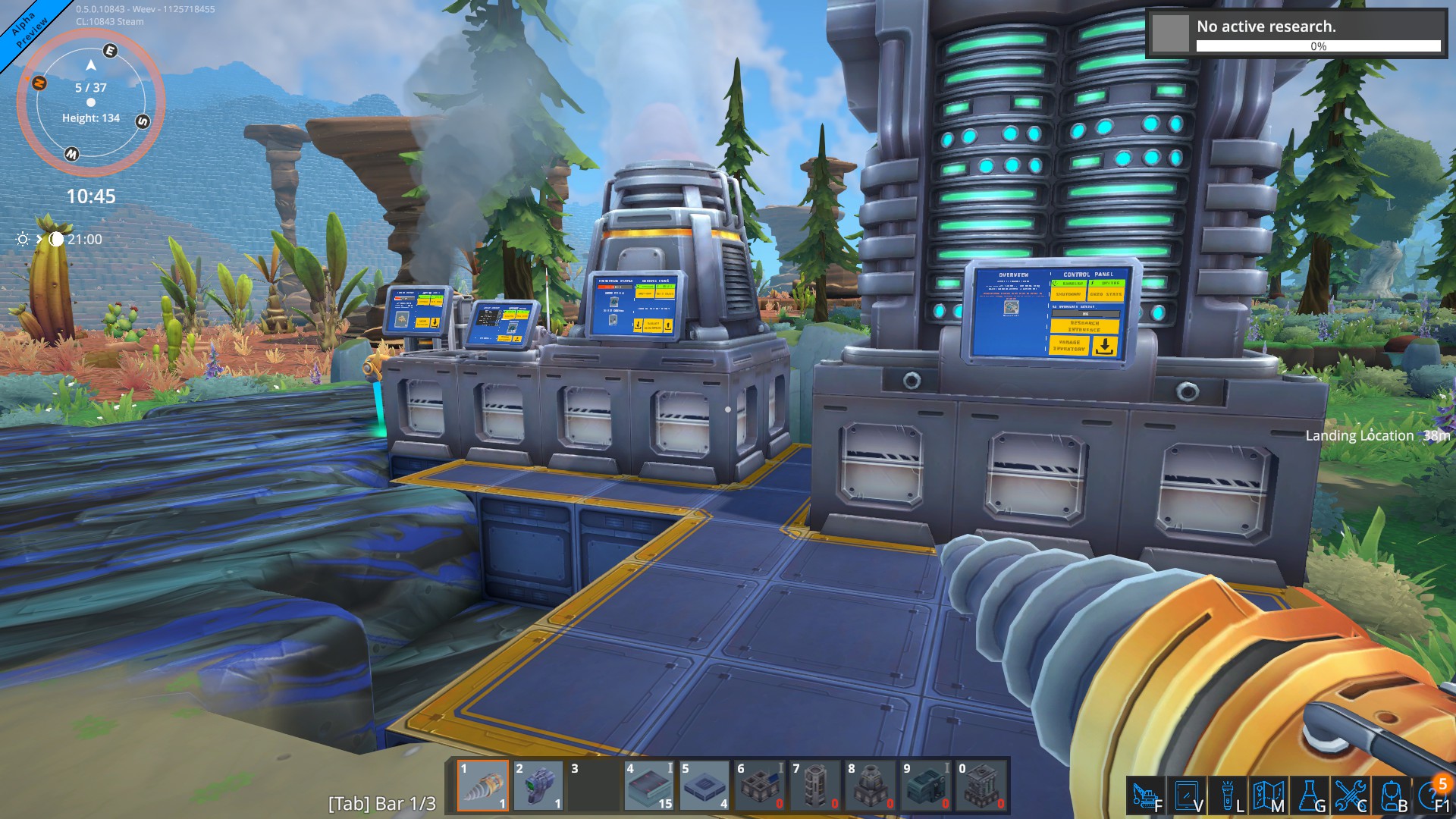
Foundry
A voxel factory-building game. Starts off pretty slow, and the demo doesn’t get very far. It’s got potential.
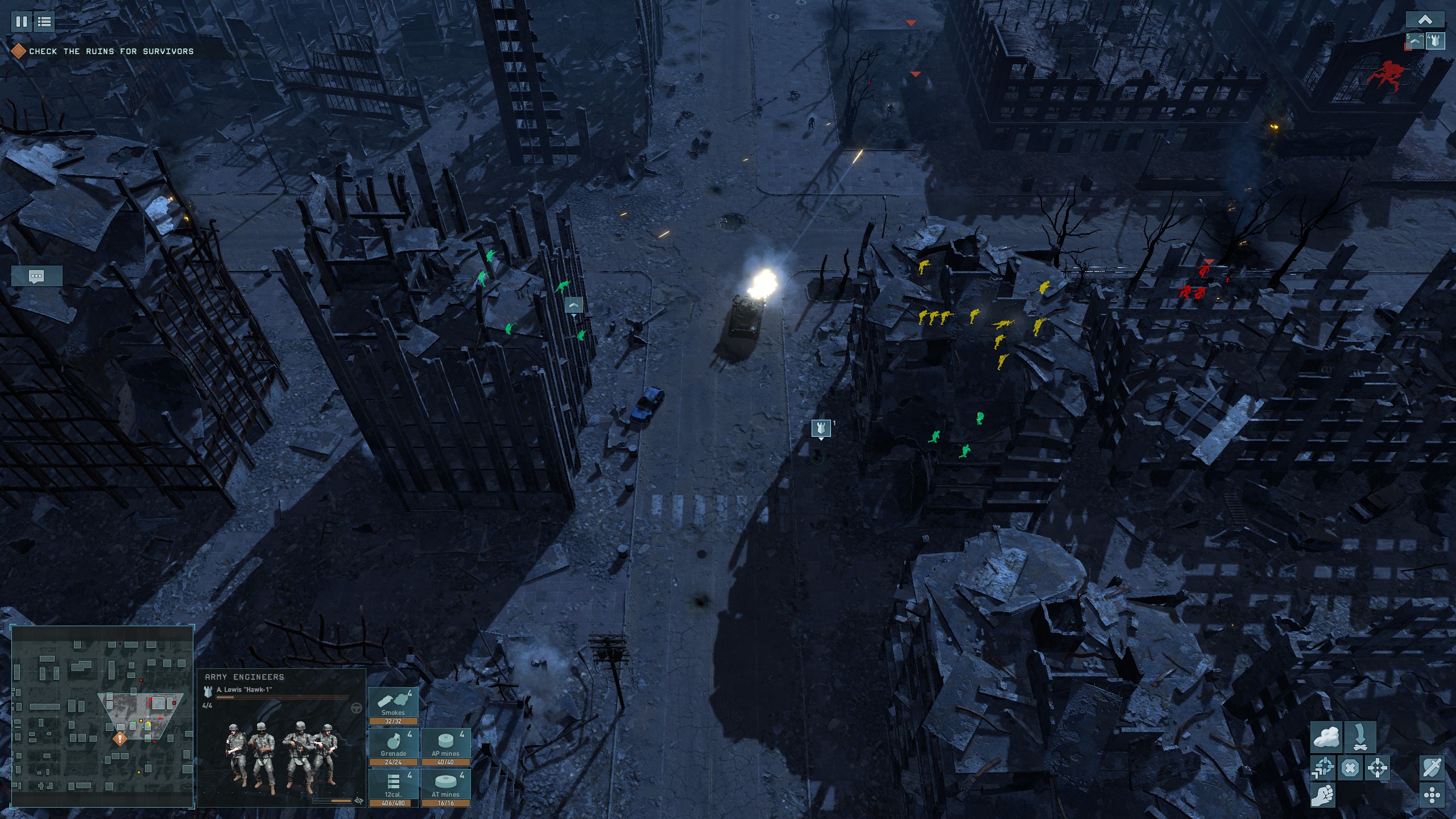
Terminator: Dark Fate – Defiance
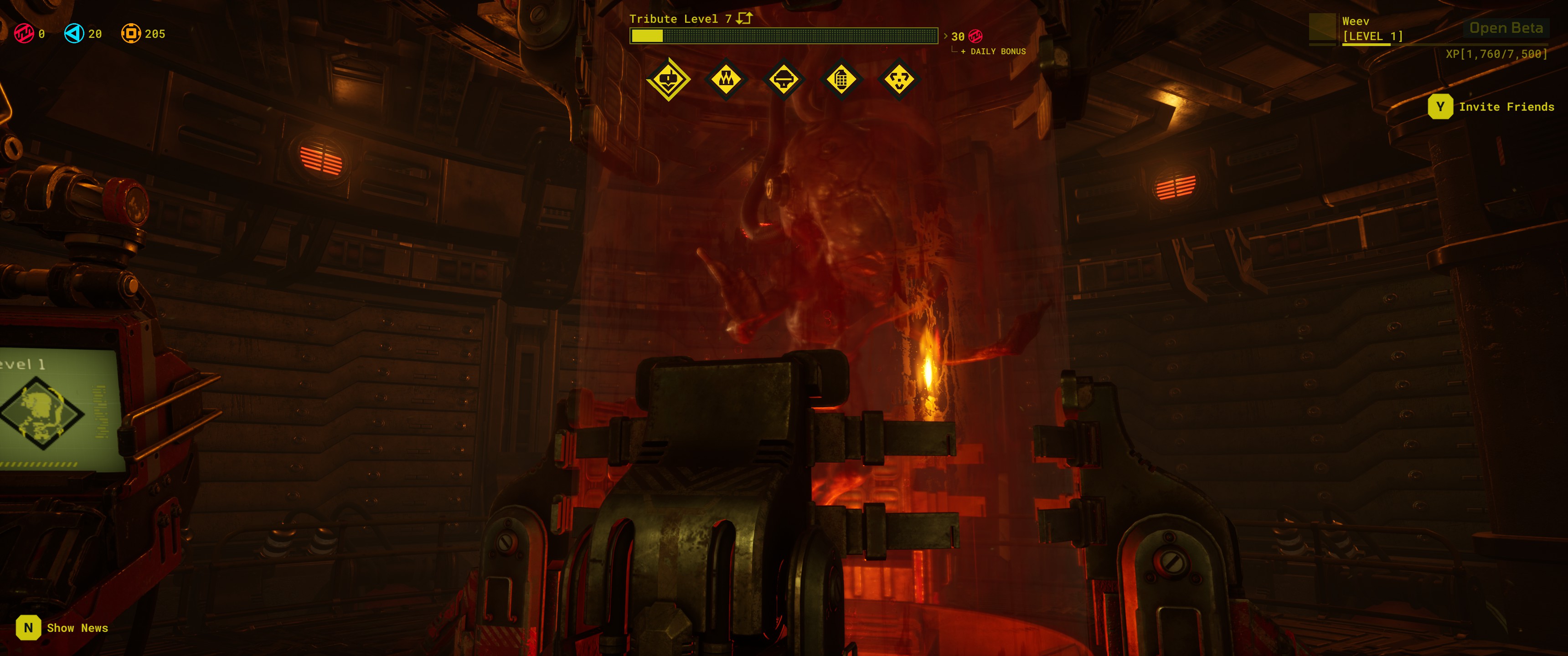
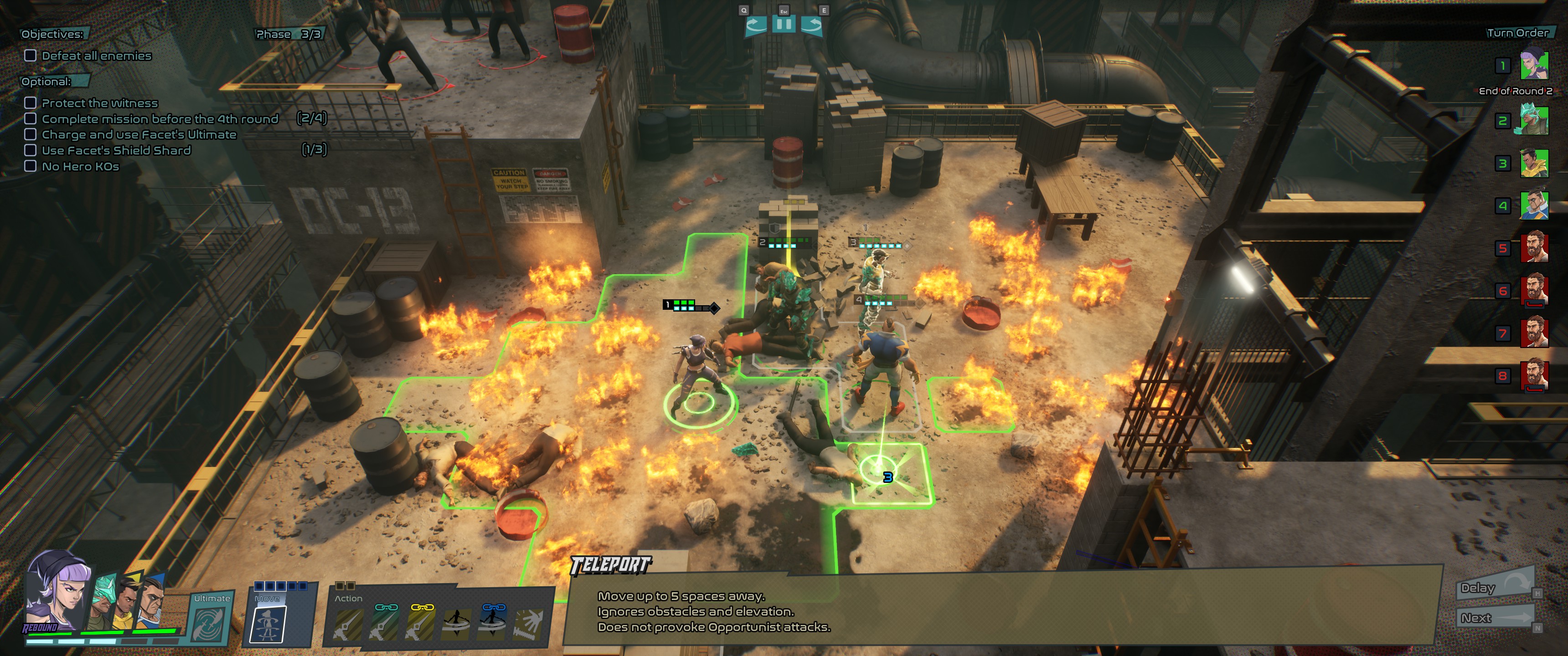
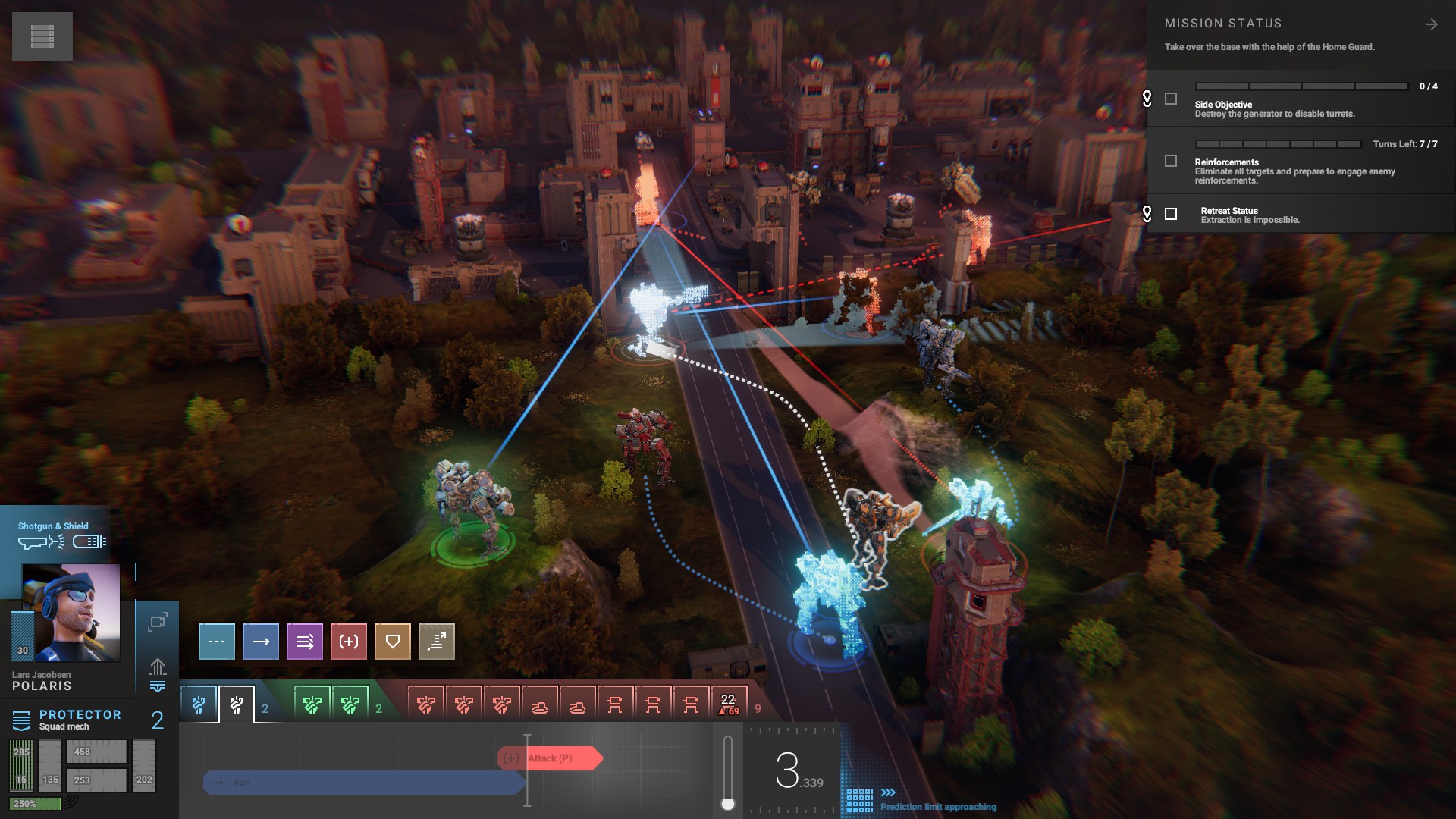
A fairly standard tactical RTS in the Terminator universe. It’s not bad, but it didn’t really hook me.
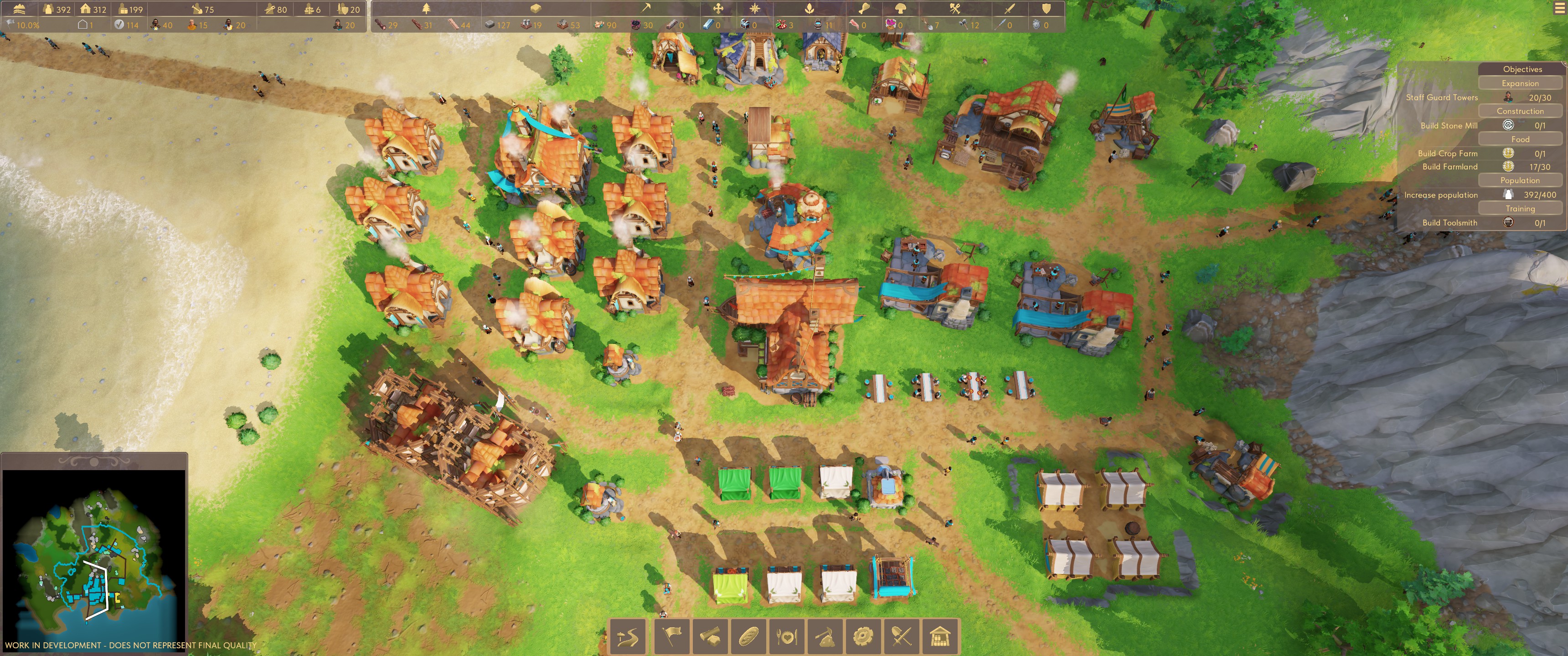
Pioneers of Pagonia
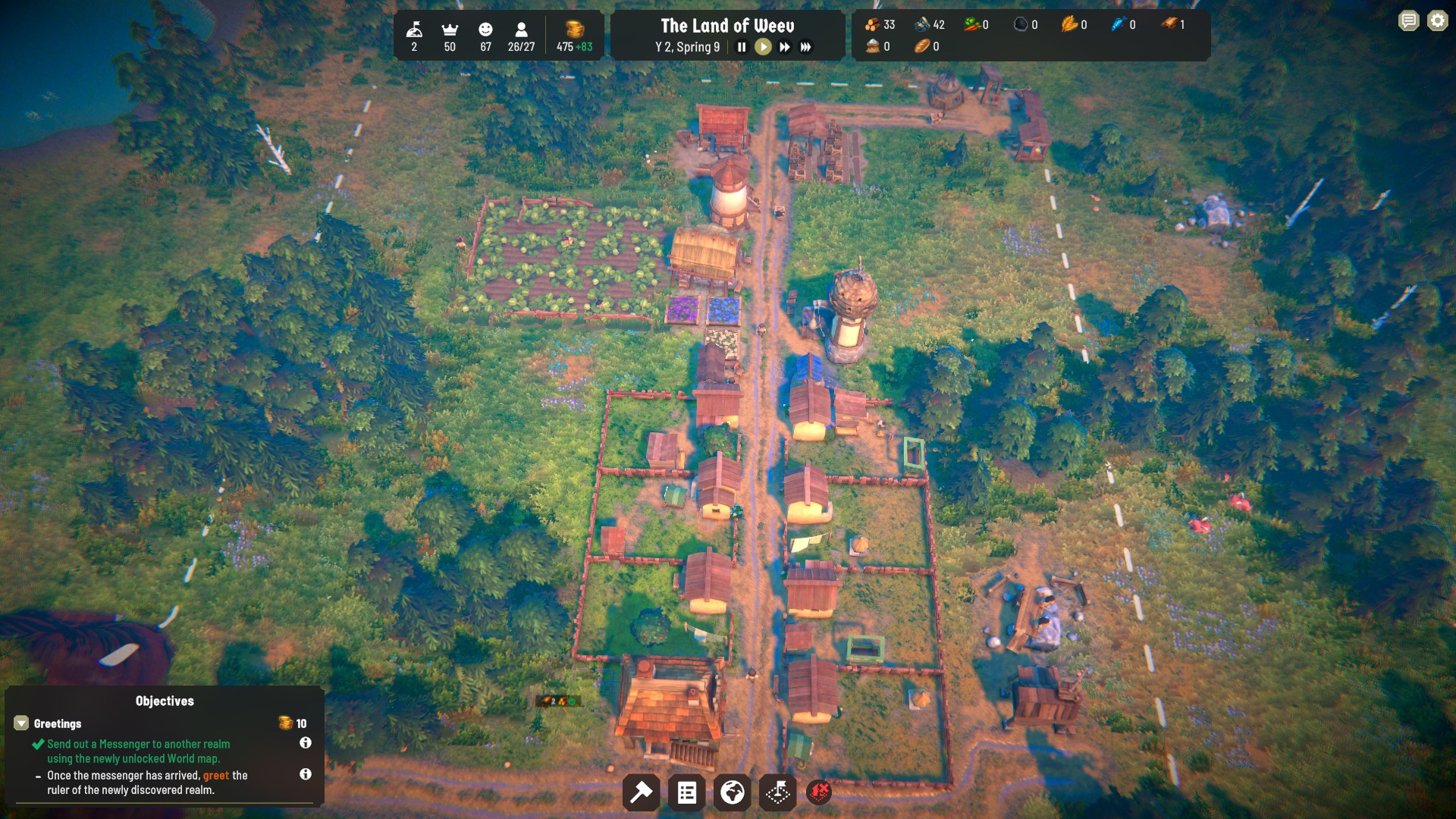
It’s basically classic Settlers, down to the little border stones that your guards place to extend your borders. Settlers III is one of my favorite games, so I’m definitely looking forward to this one.
Sentry
It’s basically sci-fi themed Orcs Must Die! The demo is pretty basic, with only two levels and a handful of weapons and items to use. This is another one that has some potential.
The Crust
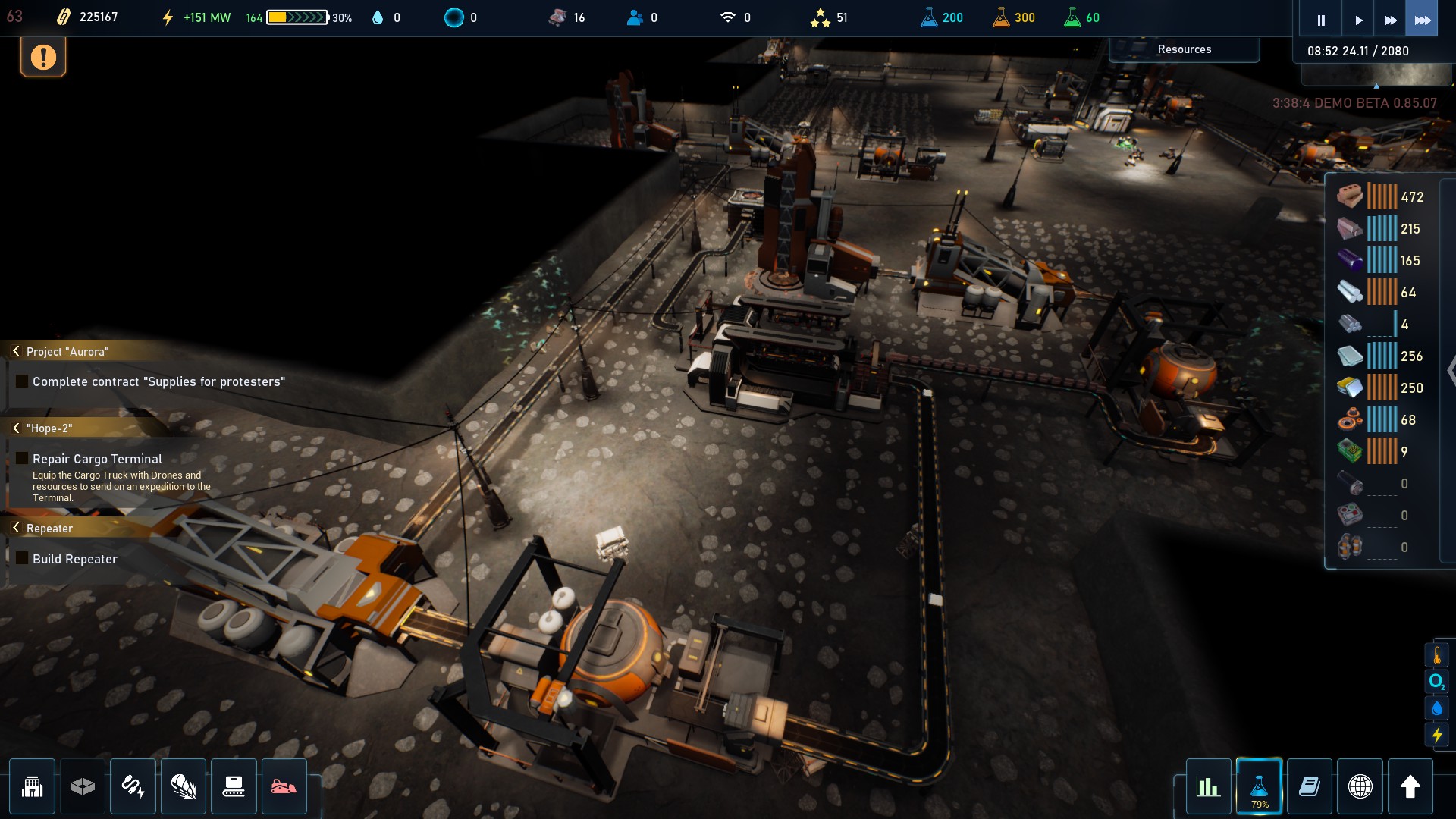
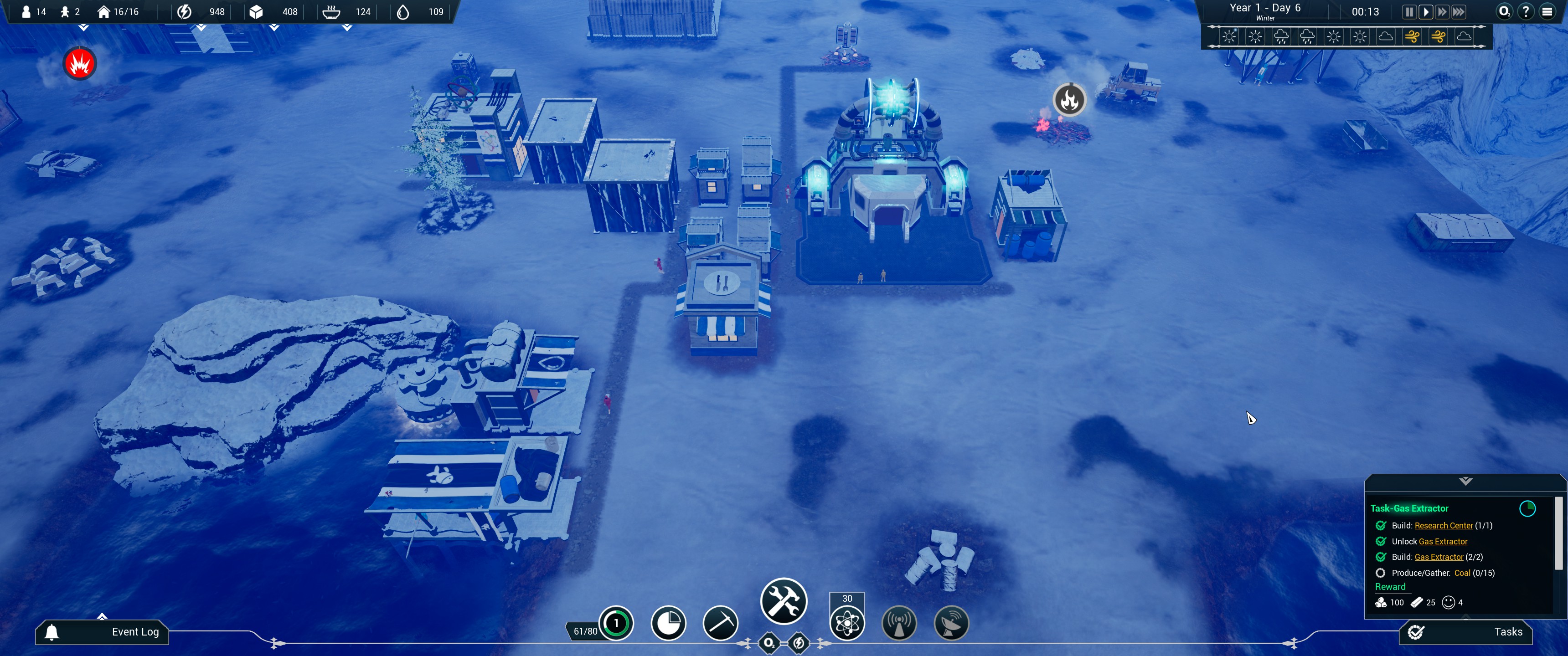
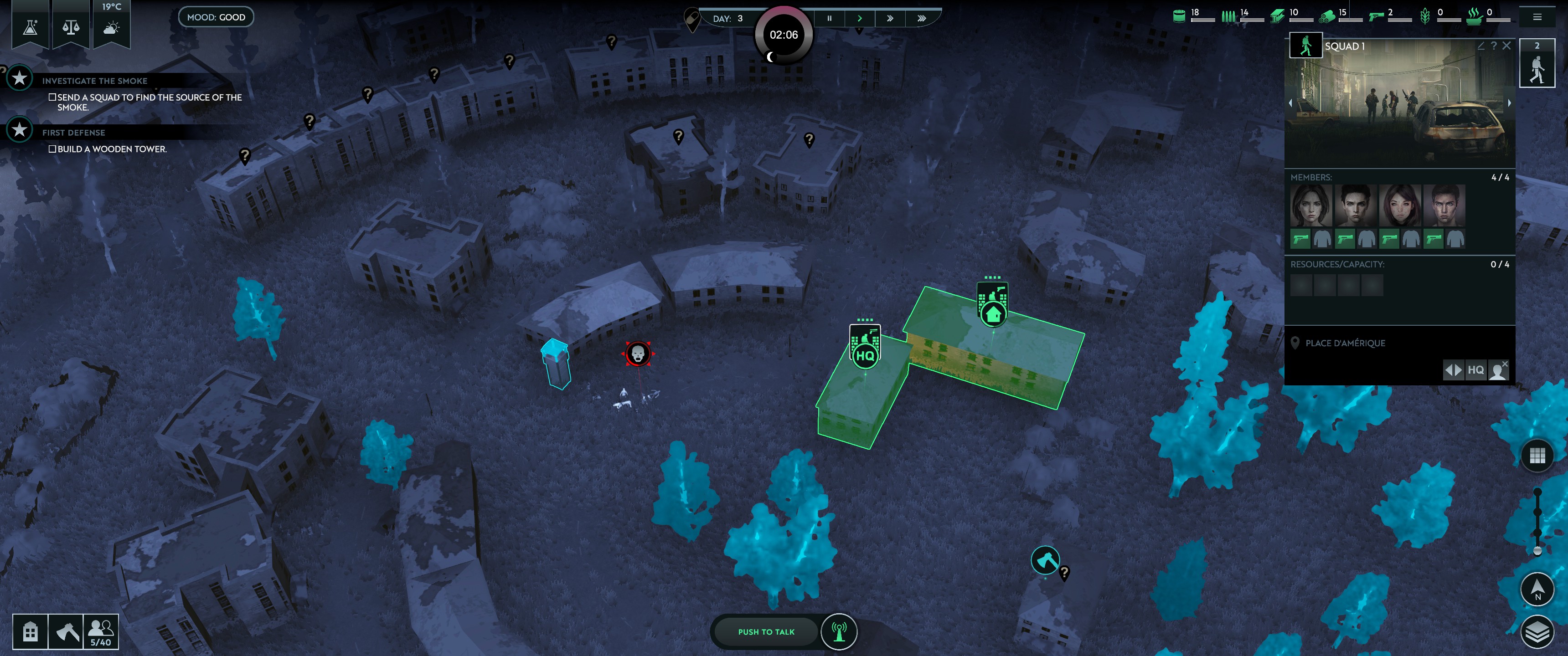
The Crust looks interesting; a mix of Surviving Mars, Factorio, and a little Frostpunk. There are surface and underground layers for construction, and a layer with points of interest around the moon that you can send expeditions to investigate. It’s a little clunky at the moment, but if it gets cleaned up a bit, I could see myself enjoying it.
Ascent of Ashes
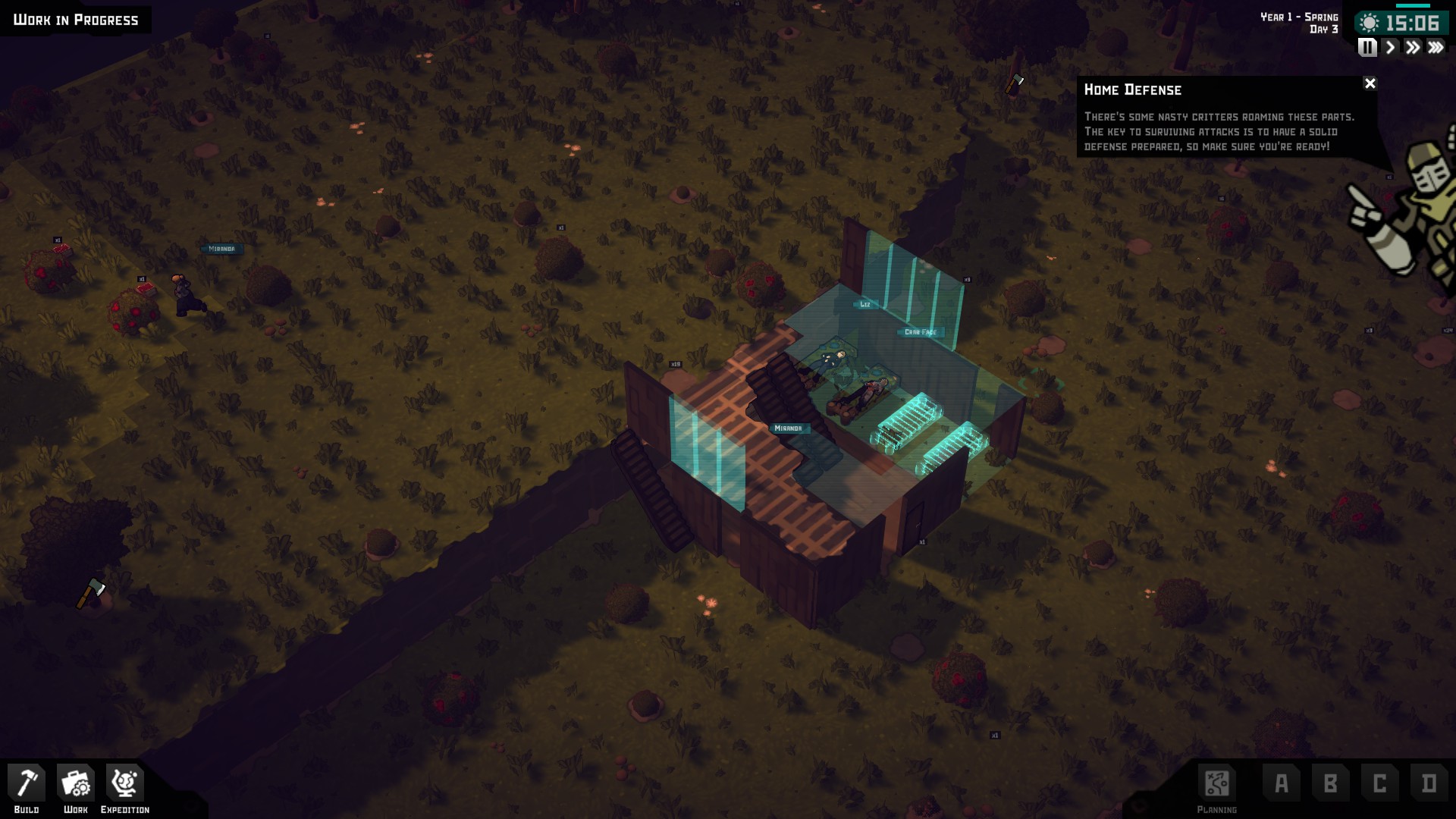
A colony sim like RimWorld. It looks OK, but the demo performance was really bad… Once my colony got raided, the game turned to a slideshow.
Poems and Codes
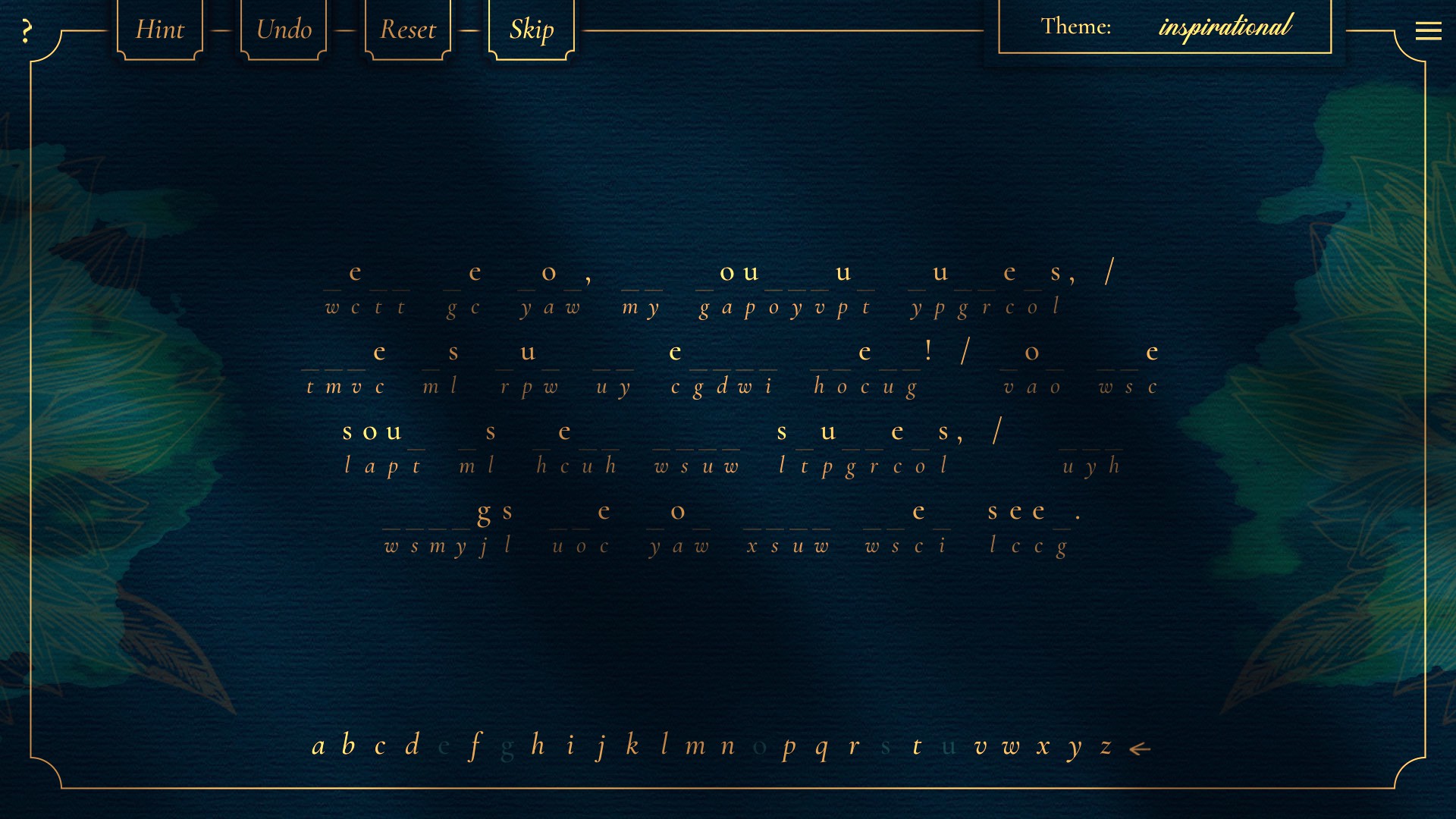
I played a demo for Prose and Codes a while back and thoroughly enjoyed it. (I really need to buy that game…) Both Poems and Prose use public works, and 10% of sales go to support Project Gutenberg. Poems is a little nicer than Prose, with some extra information about the poets and links to Project Gutenberg to download works.
Last Train Home
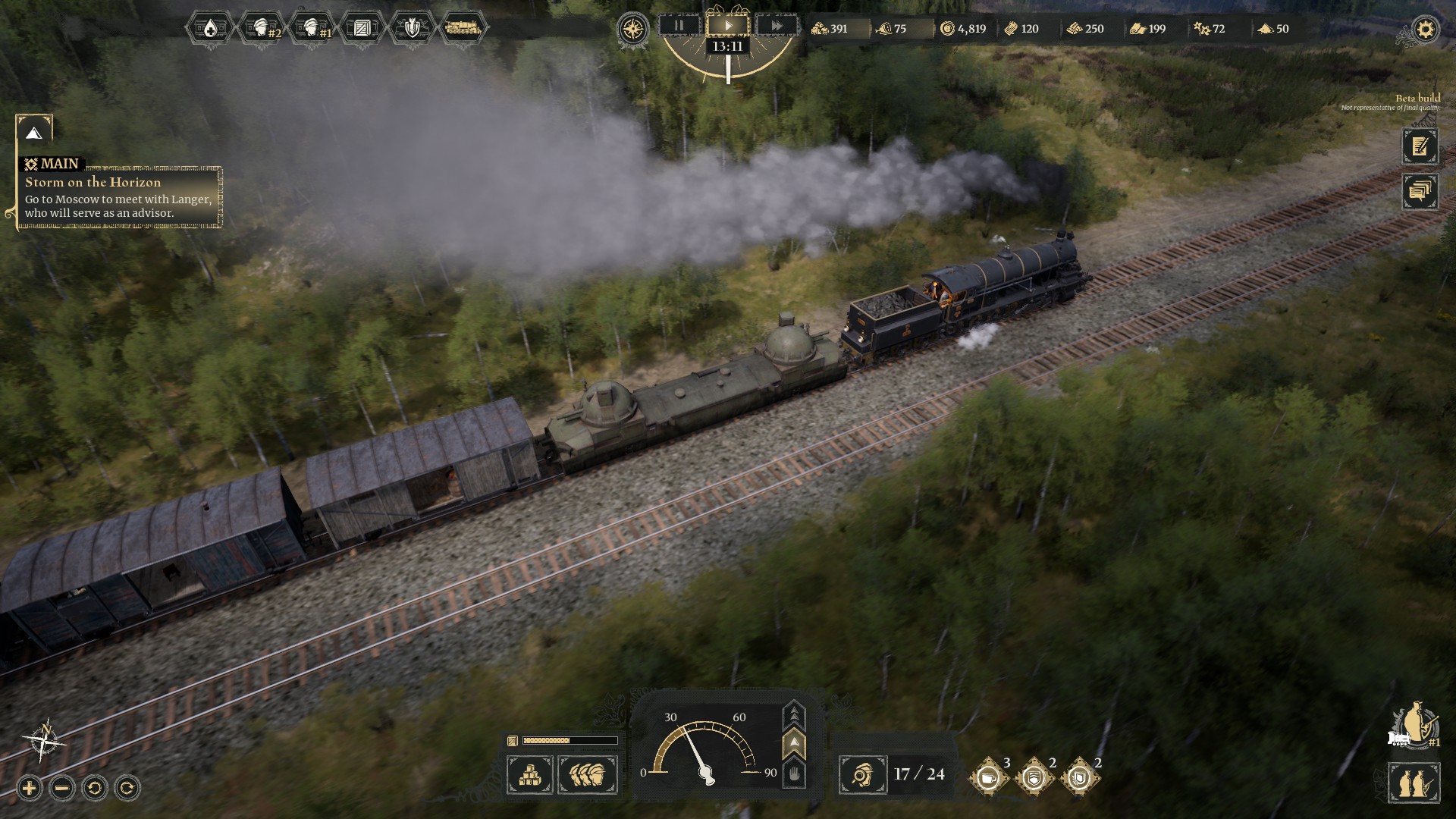
An interesting historical strategy survival game where you lead your soldiers across war-torn Russia during World War I. There’s an overworld map where you maintain and upgrade your train, and send your troops out on missions to gather resources. The tactical combat is pretty good. I enjoyed it.
Celestial Empire
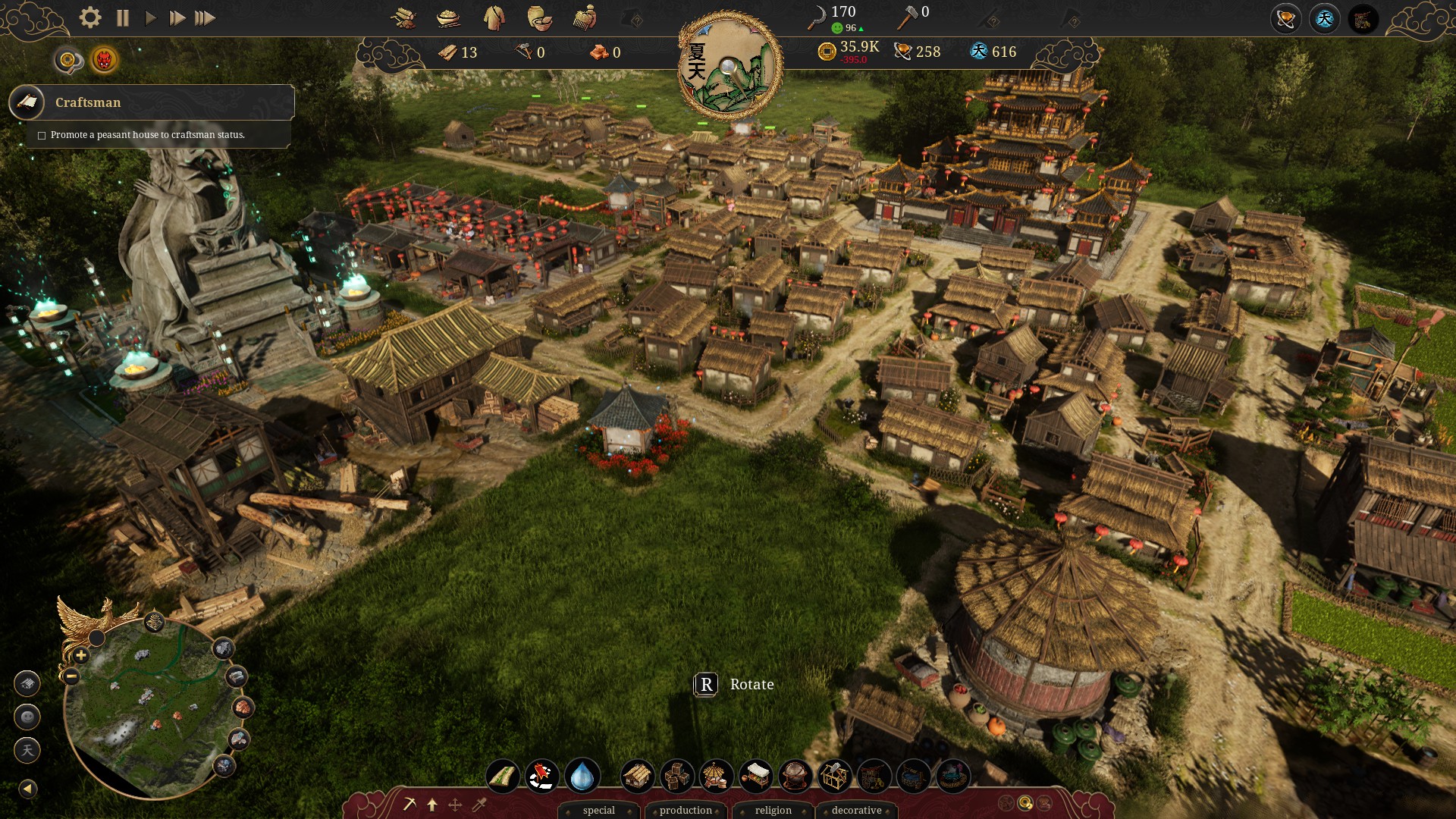
An Ancient Chinese city builder. It looks nice, but some things during the tutorial are unexplained and I had to figure out what I was supposed to do on my own.
Europa
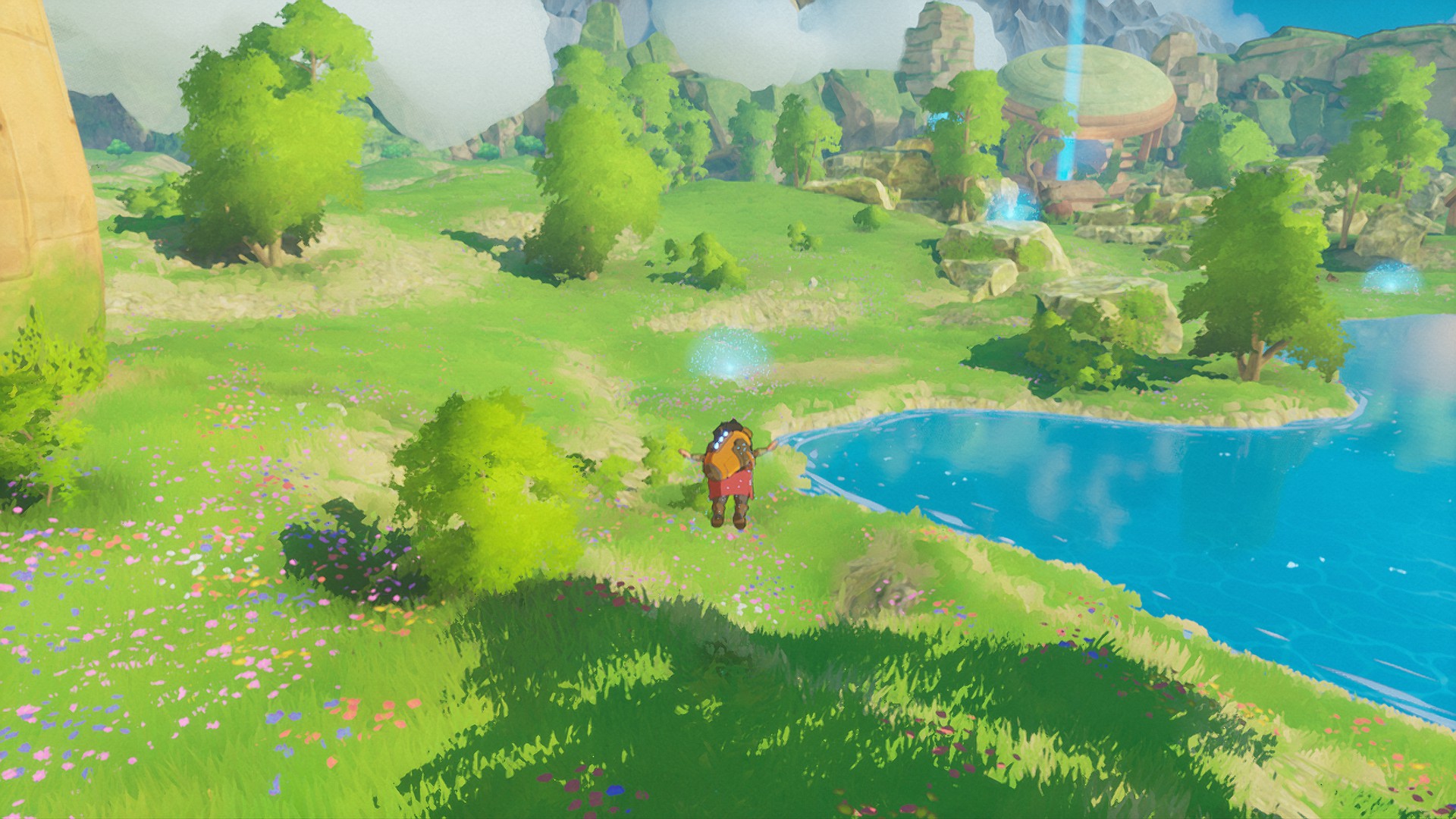
A pleasant little adventure game. Controls are a little weird on mouse and keyboard; it’s probably better with a controller.
Gunhead
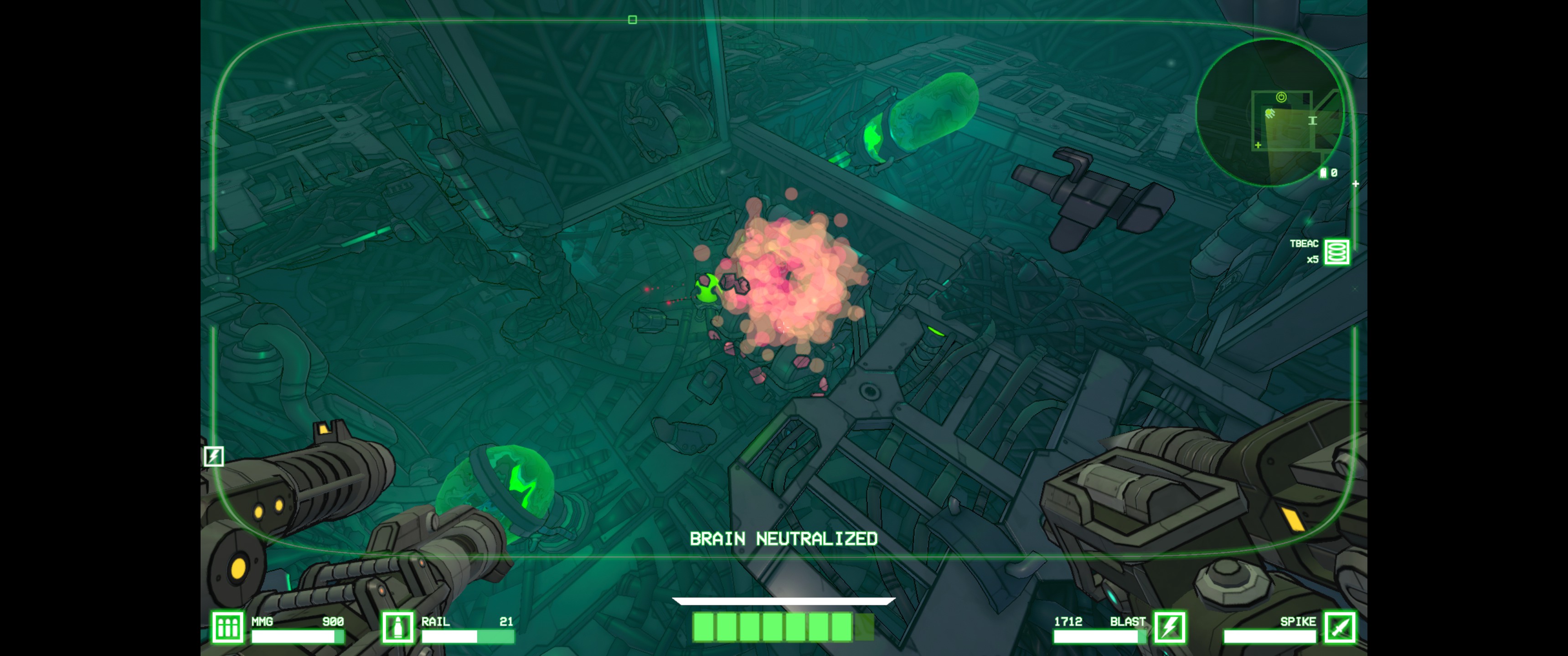
A fun shooter that reminds me a lot of MOTHERGUNSHIP.
Summary
I always find a few games I enjoy in the Next Fest events, and this one is no different. I’m really looking forward to Pioneers of Pagonia, and I’ll likely own Deep Rock Galactic: Survivor at some point because I love that type of game. I’m hoping The Crust improves because it’s certainly something I’d be into if they can improve some of the basics.
As a follow-up to my last post a week in, I decided I’d post a small update with my impressions after a little more time. Overall, my opinion hasn’t really changed, but I’ve found a few places where Copilot is particularly handy and thought it worth pointing those out.
Where it Shines
Copilot is particularly good when you’re writing a bit of code that’s a common problem. For instance, I recently needed to implement a simple base64 string conversion in .NET. This is typically something I’d go to Google to look up the code for because I never remember (it’s a write-once and never look at again sort of thing).
I wrote my function definition (it’s an extension method): public static string ToBase64(this string input) Then opened the Copilot tool window and had it generate some options. I can’t remember if it was the first suggestion, but one of the options gave me both the ToBase64 and FromBase64 implementations. Perfect. So it saved me a trip to Google and a few minutes of coding time. Not a huge gain, but it’s something and was actually convenient. (Though on a side note, the inline suggestion wasn’t as useful.)
In addition, as I mentioned in my previous post, Copilot is pretty good at generating documentation. I can start a sentence and sometimes it’ll give me exactly what I want; though I have to do some editing about half the time, so overall it maybe saves me a few seconds each day.
I’ll occasionally use Copilot in unit tests, but typically I find myself writing those by hand. I follow some common patterns for my tests, and I typically set up templates for the common parts, leaving me with just the specifics that change with every test. Copilot isn’t as great at filling in those details. That said, it can sometimes be pretty helpful.
Where it Fails
I’m still not letting this thing generate more than a few lines of code. It’s still obviously following patterns instead of understanding anything about code and will regularly make up property names that follow a pattern but don’t actually exist on other objects.
It also doesn’t play nice with other auto-complete extensions. I might need to find a way to disable the inline suggestions, since it keeps conflicting with ReSharper (which I find more helpful in general). Along the same lines, I think I’ll need to change the shortcut used to fill in the inline suggestions, because I’ve found that I’ll sometimes fill in Copilot suggestions when I just meant to add a tab.
Finally, as I mentioned above, Copilot isn’t good at working from scratch. It can write code, but it’s always going to be modeled on existing code, so anything “new” is basically impossible unless it’s a common problem (the sort you’d look up a solution online for).
Final Thoughts
I think Copilot works in a few very specific scenarios. If you’re learning a new language, Copilot can accelerate that process, but you’ll still need to be mindful of what it generates. If you’re solving a common problem, it can generate that code for you, saving you the time you’d spend searching for the solution. If you’re writing code based on an existing pattern in your codebase, Copilot can do a decent job of mimicking it.
However, as a senior developer, most of my work isn’t cranking out code. Most of my time is spent designing or refactoring. I mostly work with languages I’m already familiar with. My time is spent working on the “new” or context-specific problems and not things I could find solutions for online.
If Copilot were a free tool I could turn on when needed and ignore the rest of the time, I’d use it everywhere. But at $10/month, I don’t think I’d ever purchase the individual subscription, aside from possibly for a month or two when learning something new. In my day job, I’ll use it if it’s provided, but it’s not something I’d push to have. (Unlike ReSharper, which is basically a requirement wherever I work.)
I’m still annoyed by a lot of the hype around Copilot (and LLMs in general), saying that developers will be obsolete or replaced by this technology in a few years. I doubt it. Being a developer is a lot more than typing code, and Copilot is only barely able to do that reliably. It might make some developers more productive, but I don’t think it will be replacing good developers anytime soon.
I’m very skeptical of the way current “AI” utilities are being pushed as “tools”. Everything I’ve seen so far makes it clear that they’re very fun toys, but since they don’t really “know” anything, they’re not authoritative or even trustworthy. I’m especially concerned because the companies building the software push the technology as a tool. And we’re already seeing them be abused.
But a few weeks ago, my boss asked the team about using GitHub Copilot. I rolled my eyes, expressed my dissatisfaction, but said I’d give it a try. (I at least want to have my fury informed by facts.) And having finally gotten access to Copilot, I decided I’d give it a try.
All my work is in JetBrains Rider (my favorite and only IDE), with the official GitHub Copilot extension. I’m working in an existing codebase, written in C#. (If it works well, I might try using it with some of the Angular front-end code.)
First Impressions
I got access in the afternoon on a Friday, so I didn’t get a lot of time to play with Copilot right away. I was interested in having it write a unit test for me: a simple test to verify a mapping was set up properly and working.
I wasn’t sure what I was expecting, but it failed pretty spectacularly, writing code that wouldn’t even compile (and Rider’s ReSharper plugin picked out right away). It was certainly trying to generate something useful, but it was obviously using the context of some existing tests, which obviously weren’t checking all the properties of the new mapping. Those tests were checking some of the properties, so the generated code wasn’t entirely useless, but it didn’t really save me much time when I had to come behind it and clean up. (And considering I have a regular expression I can use to convert the mapping code to test assertions with nearly 100% accuracy, Copilot looks even worse.)
I tinkered a little more in some other code, but results didn’t get much better; maybe about 20-40% correctness in the stuff it was generating.
Obviously, I wasn’t very impressed.
Second Impressions
I came back in on Monday with some new work I needed to do. My first task was pretty basic: an ASP.NET controller method to perform a search, taking a POST body with search parameters. We use MediatR to implement a mediator pattern in our code, but I already have a template for a request and handler, so I wasn’t going to bother having Copilot take a stab at that.
I started out creating the search request model, and I could tell Copilot was really trying. As this was an empty class, it didn’t have a lot of context to work with, but it was obviously checking some code in nearby files, because it was generating nearly-accurate names for properties as I added type information. When I pulled up the tool window and had it generate a bunch of options, they were very complete, but also very wrong; generating tons of properties for things that I’m pretty sure don’t show up anywhere in our code. That said, it looked like it was trying to generate a decent search request model, so I guess I’ll give it partial credit.
When adding the code for the MediatR handler and the actual SQL search query, it wasn’t particularly useful. The generated code was typically almost right, but generated property names that don’t exist.
I decided to give it a shot at generating tests for the query, and it finally showed its usefulness. It generated two tests that were actually pretty decent, fully covering the code but missing some edge cases. I did a little cleanup, added a few more tests, and called it done. I hate writing unit tests for SQL queries, but it saved me some time here and did most of the heavy lifting. I did some refactoring afterwards to extract some utility methods, and when I tried generating more tests, it actually started using those new methods (since they were now in use in the file), which is nice to see.
Another thing I’ve found that it’s better at handling: documentation. When I’m writing documentation in my code, it’s better at using the context to come up with a decent comment. (I guess that’s not too surprising: the context gives it everything it should need, and LLMs are great at generating text.)
Something I feel like I need to point out here: it’s slow. Copilot isn’t running locally, so it has to go ask the server to generate suggestions, which takes a lot of time. ReSharper is all running locally and has knowledge of the entire codebase, so it generates better results faster, and doesn’t need “AI” to help it do its job. Unit testing is a similar issue, where I’ve seen tools years ago that could generate more complete test coverage without “AI”. That said, if you truly don’t know what you’re doing, maybe it can help.
Learning How It Works
I spent some time over the next day or two reading up on how Copilot works. I already knew it’s basically “Chat GPT for code”, and I already understood the basics of how LLMs work (basically using a bunch of probabilities to “guess” the next word in a sentence). What I didn’t know was how Copilot learns about code it has no access to – our repository isn’t in GitHub.
Turns out the IDE plugin sends a bunch of context with the requests to Copilot. The context includes the code from the file you’re editing along with code from all your open tabs, so the more tabs you have open with relevant code, the better the suggestions get. This is how I typically work, but now that I knew this is what Copilot was using, I started keeping more tabs open when working on code.
Third Impressions
I feel like I was hitting a peak through the rest of the week. Copilot was occasionally generating useful code, but it was still painfully obvious it knew nothing about my code; it was just generating text that “looked” like it fit. I used it to build some SQL views and just like C#, it generated SQL that referred to tables and columns that didn’t exist.
I find I have to be more vigilant when working with Copilot. Whereas ReSharper uses context to provide suggestions that actually fit in with existing code, Copilot will often generate complete gibberish.
Final Impressions
I suppose I’m starting to find a place where Copilot can come in to play, but I’m not as enthralled as some people seem to be. Context is critical to make it work well at all. On an empty file, Copilot will just generate random text that looks like it might belong, but given enough context (via comments, member names, and code in open tabs), it starts generating somewhat usable code.
I see Copilot advertised as “Your AI pair programmer”, and maybe that’s part of the problem. It’s like working with a junior developer that doesn’t know anything and will never learn. I’ve always hated pair programming because it’s so much slower than how I normally work, and Copilot isn’t really any different. I have to spend a lot of time evaluating what it suggests instead of just writing the code I need written.
That’s part of the problem: code has strict formatting. It’s not like natural languages where you can get words out of place or skip certain things and have the same (or at least similar) meaning. Copilot doesn’t actually understand code: it doesn’t know what access modifiers or data types are; it doesn’t know what a variable or method or class is. They’re all just words and all Copilot “knows” is that some words often follow other words.
The place it might work best is when you genuinely don’t know what to do. Maybe you’re working in a new language, and Copilot can help fill in the gaps. Maybe you’re working on a method to perform a simple task and Copilot can save you some time searching. But I find these are short-term or one-time tasks and the majority of what I do is generating code to solve specific business problems; things you can’t just pull code from an open-source repository to solve.
And maybe that’s what it comes down to: Copilot is great for poor developers. Those who write repetitive code; those who never innovate or improve. It’s what worries me most about these AI “tools”: they turn everyone into the lowest common denominator, while simultaneously making them think they’re geniuses.
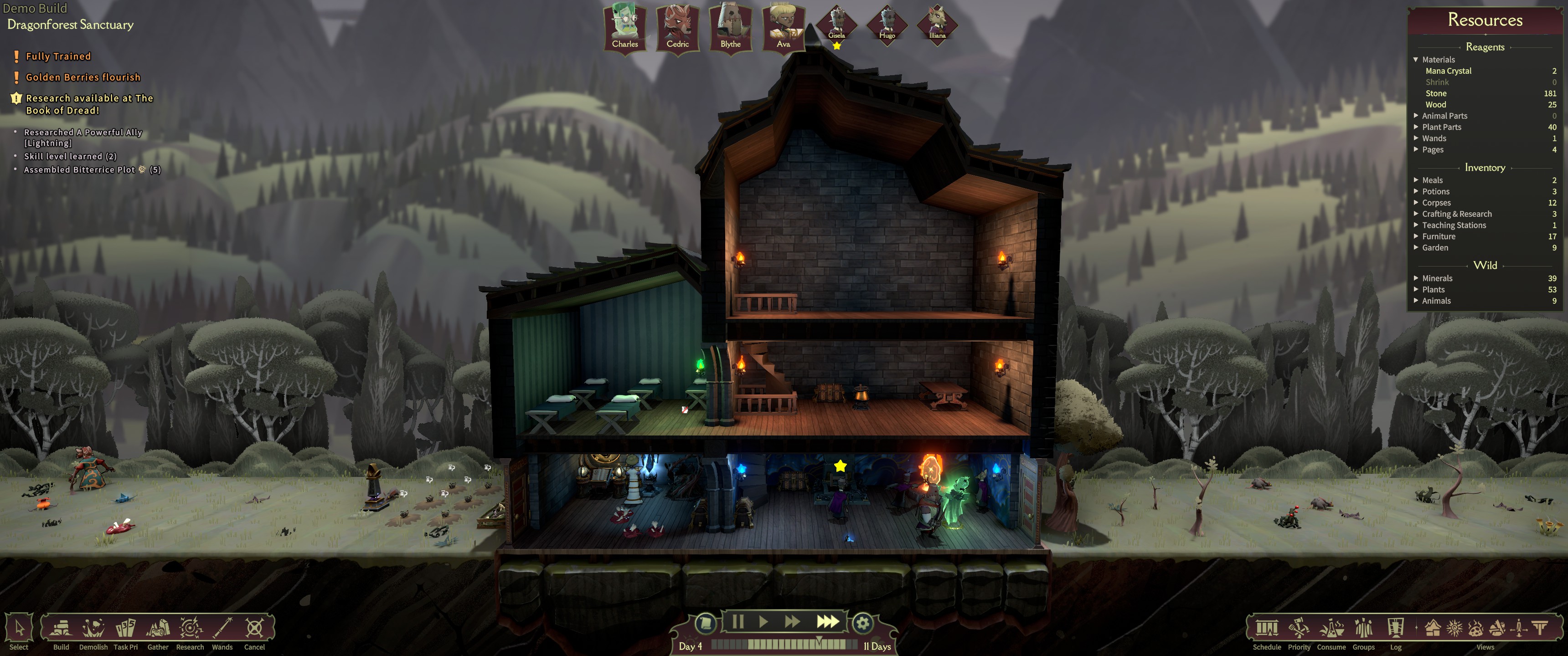
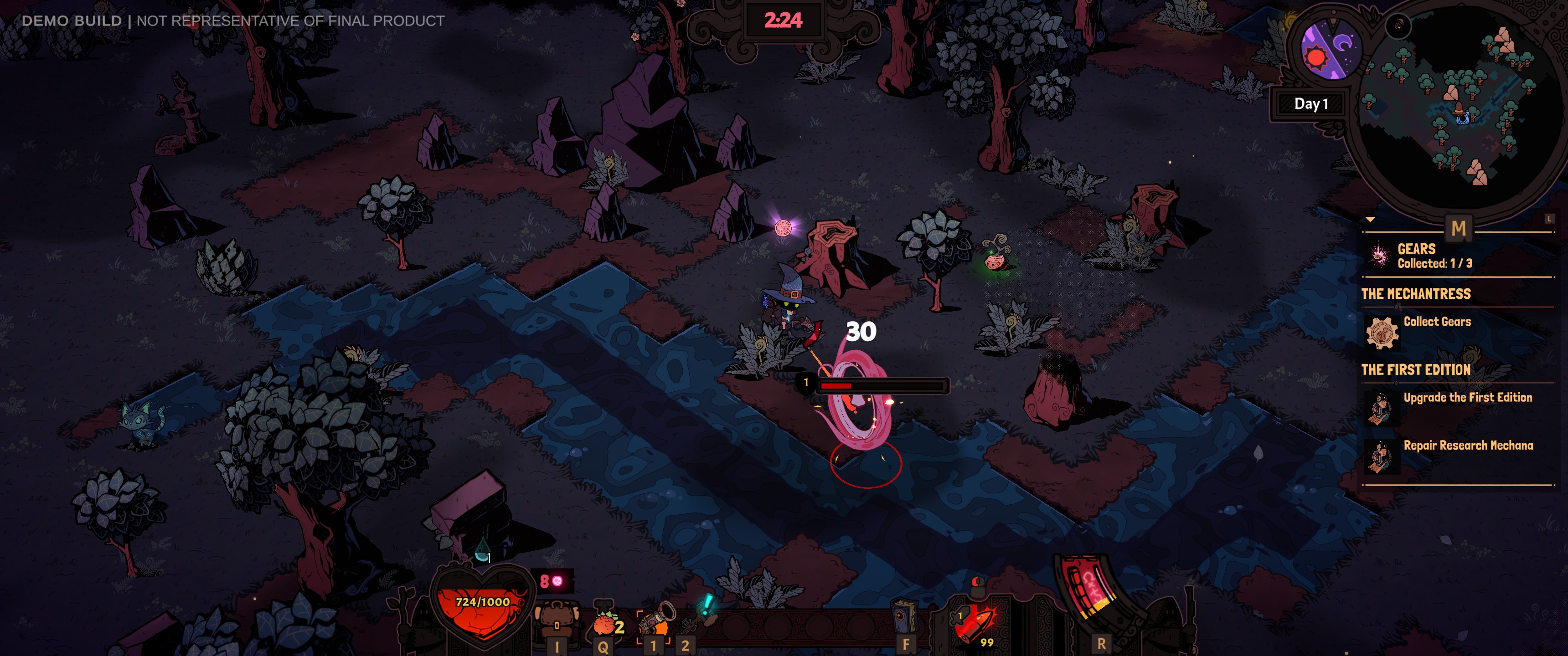
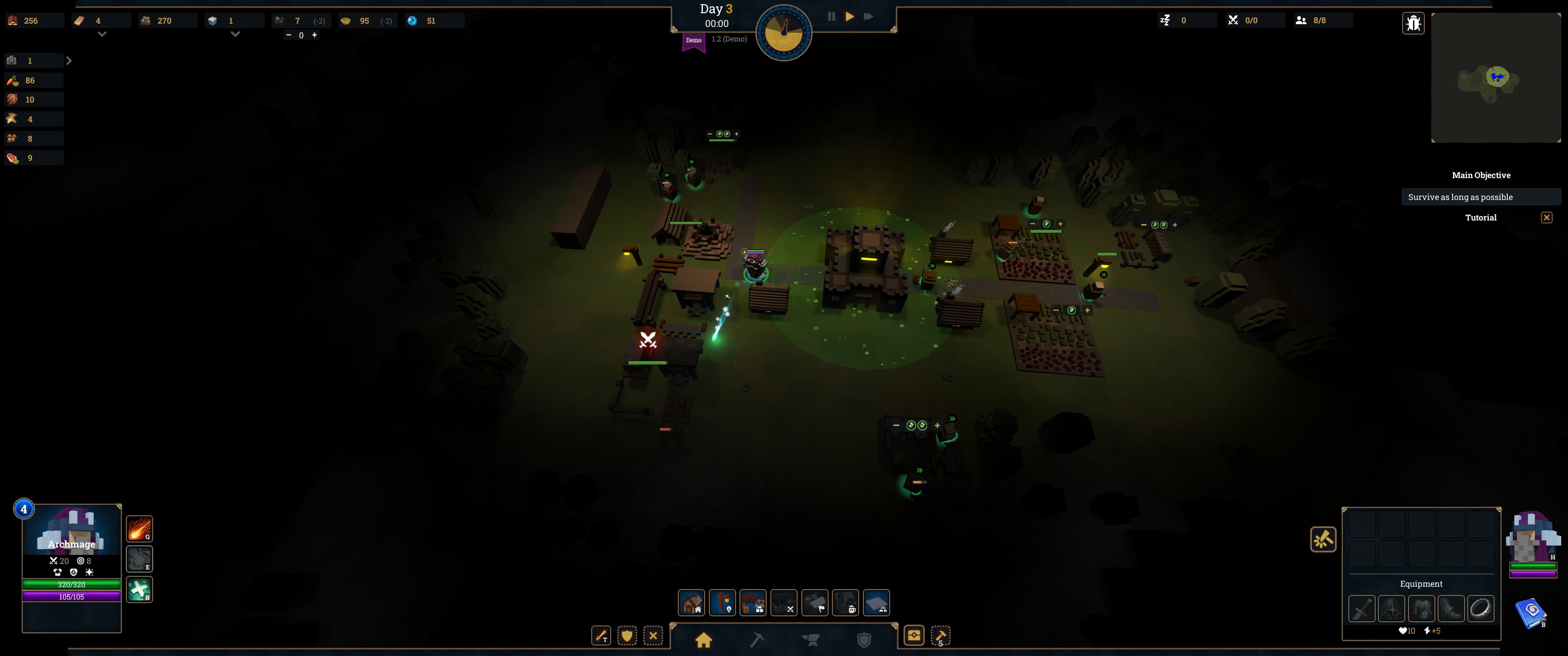
You manage a magic school, training young mages to go out and fight back the Dread, a dark fog that is slowly consuming everything. I wasn’t sure what to expect from this one, but I thoroughly enjoyed the short demo. You get to build your little school, harvest resources, grow and cook food; all while summoning and training students to train and send into the Underschool to fight enemies in auto-battles. A great mix of genres that works far better than I expected.
I’ve been looking forward to this one ever since the trailer a while back. It’s essentially an adventure shooter where you create a cute little wizard who runs around and shoots things with magic bullets. You get a “home base” to build up over time as well, which you return to after each short “expedition” to gather resources.
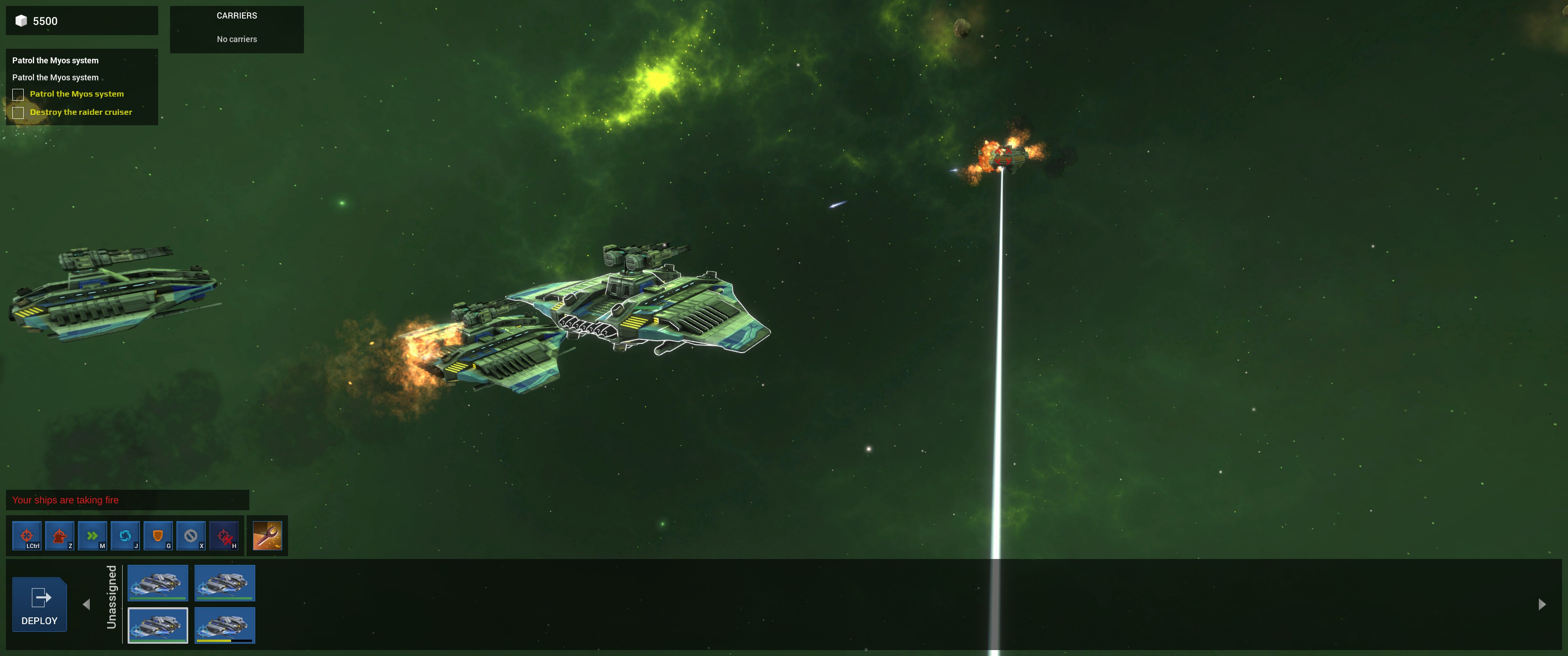
A decent little tactical strategy game. The combat is definitely inspired by Homeworld. Not sure how much depth the final game will have; the demo is pretty simple.
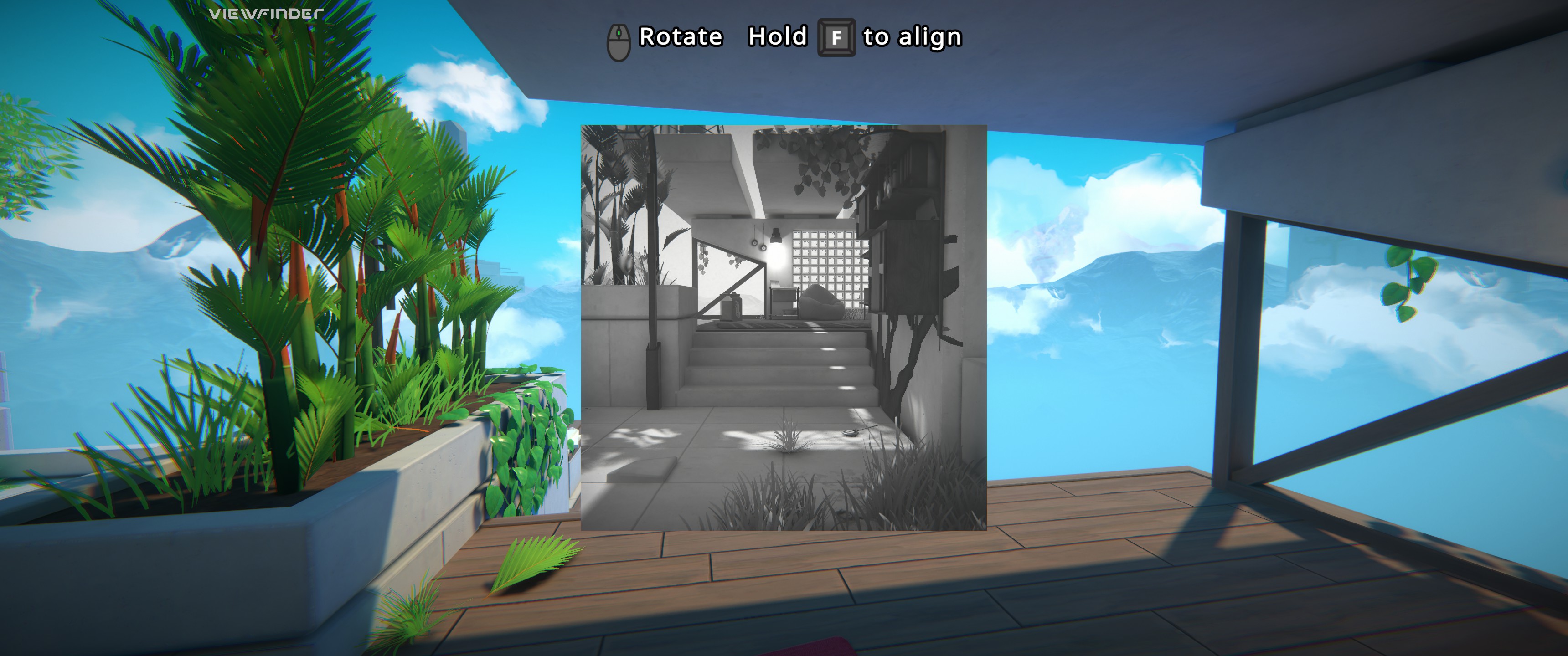
A first-person puzzle game with some really interesting mechanics. You use pictures to build out the world – bridging gaps, building ramps, duplicating objects, etc. There are some great visual effects as well. Looking forward to playing the full release.
A retro sci-fi adventure played entirely from first-person. The demo takes place a bit after the start of the game, with some mild spoilers. The visuals are fantastic, and the story seems interesting, so I’m definitely going to find some time to play it after release.
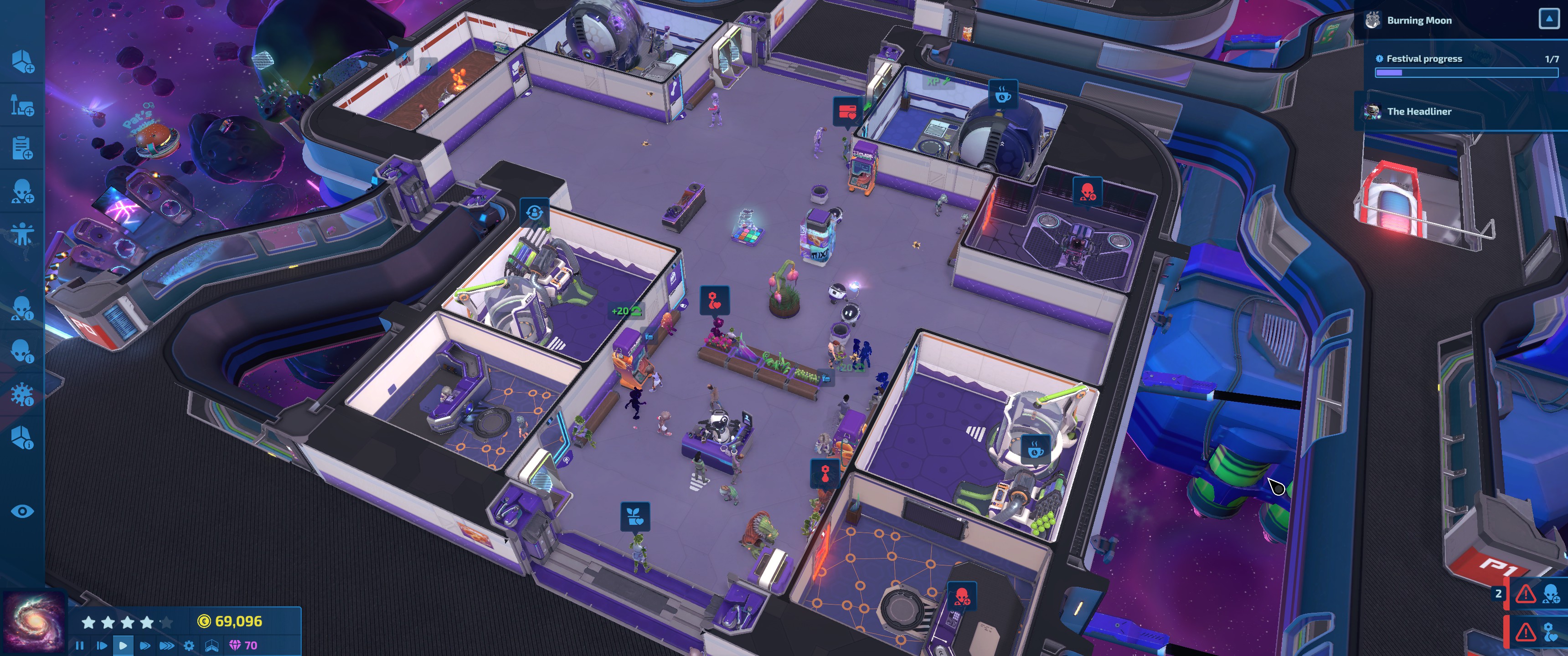
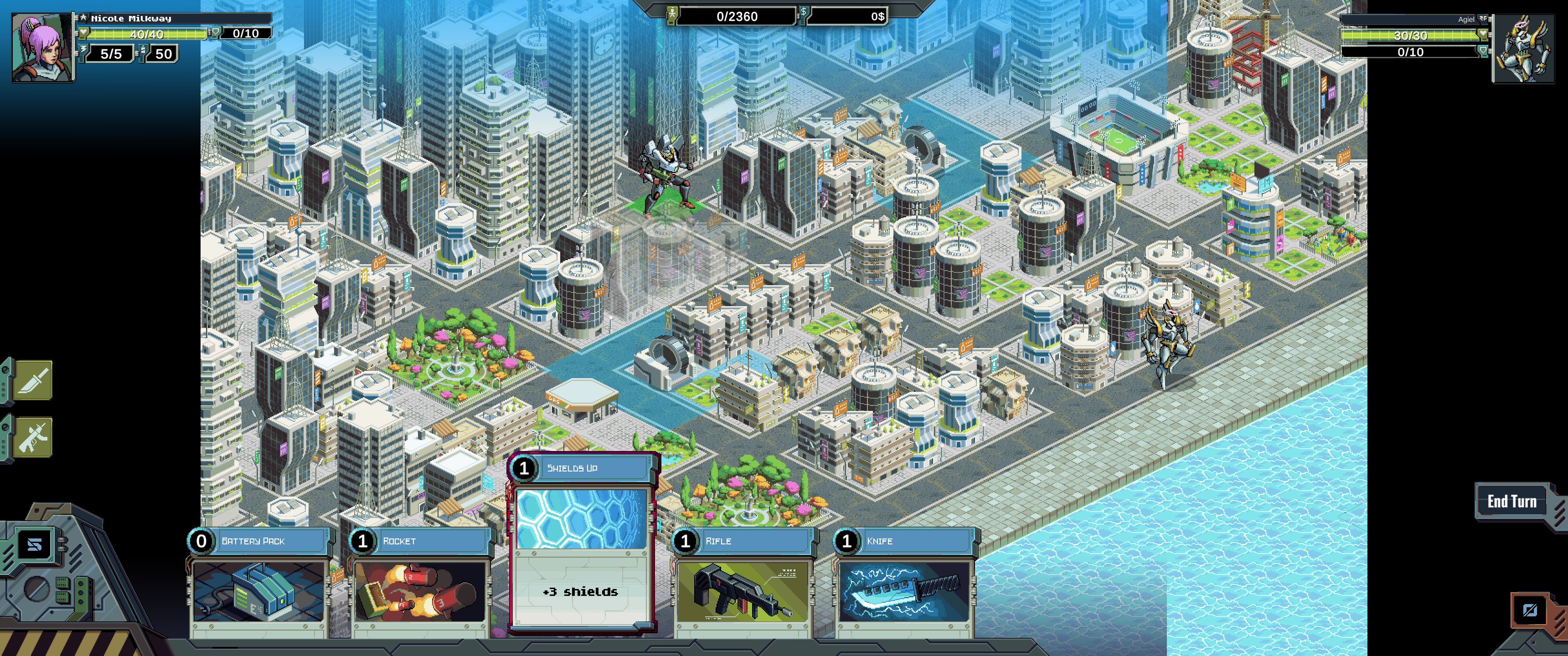
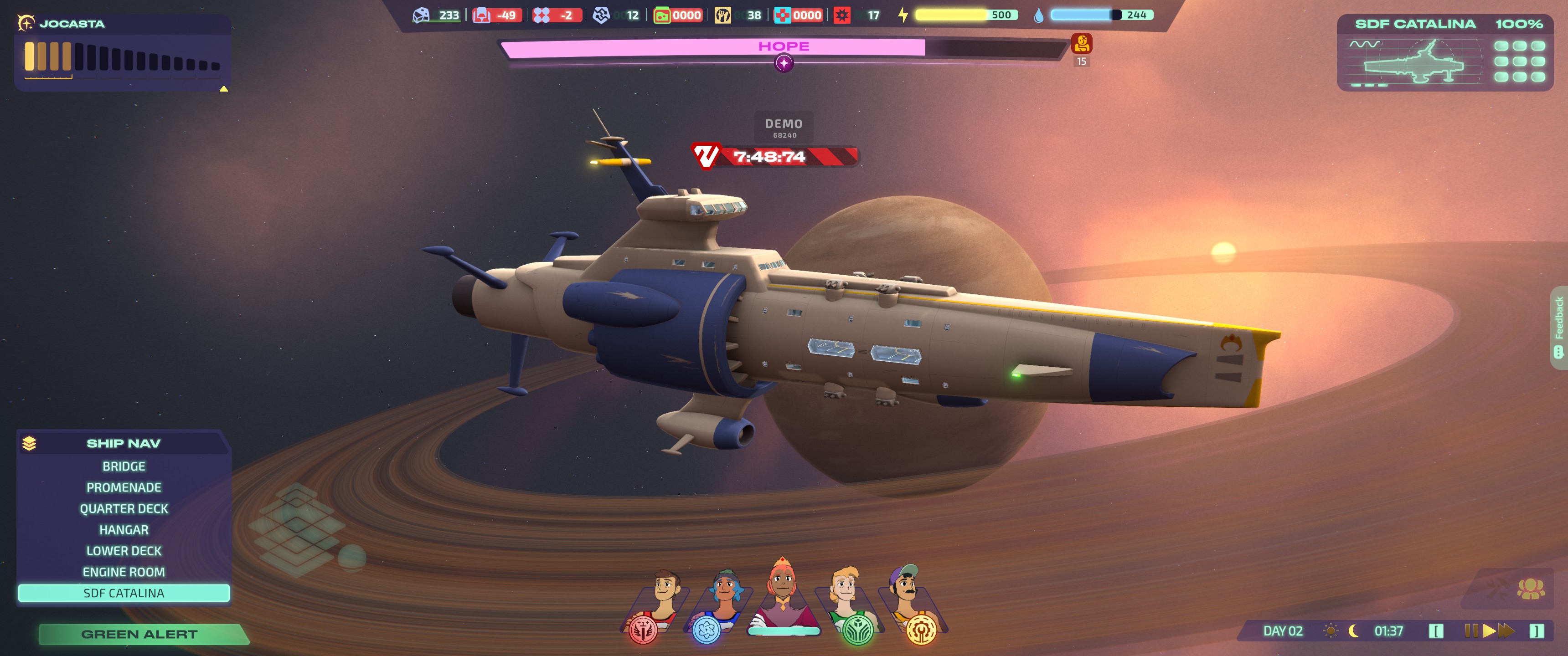
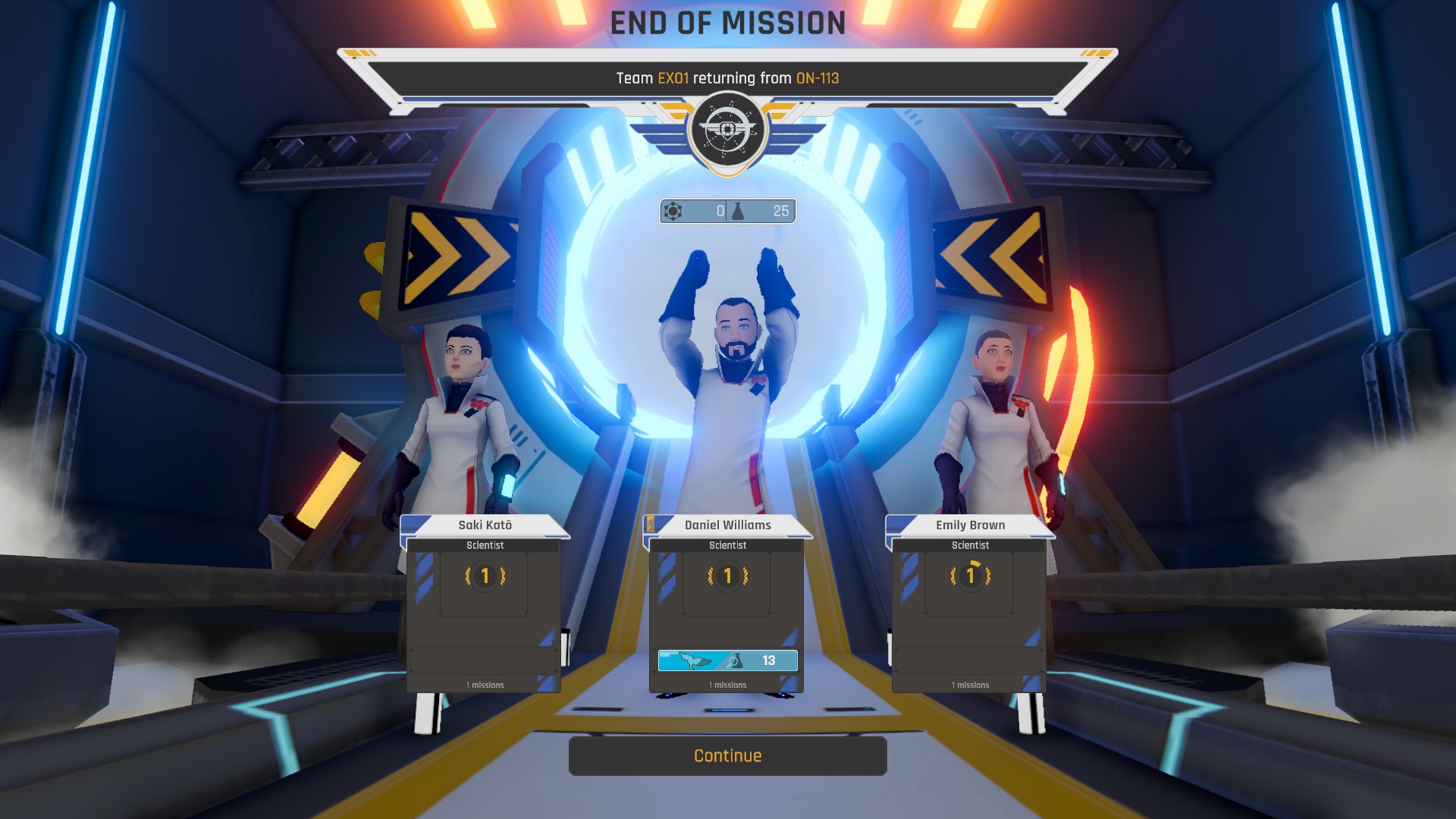
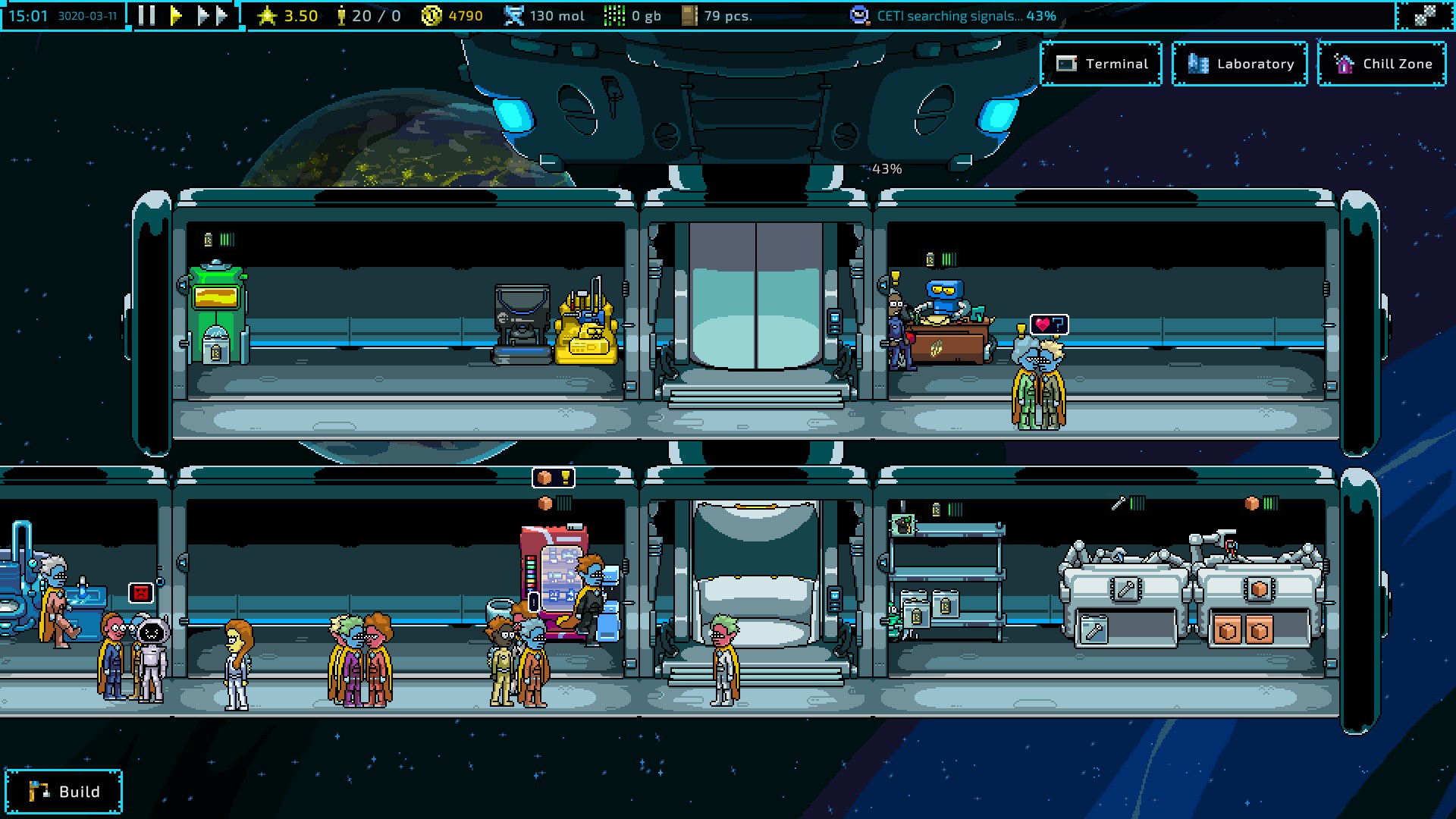
Thus far, this is my sleeper hit from this Next Fest. It’s essentially FTL with the base building of something like Evil Genius, all wrapped in an 80s anime aesthetic. It even has an animated intro that establishes the feel. The graphics are great as well, and it looks like the final game will have multiple scenarios (maybe with different ship layouts?). It hooked me right away. I’ll definitely be picking this one up.
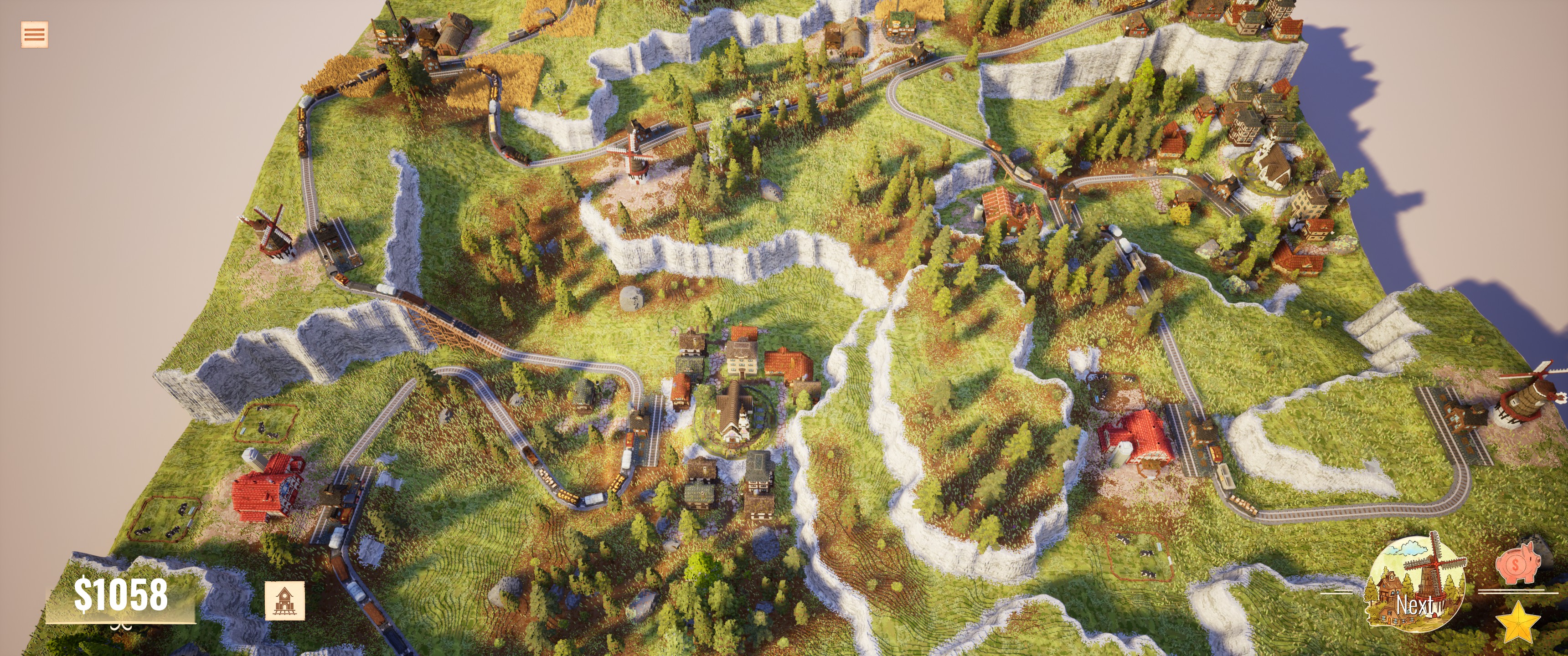
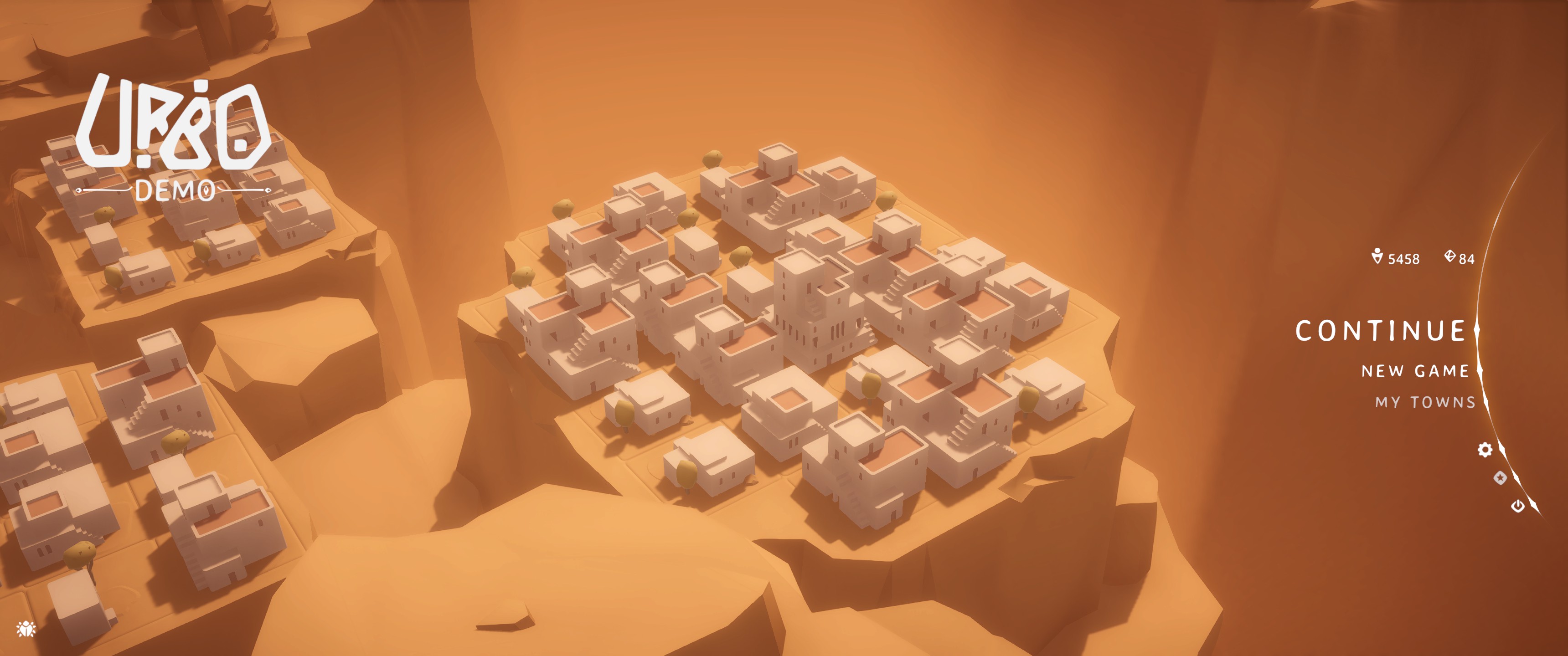
A city-builder where you’re constructing your towns on a mountaintop. The demo introduces the basic production chains and shows off an avalanche. Seems like it’s more about building the most efficient production chains than about resource management.
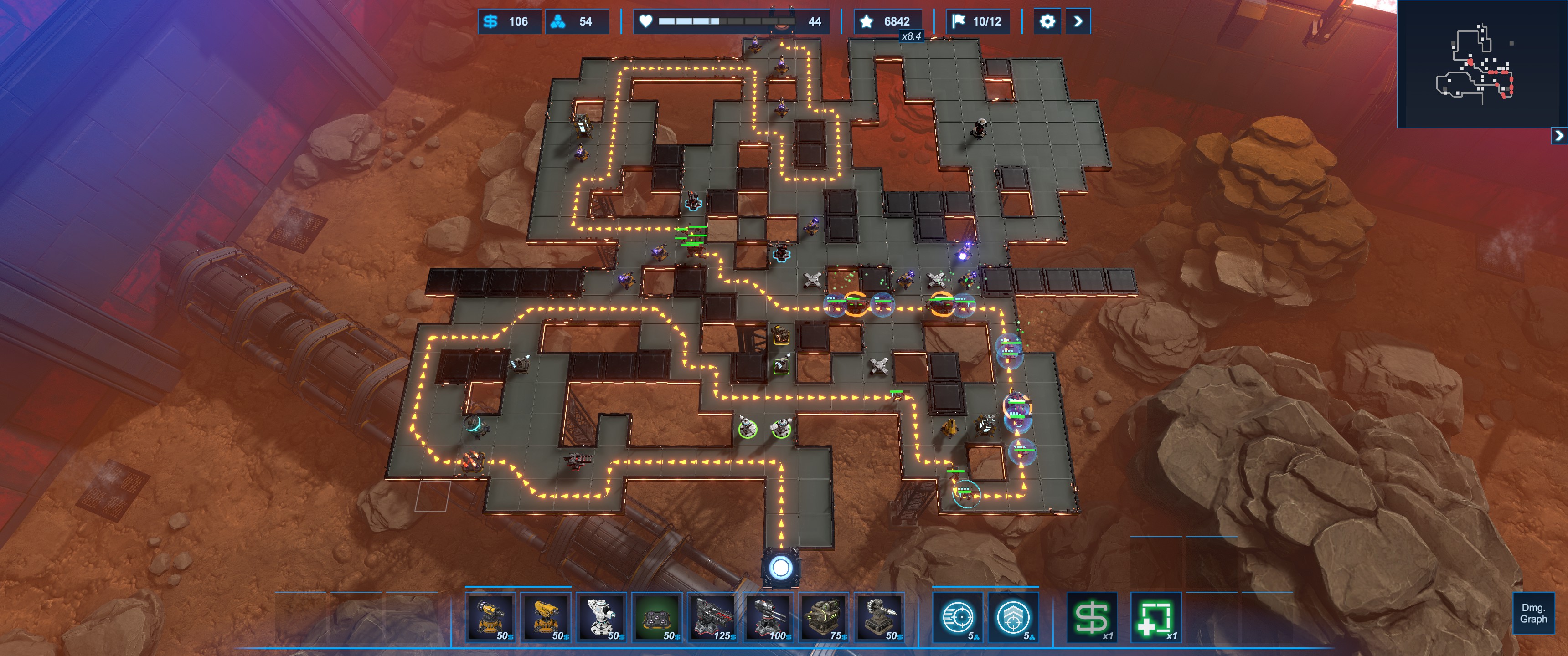
I like a good tower defense game. This one has a lot of nice quality-of-life features like ways to manipulate the map and a free sell-and-replace each wave.
A roguelike city builder where you build up your castle and defenses to fight back waves of enemies. I’m annoyed that the demo locks progression behind completing all challenge modes for each level.
Another defend-your-castle city builder. Has a heavier RTS element than Thronefall, where you build units and order them around individually. The wall building is very similar to Castle Story, and some structures can stack like Timberborn. I enjoyed the short demo, so this will definitely be in my library at some point.
A turn-based 4X game. It’s very different from Stellaris, but has some nice twists on the standard 4X formula; mostly making things far simpler and more accessible, but also a bit more boring. I’m not sure how much I liked what I played in the demo. (And the Stellaris name is definitely just there for the name recognition.)
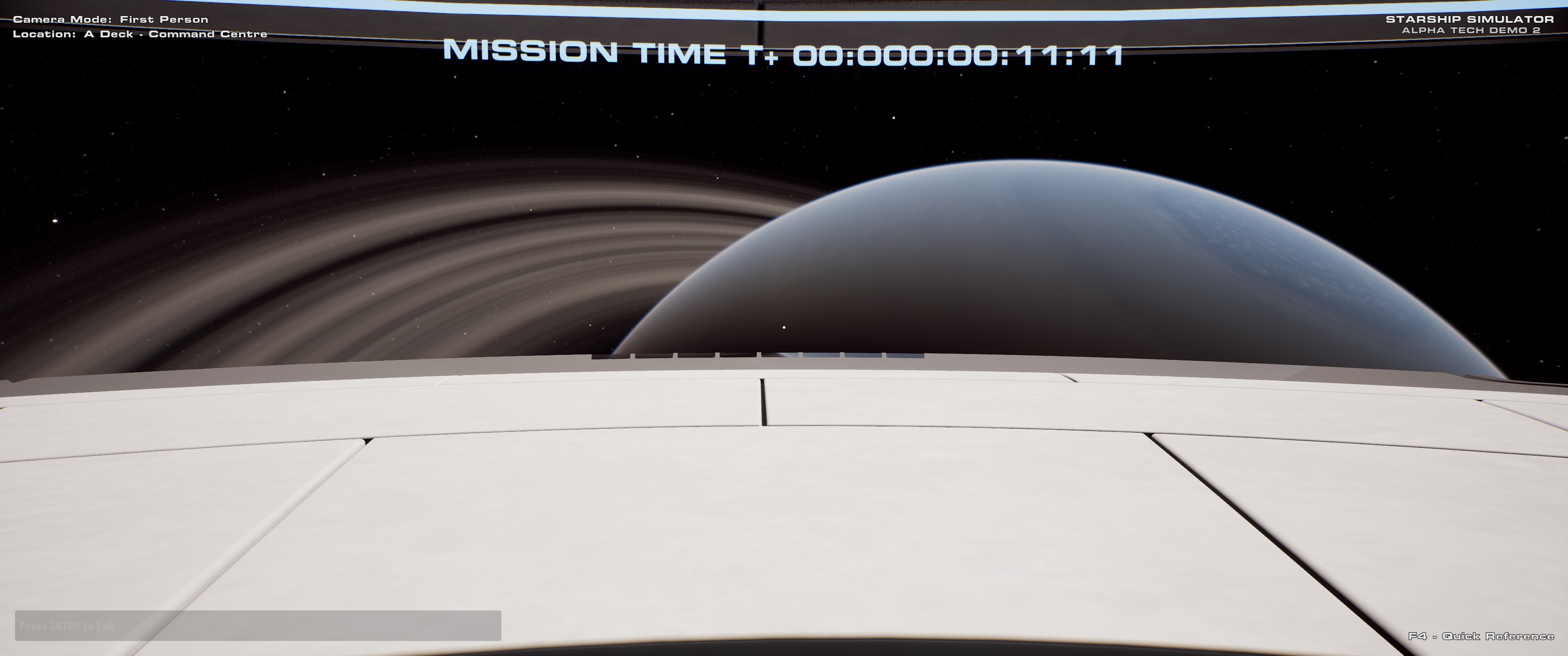
This one is just a tech demo, and it’s essentially just Space Engine with a Star Trek-style starship you can fully explore. Most of the ship is still a work-in-progress, but it was fun to fly around our solar system. There’s a fun “Disco Mode” test of the ship lighting, but unfortunately the life support systems aren’t fully implemented so I couldn’t disable life support and suffocate to death.
A Metroidvania where you play as Ebenezer Scrooge, post-Christmas Carol, teaming up with sprits to help the people of London. Neat idea with a nice hand-drawn style. Didn’t click with me, but it looks great.
Next Fest Complete
That’s the end of this Fest. There are several here I’m looking forward to, but Jumplight Odyssey most of all because of how well it combines some great styles (I love that Evil Genius base-building). Mind Over Magic was also more fun than I expected. I already knew about Viewfinder and The Invincible, and they both lived up to my expectations. I still love all the demos these events bring out and the opportunity to try a lot of things I’d have completely ignored otherwise.
I started to include this as part of my first impressions, but it was getting long and I didn’t want to just throw all this away, so I chose to split it out here for anyone interested.
Mods
The new mod system does a good job of replacing the disparate seasonal systems with a unified system that can be easily built upon. There are two key concepts with the new mod system: Orbs of Power and Armor Charge.
Orbs of Power
Orbs of Power have always existed in Destiny, created by certain abilities as a way to charge your super. Now, there are many more ways to generate them, and they still recharge your super but can also grant Armor Charge, which can be used to power a variety of effects.
There are three main ways to generate Orbs of Power: your super ability, “siphon” mods, and ability mods.
Your super ability has always generated orbs and it works basically the same way as it always has: killing enemies with your super generates orbs. For some supers like Well of Radiance or Ward of Dawn, the orbs are generated as soon as the super is cast (since they don’t directly kill enemies).
Siphon mods allow you to create orbs with weapon kills. There’s a mod for each damage type: kinetic, arc, solar, void, stasis, and strand. There’s also a “harmonic” siphon that matches your subclass.
Finally, there are mods to generate orbs from your abilities: “Firepower” to create orbs from grenade kills, “Heavy Handed” to create orbs from melee kills, and “Reaper” to create orbs from weapon kills after using your class ability. There’s also a mod that can create orbs from finishers, but requires Armor Charge to do so.
Armor Charge
The new part of the mod system is “Armor Charge”. There are several mods that operate on Armor Charge, and as soon as one is slotted, picking up an Orb of Power will grant a stack of Armor Charge. There are two main ways Armor Charge is used: fully consumed to grant a bonus, or consumed over time for a passive bonus. Aside from that, there are a variety of mods that enhance Armor Charge in some way. Each of these is distinguished by a color in the UI.
Instant Bonuses (Yellow)
Yellow mods consume all your Armor Charge at once, granting an instant bonus. There’s “Grenade Kickstart”, “Melee Kickstart”, and “Utility Kickstart”, which trigger when your ability energy is fully expended and immediately recharge that ability (with more energy being refunded based on the number of mods and amount of Armor Charge). There’s “Emergency Reinforcement”, which triggers when your shield is broken and grants damage reduction.
Finally, there are several mods that trigger on Finishers to generate orbs, restore abilities, grant buffs (overshield or heal), generate ammo (special or heavy), or reload weapons. Unlike the “kickstart” mods, which consume all your Armor Charge stacks, the Finisher mods require a certain amount to trigger. For instance, the “Explosive Finisher” mod recharges your grenades, but only triggers if you have three or more stacks of Armor Charge.
Passive Bonuses (Blue)
Blue mods drain your Armor Charge over time and provide a passive bonus. There are two types of passive bonuses: stat bonuses that add +30 to a primary stat (mobility, resilience, recovery, discipline, intelligence, or strength), and damage bonuses for a specific weapon element (kinetic, arc, solar, void, stasis, or strand).
You can use additional copies of mods to increase the bonus with a decreasing benefit. For instance, one “Font of Restoration” mod will increase your Recovery by +30, two by +50, and three by +60. You can have as many passive bonuses as you like and they don’t cause Armor Charge to drain any faster. I’ve seen a few people that essentially have “perfect” stats (100 in all stats) via the stat bonuses.
Armor Charge Enhancements (Green)
Green mods typically alter how you collect Armor Charge. These are all different: “Charged Up” allows you to have one more stack of Armor Charge. “Stacks on Stacks” grants you an additional stack of Armor Charge each time you pick up an Orb of Power. “Time Dilation” makes Armor Charge decay more slowly when using passive (blue) mods. “Powerful Friends” grants Armor Charge to allies when picking up an Orb of Power. “Radiant Light” grants Armor Charge to allies when using your Super. (One stack for allies with the same subclass, two for different subclasses.) “Shield Break Charge” grants a stack of Armor Charge when breaking an enemy shield with a matching damage type. “Empowered Finish” lets Finishers grant a stack of Armor Charge if you have none.
Passive Mods
There are also a number of passive mods that don’t use the Armor Charge system. Most of these existed before the new mod system changes. There are stat mods for +5 or +10 to a primary stat; weapon mods to improve reserves, flinch, targeting, handling, reload them while holstered, or grant extra ammo when picking up ammo; super-related mods to generate additional orbs or grant additional super energy from abilities; ammo finder mods (special or heavy) to generate ammo on kills (and new “scout” mods to grant that same ammo to allies); resistance mods to increase damage resistance against specific damage types; cooldown mods that affect your ability cooldowns; and a few buff mods that provide a heal or overshield when picking up orbs or using Finishers.
Strand
Buffs
Woven Mail
Woven Mail is a buff that provides 60% damage reduction for everything but precision damage (i.e., headshots). It’s the main Titan buff, and makes you very tanky. There’s also a nice audio effect whenever you’re hit while it’s active, letting you know it’s still up since it’s difficult to tell otherwise; a full-screen effect would have been nice.
Tangles
Tangles can be created after defeating targets with Strand abilities. The enemy dissolves into a “tangle” that hovers in the air and can be used in a variety of ways. You can shoot a tangle to detonate it, causing damage to nearby enemies; you can pick up and throw a tangle like a grenade; or you can grapple to a tangle for free. You can also combine these effects; for instance by picking up and throwing a tangle, then grappling to it and letting it pull you along.
Threadlings
Threadlings are the Warlock specialty, but any class can create them. They’re little worm-like creatures that will seek out enemies and explode. Warlocks can keep up to five threadlings ready to deploy at any time.
Debuffs
Suspend
Suspend does what it sounds like: it suspends targets in the air, preventing them from attacking and exposing their weak points. Suspend won’t work on bosses, but it does slow them a bit. When used against other Guardians in PvP, Suspend will slow them but still allow them to move and attack.
Sever
Sever is a debuff that reduces the amount of damage enemies cause.
Unraveled
Enemies that are “unraveled” will emit small Strand projectiles when they’re hit, which seek out nearby enemies (or the same enemy if there’s no one around). This works like the Jolt effect from the Arc subclass.
Grenades
Shackle Grenade
The Shackle grenade, also known as the “bola grenade”, will damage and suspend the target it hits, and also splits into multiple sub-grenades that will suspend nearby enemies. It’s my personal favorite.
Threadling Grenade
The Threadling grenade splits into Threadlings mid-flight.
Grapple
Grapple replaces your grenade ability with a grappling hook. You can grapple to objects in the world or onto a point in mid-air. During and shortly after the grapple, you can use your melee to create an area-of-effect explosion and unravel enemies (“you are the grenade”). There are a lot of fun examples of the grapple being used in the world due to interactions with various enemies or environments.
Fragments
Fragments are also shared between all classes. There are several, so I’m just going to do a quick run-down:
Thread of Mind
Defeating suspended targets grants class ability energy.
Thread of Fury
Damaging targets with a Tangle grants melee energy.
Thread of Ascent
Activating your grenade ability reloads your equipped weapon and grants bonus airborne effectiveness.
Thread of Finality
Finisher final blows create Threadlings.
Thread of Warding
Picking up an Orb of Power grants Woven Mail.
Thread of Wisdom
Defeating Suspended targets with precision final blows creates an Orb of Power.
Thread of Rebirth
Strand weapon final blows have a chance to create a Threadling.
Thread of Transmutation
While you have Woven Mail, weapon final blows create a Tangle.
Thread of Propagation
Powered melee final blows grant your Strand weapons Unraveling Rounds.
Thread of Evolution
Threadlings travel further and deal additional damage.
Thread of Isolation
Landing rapid precision hits emits a Severing burst from the target.
Thread of Binding
Super final blows emit a Suspending burst from the target.
Thread of Generation
Dealing damage grants grenade energy.
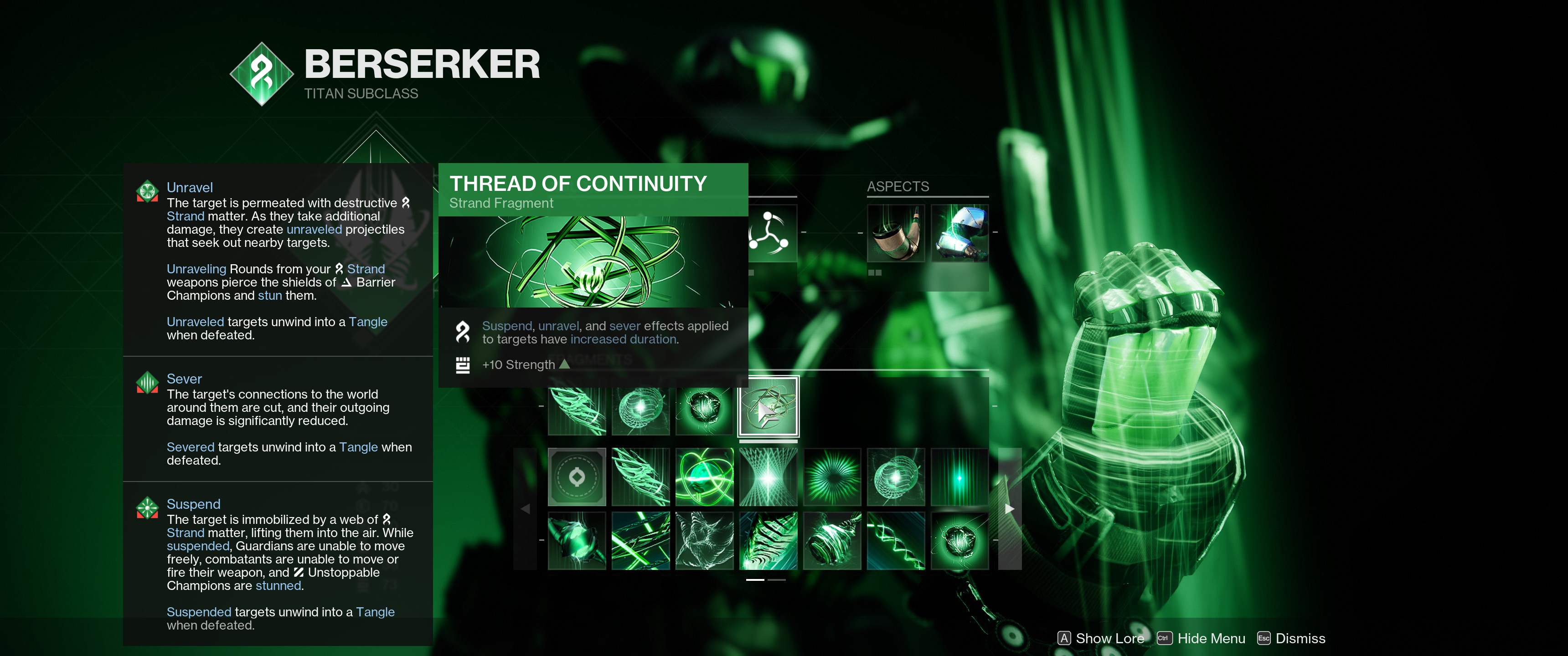
Thread of Continuity
Suspend, Unravel, and Sever effects applied to targets have increased duration.
Classes
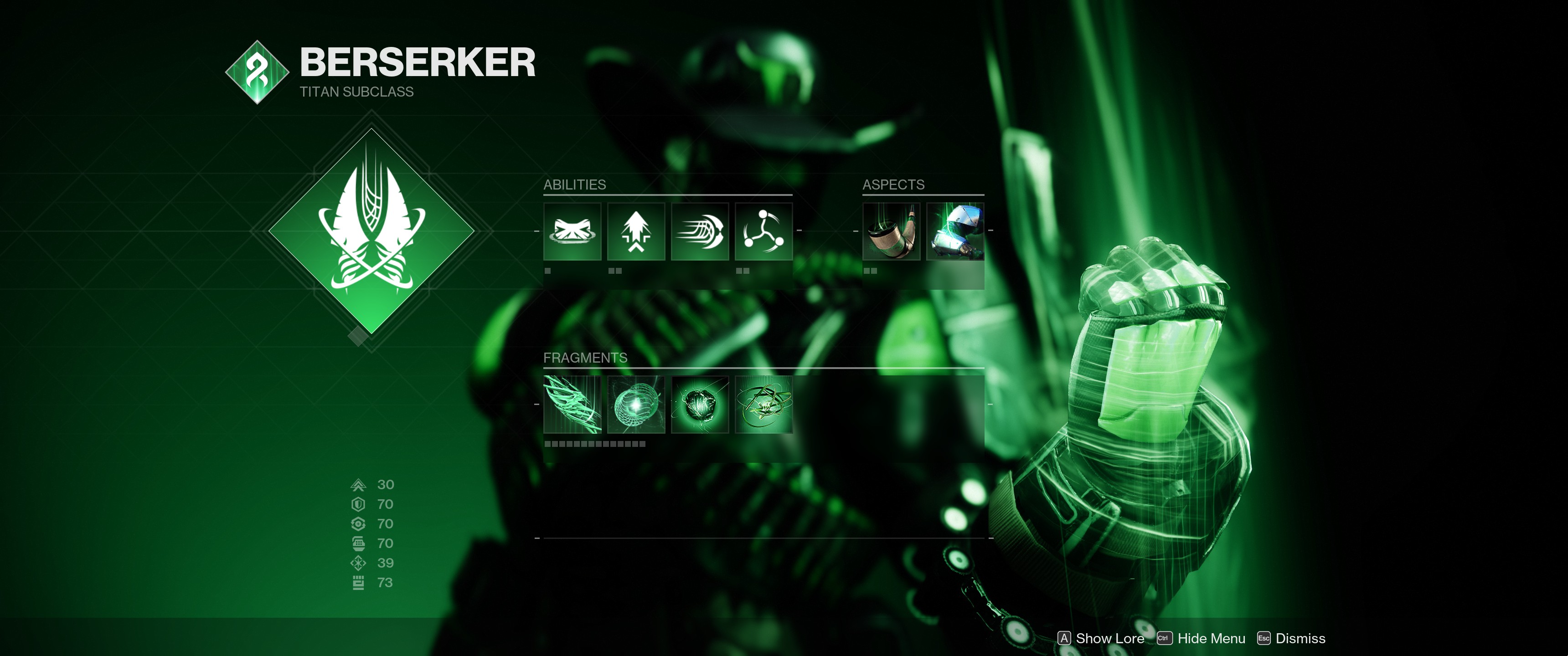
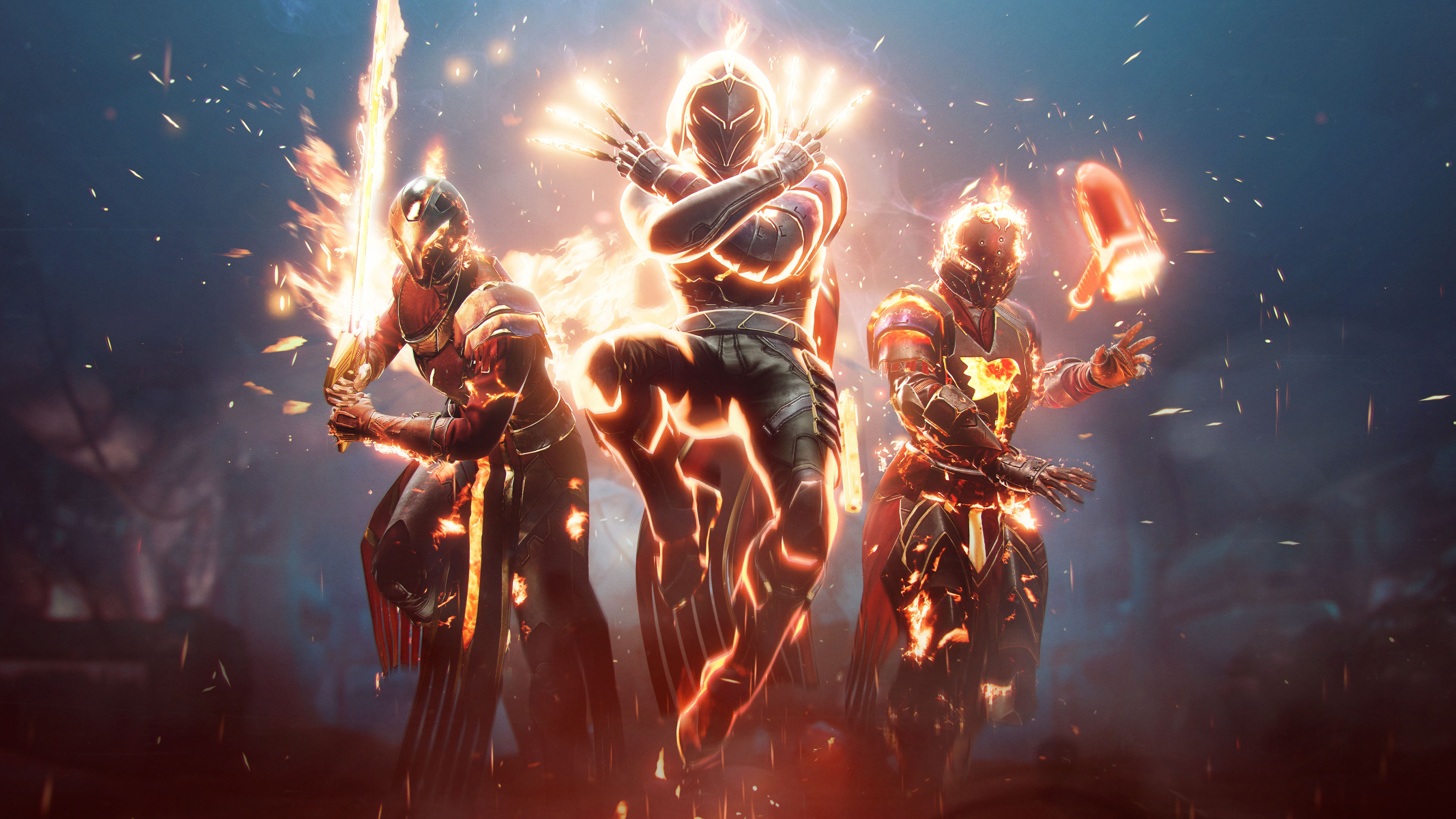
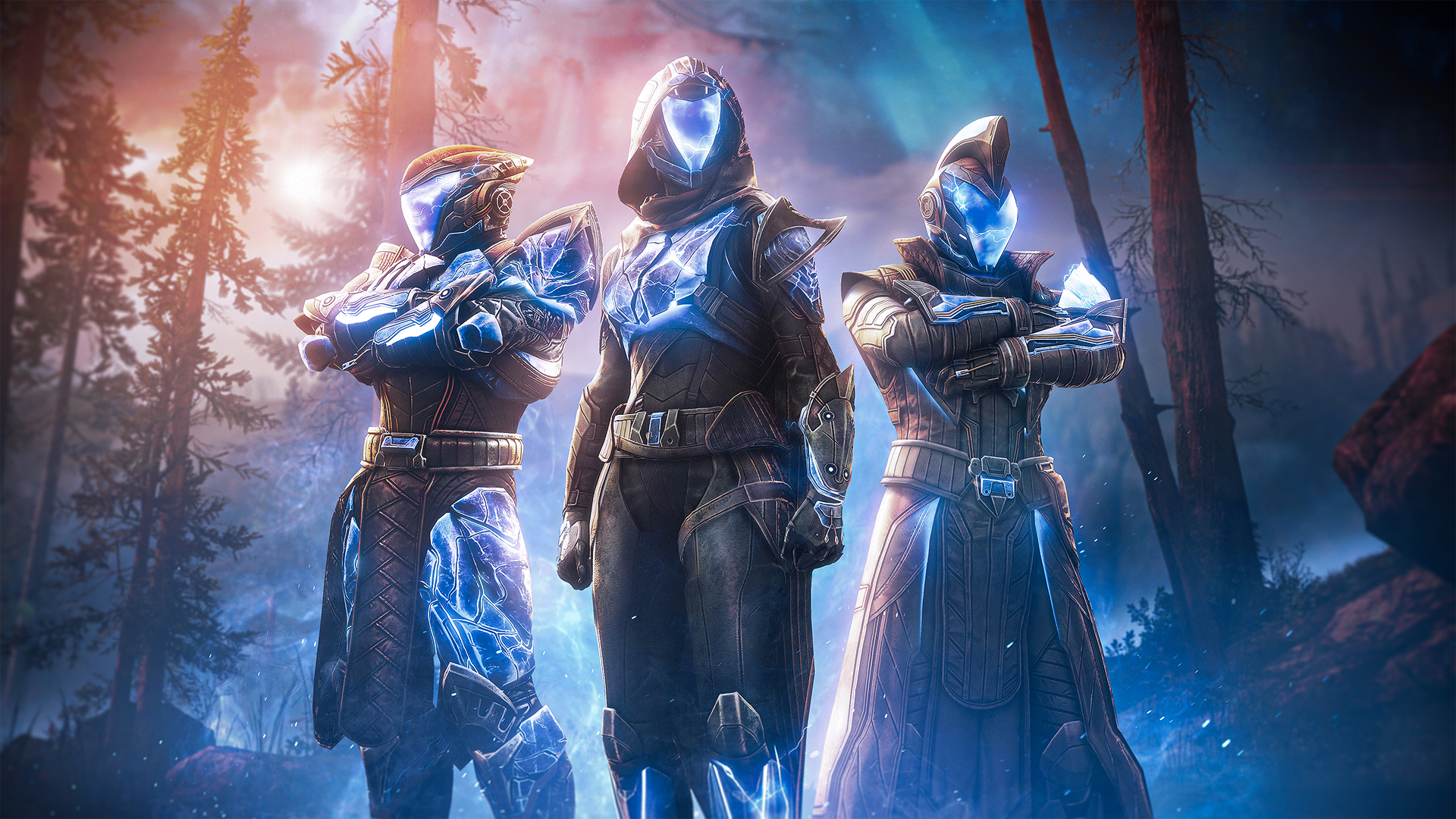
Titan Berserker
Titans get a good mix of buffs and debuffs, being able to easily acquire Woven Mail and apply Suspend and Sever. When managed properly, these effects are very powerful together.
Super
The Berserker’s super is “Bladefury”, summoning a pair of blades with two attacks: a light attack to leap at a target and slash, severing it and increasing your attack speed and granting heavy attack energy; and a heavy attack that creates two projectiles that seek targets and suspend on hit. Despite being a roaming melee super, which typically under-performs against bosses, Bladefury can put out a surprising amount of single-target damage thanks to the attack speed increases and projectile attack.
Melee
The Titan melee ability is “Frenzied Blade”, which has three charges and performs a quick dash and slash that Severs targets (similar to the super). It works a bit like shoulder charge melees, but is instant like the Stasis melee. I’ve used it to save myself when a jump comes up just a little too short.
Aspects
Into The Fray
Into The Fray grants Woven Mail to the Titan and nearby allies when destroying a Tangle (either by shooting it or throwing it) or casting their super. It works great, though I’ve found that you have to be in range of the Tangle detonation to actually get the buff; you can’t just fire at a Tangle a mile away.
Drengr’s Lash
Drengr’s Lash causes the Titan’s Barricade to create a ripple that runs along the ground that suspends and damages any enemy it hits.
Exotic Armor
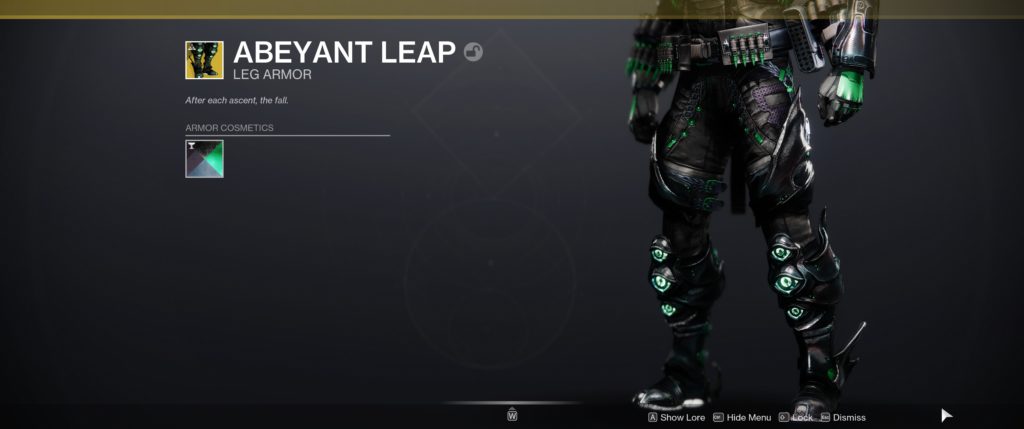
The new Titan exotic armor piece for Strand, Abeyant Leap, causes Drengr’s Lash to spawn two additional projectiles (for a total of three), which track more aggressively and travel further, and also grants Woven Mail when suspending a target. With the exotic, you can suspend large groups of enemies, and it provides an on-demand source of Woven Mail.
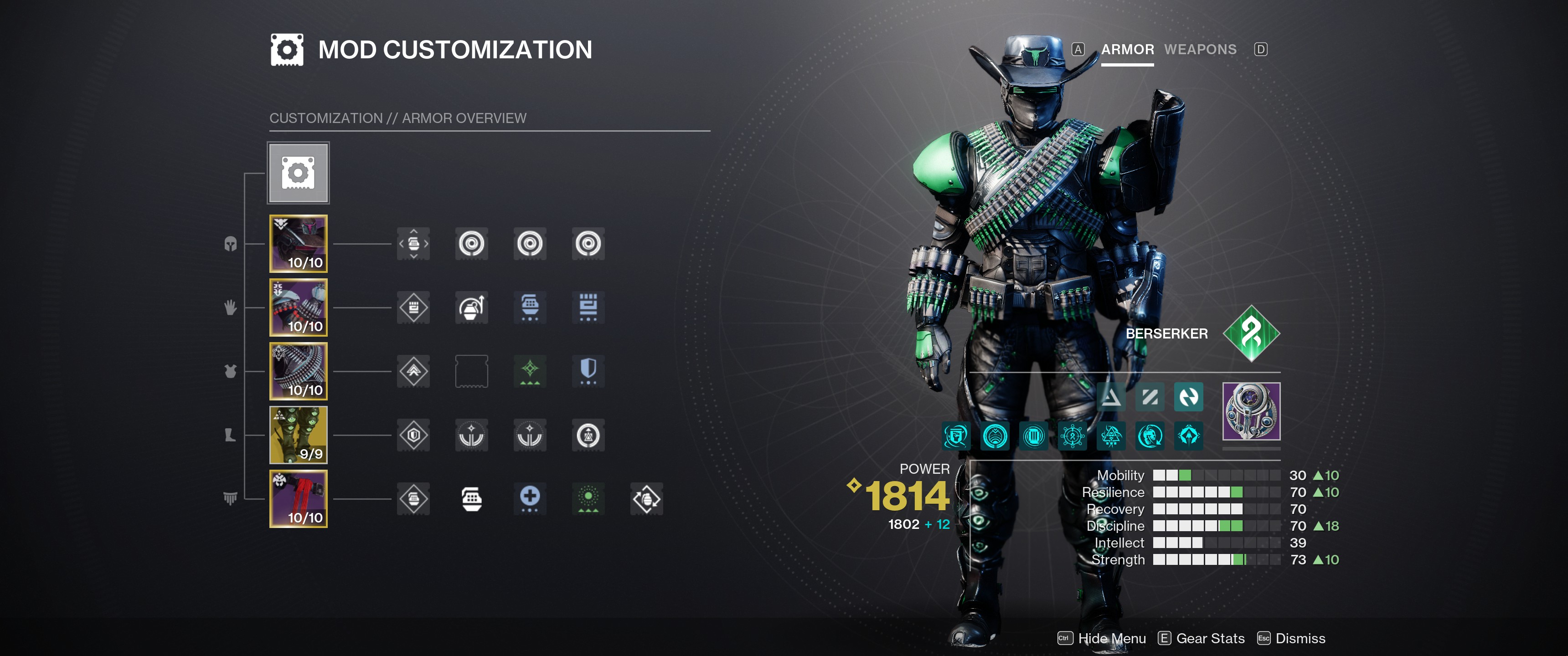
Titan Build
My current Titan build focuses on Suspend and Woven Mail, using the Abeyant Leap exotic and Shackle grenade to keep enemies almost perpetually held:
Class Ability: Rally Barricade Grenade: Shackle Aspects: Into The Fray, Drengr’s Lash (the only two options) Fragments: Thread of Mind, Thread of Generation, Thread of Continuity, Thread of Isolation Key Mods: Font of Restoration, Font of Endurance, Font of Vigor, Font of Focus, Time Dilation
I’m still experimenting with my Strand build, which seems a little weak at times. Previously I used Thread of Fury, to gain melee energy from Tangle damage, but since I can’t use the melee consistently (it doesn’t always activate when I press my attack key), I avoid it entirely, which means that’s usually a waste. I’ve swapped it for Thread of Isolation here, to give me more opportunity to Sever targets. I’ve been using Font of Restoration for a while to max out my Recovery stat (so I regain health more quickly), and the recent removal of all the melee-focused mods freed up a lot of room, so I put in the other Font mods to give me four maxed stats (Resilience, Recovery, Discipline, Strength) whenever I have armor charge. Time Dilation just makes those charges last longer.
Hunter Threadrunner
The Hunter’s Strand kit focuses on the new Grapple ability and mobility.
Super
The Threadrunner super is Silkstrike, which lets the Hunter use their Grapple more frequently, and also gives them a rope dart to attack enemies at close-to-mid range. The rope dart deals crit damage when it hits near the end of its range.
Melee
The Hunter melee Threaded Spike, which throws a dart that bounces between targets before returning, refunding energy for each enemy hit. Catching the spike with perfect timing rewards additional energy.
Aspects
Ensnaring Slam
Ensnaring Slam allows Hunters to use their class ability in mid-air to dive to the ground, suspending all nearby targets.
Widow’s Silk
Widow’s Silk lets Hunters grapple more often; they get an additional grenade charge (which applies to Grapple), and their grapples create a “Grapple Tangle” at the grapple point, which can be used by players freely.
Thoughts
From what I’ve heard, the Hunter kit is a bit underwhelming, with the long grapple cooldown hindering some of their mobility. The super is also difficult to keep at the proper range to ensure frequent crits (each attack steps forward). Though I’ve seen that using a different debuff (like a Tractor Cannon shot, which weakens enemies) allows the super to put out significant damage without needing to worry about positioning.
A few of the builds I’ve seen revolve around using the grapple melee to repeatedly hit targets suspended by Ensnaring Slam. It seems like it could work, but I think the Titan’s version (using their Barricade) is better.
Warlock Broodweaver
I think the Broodweaver is the most impressive of the new subclasses. It’s a minion master style class, where you get to keep an army of Threadlings to attack enemies. All classes can use Threadlings, but for Warlocks, and Threadlings they create that don’t detonate (because they can’t find an enemy) will return to the Warlock and “perch” – turning into a little green ball and orbiting the Warlock. The next time the Warlock attack an enemy, these perched Threadlings will jump down and attack the target.
Super
The Warlock super is Needlestorm, which summons a barrage of needles. The needles stick into enemies or the environment, then detonate and transform into Threadlings that seek out nearby enemies.
Melee
The Warlock melee is Arcane Needle, which summons a projectile that tracks targets and unravels enemies. There’s a fancy animation to fling the three charges.
Unravel is a very powerful effect, and when used with certain exotics, the Warlock melee can even kill bosses.
Aspects
Mindspun Invocation
Mindspun Invocation improves the Warlock’s grenade ability: Grapple weaves three Threadlings when using a grapple melee; Threadling grenades can be consumed to generate a full complement of five perched Threadlings; Shackle grenades can be consumed to gain a buff that creates a suspending detonation on every kill.
Weaver’s Call
Weaver’s Call has the Warlock summon three Threadling eggs when they cast their Rift.
Thoughts
I need to find some time to get my Warlock through the Lightfall campaign to unlock Strand and try out these Threadlings. There are a lot of different ways to create Threadlings (even using weapons with the new Hatchling perk), so Warlocks can use the Shackle grenade with Mindspun Invocation to suspend enemies.
I’ve also seen some crazy builds with the Arcane Needle melee combined with Necrotic Grips, an exotic that makes powered melee attacks poison enemies. The poison tick damage triggers the unravel effect, which will propagate the poison to other enemies (or re-apply it to the same enemy); it can even take out bosses. (It was so bad that Bungie disabled Necrotic Grips for the raid race.)
We’re a few weeks into Destiny’s latest expansion, Lightfall, and like I did with Witch Queen, I wanted to write down some thoughts. There may be some minor spoilers here.
Story
There are some interesting notes in the story for Lightfall, but it mostly feels a bit random and the tone is off. Lightfall takes us to the city of Neomuna on Neptune in pursuit of “The Veil”, an object of immense paracausal power that’s somehow related to the Traveler. After beating the campaign, you learn… Basically nothing. All I know is that it’s called “The Veil”, it’s immensely powerful, and it’s related to the Traveler in some way. The campaign mostly revolves around trying to stop Calus, now a Disciple of The Witness, from getting to it.
Well… That and Strand, the new subclass introduced with the expansion. Strand was shoehorned into the story pretty hard, to the point where some levels were entirely designed around it. When playing the legendary campaign, this was a huge annoyance, since you’re forced to give up your custom build for an underpowered Strand preset. There was one level that I chose to cheese instead of playing as intended because I felt so hamstrung by Strand. But more on Strand later.
Osiris and my Ghost
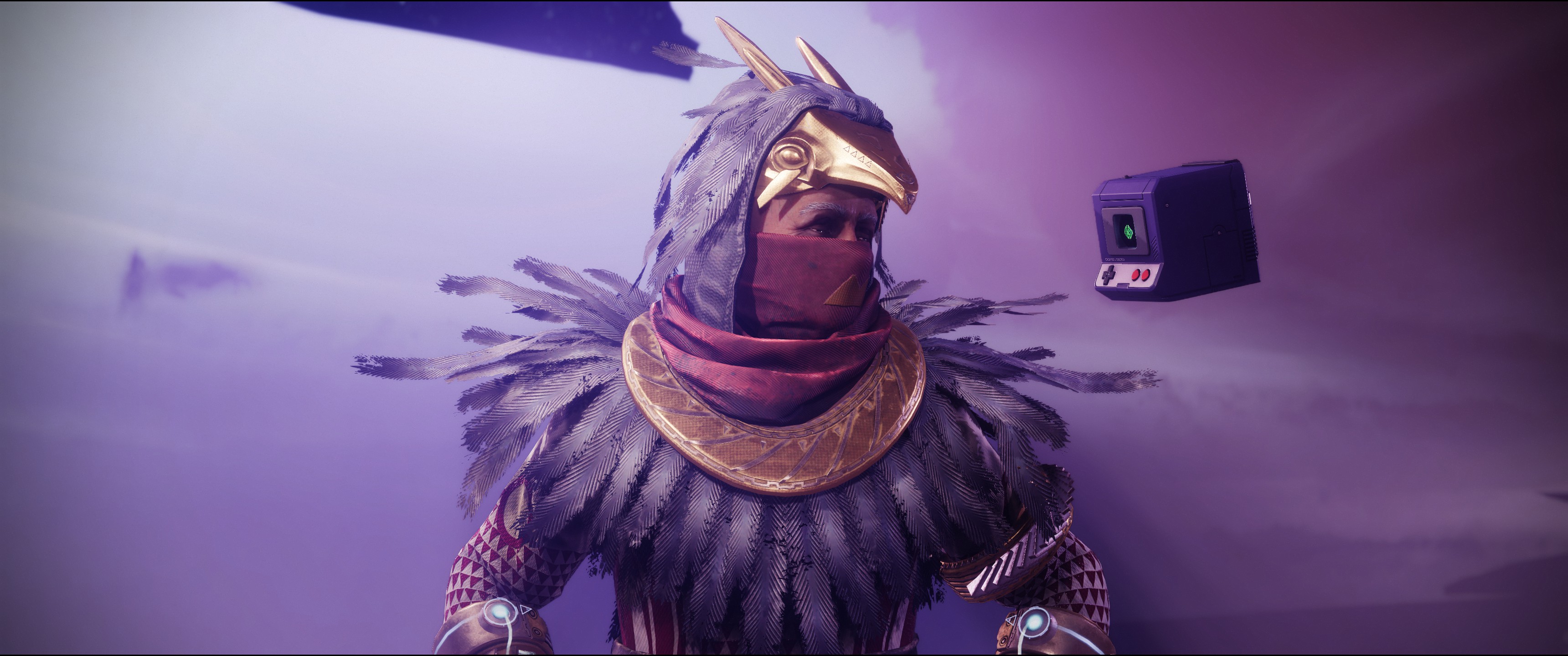
During the campaign, we mostly interact with Osiris, a former Warlock who lost his Light when his ghost, Sagira, was killed. Osiris has an interesting arc through the Lightfall campaign, where he learns to cope with his new powerlessness, and honestly this is the best part of the Lightfall story. There’s a uniquely moving moment with his character and I enjoyed his character growth.
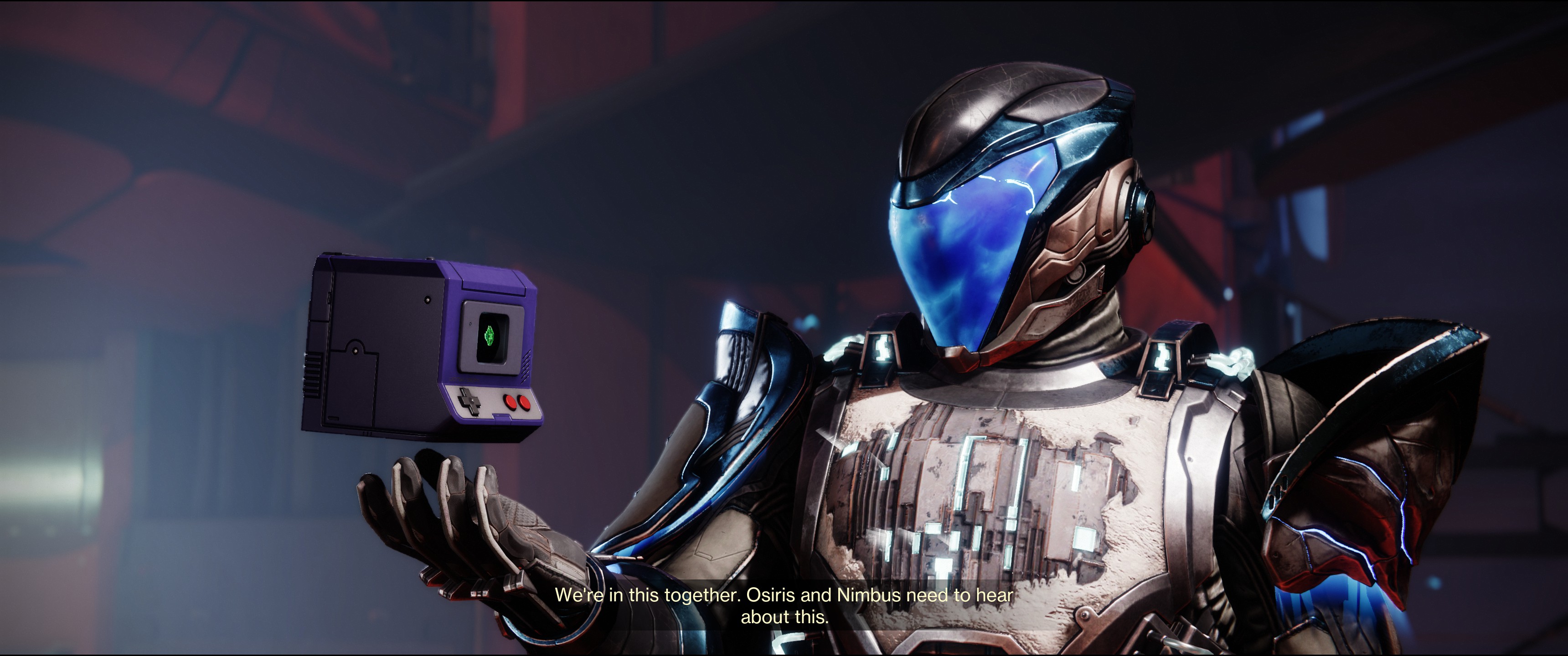
On the other side of things, we have Rohan and Nimbus, the Cloud Striders who protect Neomuna. Cloud Striders are heavily-augmented humans who act as the Guardians of Neomuna. However, this augmentation process limits them to about a decade of life before their bodies reject the augmentations (or something like that). They’re meant to be noble heroes, I think. Rohan is the near-retirement “I’m too old for this shit” protector, and Nimbus is the young new guy who’s always cracking wise. Rohan predictably sacrifices himself during the story, which is portrayed as an emotional moment, but as a player, we’ve only had about ten minutes of interaction time with him at that point, so it falls flat. (Which is distinctly different from Osiris, who we’ve known about since Destiny 1 and worked with in-game since the Curse of Osiris expansion in 2017.)
We also need to talk about Nimbus. Their character has been somewhat controversial in the community, but as for me… I hate them. I think the character designs for the Cloud Striders are weird in general, but it’s Nimbus’ attitude that really peeves me. They’re just constantly making jokes and trying to sound “cool”. There’s an in-world event where you’re trying to stop the Shadow Legion and Vex from damaging the city, and during the event, they’ll send you messages as if it’s some competition, “This has been a real give-and-take race, folks! Every party is in it to win it!”. The city they are sworn to protect is under siege. Seriously? Even after their mentor dies, nothing changes. No growth. It’s annoying. That said, Nimbus is a non-binary character voiced by a non-binary actor, and I can at least give Bungie credit for that. I just wish they didn’t make the character so annoying.
Neomuna
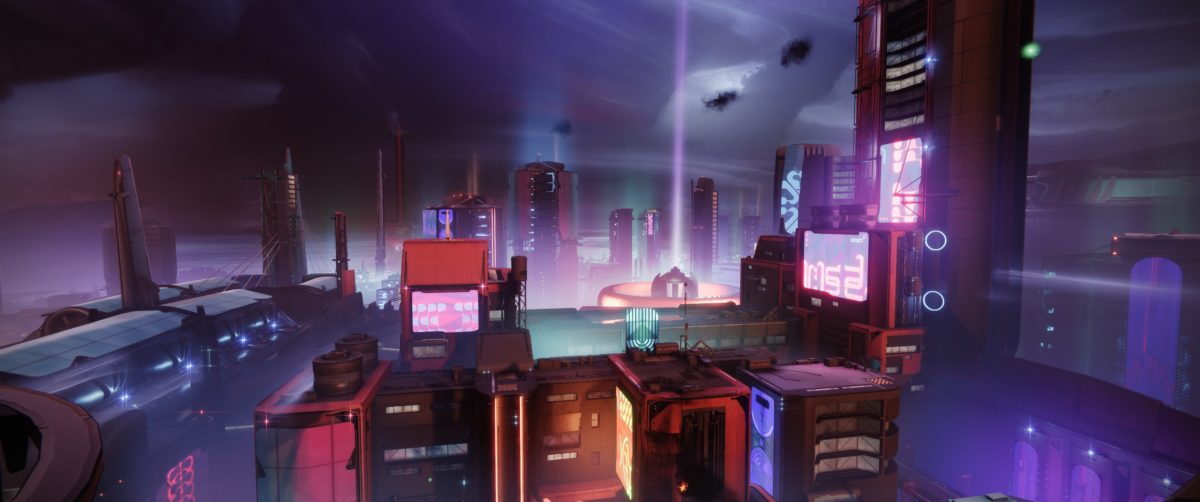
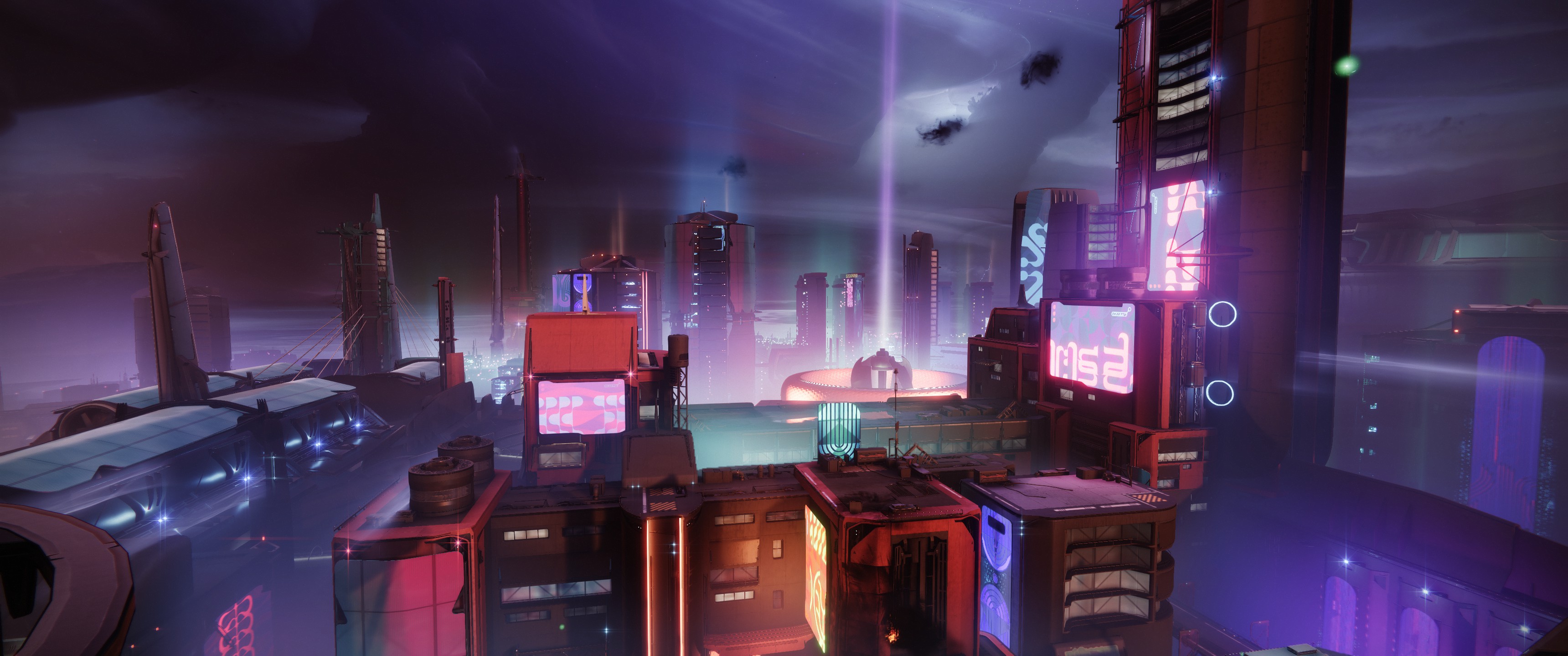
The city of Neomuna
The new destination in Lightfall is Neonuma, a hidden city on Neptune that has grown on its own since just before the Collapse with little outside interaction. Unlike the Last City and the dilapidated human outposts throughout the rest of Destiny, Neomuna is a shining high-tech city. Recent events in the story have revealed its location, which leads Calus and the Guardians to the city.
The city itself is pretty interesting. There are storefronts, highways, and some really unique architecture. You can climb some of the buildings or use Strand’s grapple ability to navigate (there are grapple nodes scattered throughout the city). As the city is under siege by the Shadow Legion, the enemies are pretty dense.
Neomuna also has two world events that rotate throughout the city: Vex Incursions, and Terminal Overload. The Vex Incursion Zone is just an area with increased Vex spawns and some Vex architecture, as well as the entrance to the weekly “Partition” mission. Terminal Overload is the real draw.
Terminal Overload is a multi-step world event with decent rewards and several boss fights. It goes back-and-forth between fighting Shadow Legion and Vex, with a few different objectives like killing a certain amount of enemies or holding a point. I enjoy playing it, though it’s pretty difficult between the number and level of enemies.
New Mod System
Before I get into Strand, I want to talk about the new mod system that was introduced with Lightfall. I was interested in the changes since they seemed to simplify the disparate systems that existed before, and while I’ve seen some people upset by the changes, I think it’s an excellent change and a solid foundation for future work.
While the old system had multiple “orb” types that could drop (Orbs of Power and Elemental Wells) and certain mods effects that only worked with some equipment (Warmind Cell mods), the new system is built around two resources: Orbs of Power and Armor Charge.
Orbs of Power are generated by your super and with weapons or abilities if the appropriate mod is equipped. Armor Charge is gained by picking up an Orb of Power, but only if an Armor Charge mod is equipped.
There are also plenty of passive mods to improve stats or ability cooldowns.
So, for example, the start of a simple solar damage build may use “Solar Siphon” to generate orbs on solar weapon kills, “Solar Surge” to grant bonus solar weapon damage when you have Armor Charge, and “Time Dilation” to make that surge buff last longer.
Overall, I think the new system is easier to understand than the old (it even color-codes the mod types), and has a lot of potential for great builds.
Strand
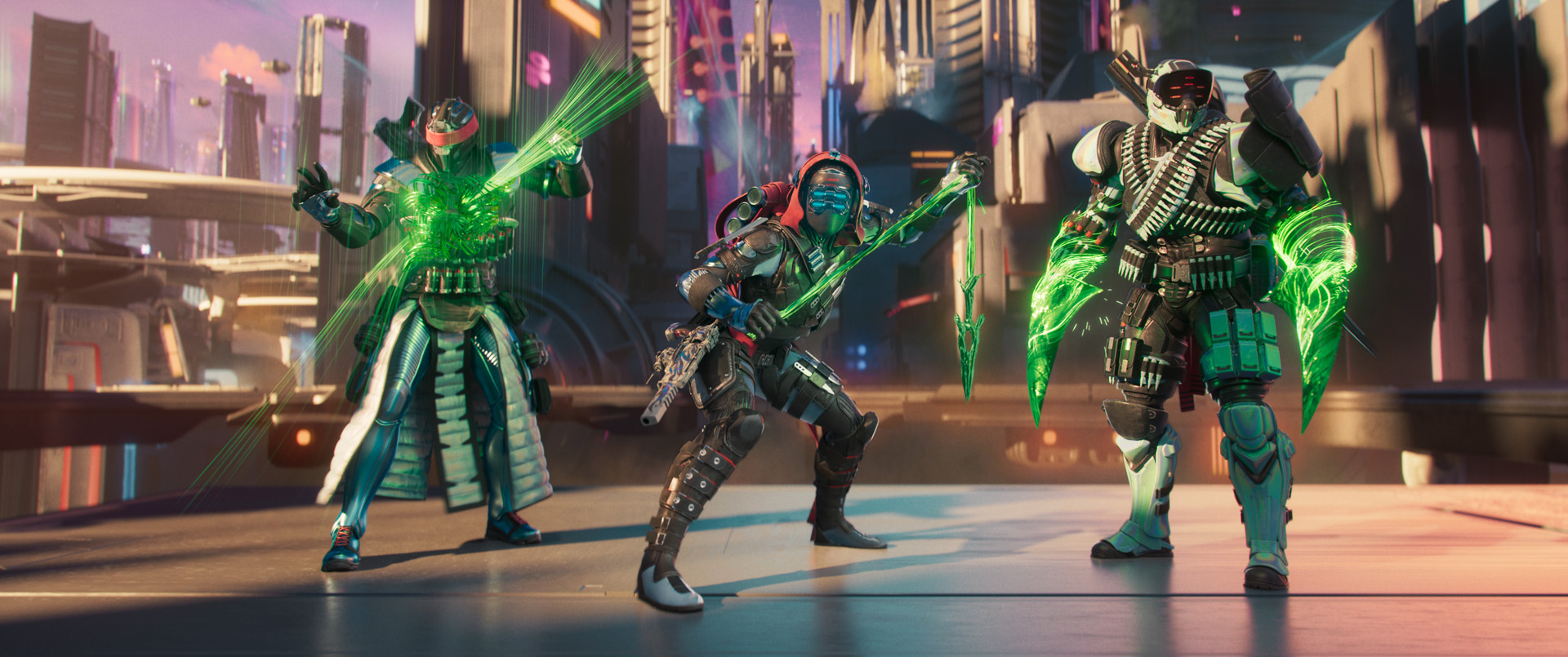
Strand is the new subclass introduced with Lightfall, and it’s definitely a different way to play. On the whole, Strand is about what the community predicted: new, powerful, and the Titan Berserker is a bit boring.
I’ll go into detail in another post, but like other classes, there are a bunch of new keywords for the class. The buffs consist of: Woven Mail, a 60% damage reduction to body shots for a short time; Tangles, created by defeating targets with Strand abilities and can be thrown like grenades or grappled to; and Threadlings, creatures created from Strand that travel along the ground, jump at enemies, and detonate. On the debuff side: Suspend, which does what it sounds like; Sever, which lowers target damage output; and Unraveled, which works like Arc Jolt effects and causes further damage to create Strand projectiles that seek other targets (or the same target if no one else is around). And finally, there are three grenade types: the Shackle grenade suspends targets, the Threadling grenade creates Threadlings, and the Grapple is Destiny’s version of a grappling hook.
Classes
Now on to the specifics each class gets with Strand. (Warlocks definitely won here.)
Titan Berserker
I’m going to start with Titan since that’s what I play. The prediction beforehand was that it would be plenty powerful, but it’s yet another boring roaming super. After playing, I’ve found that’s exactly the case. On the one hand, Bungie has finally built a melee-focused subclass for Titans that’s actually somewhat viable in tougher content. On the other hand, basically all our classes are melee-focused, so when do the others get fixed? Also, the focus on crowd control makes it almost exactly like the Titan’s Stasis subclass, though at least it’s better and more cohesive.
Titans get a good mix of buffs and debuffs, being able to easily acquire Woven Mail and apply Suspend and Sever. When managed properly, these effects are very powerful together. The new “Bladefury” super is surprisingly effective against single targets (like bosses) due to a very fast attack speed. The ranged heavy attack deals good damage but can’t suspend bosses (though it does slow them). The “Frenzied Blade” melee has three charges and severs on hit (which helps keep you alive when you’re in melee range); it also works a bit like an instant shoulder charge and can be used when a jump comes up just a little short.
The aspects Titans start with are “Into the Fray” and “Drengr’s Lash”. Into The Fray grants Woven Mail when destroying a Tangle or casting a super. Drengr’s Lash causes the Titan’s barricade to send out a wave that travels along the ground and suspends and damages enemies it hits.
The Titan exotic, Abeyant Leap, causes Drengr’s Lash to send out two additional waves (for a total of three), which travel further and track more aggressively. It also grants Woven Mail whenever a target is Suspended. It’s a fantastic Strand exotic, providing a reliable way to gain Woven Mail and the ability to Suspend entire waves of enemies.
Overall, Strand Titan is pretty strong. It’s not terrible, but it’s basically just “Green Behemoth” (the Stasis subclass). Suspend is just a different freeze, Woven Mail is a different form of the Stasis crystal damage resistance (via a fragment). Like the Stasis class, however, I’m not a fan of the melee. It’s not strong enough, and it’s been really buggy when I try to trigger it. Sometimes it triggers immediately, sometimes I have to hit the button twice; which sometimes causes it to attack twice after a delay. If it was more reliable, I’d probably use it more often. As it stands I’m mostly using it for mobility or in emergencies, and I’m focused more on suspending enemies with my barricade and grenade.
Hunter Threadrunner
The Hunter’s Strand kit focuses on the new Grapple ability and mobility.
The Hunter’s “Silkstrike” super lets them use their grapple more frequently and gives them a rope dart to attack enemies at close-to-mid range. The melee is “Threaded Spike”, which throws a dart that bounces between targets before returning, refunding energy for each enemy hit. Catching the spike with perfect timing (when it returns) grants additional energy.
Hunters get the “Ensnaring Slam” and “Widow’s Silk” aspects. Ensnaring Slam allows Hunters to use their class ability in mid-air to dive to the ground and suspend nearby enemies. Widow’s Silk lets Hunters grapple more often; they get an additional grenade charge (which applies to Grapple), and their grapples create a “Grapple Tangle” which can be used by players to grapple freely.
The Hunter’s Strand exotic, “Cyrtarachne’s Facade”, grants them Woven Mail whenever they use their Grapple ability, and gives them increased flinch resistance while Woven Mail is active. It further builds into the mobility aspect, but seems PvP-focused.
Thoughts
From what I’ve heard, the Hunter kit is a bit underwhelming, with the long grapple cooldown hindering some of their mobility. The super is also difficult to keep at the proper range to ensure frequent crits (each attack steps forward).
A few of the builds I’ve seen revolve around using the grapple melee to repeatedly hit targets suspended by Ensnaring Slam. It seems like it could work, but I think the Titan’s version (using their Barricade) is better.
Warlock Broodweaver
I think the Broodweaver is the most impressive of the new subclasses. It’s a minion master style class, where you get to keep a small army of Threadlings to attack enemies. All classes can use Threadlings, but for Warlocks, any Threadlings they create that don’t detonate (because they can’t find an enemy) will return to the Warlock and “perch” – turning into a little green ball orbiting the Warlock. The next time the Warlock attacks an enemy, these perched Threadlings will jump down and attack the target.
The Warlock super is “Needlestorm”, which summons a barrage of needles and launches them forward. The needles stick into enemies or the environment, then detonate and transform into Threadlings that seek out nearby enemies. Their melee is “Arcane Needle”, which summons a projectile that tracks targets and unravels enemies. There’s a fancy animation to fling the three charges.
The Warlock’s aspects are “Mindspun Invocation” and “Weaver’s Call”. Mindspun Invocation improves the Warlock’s grenade ability: Grapple weaves three Threadlings when using a grapple melee; Threadling grenades can be consumed to generate a full complement of five perched Threadlings; Shackle grenades can be consumed to gain a buff that creates a suspending detonation on every kill. Weaver’s Call has the Warlock summon three Threadling eggs when they cast their Rift.
The Warlock’s Strand exotic is “Swarmers”, which spawns a Threadling whenever they destroy a Tangle, and also makes Threadlings unravel targets that they damage. Since Warlocks can keep Threadlings ready nearly constantly, this seems like it could be really powerful.
Thoughts
I haven’t heard anything negative about the Warlock kit. Threadlings seem pretty strong, and being able to essentially “bank” five seeking grenades at all times is pretty powerful. It does seem like that’s it’s one trick, however, so if you’re not interested in the Threadlings, it may end up under-performing.
Season of Defiance
The season story focuses on what’s going on back on Earth. The Black Fleet has arrived and Earth is under siege, just like Neptune. The Shadow Legion is rounding up prisoners and locking them away in prison ships for some unknown purpose, and Queen Mara is helping you navigate the Ascendant Plane to infiltrate their ships and free them.
We’re only a few weeks in, but there’s already been some backstory with Amanda Holliday, and there’s a side story about her relationship with Crow. It’s honestly a bit more engaging than Lightfall’s story.
The seasonal activity is “Defiant Battlegrounds”, where you’re infiltrating the prison ships and freeing prisoners. It’s similar to past “battlegrounds”, with a little extra difficulty. They’re well designed and fun to play. Bungie knows their formula here.
They’ve also improved the rewards from the activity, so it’s worth running and re-running to unlock weapons for crafting and get better rewards.
Exotic Quests
There are a number of new exotic weapons with special quests. I won’t go too much into them to avoid spoilers, but the weapons are great and some of the quests are simply fantastic. The new exotic mission is great, with a lot of secrets to unravel.
Quality of Life
Along with the big changes, there were also a lot of quality-of-life and social updates.
Weapon Crafting
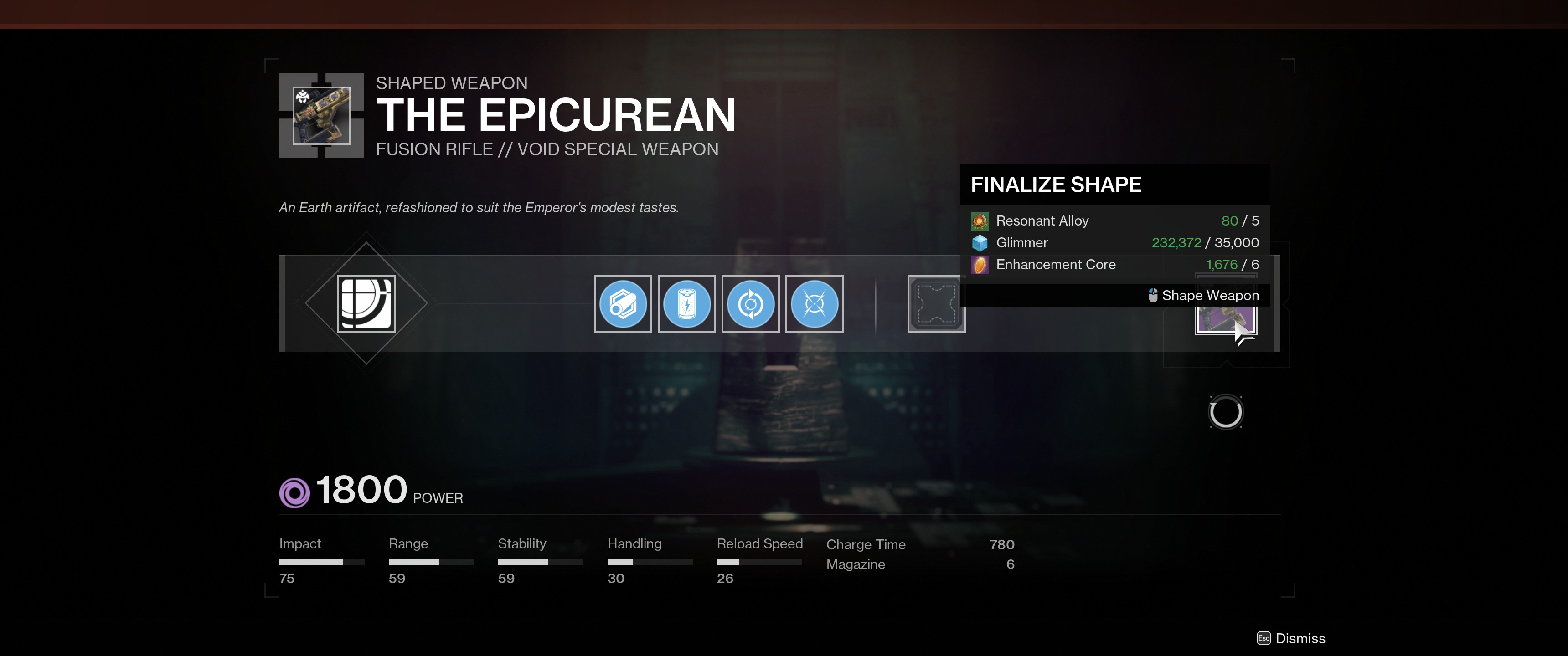
Weapon crafting has been simplified, with the removal of “Deepsight Resonance” as a resource. Now, weapons are crafted with Glimmer, Legendary Shards, and Legendary Cores; resources that have existed for a long time. Resonant Alloys and Ascendant Alloys are still around for the more advanced crafting, though. This is what I expected way back when weapon crafting was first announced.
I haven’t had a chance to craft any new weapons this season, so I’m not sure if the new costs are absurdly expensive. I’ve seen some complaints, but the one old weapon I crafted (to replace an old roll) was pretty cheap.
On a side note, Bungie stated that they were making fewer weapons craftable this season, which really bums me out. I prefer crafting weapons to grinding, so this seems like a step backward in general. There are a few Terminal Overload weapons I would love to craft, but they’re not in the set of craftable weapons.
Loadouts
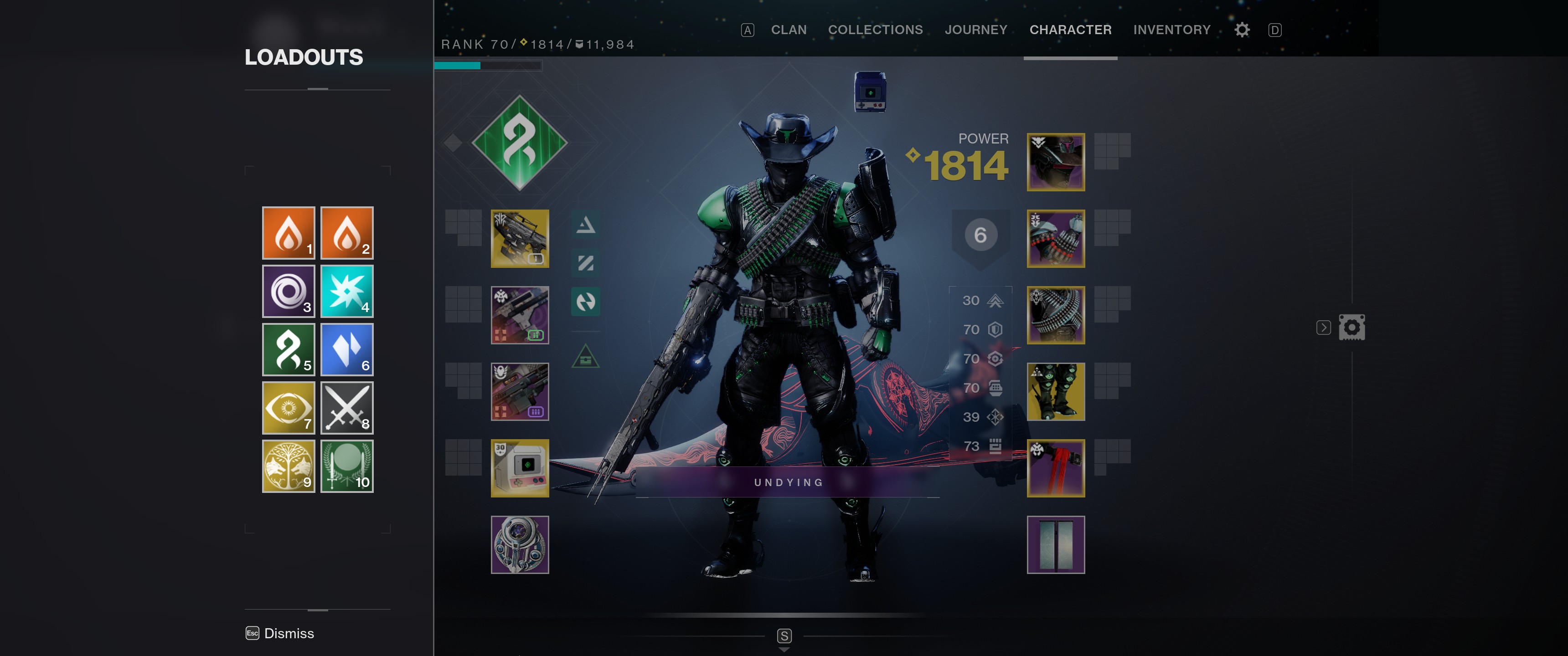
The new loadout system is pretty good, if a bit restrictive. A loadout stores your armor, weapons, mods, and ornaments for quick swapping; and the swapping is extremely quick, which is nice. However, you’re limited to only 10 at max, which is pretty limiting. (I have about 30 in DIM for my Titan.) We’ll see if it changes over time.
Commendations
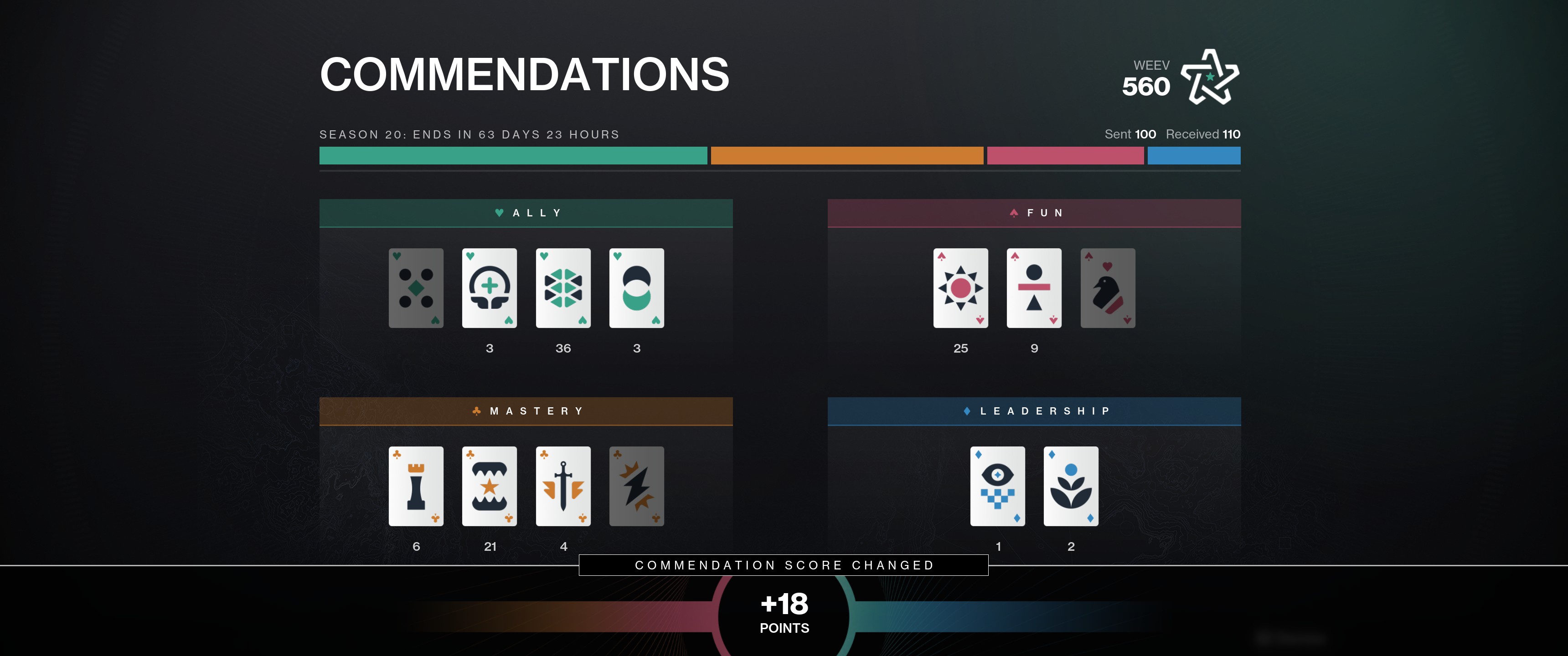
I like the new commendations system, but I think it’s a little off the mark. For one, there are Guardian Rank requirements to earn a number of commendations (750 to get to level 7!), which encourages players to hand them out all the time to help others reach the next rank (instead of only giving commendations when earned). Also, you’re limited in which commendations you can give out. If you play a Vanguard Ops mission and your two fireteam members were both fun to play with, you can’t give them both a “Joy Bringer” commendation; you’re limited to one “Joy Bringer” and one “Thoughtful” commendation. Not sure why I can’t just give what’s appropriate, even if it’s limited to one per player.
Adding them to Guardian Ranks to grind was a really bad idea, though. Commendations should be a completely separate system, encouraging players to be selective in the commendations they give out and letting them be a metric of how a particular player plays the game, not something to be given out randomly.
Guardian Ranks
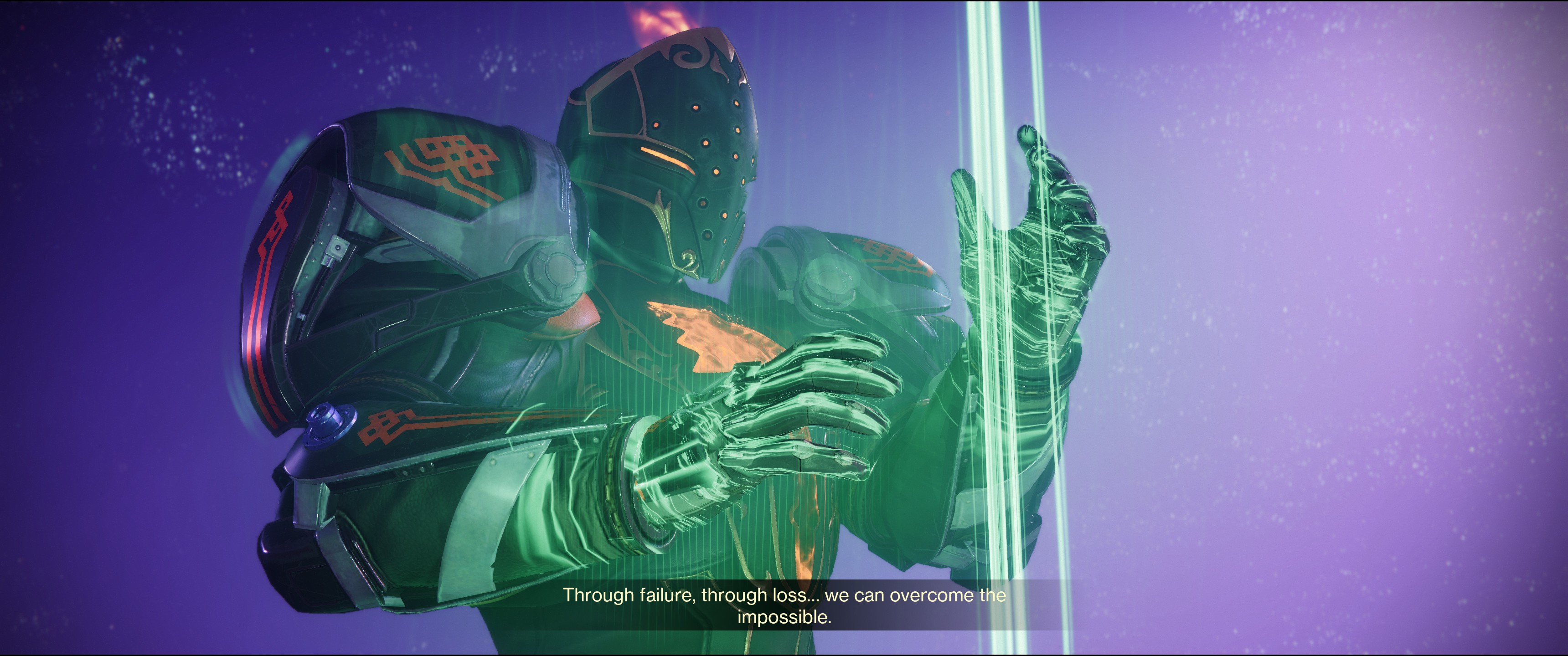
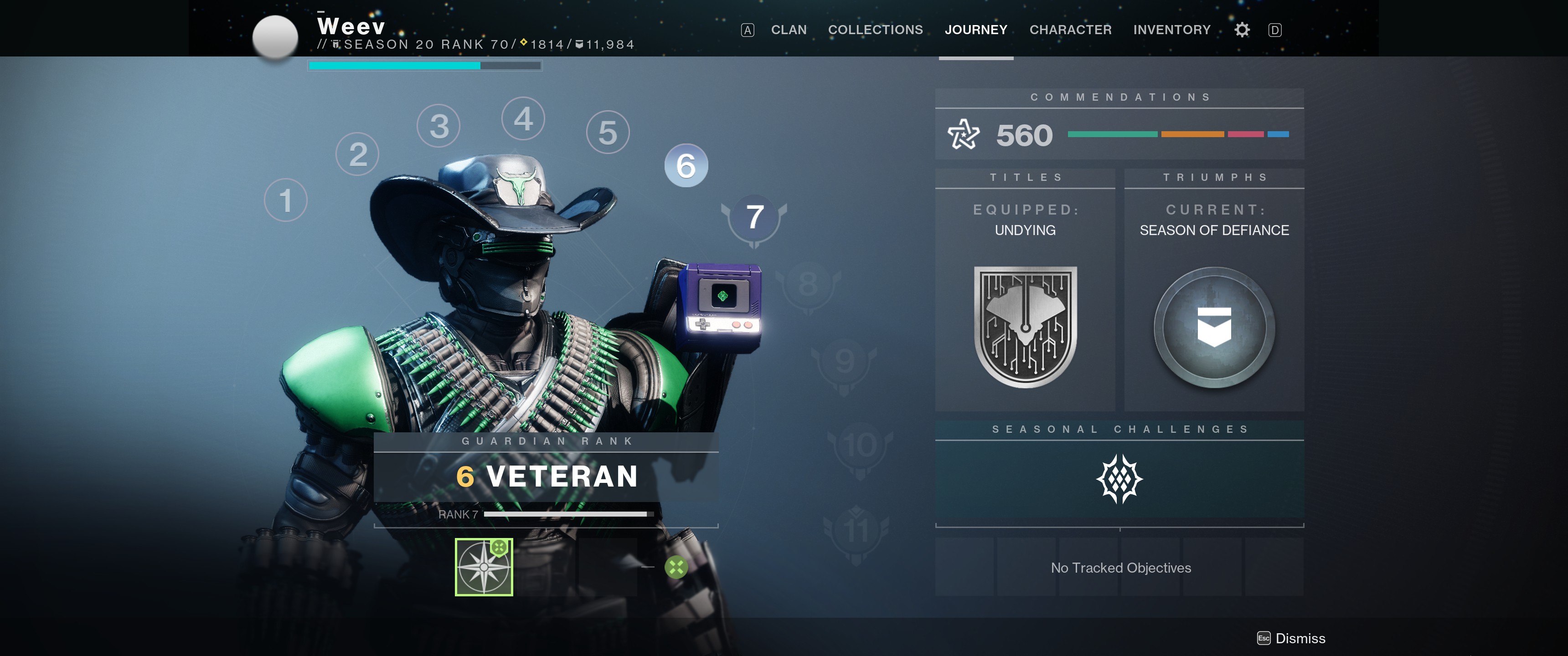
Howdy.
Speaking of Guardian Ranks, this system is a bit rough, as well. Basically anyone who has ever played Destiny before started at rank 6. If you’ve played every Raid and completed every Dungeon on Master difficulty, you’re still the same rank as the player who’s around once in a blue moon. It doesn’t truly speak to a player’s level of experience.
In addition, Guardian Ranks will reset every season. So instead of being something that should indicate how experienced a player is, it’s just a different way of showing how much someone has been grinding a season. Which is exactly what we had before with the seasonal ranks being displayed.
So I’m level 6 and until I’ve finished a bunch more random objectives, I’ll still be level 6. And next season, I’ll start at level 6 all over again, which doesn’t give any feeling of progression. It feels off, even if that was the point.
Overall
I think Witch Queen was a better expansion overall. Like a lot of people, I’m disappointed by Lightfall’s story; there’s been communication from Bungie that indicates there will be Lightfall-specific story beats throughout the year in other seasons, but Witch Queen‘s story felt complete without needing a year to finish telling it. The campaign itself feels padded with the Strand stuff, which would have been better handled as a set of side quests.
The season itself is fine and follows Bungie’s typical formula. The new Commendation and Guardian Rank systems also seem to follow the typical Bungie pattern: they’re really rough or broken at start and get fixed over time. Already, they’ve lowered the number of commendations needed to advance Guardian Ranks. (Though the correct answer here would have been to reduce the necessary amount to zero.)
I’m still invested in the story, but Bungie has definitely made a few missteps with Lightfall. Hopefully the coming year smooths things out.
For the past year or two, I’ve been wanting to move away from using Amazon or Google to control my smart home devices. There have been a few really unsettling instances with Google (my wife and I talking about something and then ads in search results about that something and I’ve never searched for it), and Amazon is just so hit-or-miss that it’s annoying (I thought these things were supposed to get better over time). I tried openHAB for a while, but I found it difficult to get things set up properly. I recently decided to switch over to Home Assistant, since I was excited about 2023 being their “Year of the Voice” as it finally meant an alternative to Amazon and Google.
I’ll start off by saying that Home Assistant is great, but definitely not as easy to use as Alexa or Google Assistant. However, once things are set up, it’s pretty easy to use.
Getting Started
I had openHAB running on a Raspberry Pi 4 and started out by formatting my SD card and installing Home Assistant. I had a lot of trouble getting it connected to my network; the documentation wants a hard-wired connection for initial setup. I tried all the usual headless WiFi setup steps, but none were working for Home Assistant. I finally acquiesced and connected with a wire long enough to get the wireless connection configured.
After that, things went really smoothly. Home Assistant automatically discovered my Hue hub, Harmony hub, several TVs (an LG TV and a Samsung smart monitor), my Bond bridge, my Google Nest devices, my Brother printer, and even Octoprint. Getting these connected to Home Assistant was a breeze (though Nest devices require some setup in Google Cloud).
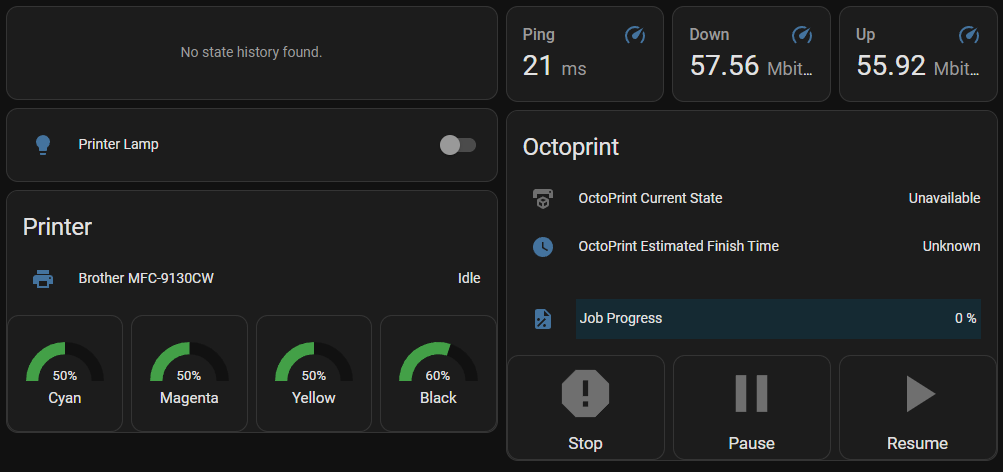
The dashboard for my home office, showing my 2D and 3D printer statuses, ping information, and Home Assistant uptime.
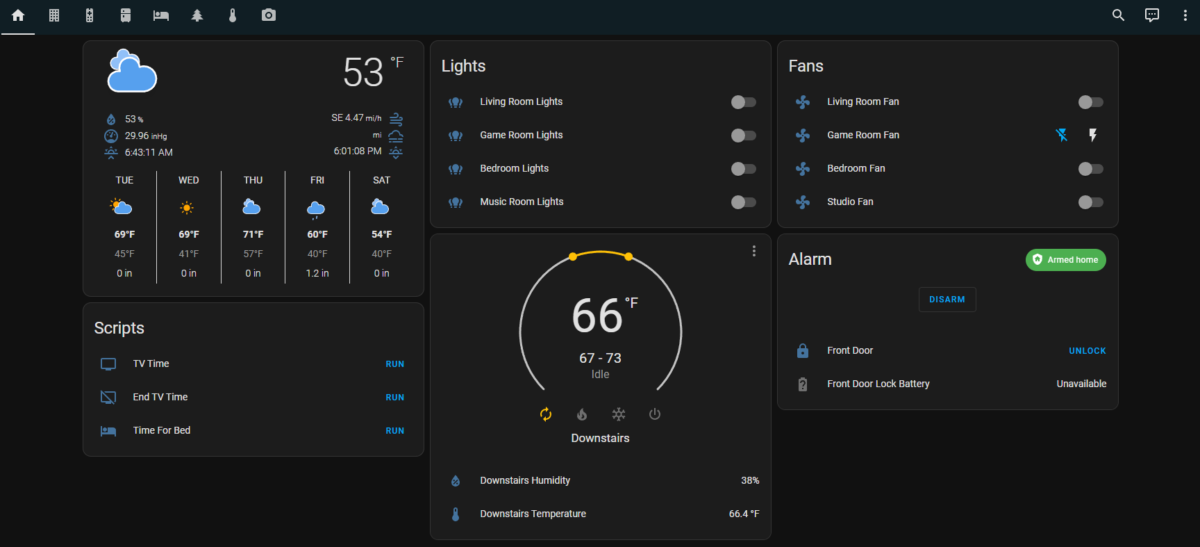
Home Assistant uses customizable dashboards that you can set up to control things, and I quickly set up several dashboards for different purposes/rooms. This was a breeze and a lot of fun to tinker with.
Setting up Wyze
I have a lot of Wyze devices (cameras, bulbs, etc.), and while Wyze integrates with Alexa and Google Assistant, it doesn’t really cooperate with anything else. After some searching, I found a community-developed Wyze integration, which required some additional setup.
Installing HACS is really easy now.
I had to install HACS, the Home Assistant Community Store, which allows you to pull community repositories into Home Assistant. Installing HACS took a few steps, but it’s gotten easier in the past few months: you can install it directly via Home Assistant’s “Integrations”; a few clicks and you’re done.
Once HACS is installed, it’s pretty easy to add a new community integration using a GitHub repository URL. And as soon as I had the Wyze integration added, most of my Wyze devices were found and I could start controlling them.
Not every Wyze device is fully supported. The community integration uses the same API that the Wyze app uses (which means support could be pulled at any time, since it’s not really meant for community use), so it’s limited to what the app can do. Camera feeds were previously supported, but that functionality was removed because it was hammering the Wyze API for camera stills. So after adding the integration, I had access to: – Bulbs – Plugs – Home Monitoring (arming and disarming only) – Cameras (floodlights, motion detection, power, and siren; no feeds)
Honestly, all I really needed was control over the bulbs and plugs, so I was satisfied with what I got.
Setting up Google Nest
Getting Home Assistant connected to Google Nest was more involved. You basically have to become a “Nest Developer” and set up a Google Cloud project to integrate with Nest devices. There’s a one-time $5 fee to set up the integration, but the setup process itself wasn’t too difficult.
The documentation details the process pretty well. After finishing that setup, I had access to my cameras and thermostat.
Next steps
So now that I had all my devices set up in Home Assistant, it was time to start grouping things together and setting up some scripted actions. Most of this was pretty easy as well.
Grouping Entities
Home Assistant makes a distinction between “devices” and the “entities” associated with those devices. For instance, a Wyze camera is a single device, but will have separate entities for a floodlight, camera feed, power, siren, etc. Controls in dashboards, automations, and scripts all typically refer to an entity.
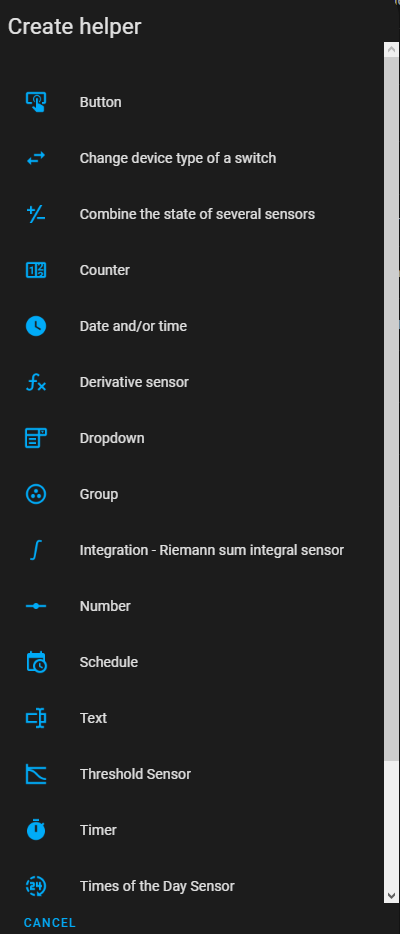
There are a lot of helper types.
Creating groups of entities was a bit obtuse. Home Assistant has “helpers” which cover a wide range of things like virtual buttons, counters, timers, schedules, etc. Groups fall under “helpers”, so you go there, create a new “Group” helper, select the type of group (there are groups for sensors, fans, lights, locks, media players, etc.), then add your entities to the group. I needed light groups for a few rooms, so I just set up a few light groups.
Once the groups are created, they show up as entities you can control elsewhere. However, I’ve noticed groups can’t typically be controlled from automations or scripts, which means I have to control the individual devices there, which is a bit annoying when I want to be able to control them as a group.
Scripts
Our “TV Time” script, that turns on the living room lights and TV.
We have a handful of routines we use in Google. I set these up as scripts that perform the same actions the routines did. This step was also really easy: just give the script a name, an icon, and a list of actions.
Dash Buttons
I’ve had a bunch of Amazon Dash Buttons lying around for a while with the intention of repurposing them for something smart home related. As it turns out, there’s a community project to set up Dash buttons within Home Assistant to trigger certain actions.
Unfortunately, the Dash buttons don’t get set up as buttons within Home Assistant. The Dasshio plugin just sniffs packets on the network and triggers something when it detects a packet from a specified button. Like the other parts of setup, this was all relatively easy. You just need to put the button in pairing mode, connect to its wireless network, acquire its MAC address, and send it your network SSID and password. Within the Dasshio configuration, you just have to give the button a name and provide the MAC, then specify what happens when you press the button. Most of my buttons just trigger the scripts I had already set up.
I wish I could figure out how to get the labels off these things, though. I may end up 3D printing a little case for them so I can give them a custom label. For now, I’ve just been choosing the most appropriate button for the task, like the “Finish” button for turning off the living room TV and turning off the lights, or the “Cheez-It” button when it’s time for bed. (I’ve also got a “Bounce” button that I might set up for leaving the house.)
I know these buttons won’t last forever, but right now, they’re a cheap and effective smart home control.
Initial Experiences
After using Home Assistant (almost exclusively) for a few months now, I can’t believe how great it is. When I perform actions, either with my Dash buttons or through the app, devices respond almost instantly because everything happens locally within my own network. This is how smart home stuff should have worked from the start, rather than everything being in the cloud.
My wife and I both started using the Home Assistant app on our phones, which opens quickly and responds instantly to commands. The app connects to your local Home Assistant server, so it’s all still on the local network. The Dash buttons made things easier, giving us a dedicated physical button for the things we do most often. You can also set up cloud access for a monthly fee ($6.50), but I haven’t had need for that quite yet.
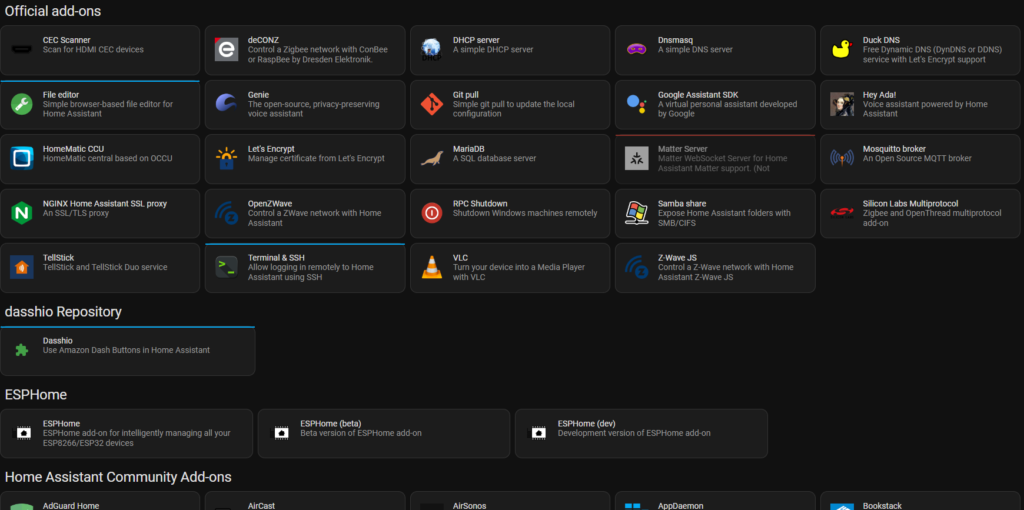
There are loads of add-ons.
I’ve only scratched the surface, though. There are media controls so you can play a variety of media sources to any of your media devices. There’s an “Energy” section that can track your energy usage (including power usage, solar production, battery storage, gas consumption, and water consumption)if you have the right hardware. There are addons to run a DHCP server, media server, VPN, FTP server, and more. Home Assistant is very flexible and powerful. And this is all running from a tiny Raspberry Pi in my office.
Looking Ahead
Working with Home Assistant has actually made me excited about Matter, especially since Wyze plans on supporting it and it seems like it’ll make Home Assistant work even better. Home Assistant already has Matter support, so as more devices arrive that support the protocol, I’ll be able to add them and start using them right away. (Though there’s still no support for cameras in Matter, so I’ll be waiting a while to get everything added.)
Home Assistant added a chat-based natural language assistant in January, the first step toward adding full voice support. I’ve used it a handful of times, just to try it out, and it works pretty well. Right now it requires specific device or entity names, but you can always add aliases if needed. I’m excited to see how the voice support shapes up. If it supports creating timers and performing simple web searches, it would completely replace Amazon and Google in my home. (We use timers heavily.) I’ve read that you can repurpose Nest Hub and Amazon Show devices to display a Home Assistant dashboard, so once voice control is added (and if it supports all I need), I’ll likely give that a try. I also have an old Amazon Fire tablet I may repurpose into a hub somewhere.
I enjoy tinkering with stuff like this, so Home Assistant has been a lot of fun to work with. There’s definitely a learning curve, but it’s very rewarding when things start working how you like. The dashboards are great, offering a lot of customization. And I can’t overstate just how much faster everything works. No more standing around waiting or checking back to make sure things actually worked. It’s great.
Back in February 2022, I wrote about my first impressions on The Witch Queen expansion. Over the past year, there have been a lot of changes, and I’m looking forward to the changes coming in Lightfall, so I thought I’d put down my thoughts about where Destiny’s at now and what I’m looking forward to in the future.
Campaign
The legendary campaign was a great addition, which was difficult but rewarding. The campaign itself was a great journey, leading you through Savathûn’s Throne World and into a final confrontation with the Queen herself. There was a bit of mystery woven into the narrative, appropriate for the queen of deception and lies. I thoroughly enjoyed the campaign, though it only took me about three days to complete. I played most of the campaign solo, and it took about 30 minutes to an hour for each mission (which, compared to single-player games, seems about right).
After the campaign, a number of other missions open up that can be repeated and reveal a little more narrative. There’s the “Altar of Reflection” missions where Savathûn has basically left recorded messages for you. These messages are typically “two truths, two lies” and provide more background narrative. Then there’s the “Preservation” mission that leads you into one of the Witness’ pyramid ships where several interactive objects provide a lot of narration from Rhulk, a disciple of the Witness with information about where their people came from and how they started on the path of Darkness.
Overall, the campaign was very fun and had several memorable moments.
Seasons
The seasons over the past year have been pretty good, with some that push the narrative and some that serve more as placeholders, which has become the norm.
Season of the Risen
Season of the Risen aligned with the campaign, providing more content around the Lucent Hive, and the investigation into how they got their power and how to fight them.
The new seasonal weapons were a great way to launch weapon crafting, with several I still use like the Syncopation-53 stasis pulse rifle, Piece of Mind kinetic pulse rifle, and Explosive Personality solar grenade launcher. The seasonal exotic, Dead Messenger, is still a powerful weapon that I see most often used in PvP (though it’s great in PvE as well). A few of the random drop weapons are so good I wish I could craft them, like the Krait and Herod-C stasis auto rifles and Perses-D stasis scout rifle.
Season of the Haunted
Nicknamed “Season of Therapy”, this season had narratives centered on the personal demons of Crow, Zavala, and Caital. The Derelict Leviathan, Calus’ ship, returned to the moon and was a fantastic patrol zone, with an open-world event and great enemy density.
Weapons from the Season of Opulence returned, with some favorites like the Calus Mini-Tool SMG, Beloved sniper rifle, and Drang (Baroque) sidearm. The new seasonal weapons were kind of a flop, though I still enjoy my Without Remorse shotgun.
Season of Plunder
Season of Plunder felt like a filler season, with Guardians chasing “Artifacts of Nezarec”. Nezarec was a Guardian in the lore who was tempted by Darkness and became a Disciple of the Witness. (Warlocks have an exotic helm called “Nezarec’s Sin”.) Eramis has been awoken from her icy prison (she was frozen at the end of the Beyond Light campaign) and has been collecting these artifacts. You “borrow” a ship from Spider and venture out to steal these artifacts back from Eramis’ lackeys.
Though narratively it felt like filler, the seasonal activity was fantastic. Everything was appropriately pirate themed, from the weapons and armor down to the soundtrack. You set out from your ship and launch yourself to an enemy ship, then storm through several encounters on the ship before facing an enemy captain.
Season of the Seraph
As with Season of the Lost at the end of Beyond Light, Season of the Seraph seems to mostly serve to set up Lightfall, though I loved the narrative. We start off retrieving Clovis Bray to help us revive Rasputin, the AI Warmind built to serve as humanity’s protector. The seasonal activity has us performing “heists”, delving into Warmind bunkers to retrieve parts of Rasputin’s code to reassemble him. Meanwhile, the Hive and Scorn are in the bunkers attempting to take control of the warsats to attack Earth and the Traveler. When Rasputin regains control of the warsats, we learn that using them to wipe out our enemies would play right into Xivu Arath’s plans, serving as a massive sacrifice to empower her. Rasputin starts searching for an alternative, but in the end determines that the only option is to destroy himself and the warsat network. In an epic finale, we infiltrate the control facility for the warsats, inject Rasputin’s code, and just barely manage to stop Eramis from turning the warsats on the Traveler.
Like Season of Plunder, the activity this season was great. It was at a set difficulty, five levels above your current level, ensuring it provided a good amount of difficulty. Bungie has said that it’s the model they plan to use in the future.
Light 3.0
The Witch Queen expansion brought the “Light 3.0” class reworks over the course of the year, and I think they were very successful, at least from the perspective of a Titan main. I know there are several classes that are still very weak (all roaming supers) or overly powerful in particular modes (void overshields in PvP), but I feel like the changes have helped breathe new life into the classes.
Void 3.0
I think the Void rework for Titans was near-perfect. In Destiny 1, Void was meant to be the “immovable object” aspect of Titans, and Void 3.0 gave us the ability to create Void overshields with our barrier, making Titans (and allies) very tanky. I didn’t play Void much before the rework, but it’s become my go-to when I need durability for high-level content. I used Void during the final boss fight during my solo Seraph’s Shield exotic mission runs.
While I’m not a Hunter or Warlock expert, I think the Void rework turned out well for these classes as well. For Hunters, Void epitomizes their stealth aspect, with plenty of options to gain invisibility (which is still a nightmare in PvP, even after nerfs). For Warlocks, their Child of the Old Gods pet and easy access to the Devour buff is very powerful.
Solar 3.0
I think Titans “won” the Solar rework. Solar was my preferred subclass before the reworks, and I mostly ran the aspect with sunspots (since the sunspots were powerful and it had my preferred super). However, I loved the throwing hammer melee, which could be retrieved to instantly restore my melee energy, but it was part of a different aspect. The 3.0 rework for Solar now lets me use the throwing hammer, create sunspots, and use my preferred super. The addition of the Loreley’s Splendor exotic helmet also lets me create sunspots with my barricade ability, allowing me to create a healing and ability regenerating sunspot whenever I like. I haven’t used Solar much since the Arc rework, but it’s probably still my favorite subclass.
Hunters got a much more powerful Blade Barrage super and a new dodge ability to instantly apply Radiance, which provides a weapon damage buff. Warlocks got a grenade upgrade aspect, which gives them some of the most powerful grenades in the game.
Arc 3.0
The Arc rework has been a lot of fun. Titans got a new “thruster” dodge ability that replaces our barricade and a new “thunderclap” charged melee (the first such melee in the game). Between the thruster ability, the Arc “speed booster” buff, and the standard Arc shoulder charge melee, Arc Titans are extremely mobile. Arc is also the Titan’s grenade class, so we have some overcharged grenade abilities. During Season of Plunder, when the Arc rework was introduced, there were some modes where I could use grenades as my primary weapon. Things have been nerfed since then, but I can still spam grenades in most content, and the extra speed and mobility has kept me playing the class throughout the past season.
Hunters got a new super that allows them to throw their Arc Staff at a location, where it sticks and creates an AoE damage field. It’s hilarious when a Hunter with good aim impales it in a boss’ face. Some players have also found out you can impale it in a sparrow and get a roaming damage field. Warlocks got aspects to enhance the Ionic Traces generated from most Arc abilities, giving them better ability uptime; as well as a new “ball lightning” melee and an aspect that changes their melee into a lightning dash with a small AoE (which, with minor buffing, can get one-hit-kills in PvP).
Looking Back
Looking back, I think this has been a great year for Destiny. One of the main draws for me has always been the story, and the narrative has been progressing steadily throughout the seasons. Weapon crafting has eased the weapon grind a bit, with some really great crafted options, and the process was simplified quickly after its initial rocky release. The Light 3.0 reworks have made buildcrafting a lot more fun and opened up a lot of possibilities.
Overall, the changes over the past year have kept me excited about what’s coming next.
Looking Ahead
Bungie has been pretty open over the last few weeks about what’s coming in Lightfall, and while I’m mostly excited for what’s ahead, some of what they’ve shown hasn’t had the best reception.
I’ll start with the things I’m most excited about, though.
Quality of Life
Lightfall is bringing a number of quality-of-life changes, like a new loadout system, fewer currencies, and some streamlining to several systems they’ve used in the past. I’m most interested in the loadouts, since that should help with buildcrafting and loadout swapping without needing to use an external app.
The buildcrafting itself is getting a big change, with armor elemental affinities going away (good riddance), and a completely new “armor charge” system with mods built around it. It sounds like buildcrafting will be easier but also allow more variety.
There are also some improvements coming around weapon crafting and random drops. Random drops will gain the ability to have the enhanced perks on crafted weapons, which should make a good roll of a weapon valuable (rather than random rolls of craftable weapons being trash since you can’t enhance them). Weapons that cannot be crafted will no longer drop with Deepsight Resonance (the way you unlock crafting recipes), which should make things a bit clearer for new players. And there’s been a little talk that the economy around crafting weapons will change as well, though I haven’t seen many details around that.
Guardian Ranks
Guardian Ranks should be a great way to determine where a player is in their Destiny career and provide guidance to new players for things to do. I’d like to think that I’ll be near the top when the ranks are introduced (having played since launch), but I haven’t run most of the raids so I’m sure I’ll be behind on things. Regardless, I think it’ll be a great way to understand how experienced players are.
More Social
Bungie have said they’re switching to opt-out for text chat, which should let players communicate more easily. (There are probably some players who don’t even know there’s text chat in Destiny.) They’re also adding a new “commendation” system after matches, which should let players reward each other for friendly play. The LFG functionality that’s currently in the Destiny app unfortunately isn’t coming with Lightfall’s release, but hopefully isn’t far behind.
Strand
The Titan even looks bored in this promotional image.
The unveiling of the new “Berserker” Strand subclass for Titans has landed pretty poorly, and Bungie’s damage control since then hasn’t done much to inspire confidence. Hunters look great, and Warlocks look amazing, but Titans have been presented with another melee-heavy class with a roaming melee super (making the vast majority of our supers roaming melees, something like 5 or 6 of the 8 total). Comments from Bungie after only made it worse, with one of the lead designers saying “…at the end of the day, you’re holding the fist on the cover”, which, aside from being poorly worded, is a position that Bungie themselves have put Titans in, like a self-fulfilling prophecy. During the ViDoc with the development team, they were obviously excited to talk about Hunters and Warlocks, then had little to say about Titans. It’s to the point where I’ve spent the last week building up my Warlock so I can enjoy the new subclass.
All that said, I think the Berserker Titan will be plenty strong, and will likely be one of the most powerful melee subclasses in the game (it had damn well better be, since that’s it’s one trick). The reception from the community isn’t really based around the strength of the class but rather about its originality, which basically seems to pick parts from other subclasses and combine them. In the case of the super, it’s basically the same as the Stasis super with some different flavoring. I’m hoping it’s fun, but I’m hoping more that they come up with something better for The Final Shape.
Closing Thoughts
The Witch Queen has been a great expansion for Destiny, adding some much-needed changes with weapon crafting and the Light 3.0 rework. It pushed the narrative, both revealing The Witness and moving toward our final confrontation.
While the unveiling of Lightfall has been a bit of a flop for Titans, I’m still excited about the future of Destiny. I’m just disappointed with how the Titan class is shaping up overall. I think the design team at Bungie has largely forgotten what it means to be a Titan; devolving us into the punching class which, while certainly part of the identity, is boring and completely ignores a large part of our class identity. Hopefully they can course-correct before The Final Shape.
Beyond that, I’m very excited about what’s coming to Destiny. The new social aspects should make it easier to reward players and identify those worth playing with. When the LFG functionality is introduced, it should be easier to find groups for higher-level content. Combined with Guardian ranks, it may even prove a better way to restrict who can join you (i.e., an alternative to the “know what to do” groups in the app).
There are some great things coming, and I’m looking forward to seeing how things shape up.
I’ve actually played this demo a few times to see how things are coming along. I love the idea behind the game, but the combat is frustrating to me. I think it’s mostly due to some controls (which I have to relearn every time I play), but also because of very limited ammunition. You’re dropped into an area to patrol and dogfight, outnumbered and outgunned. In all my experiences with the demo, I typically die from attrition; I have a hard time actually hitting targets (despite lining up my lead indicator), and I eventually run out of ammo or get slowly whittled down by random hits. Maybe games like Everspace have just spoiled me when it comes to accessible space combat. That said, I really like the style and what they’re working toward, so it’ll stay on my wishlist for now.
A Viking-themed Kingdom-style side-scrolling building, exploration, and combat game. The start felt really grindy to me, having to go get a few hits in, then retreat to heal (during which the enemy had fully restored their forces). Felt like I was hitting a wall and going nowhere, despite building up my forces. I assume something’s just not clicking with me. Has that same pixel art style as Kingdom, too.
Survival city builder in the vein of Frostpunk. Magma bubbling up through fissures has caused Earth’s atmosphere to become toxic. Instead of a generator producing heat to fight the cold, you have an “oxygen center” producing oxygen to provide oxygen for your population. There didn’t seem to be anything that really made Oxygen stand out, but it’s not bad.
I first saw this on Reddit (the Unity subreddit), and thought the idea of a hand walking around looked interesting (also bizarre). When I saw it in the Fest with this fantastic title, I decided to give it a try. It’s a physics-based puzzle platformer with some quirky humor (you get chased by feet with eyes in some levels). Fun to play, pretty easy to get into.
I’m sure it’s fine if I just drag this delicate telescope mirror around on top of my rover.
I enjoy the occasional open-world vehicle-building puzzler, like Main Assembly or Trailmakers, and this one is more of that type. Mars First Logistics has an art style like Sable (which is beautiful), and tasks you with modifying your rover to deliver goods from point to point. The goods you deliver help build up infrastructure on the red planet, like a telescope in the demo.
Basically Raft with some Subnautica flavor and interesting theming. There’s some Norse styling which is hopefully tied into the story somehow and not just something to look cool. Hopefully there’s something you can build to automatically collect scrap in the full version because boy does that get boring fast. Looks great, and maybe they’ll throw in a peaceful mode so I can just build my train.
A voxel survival city-builder with some RPG elements. You get a hero that levels up and is your main defender while building a city to harvest resources and fulfill the needs of your workers. It looks like you can recruit soldiers but I could never figure out how. At night, the undead rise and attack your city, which you have to fend off with your hero (and, presumably, soldiers). During the day, you’re free to explore the surrounding area, killing off roaming enemies and destroying small outposts. The UI can be a little obscure sometimes, but the game as a whole is pretty decent.
An FPS where you raid player-built bases to steal resources, which you use to level up your equipment and build your own bases. The bases are basically small mazes you fill with traps and guards. Has a post-apocalyptic cybernetic body-horror aesthetic. I’m not sure what happens when your base gets raided (do I lose resources?) as I didn’t play long enough to be able to build my own (it requires a decent amount of resources). The first levels feel really grindy, getting only a trickle of resources from each raid. And it all just feels too much like a desktop version of one of those mobile games where every player is attacking each other asynchronously.
Weathervane’s chain lightning connected with several explosive barrels.
When I saw Capes, I immediately thought of Freedom Force, and it doesn’t disappoint. I loved Freedom Force, a tactical turn-based strategy game where you control a team of superheroes. Capes is just what I wanted, with a roster of heroes with fun abilities and “team-ups” that boost their powers when certain teammates are near. A lot of fun. Definitely recommend.
I’ve played the demo for this one a few times as well, and I’m still excited about it even though there’s still a lot of work needed. You’re in charge of defending an area from zombies, building defenses, farms, etc. But the draw for me is that it uses orbital maps to allow you to play in any real-world location. Unfortunately the demo is locked to only a few areas, but the idea of turning my neighborhood into a zombie-free compound keeps me interested in this one.
Still one of the games I’m most excited about. There’s been some good progress on this one since the last demo I played. There’s a bit of a tutorial now (there’s at least specific objectives to guide you through the start), and the interface is a bit cleaner now. Build your base, hire Gaters, send your teams to alien worlds for exploration and profit. It’s the best Stargate game I’ve ever played. Can’t wait for this one to release.
A cute city-builder with a very storybook style. You can interact with other kingdoms and unite the lands through “love or war”. You can find yourself a king/queen, and it looks like the full game will have some combat as well. Looks decent. The male and female characters remind me of the mom and dad from Luca.
I had completely forgotten about Phantom Brigade, but after playing the demo, I’m hooked. The timeline system is a great way to orchestrate attacks, and being able to see what everyone will do allows you to play very aggressively, which is refreshing since most tactical games (like XCOM) encourage playing very slow and defensively. I will definitely be picking this one up when it releases (in two weeks).
I’ve been searching for some sort of survival defense game where you can build a base, set up defenses, scavenge for resources, etc. This isn’t it. The interface and controls are really clunky and it’s in desperate need of a tutorial. It needs a lot of polish. Also, that title is just terrible.
A slick and stylish isometric action looter shooter. The reload animations are fantastic. A lot of fun. The demo starts you off with a good set of upgrades, so you get a feel for the mid-game (I assume).
It’s basically Papers, Please with some space station building mechanics. It’s not bad, but I don’t think I’m really into the “catch all the mistakes” gameplay. You can at least build “bureaucrat desks” for robot bureaucrats to check documents for you in this one, though.
An absolutely gorgeous puzzle platformer. You have a little cat-like creature that follows you around and helps you solve puzzles. There looks to be an interesting story going on in the world as well, which I won’t comment on to avoid spoilers.
A narrative game where you flip between time periods to experience the story and figure out the mystery around the game. It’s a weird one, but I enjoyed how the story was told in the demo.
A roguelike city builder, similar to Against The Storm, but more puzzle-like. Building is turn-based, with income each turn based on the buildings you’ve placed. There’s a different objective on each map, and if you take too long, a dark cloud starts covering the map and if it gets to the portal, you lose. I prefer Against The Storm, but this one isn’t bad if you want something more puzzley.
A charming little village management game where you manage the lives of your villagers. A big focus of the game is pairing your villagers into couples, which isn’t something I expected to enjoy as much as I did. You don’t get to build your village directly (building order is predetermined), and you just build houses as you need them in a separate view. Instead, you manage who works where, assign apprenticeships for children (to determine their affinities for jobs as adults), make sure everyone’s needs are filled, and handle villager’s dates (awkward moments and all). It’s like part village management sim and part dating sim, with a lovely art style.
A detective game with a procedural world and a voxel art style. Needs some optimization, and I’m not sure if I missed something or if the tutorial didn’t guide me to everything I needed for the first case; it led me to a murder reporting form that wanted the killer and I hadn’t figured out that information yet. I did enjoy organizing the case board, though. Has potential if it’s able to procedurally generate cases for you to solve.
A very rough approximation of the home office I share with my wife. I got lazy with the details.
Definitely more a toy than a game, but it’s a nice way to visualize furniture and layouts. It’s basically what I typically use The Sims for, without job or artificial social interaction.
A game about a llamaworm that works a boring job. Basically a cute little adventure game. According to the Steam page, meant to be a short story about finding meaning in life.
A game composed of 56 minigames and the whole thing (menus and all) is controlled with a single button. Some of the minigames are pretty difficult when you’re limited to a single key (racing and minigolf). Others are pretty simple (type “A” 100 times). Very wacky.
A narrative survival game where you have to make some very tough choices. It’s based on historical polar expeditions, and you’re constantly fighting to manage your food, fuel, and “decorum” – basically a measure of the civility of your crew. The demo was a lot of fun; I’m looking forward to trying the full game.
A roguelike hockey game. I’m not typically into sports games, but I like the style of this one. You earn powerups after each match and can unlock new “stars” to bring with you for each run. What little I played was a lot of fun, though the menus don’t work well on a wide screen.
Next Fest Complete
I obviously played a lot of demos during this Fest (and a few of these after it ended). I found a handful that I’m definitely looking forward to, like Phantom Brigade and Capes; and there were several that I’m not really interested in but were fun to dip into. Some of these were suggestions from articles I read and wouldn’t have tried on my own (like Tape to Tape and Mr. Saitou), which was a good diversion from the sort of games I typically play.
I think my favorites this time around were Phantom Brigade, Capes, Dust and Neon, and Exogate Initiative. They’ll definitely be in my library at some point.